
Pinegrow participated in the WP Builders Fight Club challenge to build the same website with a bunch of different WordPress tools, and to compare results.
BlogBlogBlogBlog2022-08-04
Pinegrow at the WP Builders Fight Club
Not familiar with Pinegrow?
Pinegrow Web Editor is not a page builder, nor a WordPress plugin. Pinegrow is a desktop visual editor for websites that can also convert any HTML project into a native WordPress theme or plugin.
See the results
Visit the WPBuildersFightClub website to see the comparison of participating tools based on design accuracy, speed, implementation and other factors.
Features of the site built with Pinegrow
Pinegrow implementation of the Flex WordPress site has:
- All sections are custom Gutenberg blocks.
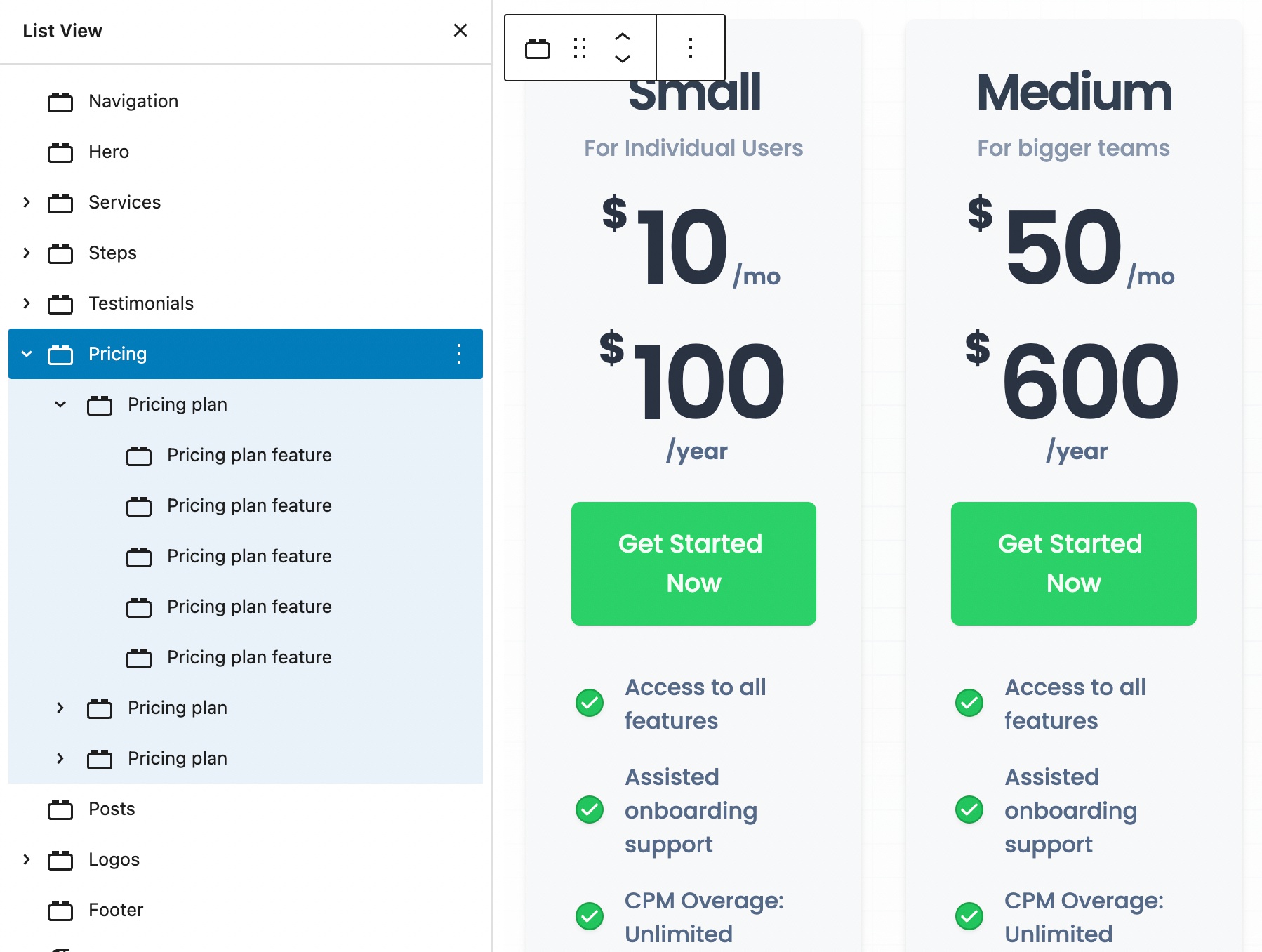
- Content is neatly structured into blocks, sub-blocks and in some cases even sub-sub-blocks.
- Everything is editable.
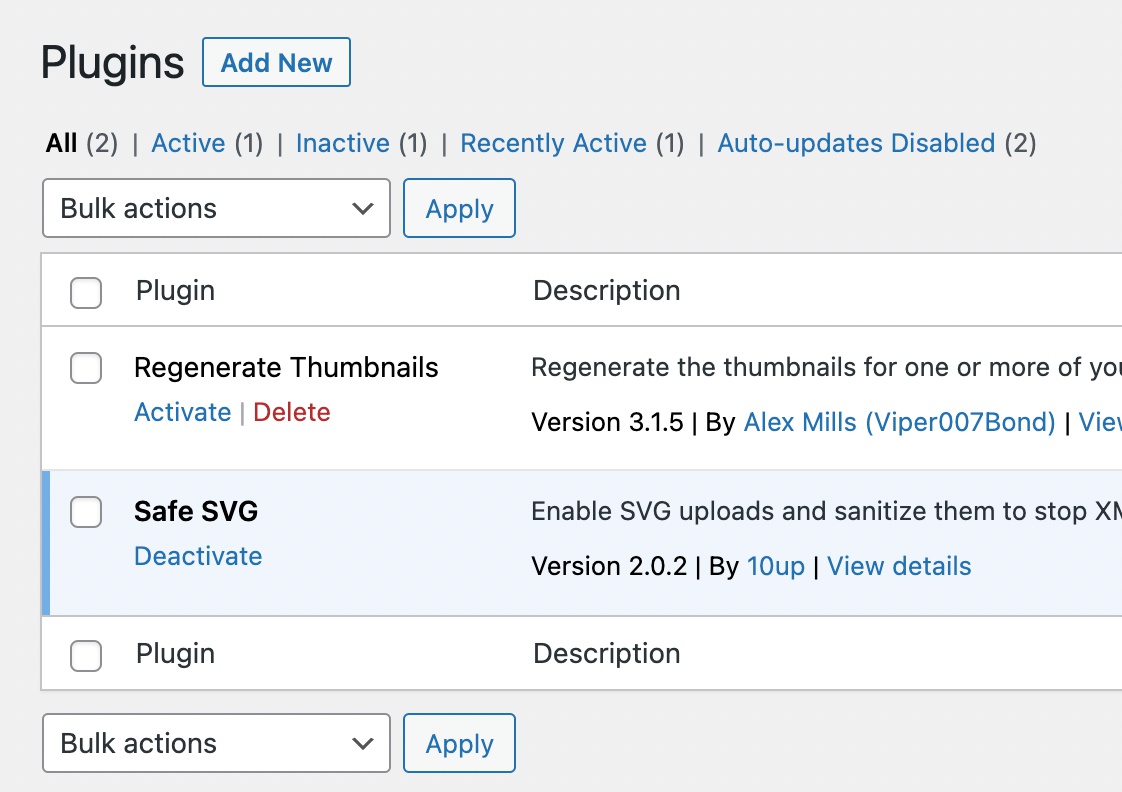
- No special plugins are required to run the site (only the support for SVG images is needed).
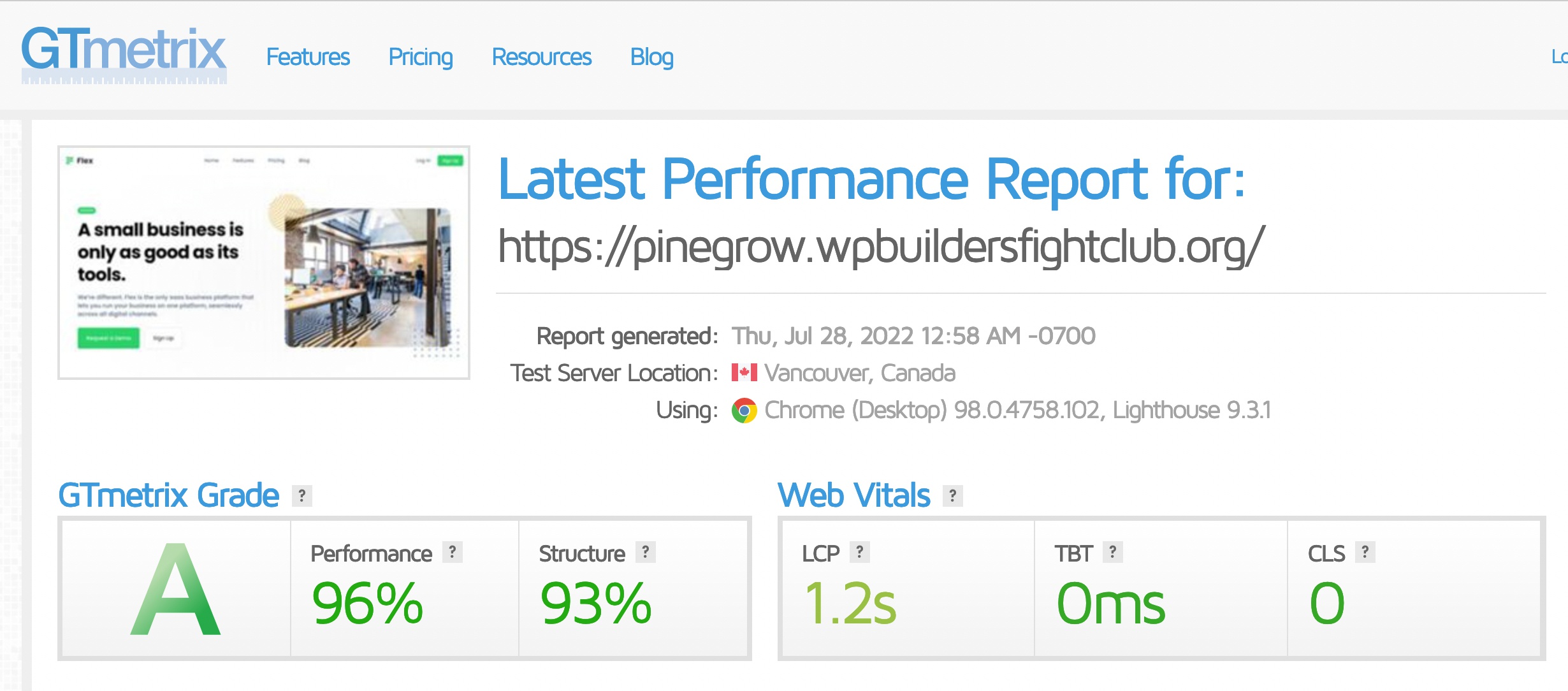
- The site is as fast as WordPress can be, because most dynamic information is stored in the post content as block attributes.
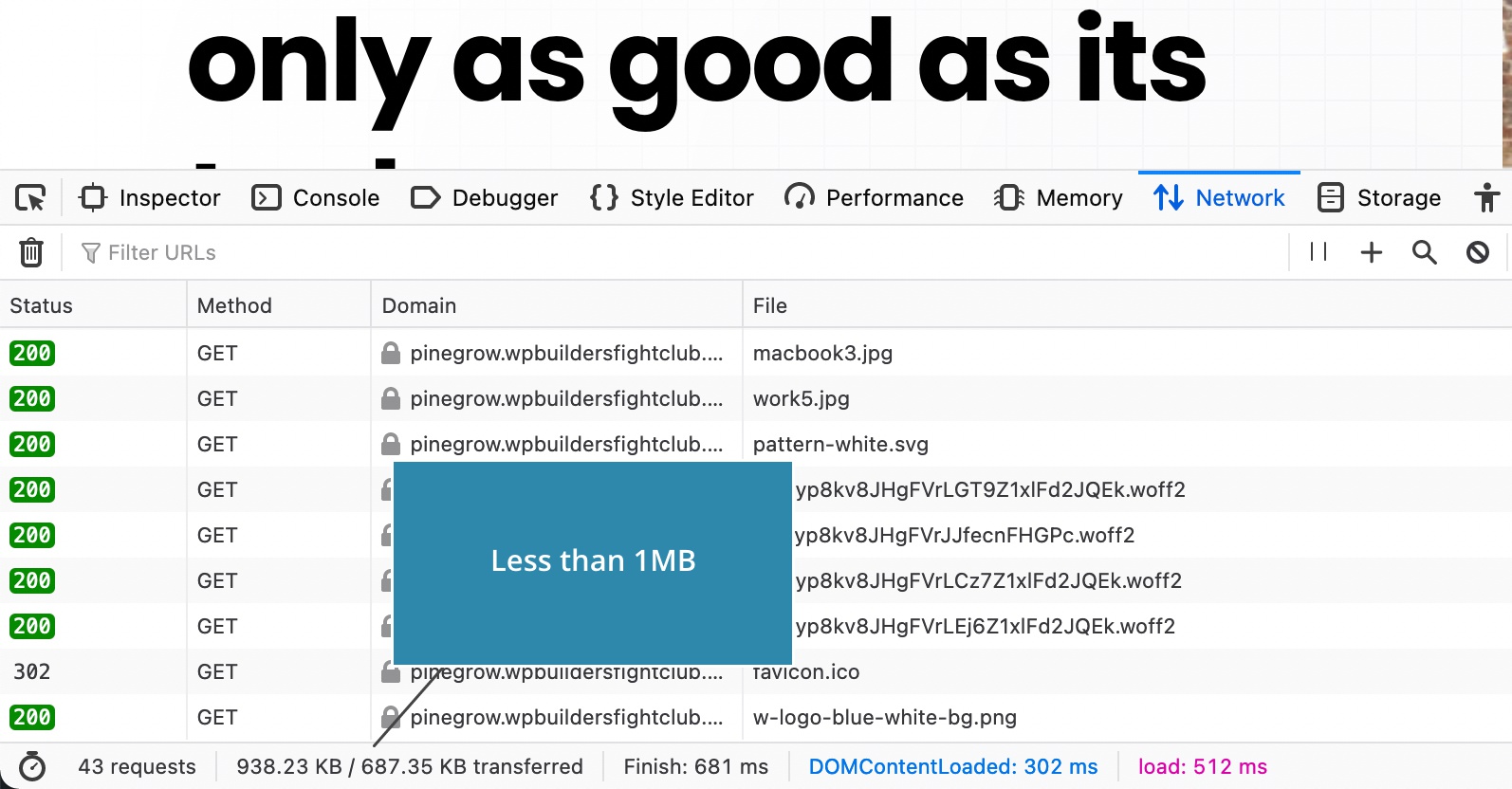
- The site loads less than 1MB of data, most of it is images.
Let’s take a look at how we built the project with Pinegrow.
Watch the video
This post is available in two formats: as a video and as a text with images.
The source design
The source design was this static HTML website from Shuffle. The site is built with Tailwind CSS 2 framework.
The WordPress site from the front-end
From the frontend side, the resultant WordPress site looks indistinguishable from the source HTML design. The only difference is that we have working interactive features such as the slider and the pricing toggle. And that the styling for the dot that indicates the active slide, is a bit different.
Editing the site in the WordPress editor
The interesting things happen in the WordPress content editor:
Each website section is implemented as a custom Gutenberg block with editable content controls. This means that all the content can be changed by the content editor.
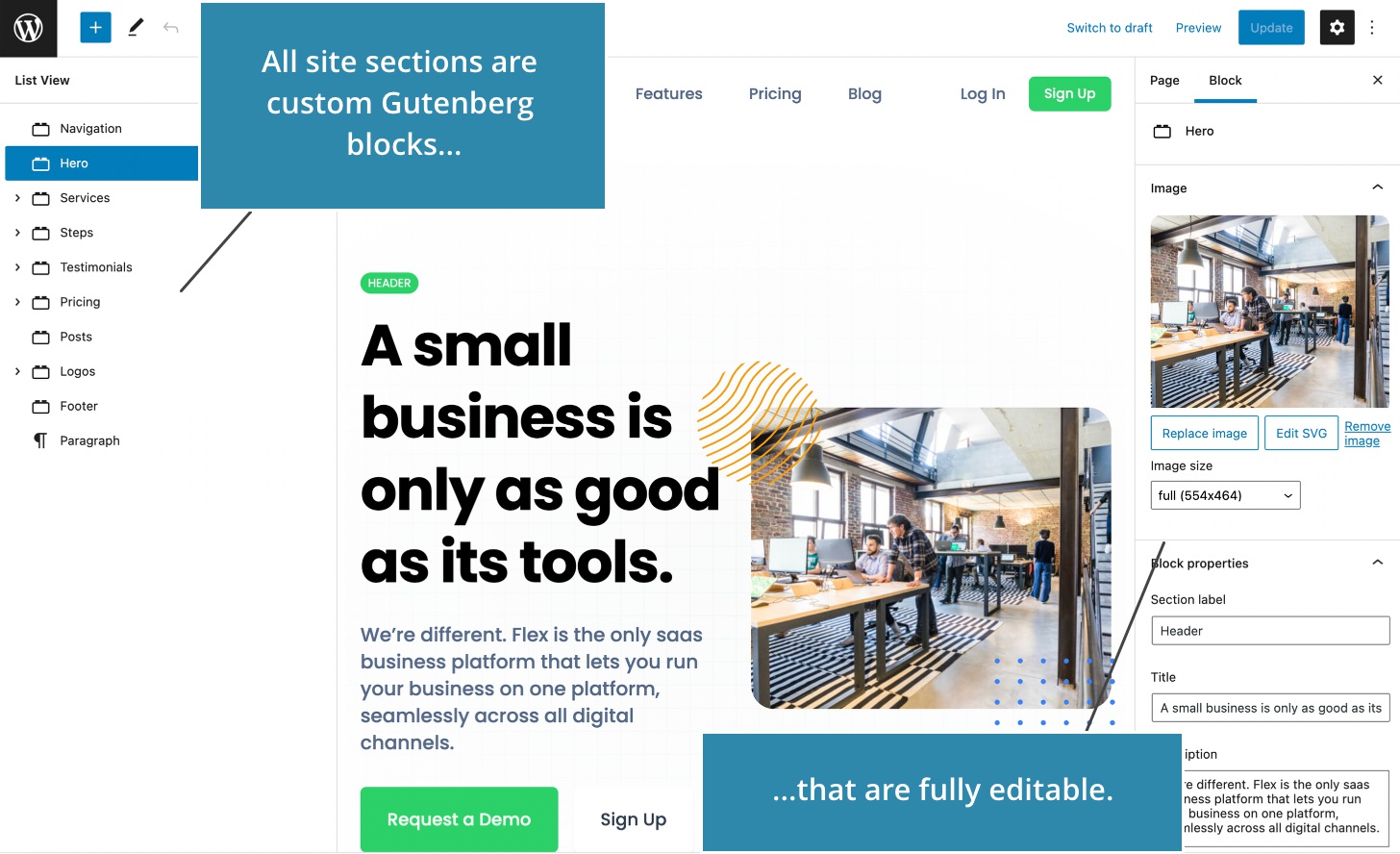
Many blocks even have custom sub-blocks. For example, features can be added, deleted, reordered… The pricing section even has custom sub-sub-blocks.
Take a look at the Slider block. The parent Slider block contains Slide sub-blocks that can contain any content.

Most of these blocks are native React based Gutenberg blocks.
Navigation and footer display WP menus and are therefore implemented as dynamic PHP blocks.
Recent posts block is a PHP block as well, using a custom WP query to display the posts.

How much time would you need to implement all these custom blocks by hand?
You will be surprised to hear how long it took me with Pinegrow.
Performance and data transfer
How about the site performance?
Projects created with Pinegrow don’t require any special plugins. On this site we only use a plugin that lets us use SVG images.
Most content is stored as editable attributes of Gutenberg blocks, so it can be displayed without expensive database queries.
This makes the site as quick as WordPress can be.
How about network traffic and resources?
Less than 1MB of data is transferred. Most of the data are images.
CSS is truly minimal - just 43 KB all together. The original Tailwind CSS stylesheet was more than 3 MB. Luckily, Pinegrow comes with a built-in Tailwind CSS compiler that generates the minimal stylesheet that contains just the rules that are actually used in the project.
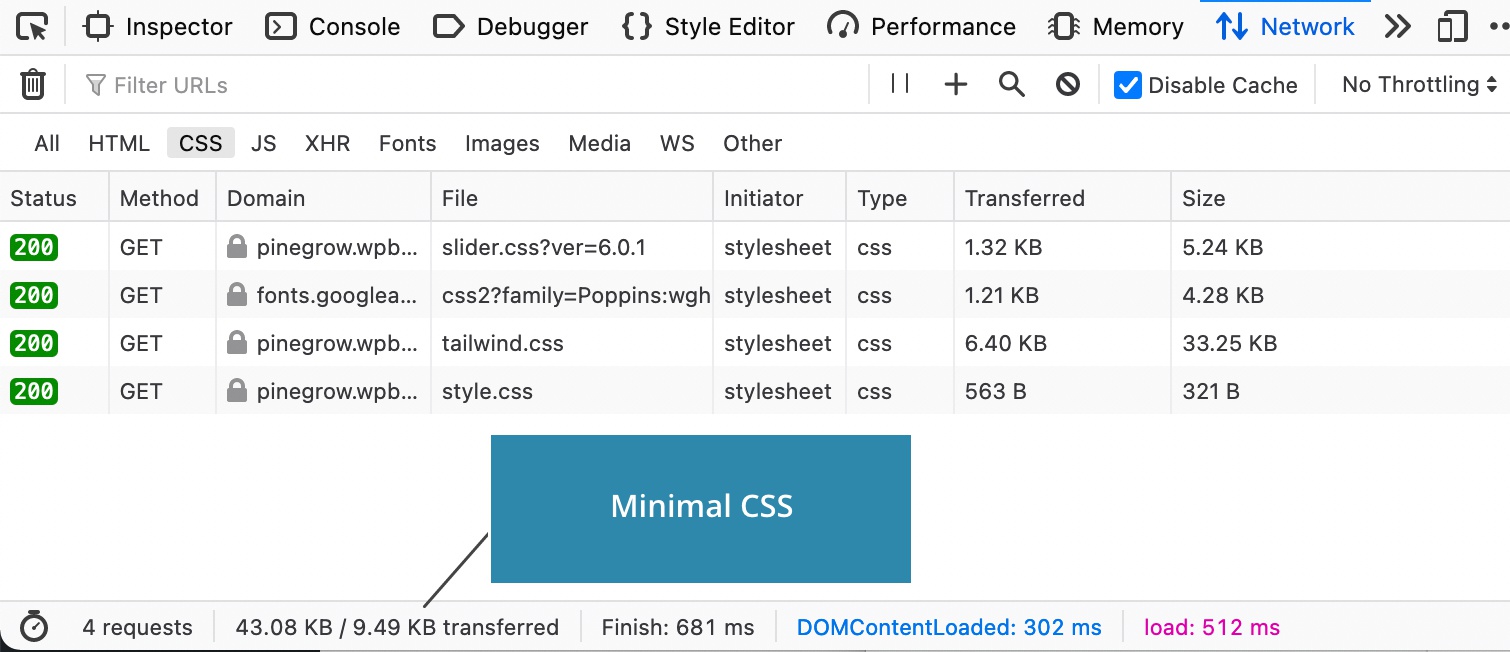
Default WordPress block stylesheet is disabled in order to minimize the traffic.
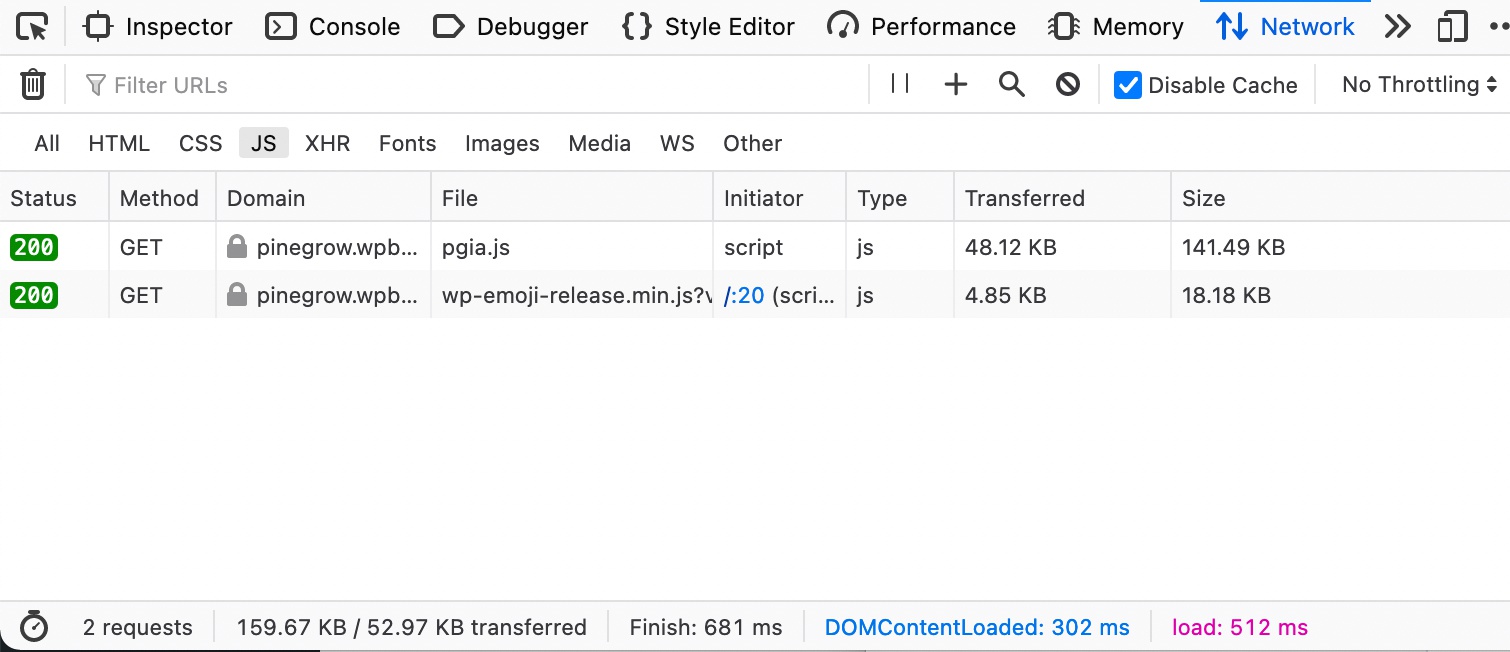
We have two JavaScrip resources. The first one loads Pinegrow’s animation library that includes GreenSock modules that power all the animations. Note that Pinegrow has a special licensing agreement with GreenSock that allows users to use and monetize work created with Pinegrow Interactions without any restrictions.
The code
Let’s take a look at the WordPress code. The project is implemented as a standard standalone WordPress theme, with standard template PHP files and a bunch of custom blocks. All blocks are native WordPress blocks.
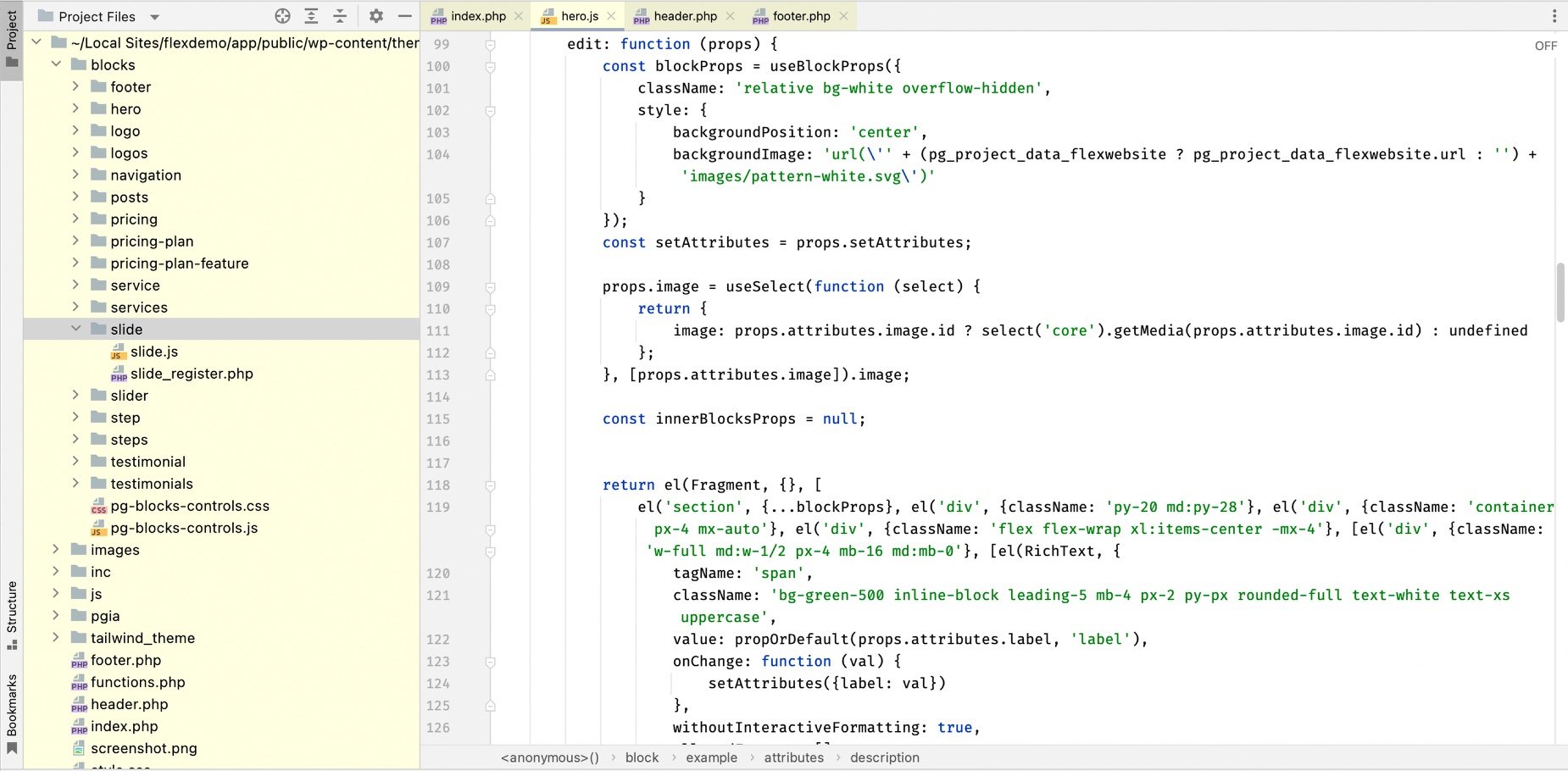
All this WordPress blocks React code specific is generated by Pinegrow for us.
So, how do we use Pinegrow to create a WordPress project?
Building the project in Pinegrow
First of all, there is no need to reimplement the source design. In our case, a static Tailwind website was provided. Before starting the conversion, I used Pinegrow to update Tailwind from version 2 to the version 3 and to generate an optimized CSS stylesheet.
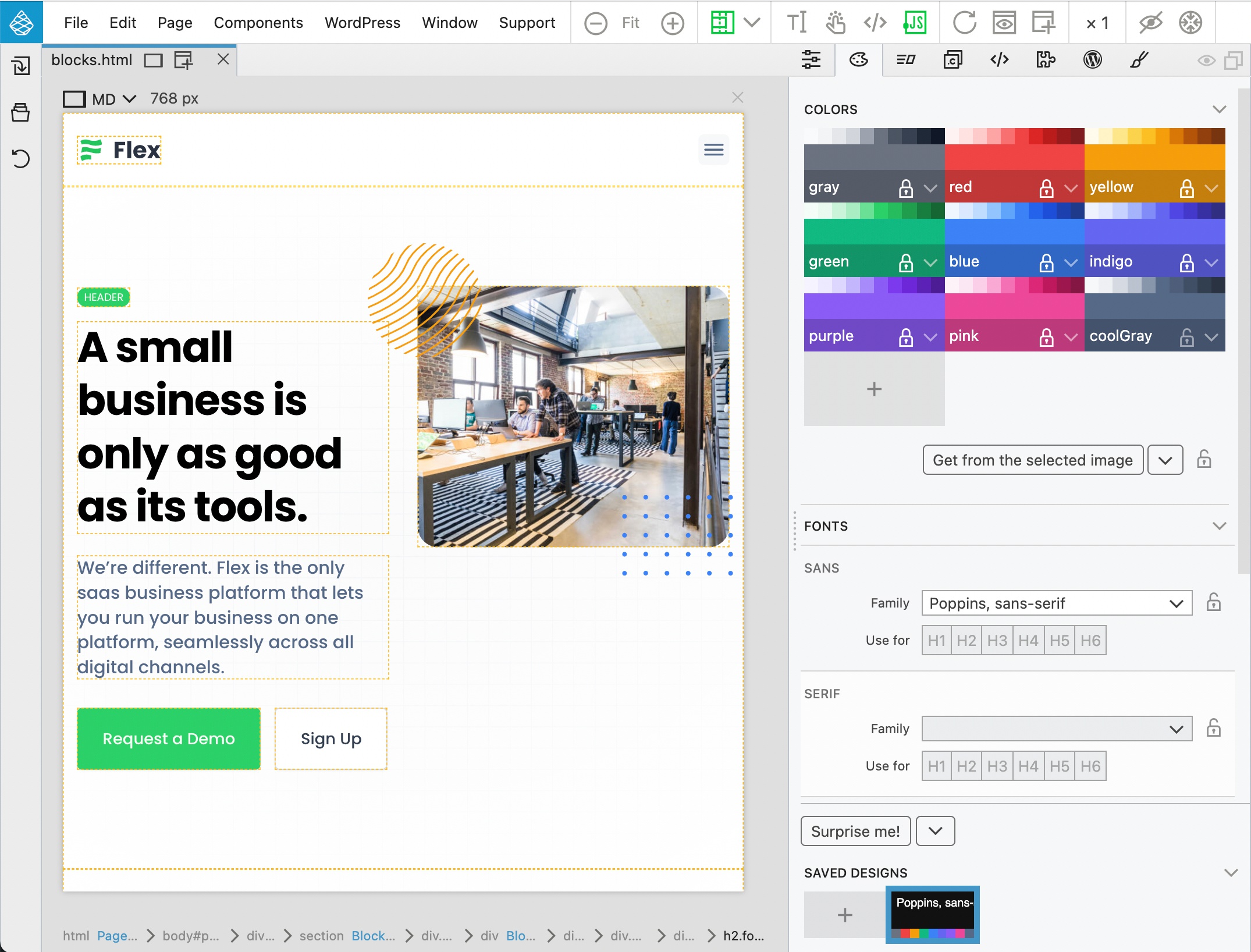
To add WordPress features, we assign WordPress actions to page elements.
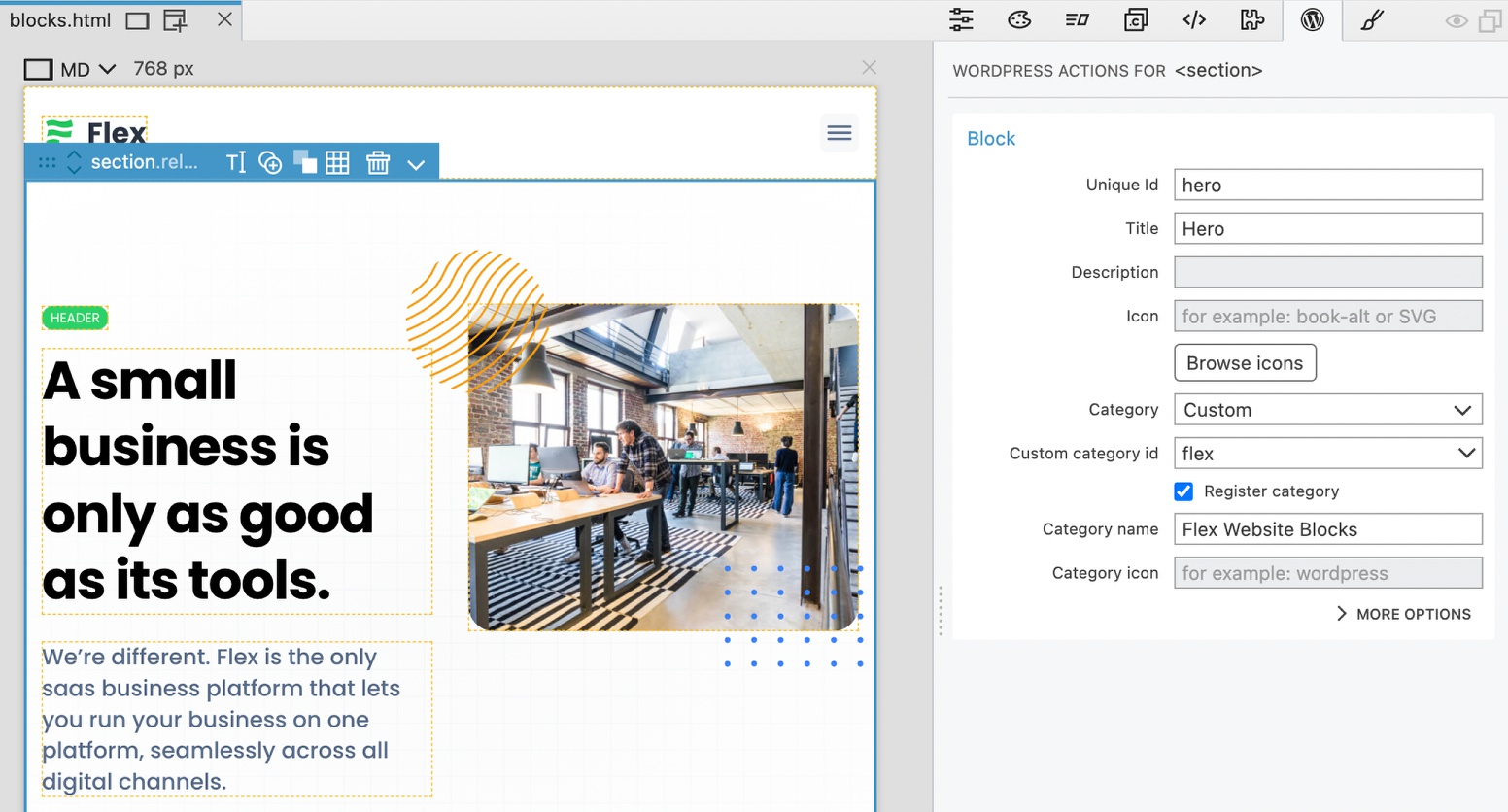
For example, Block action turns the element into a custom Gutenberg block.
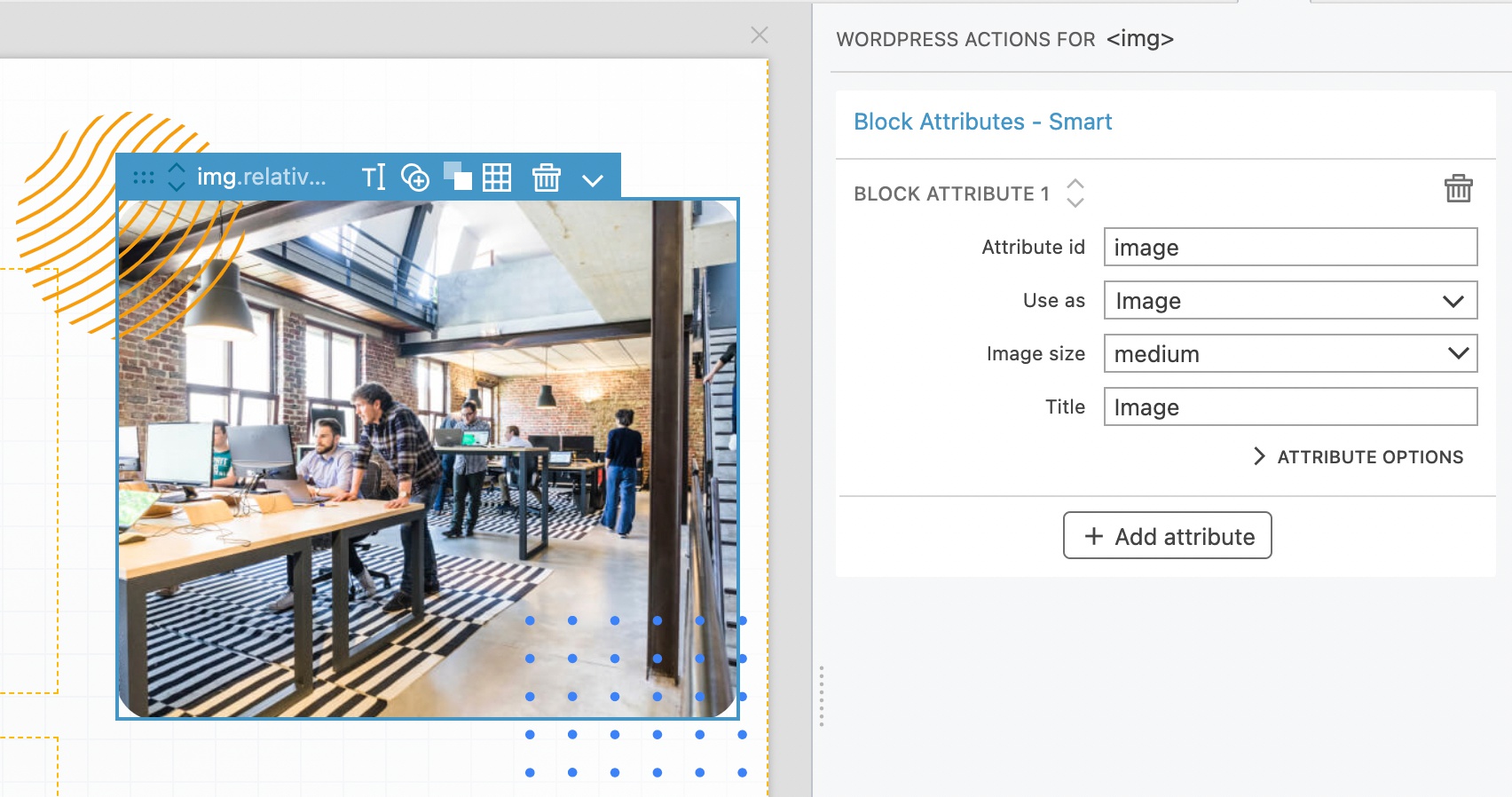
Block Attributes make the block editable.
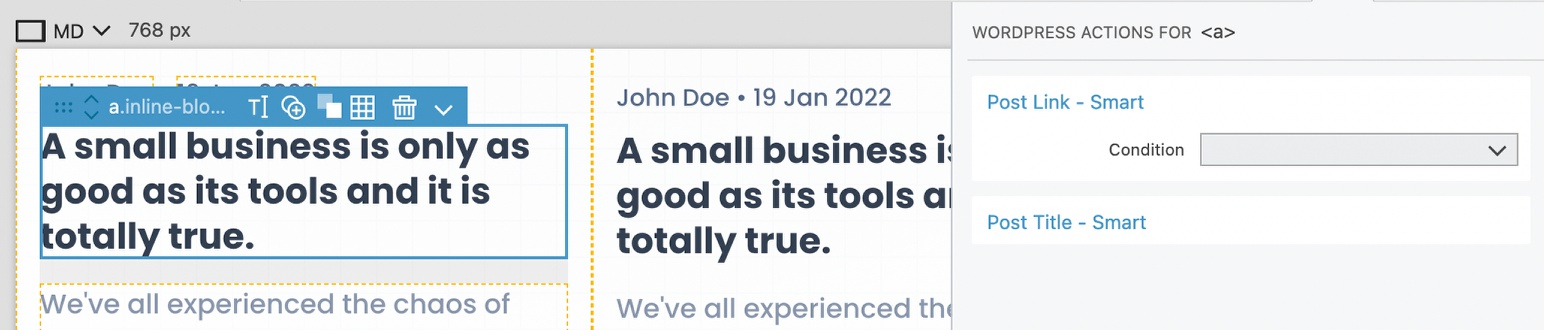
Show Posts loops through a collection of posts.

Post Title displays the post title and so on.
Then, we export the project and Pinegrow generates all the required PHP and JavaScript files - deployed directly in your local WordPress development environment.
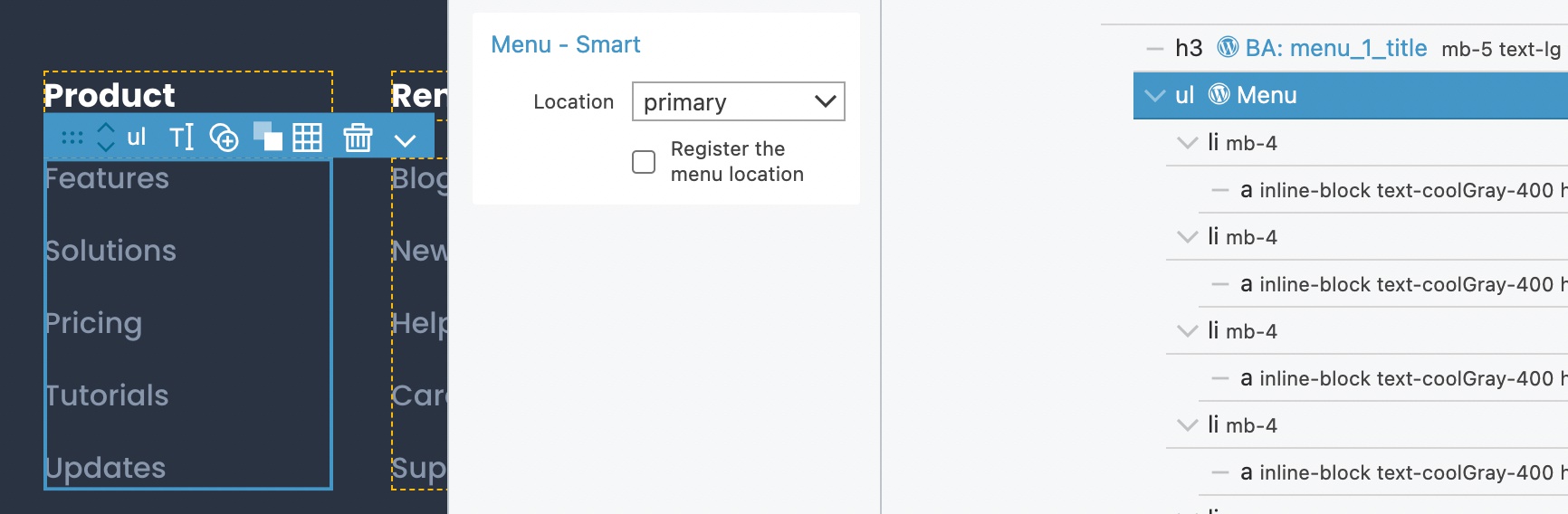
All the time we keep total control over the HTML layout and CSS styling. For example, the Menu action uses the HTML element as the template for menu items and adds WordPress menu classes to that.
How about the interactive features, such as the slider?
I used Pinegrow Interactions for the slider, pricing toggle and mobile menu. Pinegrow includes a full timeline editor that lets us finetune all aspects of the interaction.
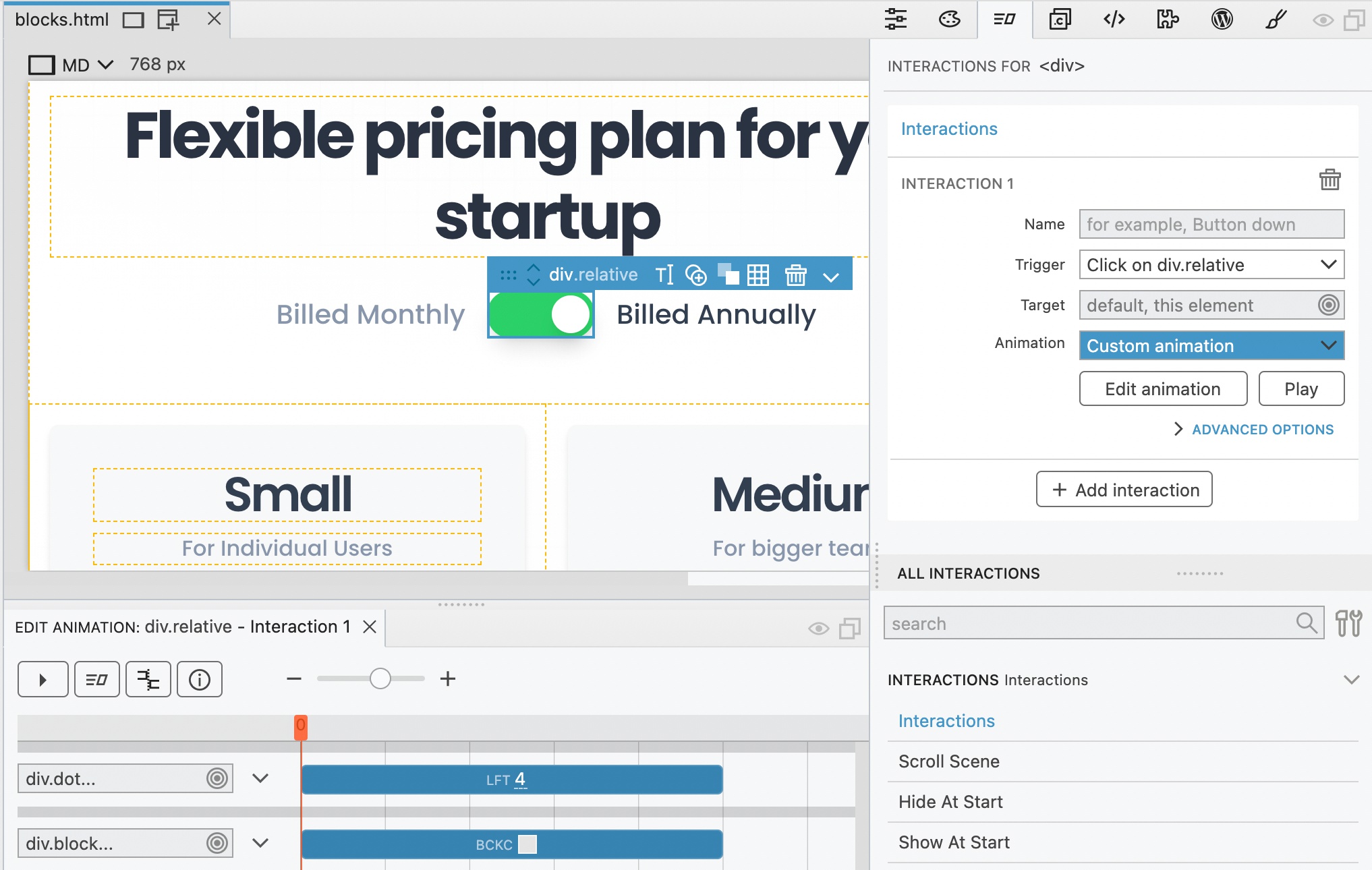
I’m especially happy with how well the slider turned out. We now have a general purpose slider block that can be used with any content blocks. The slider block is CSS framework agnostic, so we can reuse it on many projects.

How long did it take?
The whole process, from start to finish, took around 4 hours.
Watch the full tutorial and download project files
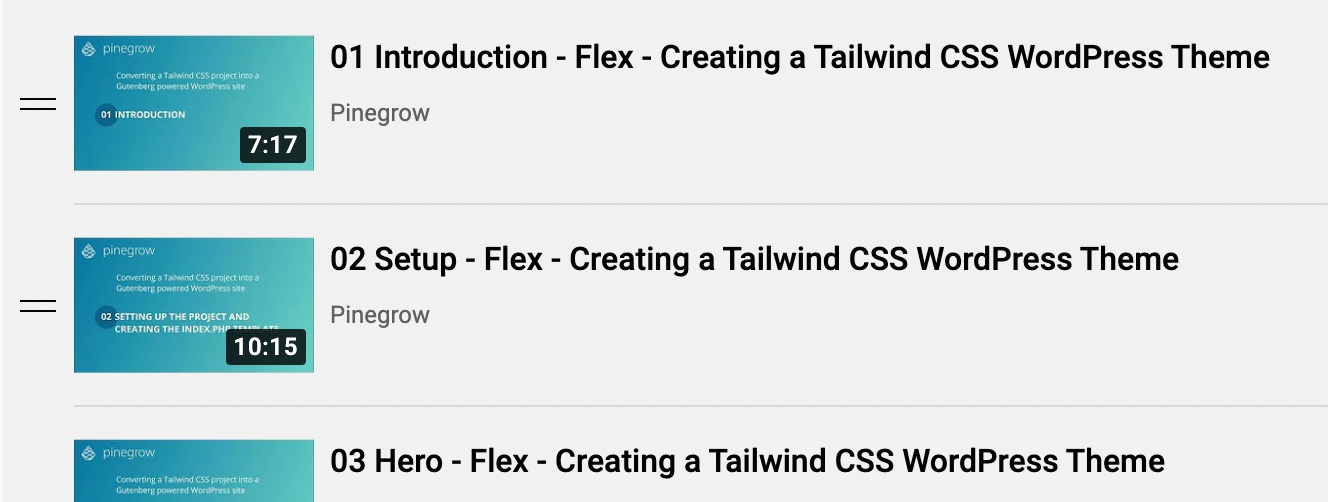
I recorded everything and published it as a step by step tutorial.
This was really a fun project. Hope you will enjoy it as well!