Using the DeepSeek API with AI Assistant
According to user feedback from Kenneth Kajander, DeepSeek API can be successfully integrated with Pinegrow’s AI Assistant using a specific configuration.
Step-by-step tutorials for building websites with Pinegrow.
Step-by-step tutorials for building websites with Pinegrow: Tailwind CSS and Bootstrap pages, animations with Pinegrow Interactions, components and master pages, CSS styling and WordPress themes. More tutorials and courses are in the sections for Tailwind CSS, WordPress and Vue Designer, and on the Courses page.
55 tutorials and 5 courses. See all courses.
TutorialsTutorialsTutorialsTutorials2020-04-05Topics
According to user feedback from Kenneth Kajander, DeepSeek API can be successfully integrated with Pinegrow’s AI Assistant using a specific configuration.
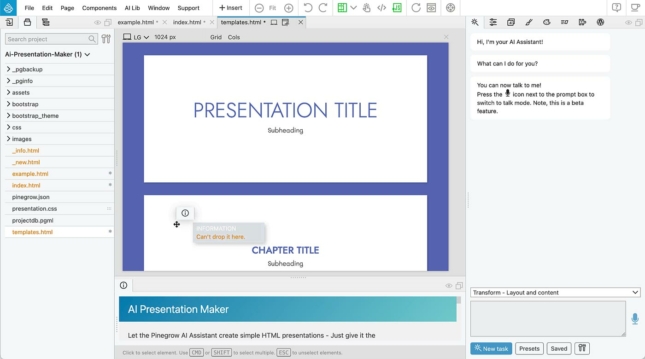
Learn how to create customizable HTML presentations using Pinegrow’s AI Assistant and extend the tool with your own custom features.
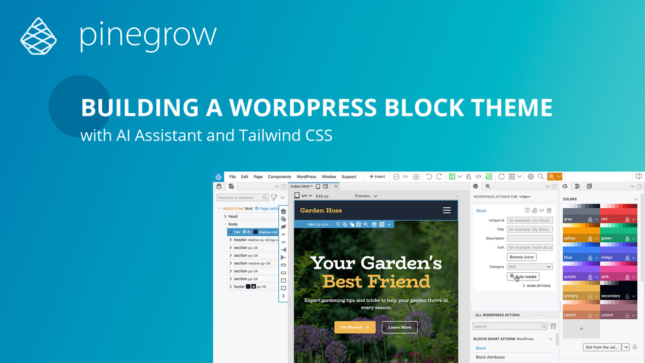
This course presents an efficient and enjoyable development experience of converting a Tailwind CSS landing page into a functional WordPress block theme.
A fun tutorial on converting a Tailwind CSS project into a WordPress theme based on Gutenberg blocks. As a bonus, we will use Pinegrow…
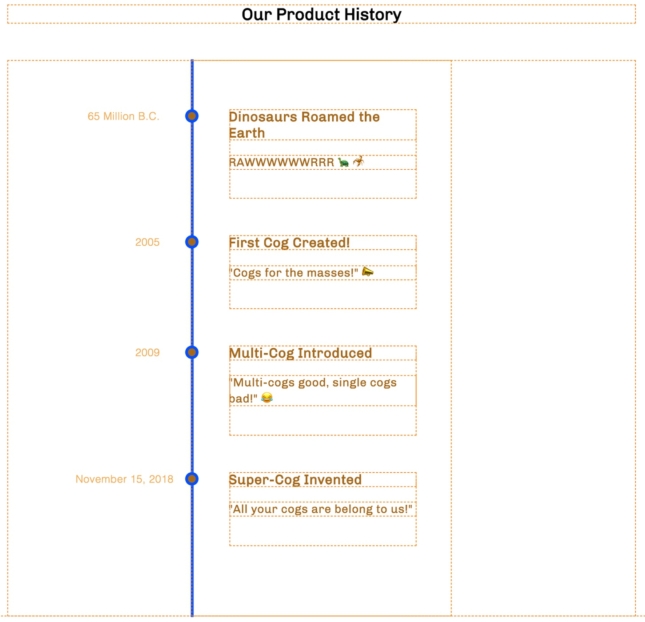
Pinegrow makes creating repetitive elements easier with HTML snippets. This is a step-by-step guide to putting together a timeline in Pinegrow…
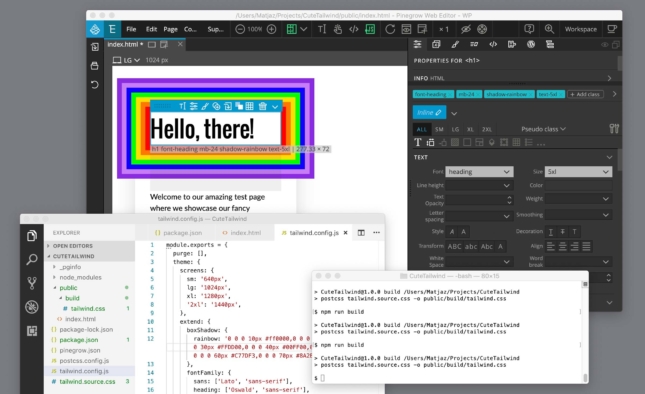
A step by step tutorial to creating custom Tailwind CSS themes, including installing the tools and setting up the build process.
A step by step tutorial about building a landing page with TailwindCSS.
Learn with Vue Designer – Course 2
A selection of videos created by Marco Michely that you can find on the Pinegrow forum as well as on his website https://56kblog.de.
Adam LOWE, the lead architect at Peak Performance Digital, is a leading advocate for Pinegrow Web Designer, known for his influential tutorial videos freely…
A quick tutorial on how any shortcode can be turned into an editable custom block. Shortcode options are mapped to block attributes. The process…
Everything you need to know about creating a custom WooCommerce themes with Pinegrow Shop Builder.
This set of tutorials will walk through the conversion of the Bootstrap 5 Agency template to a WordPress theme. This is an ongoing series…
Use a minimal page template and custom blocks to implement a simple full site editing theme.
Roel Van Eyken, a graphic/Web designer from Belgium offers us an excellent guide to integrate Snipcart in your WordPress themes created with Pinegrow. Snipcart…
Did you know that you can develop* a website locally (on your computer) using the WordPress CMS and then put it in production on…
A well thought out and well prepared WordPress project is a successful project. There are many different situations in which you may want to…
As the WordPress specialist in the Pinegrow team, I’m often asked about my personal workflow and precisely how I start creating WordPress themes with…
With the new WordPress editor, everything happens in blocks. Whether you like it or not, it’s a smart concept that offers new possibilities. However…
The WordPress Starter Theme 2 (ST2) is a framework for quickly developing your own custom WordPress themes. It was first introduced in 2017 as…
At the core of any WordPress theme, there is a file named functions.php and themes created with Pinegrow or Pinegrow Theme Converter for WordPress…
A step by step tutorial about how to convert a Webflow template into a WordPress theme with the new Pinegrow Theme Converter for WordPress…
Wim Teuling is instructor for the Digital Design and Development program (D3) at the British Columbia Institute of Technology and he has created an…
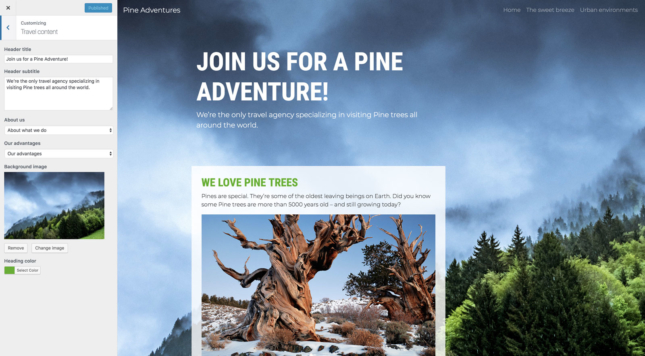
In this tutorial we’ll use Pinegrow to convert a one-page portfolio website into a WordPress theme. In the process we’ll cover theme structure, customizer…
In the next hour or so we’ll create a real, production-ready WordPress theme – even if you never worked with WordPress before. We’ll do…
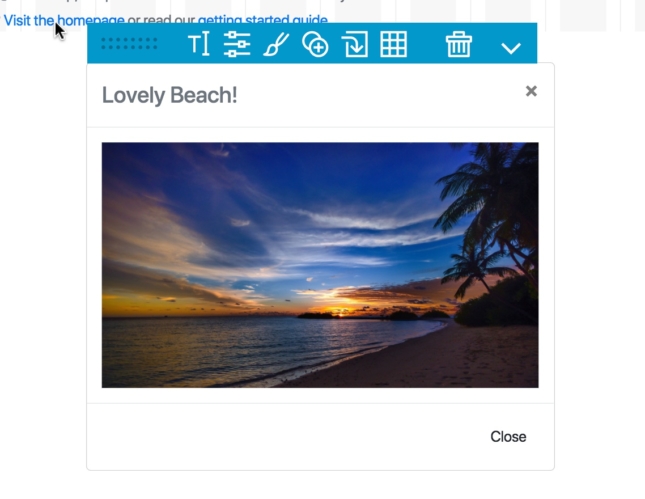
Learn how to easily and quickly add modals to your Bootstrap projects.
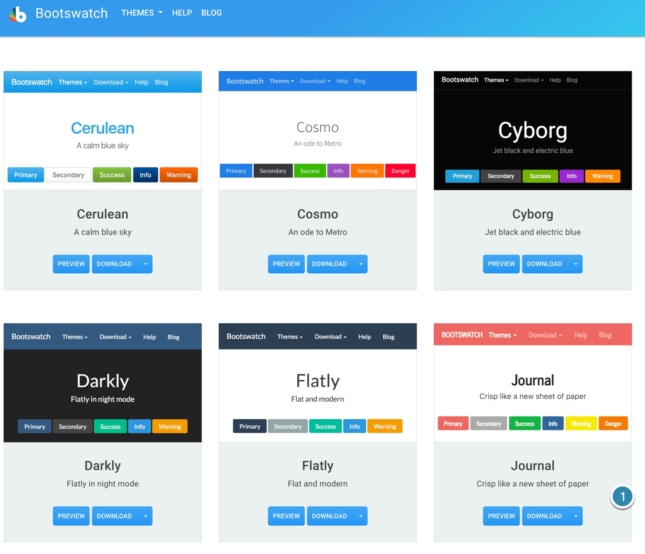
A quick introduction to using the Bootswatch free Bootstrap themes and Sass to make your web page look great.
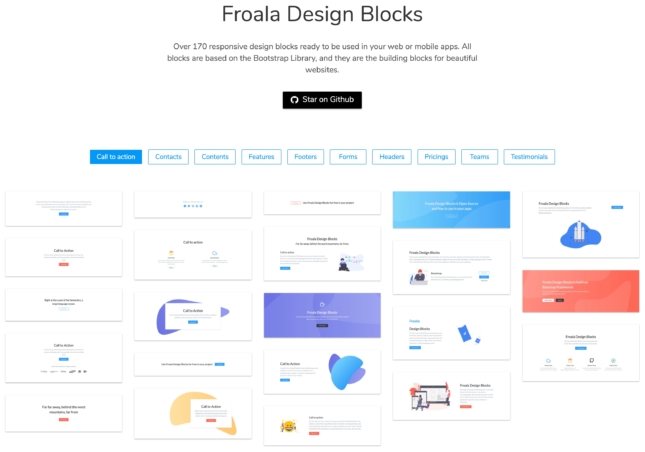
A step-by-step guide on how to add Froala Blocks to Pinegrow library and use them to quickly build a great looking website.
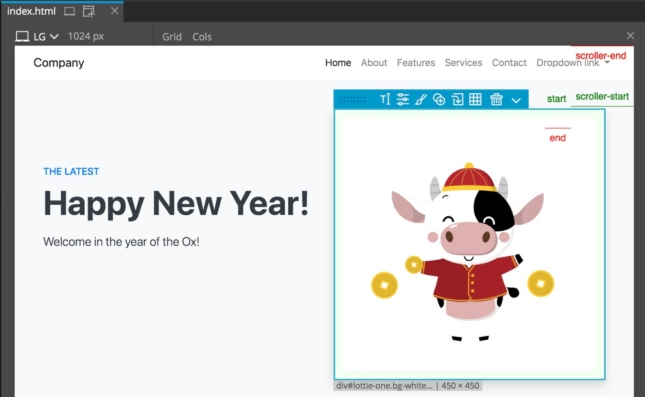
Lottie are super small animation files that are scalable and can be targeted for manipulation. They are a great way to add movement and…
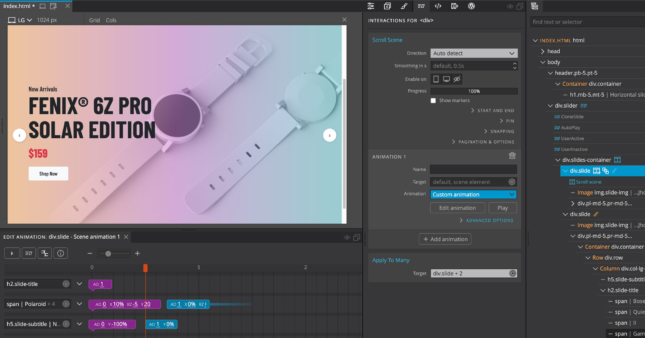
A step-by-step tutorial about creating custom sliders with Pinegrow Interactions 2.
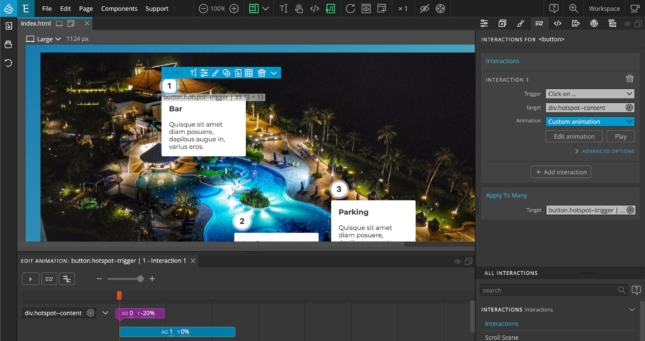
A step-by-step tutorial about creating interactive image hotspots with Pinegrow Interactions.
A step-by-step tutorial about creating an animated accordion component with Pinegrow Interactions.
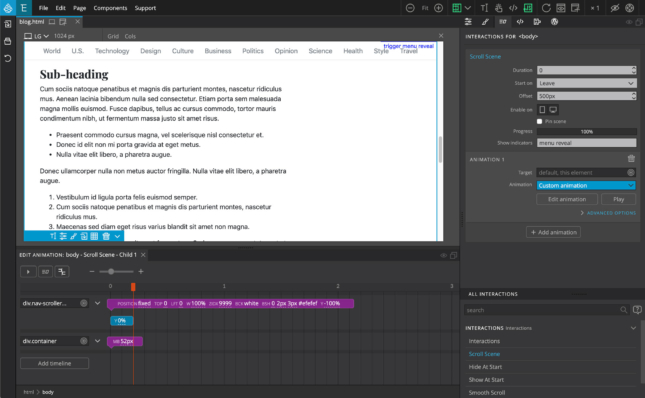
A step-by-step tutorial about creating an animated website navigation menu with Pinegrow Interactions.
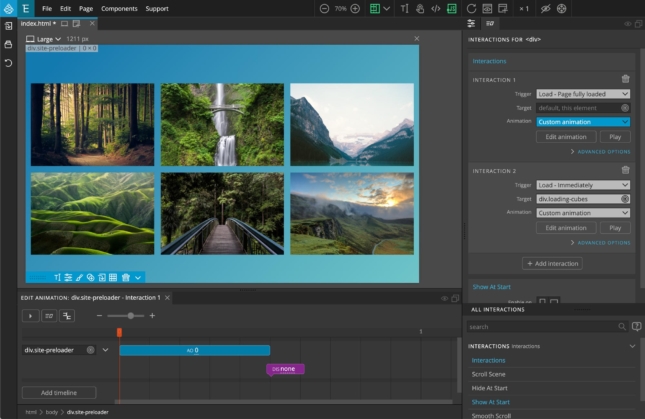
A step-by-step tutorial about creating an animated loading screen with Pinegrow Interactions.
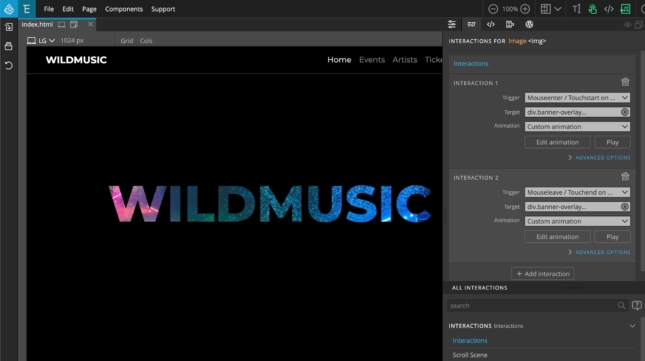
A step-by-step tutorial about adding web interactions to the WildMusic landing page.
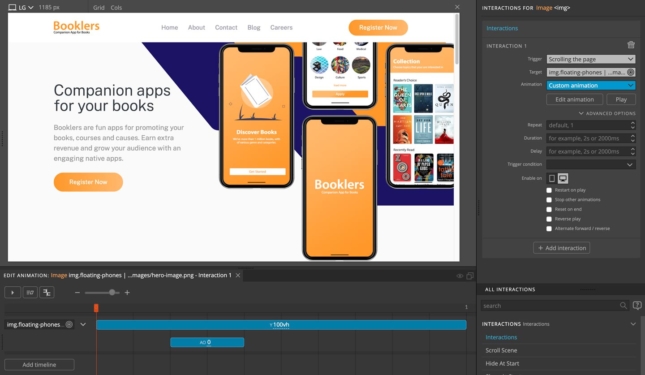
A step by step tutorial on adding web interactions and animations to a simple landing page.
CSS dividers help with sectioning your content both making your pages more readable, but also enhancing the visual appeal. This tutorial shows how easy…
Pinegrow is all about choices. Adding styling to your page is no exception. Whether all code, low-code, or no code Pinegrow can let it…
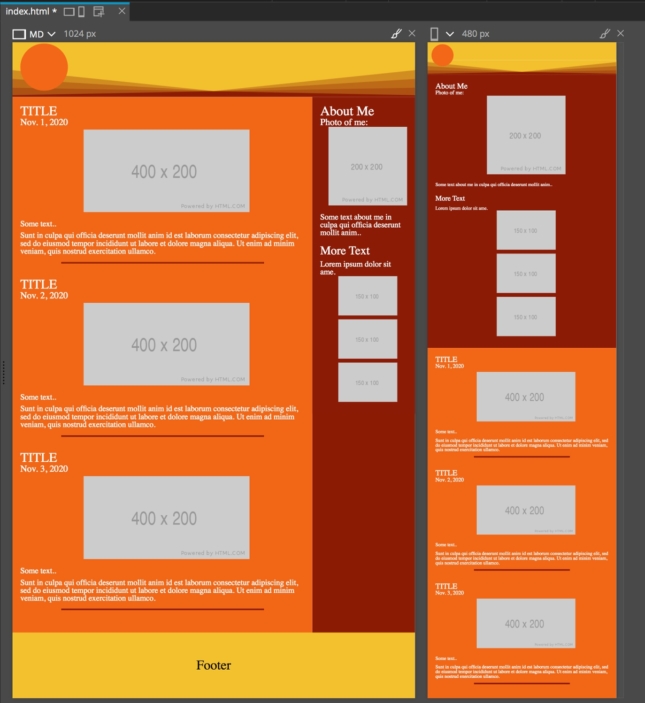
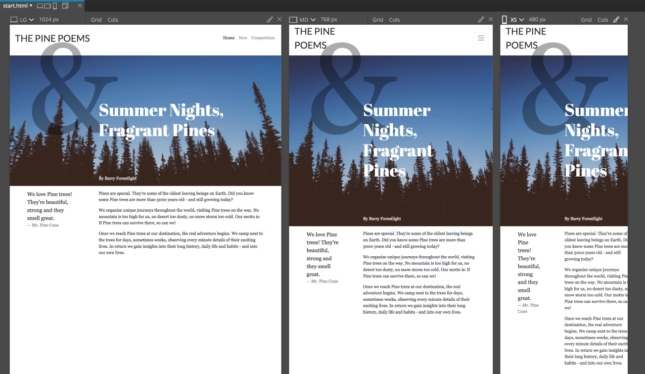
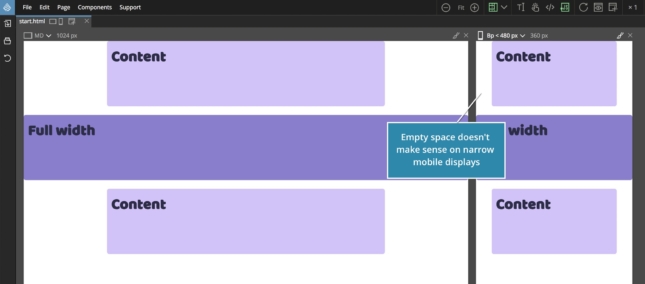
Your website needs to look good on a variety of screen sizes. Pinegrow makes responsive design easy with a variety of different tools.
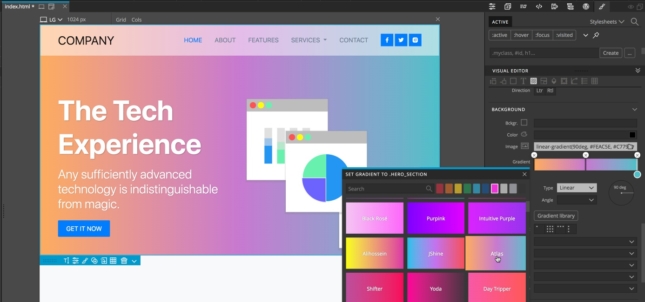
Gradient and SVG backgrounds can add a spark of visual appeal to your sites. Luckily, adding them in Pinegrow is easy!
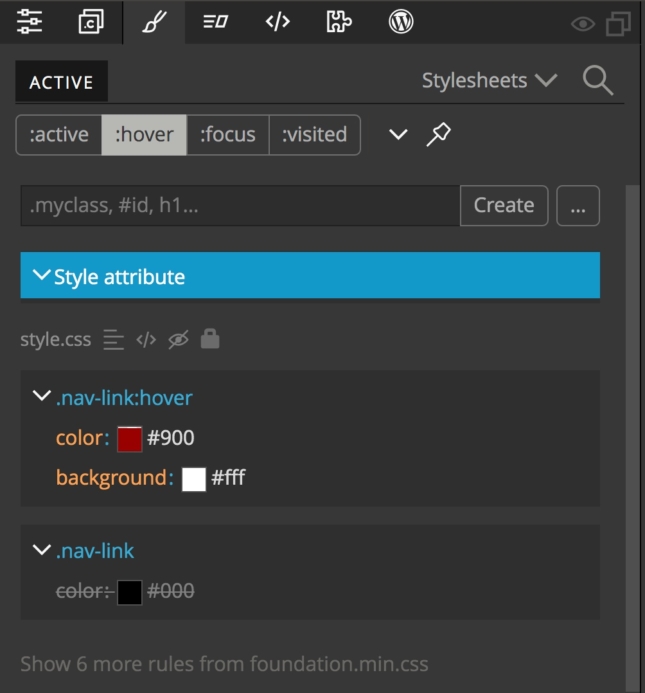
Pinegrow makes adding and styling pseudo-classes and pseudo-elements quick and easy. This tutorial shows you how.
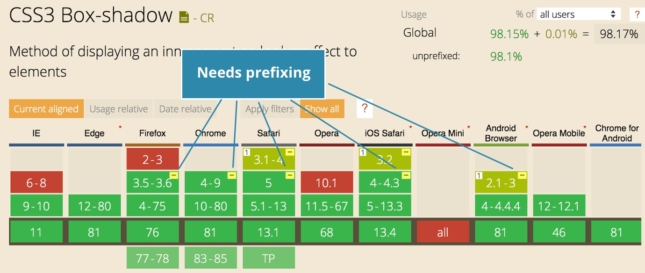
Here is a quick tip for using the SASS compiler built into Pinegrow for auto-prefixing your CSS.
CSS Grid has gained much wider support, with virtually all modern browsers supporting it. Page layout is significantly easier than using traditional floats and…
The goal is to quickly learn enough about the CSS grid so that we can start using it in our projects.
In this quick CSS Grid tutorial we’ll use multiple track names to create a responsive CSS Grid layout.
A step by step tutorial on creating a responsive CSS grid layout with fallback for older browsers.
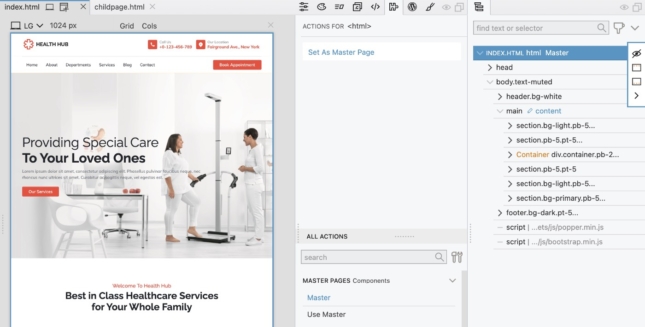
A ready-to-use HealthHub project that uses a master page to manage header and footer.
This is a legacy tutorial. Much of the design of the Pinegrow Web Editor has changed, but the majority of the functionality has not…
Using a Master page in a Pinegrow project makes building quicker and keeps your design unified.
A step by step guide to defining and using reusable navigation with Pinegrow Components.
A step-by-step guide to using the resources on CodePen in your own Pinegrow Web Editor projects.
Pinegrow makes adding a JavaScript library into our projects easy! Here is an example of using the “iziModal” library to add modals to a…
Scalable Vector Graphics (SVG) are a light-weight way to display vector images that can be displayed at any resolution and manipulated by both CSS…
Accessibility controls are important in web design. This tutorial walks through one method to add controls to your navbar and gives a review of…
Learn with Vue Designer – Course 1
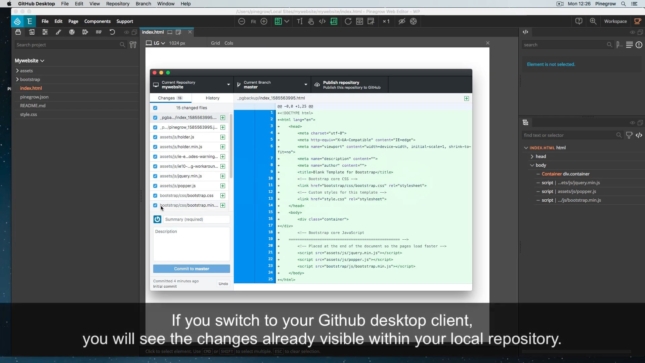
GitHub is a great place for hosting your HTML websites. It’s free and you can even use your own domain names.
These tutorials are kept for reference and may show an older version of Pinegrow.
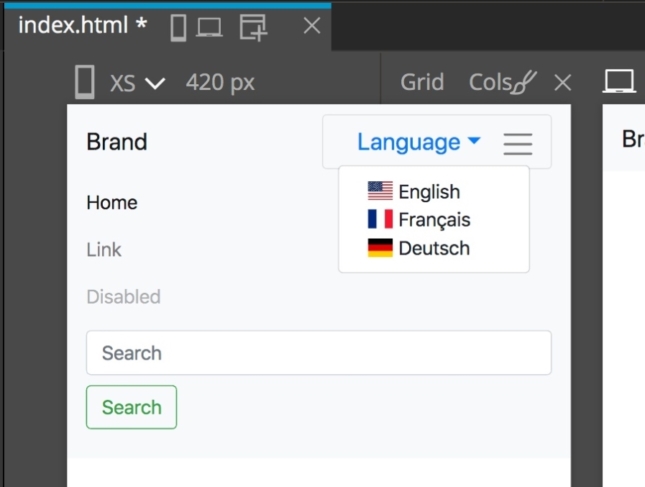
A step-by-step guide to creating a Bootstrap 4 navigation bar with drop down menu for language selection.
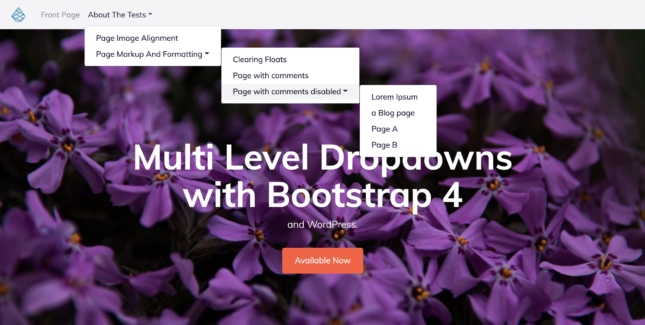
One of the Bootstrap 4 most wanted feature can now be available within your WordPress themes.
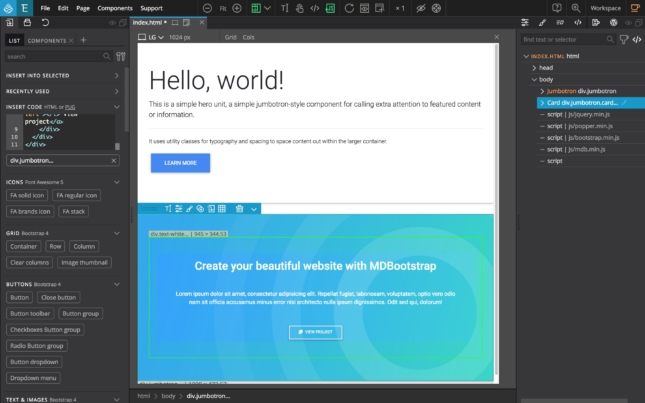
Material Design for Bootstrap is a popular and highly customized version of Bootstrap 4 with 500+ material UI elements, 600+ material icons, 77+ CSS…
Learn WordPress theme development and create awesome WordPress themes by visually converting static HTML pages to WordPress themes.