Downloading Pinegrow for Windows: Security Alert Information
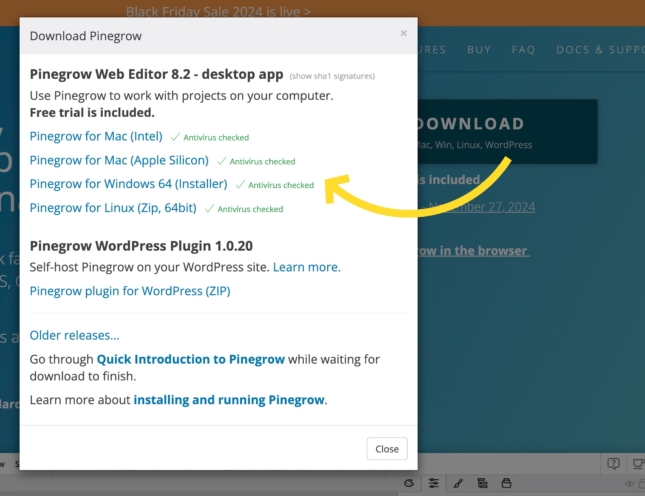
Are you receiving a security alert while attempting to download the latest version of Pinegrow for Windows? Here’s what you need to know.
Discover and read useful articles, tutorials and awesome resources related to web design with Pinegrow.
BlogBlogBlogBlogAre you receiving a security alert while attempting to download the latest version of Pinegrow for Windows? Here’s what you need to know.
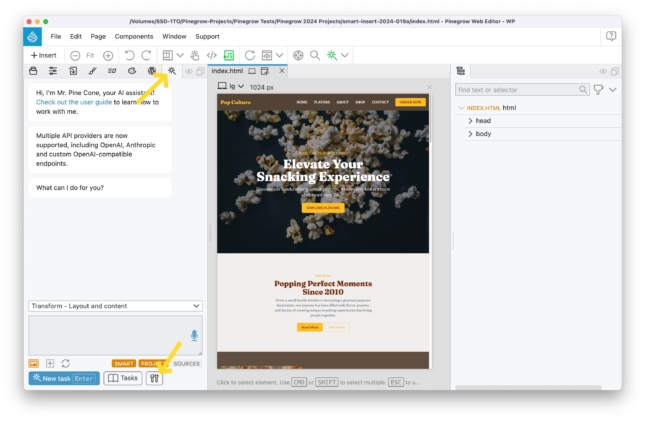
To use AI features with the Mr Pinecone assistant, a subscription to OpenAI or Anthropic is required. Integration is done simply through a personal API key, giving you access to…
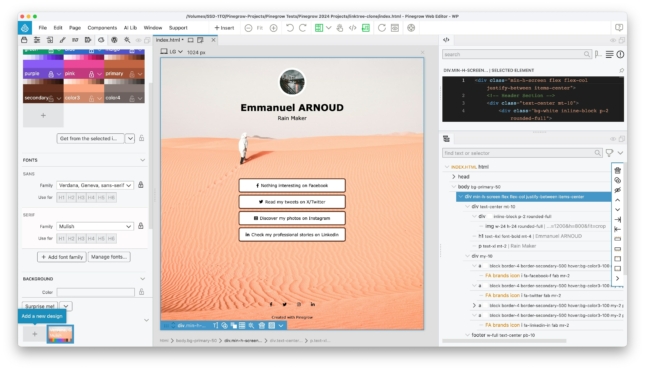
With the rising popularity of services like Linktree, which lets you create a customizable page to gather all the important links you want to share, I’ve decided to show you…
Come onboard Pinegrow 747!
While Mr. Pine Cone itself is free within Pinegrow, it’s important to note that utilizing its AI features requires a subscription to OpenAI, which operates on a pay-as-you-go model based…
We did not have any participants, so this time, the contest does not have a winner. Thank you to everyone for considering the possibility of participating and we hope to…
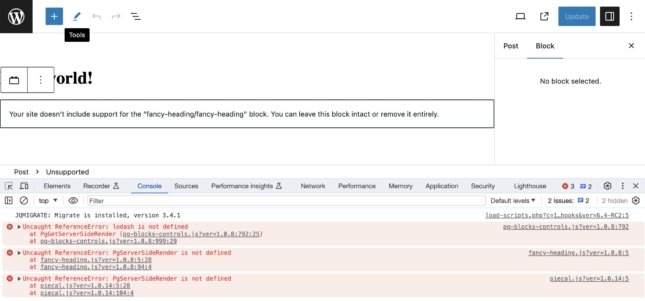
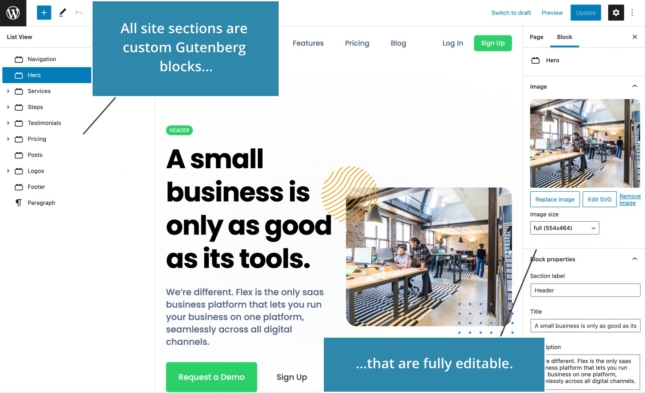
Use this guide to keep your custom blocks editable when your sites are updated to WordPress 6.4.
Vue Designer v1.1 update is available now.
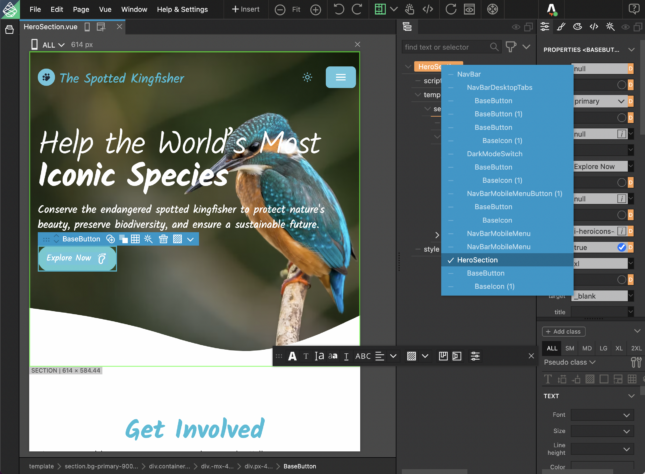
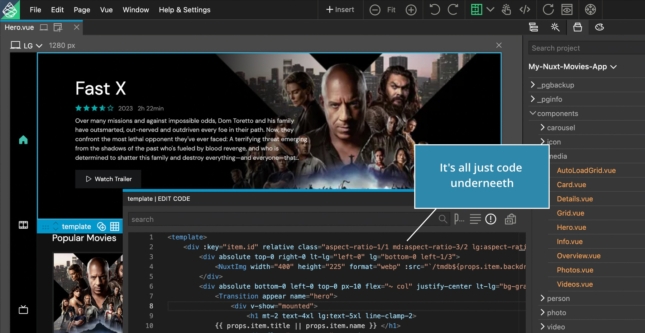
Introducing the new visual IDE for Vue, by Pinegrow.
Get ready for what is coming out this week.
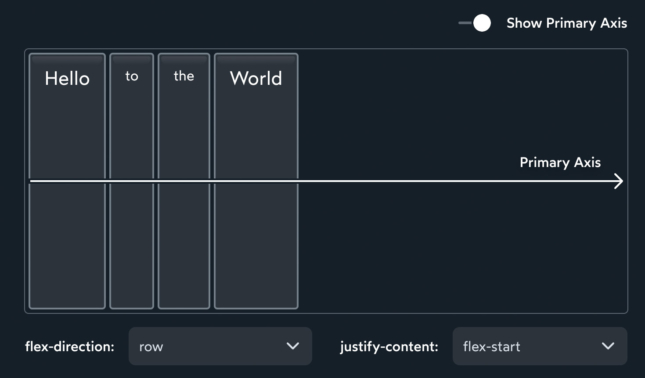
If you wish to brush up your Flexbox skills, take a look at the interactive guide created by Josh Comeau (not affiliated with Pinegrow).
A discussion between Adam Lowe, President of Peak Performance Digital, and Matjaz Trontelj, CEO of Pinegrow. They discuss Pinegrow’s focus areas, philosophy as a company and product, and plans for…
Adam Lowe, President of Peak Performance Digital, recently migrated a website from WordPress and Elementor to a custom WordPress theme with custom blocks, all created in the Pinegrow Web Editor…
Adam Lowe, President of Peak Performance Digital discusses some of the problems he is experiencing that have more to do with the platform than with Pinegrow Web Editor.
In this video, Adam Lowe, President of Peak Performance Digital shows you how we create completely custom WordPress blocks using the Pinegrow Web Editor. These blocks do not rely on…
Did you know that you can display any WordPress custom field using the Pinegrow Web Editor? It doesn’t matter whether you are using Advanced Custom Fields (ACF), Meta Box, or…
In this video tutorial, Adam Lowe, President of Peak Performance Digital creates a plugin with native WordPress blocks to display custom and dynamic data from custom blocks and post types…
Adam Lowe explains how Pinegrow WordPress theme builder is different from all other existing builders on the market.
Take a simple login button and find out how you can use conditions to turn that button into a “My Account” button if/when a user is logged in.
Pinegrow isn’t a page builder. So, that begs the question, “how do I build components that fit with my page and the rest of my website?” Luckily, the upcoming Pinegrow…
Let’s take a look at how WordPress menus work inside the Pinegrow web editor. Because, like everything else, it’s a little different than what you’re probably used to.
Did you know that Pinegrow has a WordPress forms Smart Action built in?
Loops are one of the core building blocks of WordPress. Pinegrow has a fantastic loop builder that gives you tons of flexibility with a simple interface.
Watch Adam Lowe, President of Peak Performance Digital as he creates a fully portable, native, custom WordPress theme using the Pinegrow web editor during a Youtube live.
In this video, Adam LOWE presents a first look at the upcoming Pinegrow WordPress plugin.
What are some of the biggest differences between the upcoming Pinegrow WordPress Plugin and the Pinegrow Desktop version?
Adam LOWE shows you how to build an accessible and responsive biography grid using HTML and CSS using Pinegrow Web Editor.
According to Adam LOWE, one of the most interesting features of Pinegrow has nothing to do with WordPress. It’s actually the CSS grid editor.
A touch of motion can really bring a website design to life. If you are a Pinegrow user, this is easy thanks to the Interactions Module.
In this video, Adam LOWE shows you how to install the latest version of Tailwind (3.2 as of 07-11-2022) and configure it to work with the Pinegrow external build process.
See what we did this summer: three releases, a bunch of tutorials and articles.
Pinegrow participated in the WP Builders Fight Club challenge to build the same website with a bunch of different WordPress tools, and to compare results.
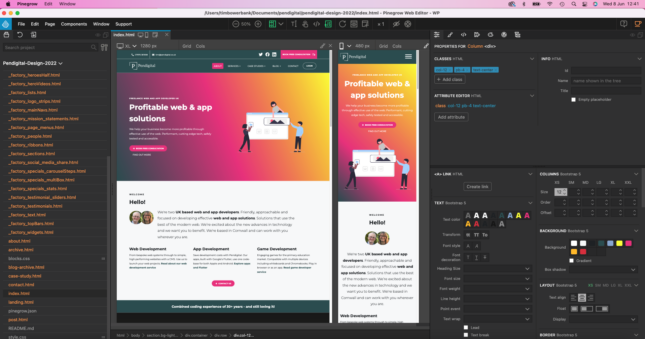
I’m Tim Bowerbank, Director, www.pendigital.co.uk and I am a recently converted advocate of Pinegrow. I have been using Pinegrow for 18 months now. It’s transformed our web development business into…
In this short tutorial, we show you an efficient way to use Google Fonts in local mode and thus comply with the European GDPR regulation.
A free template for a fictional NFT marketplace, available for Bootstrap 5 and Tailwind CSS.
A look at work-in-progress WooCommerce integration in Pinegrow Web Editor that will let you easily create custom WooCommerce themes, without using plugins.
A free template for an art gallery website, for Bootstrap 5 and Tailwind CSS.
A free landing page for a skincare shop implemented in Bootstrap 5 and Tailwind CSS.
A free Bootstrap 5 and Tailwind CSS website template for a health service business.
Use this free template for Bootstrap 5 and Tailwind CSS to showcase your professional skills.
The launch of Pinegrow Online prompted some users to express their concerns about the future of our desktop app Pinegrow Web Editor.
A free template for a website for a fictional developer conference, for both Bootstrap 5 and Tailwind CSS.
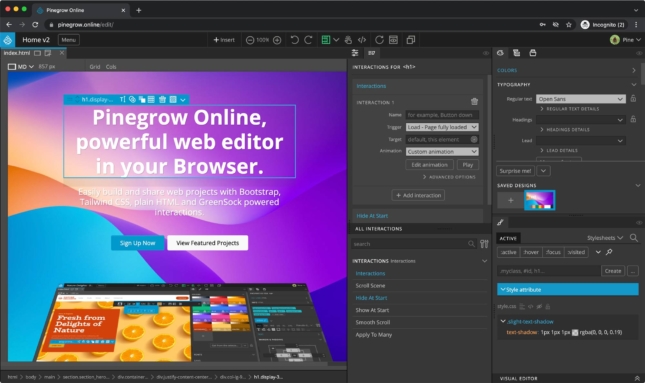
Pinegrow Online is a cloud version of Pinegrow Web Editor that runs in your browser.
A free template for a car rental business website, for both Bootstrap 5 and Tailwind CSS.
A free theme and landing page for Bootstrap 5 and Tailwind CSS, inspired by a yummy pizza.
A free, animal friendly template for Bootstrap 5 and Tailwind CSS.
A free website template for a space rides company for Bootstrap 5 and Tailwind CSS.
A free, natural & fresh website template for Bootstrap 5 and Tailwind CSS.
A free Bootstrap 5 and Tailwind CSS template for a financial services company.
A free, cake-flavored theme and template for Bootstrap 5 and Tailwind CSS.
A free template and theme radiating comfort and warmth, for Bootstrap 5 and Tailwind CSS.
A free elegant premium real-estate theme and template for Bootstrap 5 and Tailwind CSS.
A free plant-based design and template for Bootstrap 5 and Tailwind CSS.
A free, nature inspired design and template for Bootstrap 5 and Tailwind CSS.
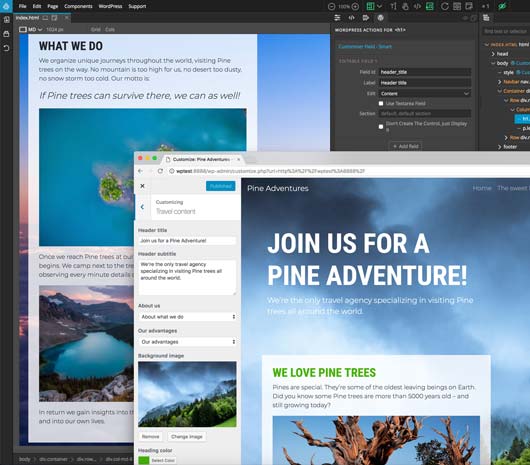
Developing WordPress themes with Pinegrow offers you a major paradigm shift. You don’t have to be a pro developer and code your templates by hand to produce high quality themes…
A free elegant custom Bootstrap 5 and Tailwind CSS theme and website template created with the Design panel in Pinegrow 6.
Do more with less UI.
There are a number of products on the market to allow users to put together a static webpage with little or no coding. On the surface, the Pinegrow Web Editor…
To the best of our knowledge, Pinegrow is currently the only multi-platform visual HTML editor that allows you to create HTML documents and projects from scratch and import your existing…
Our documentation about WordPress theme development covers the most recurring topics and questions, but it turns out that it is rarely the first place where Pinegrow users seek for information…
The major Pinegrow Interactions update was originally scheduled for September, but we delayed it a bit so that we could squeeze in a couple additional features.
The latest VS Code extension update and Pinegrow 5.973+ solve make the workflow even smoother.
A quick update on soon to be released major update to Pinegrow Interactions.
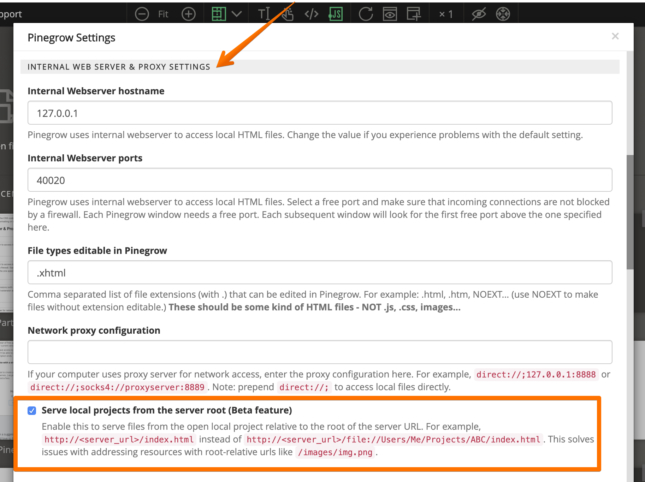
Use nice URLs like http://<server_url>/index.html when working with local projects.
A fully featured GUI editor for TailwindCSS projects.
Take static HTML snapshots of dynamic web applications and use them for collaboration, styling and prototyping.
Use your favorite website builder – Webflow, Muse, Dreamweaver, Blocs or any HTML editor – to create custom WordPress themes.
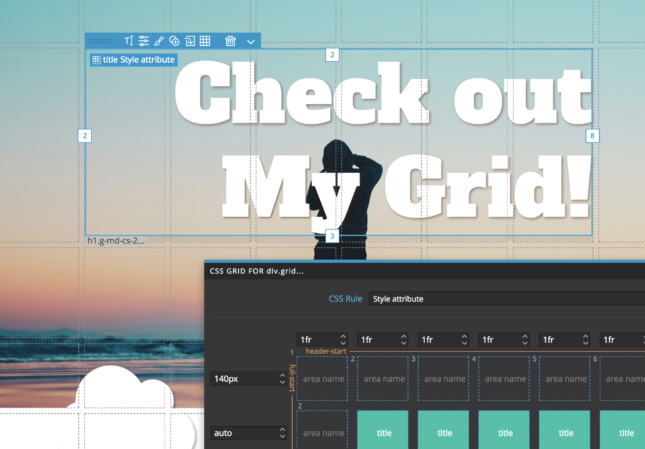
Pinegrow Web Editor includes a powerful collection of visual tools for working with CSS Grid.
Tuukka Rantala is a talented graphic designer working at Porkka & Kuutsa a very well known brand identity design agency from Finland. We asked him to share a bit of…
Pinegrow 4.6 comes with a set of new Smart Actions for WordPress that make creating WordPress themes with Pinegrow even easier.
Since we have received numerous messages about this issue – that we plan to adress shortly in a future version of Pinegrow – here is a quick explanation about the…
The #pinegrowchallenge2018 operation is now over and we are proud to announce that it is not 3 but 5 winners who took the time to share their testimonial about how…
Pinegrow 1.0 was born on January 8th, four years ago. At that time, Pinegrow was just one more indie app, launched with zero marketing, facing the most likely prospect of…
Post a testimonial on Twitter, Facebook, Google+, Linkedin or write a blog post about how you use Pinegrow in your everyday web design process and win 1 full license that…
The nice thing about Pinegrow is that it is quickly integrated in your pipeline, and just makes life easier for the front-end coder. In my opinion Pinegrow is what Dreamweaver…
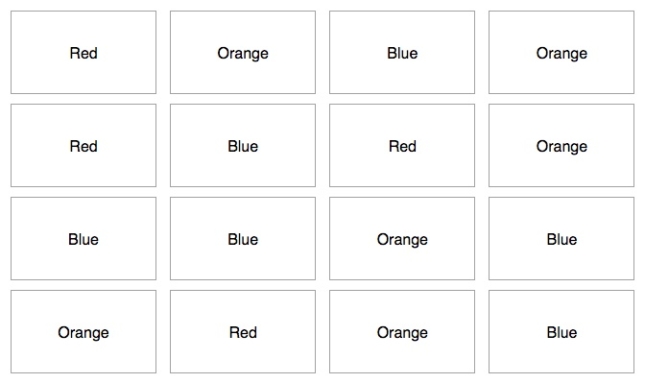
The Pinegrow Challenge: take any tool you like – including coding by hand – and try to be faster than Pinegrow at using classes to style a bunch of boxes.