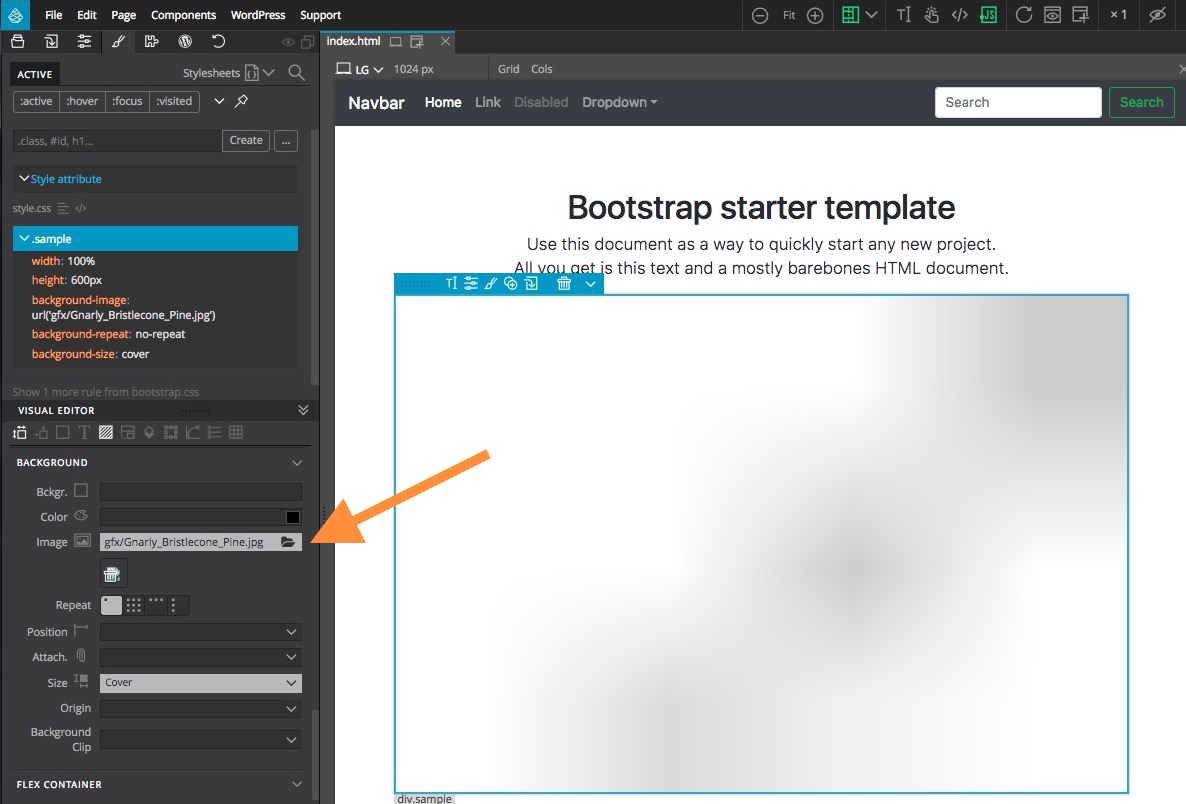
Since we have received numerous messages about this issue – that we plan to adress shortly in a future version of Pinegrow – here is a quick explanation about the situation and a quick temporary workaround.
BlogBlogBlogBlog2018-04-17
CSS/SASS path issue when using Background image attribute
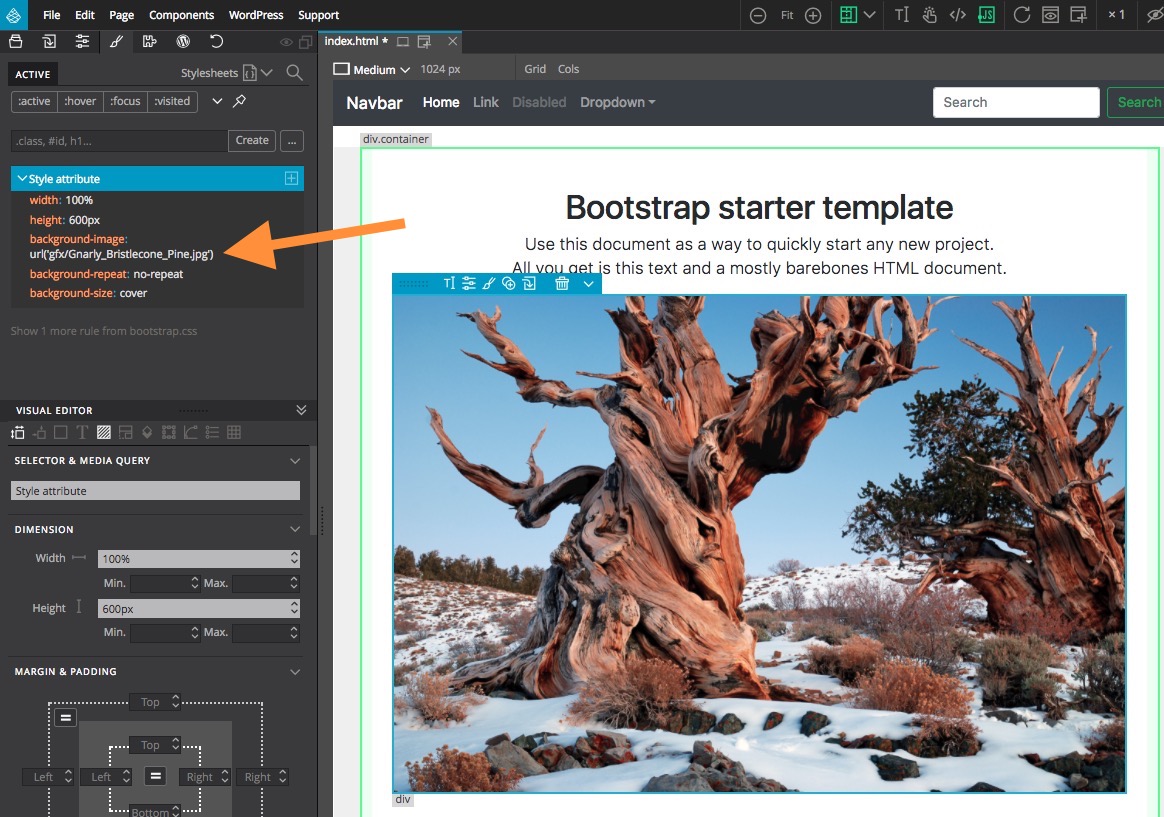
When you add a background image as an inline Style attribute, the image path is relative to the page.
When you save this rule in a CSS file, all paths are relative to that CSS file.
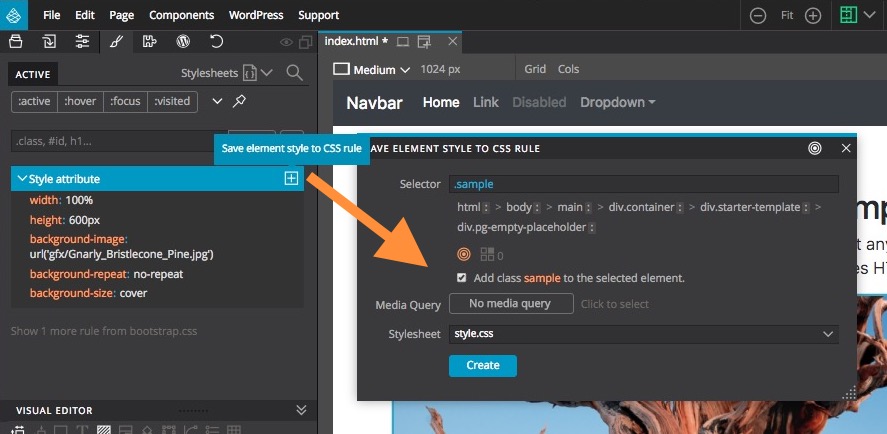
So the image path - which was set to be relative to the page - is no longer correct since Save as CSS rule doesn’t do any path conversion at the moment.
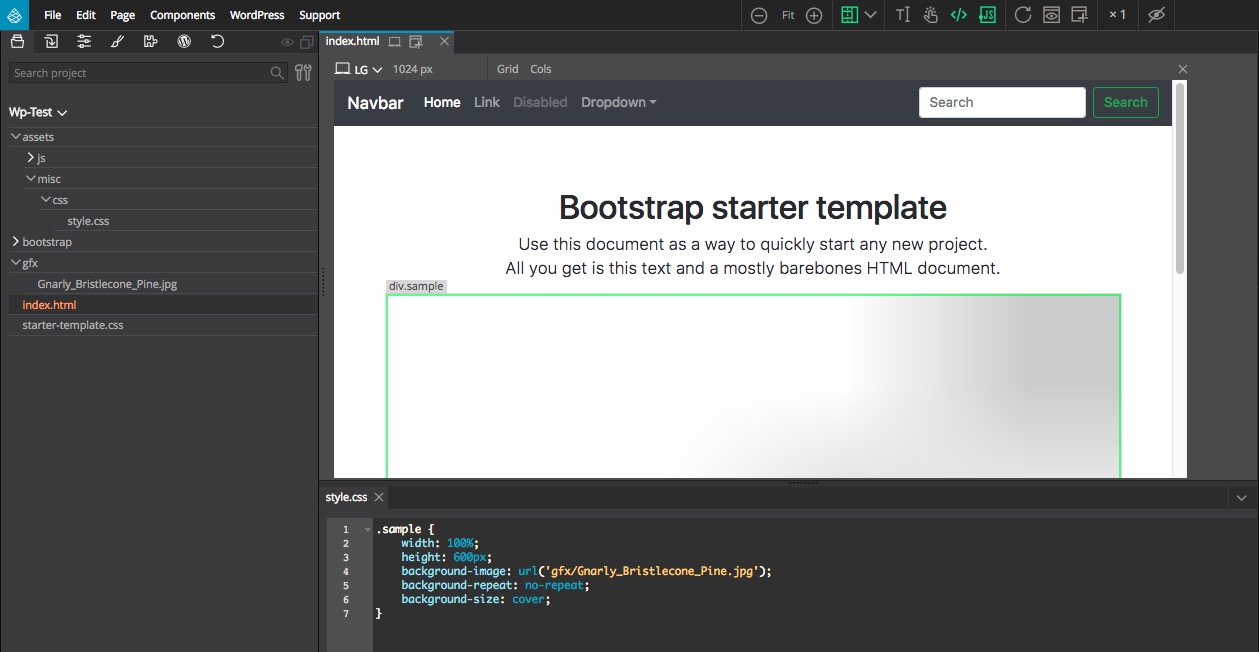
Also, when using relative asset paths in SASS sources, they have to be relative to the compiled CSS location, not to the SASS file.
We have planned to adress both cases shortly in a future version of Pinegrow. In the mean time, you can fix your image background styles by editing the rules through the style panel.