Downloading Pinegrow for Windows: Security Alert Information
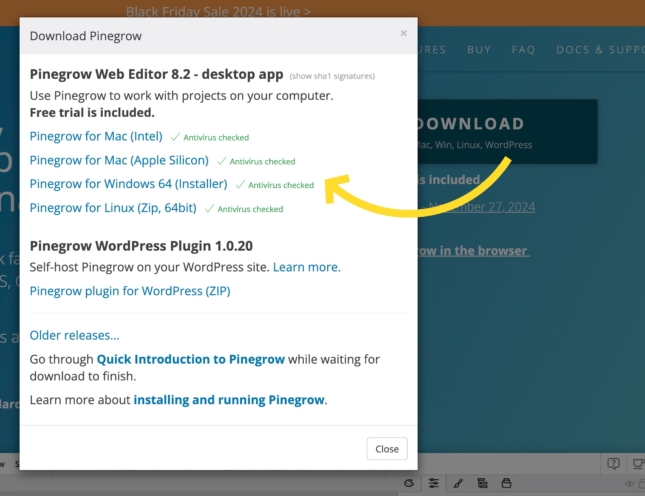
Are you receiving a security alert while attempting to download the latest version of Pinegrow for Windows? Here’s what you need to know.
Are you receiving a security alert while attempting to download the latest version of Pinegrow for Windows? Here’s what you need to know.
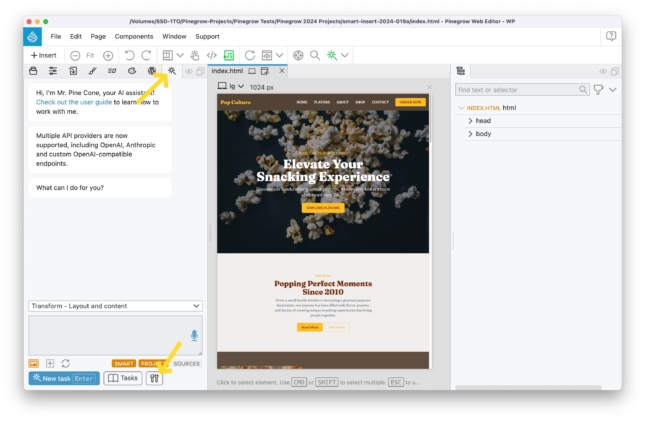
To use AI features with the Mr Pinecone assistant, a subscription to OpenAI or Anthropic is required. Integration is done simply through a personal API key, giving you access to…
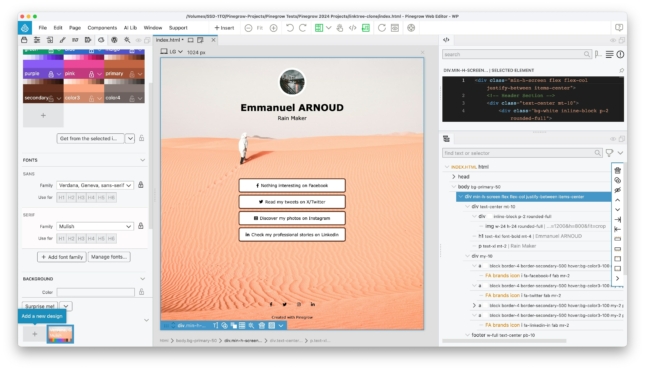
With the rising popularity of services like Linktree, which lets you create a customizable page to gather all the important links you want to share, I’ve decided to show you…
While Mr. Pine Cone itself is free within Pinegrow, it’s important to note that utilizing its AI features requires a subscription to OpenAI, which operates on a pay-as-you-go model based…
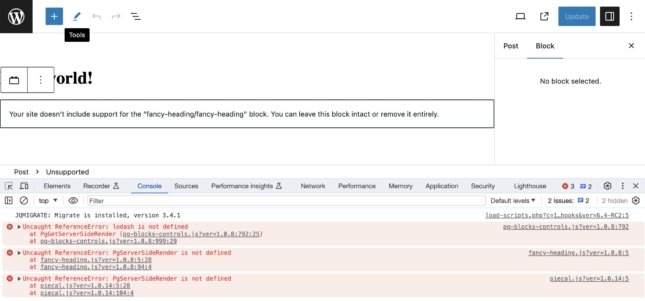
Use this guide to keep your custom blocks editable when your sites are updated to WordPress 6.4.
If you wish to brush up your Flexbox skills, take a look at the interactive guide created by Josh Comeau (not affiliated with Pinegrow).
In this video, Adam Lowe, President of Peak Performance Digital shows you how we create completely custom WordPress blocks using the Pinegrow Web Editor. These blocks do not rely on…
Did you know that you can display any WordPress custom field using the Pinegrow Web Editor? It doesn’t matter whether you are using Advanced Custom Fields (ACF), Meta Box, or…
In this video tutorial, Adam Lowe, President of Peak Performance Digital creates a plugin with native WordPress blocks to display custom and dynamic data from custom blocks and post types…
Adam Lowe explains how Pinegrow WordPress theme builder is different from all other existing builders on the market.
Take a simple login button and find out how you can use conditions to turn that button into a “My Account” button if/when a user is logged in.
Pinegrow isn’t a page builder. So, that begs the question, “how do I build components that fit with my page and the rest of my website?” Luckily, the upcoming Pinegrow…
Let’s take a look at how WordPress menus work inside the Pinegrow web editor. Because, like everything else, it’s a little different than what you’re probably used to.
Did you know that Pinegrow has a WordPress forms Smart Action built in?
Loops are one of the core building blocks of WordPress. Pinegrow has a fantastic loop builder that gives you tons of flexibility with a simple interface.
Watch Adam Lowe, President of Peak Performance Digital as he creates a fully portable, native, custom WordPress theme using the Pinegrow web editor during a Youtube live.
What are some of the biggest differences between the upcoming Pinegrow WordPress Plugin and the Pinegrow Desktop version?
Adam LOWE shows you how to build an accessible and responsive biography grid using HTML and CSS using Pinegrow Web Editor.
According to Adam LOWE, one of the most interesting features of Pinegrow has nothing to do with WordPress. It’s actually the CSS grid editor.
A touch of motion can really bring a website design to life. If you are a Pinegrow user, this is easy thanks to the Interactions Module.
In this video, Adam LOWE shows you how to install the latest version of Tailwind (3.2 as of 07-11-2022) and configure it to work with the Pinegrow external build process.
In this short tutorial, we show you an efficient way to use Google Fonts in local mode and thus comply with the European GDPR regulation.
Developing WordPress themes with Pinegrow offers you a major paradigm shift. You don’t have to be a pro developer and code your templates by hand to produce high quality themes…
There are a number of products on the market to allow users to put together a static webpage with little or no coding. On the surface, the Pinegrow Web Editor…
To the best of our knowledge, Pinegrow is currently the only multi-platform visual HTML editor that allows you to create HTML documents and projects from scratch and import your existing…
Our documentation about WordPress theme development covers the most recurring topics and questions, but it turns out that it is rarely the first place where Pinegrow users seek for information…
Since we have received numerous messages about this issue – that we plan to adress shortly in a future version of Pinegrow – here is a quick explanation about the…