
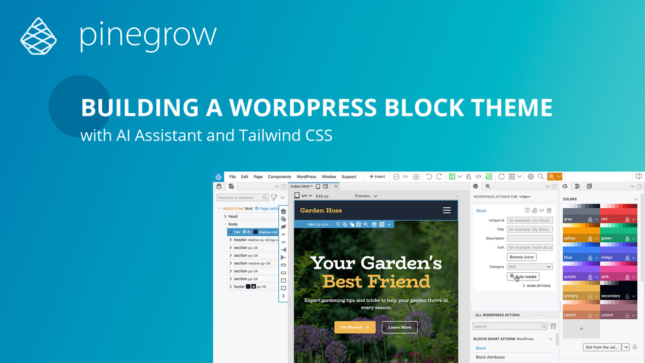
Creating a Tailwind CSS block theme
This course presents an efficient and enjoyable development experience of converting a Tailwind CSS landing page into a functional WordPress block theme.
There are so many web development courses out there. What makes these courses unique?
It’s Pinegrow.
We’ll be using Pinegrow Web Editor to build and play with our examples. So instead of typing the HTML and CSS code by hand, we’ll use visual tools to build the code.
If you don’t have Pinegrow yet, you can use a free trial version of Pinegrow. It has all the features you need.
Of course you don’t need Pinegrow to follow along. You can use your favorite code editor to work with the code that will be shown during presentations.
Available courses:
This course presents an efficient and enjoyable development experience of converting a Tailwind CSS landing page into a functional WordPress block theme.
Everything you need to know about creating a custom WooCommerce themes with Pinegrow Shop Builder.
60 lessons
This set of tutorials will walk through the conversion of the Bootstrap 5 Agency template to a WordPress theme. This is an ongoing series of tutorials. New parts…
5 lessons
The goal is to quickly learn enough about the CSS grid so that we can start using it in our projects.
9 lessons
Kept for reference. They may show an older version of Pinegrow.
Learn WordPress theme development and create awesome WordPress themes by visually converting static HTML pages to WordPress themes.
Looking for shorter lessons? Browse the tutorials.