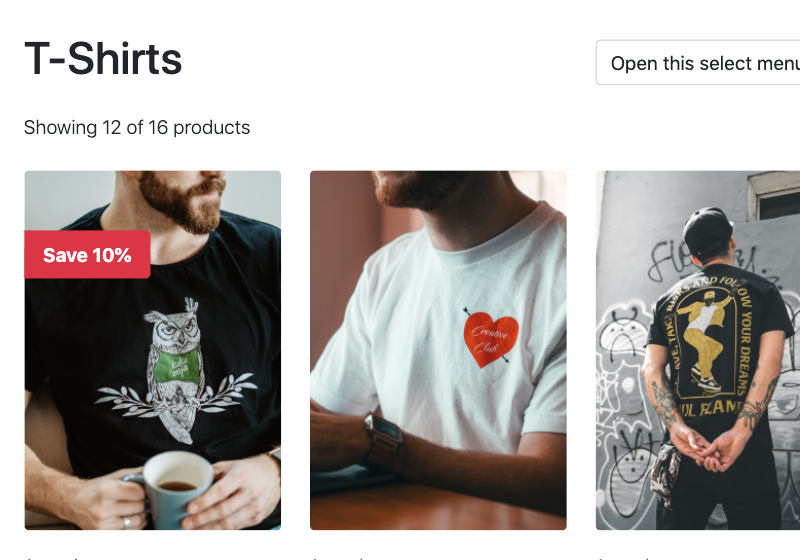
Everything you need to know about creating a custom WooCommerce themes with Pinegrow Shop Builder.
Please note, this course is not about setting up WooCommerce, adding products and configuring a shop. Here, we will learn how to use Pinegrow to create a fully-featured custom WooCommerce theme that uses our own design and layout.
What you will need?
To get the most benefit from this course you will need:
- Familiarity with HTML, CSS, WordPress and WooCommerce,
- A local installation of WordPress with WooCommerce enabled,
- Pinegrow Web Editor 6.5 or higher (a free trial version will do),
- The Starter Shop HTML project so that you can follow along (links below).
What you will learn
You will learn to create custom:
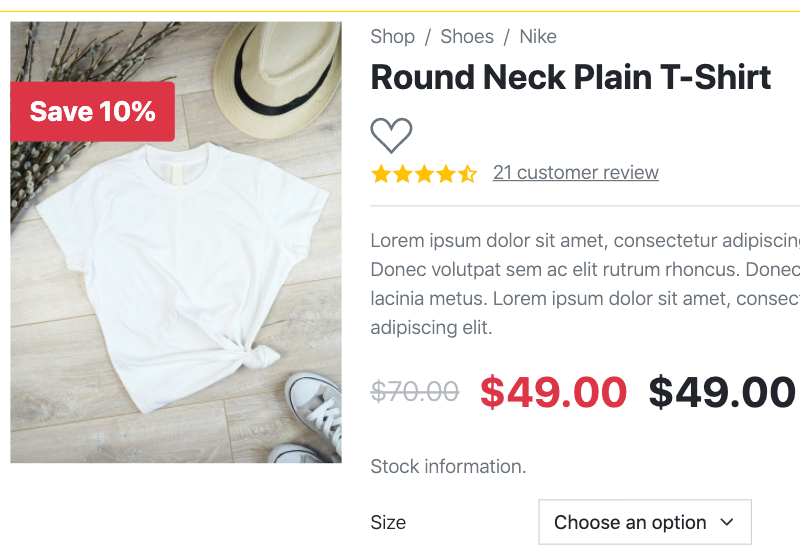
- Single product template,
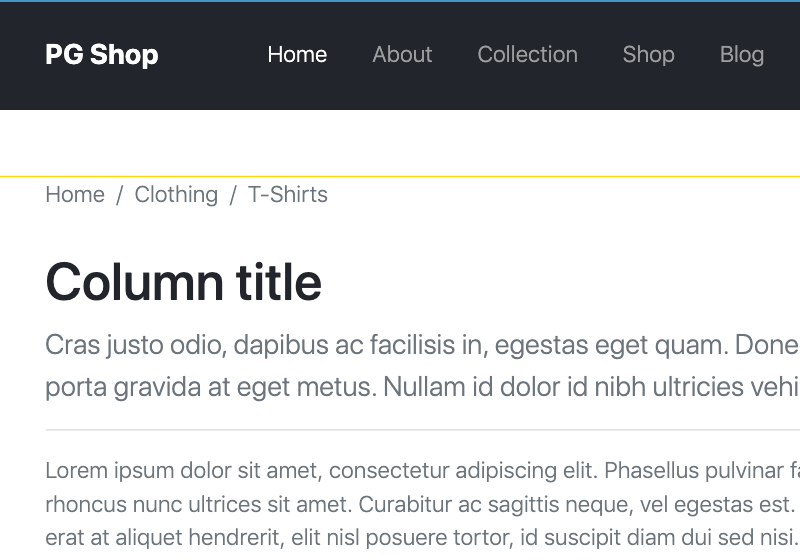
- Product list template,
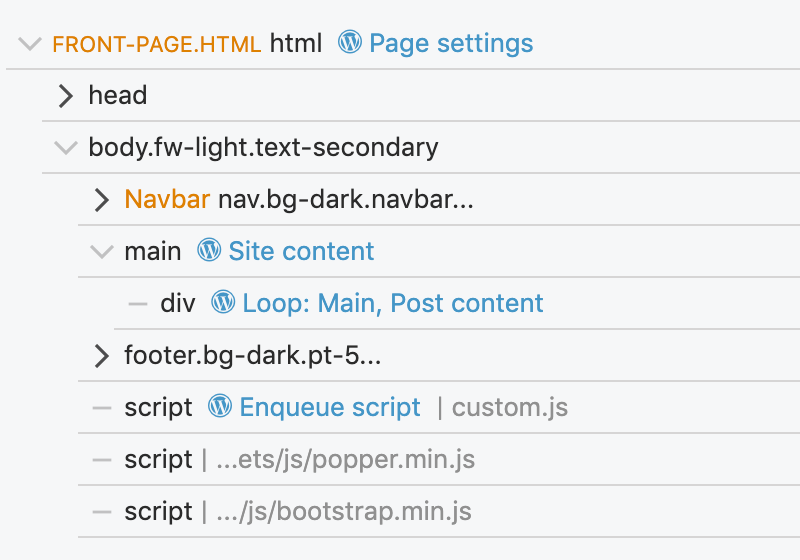
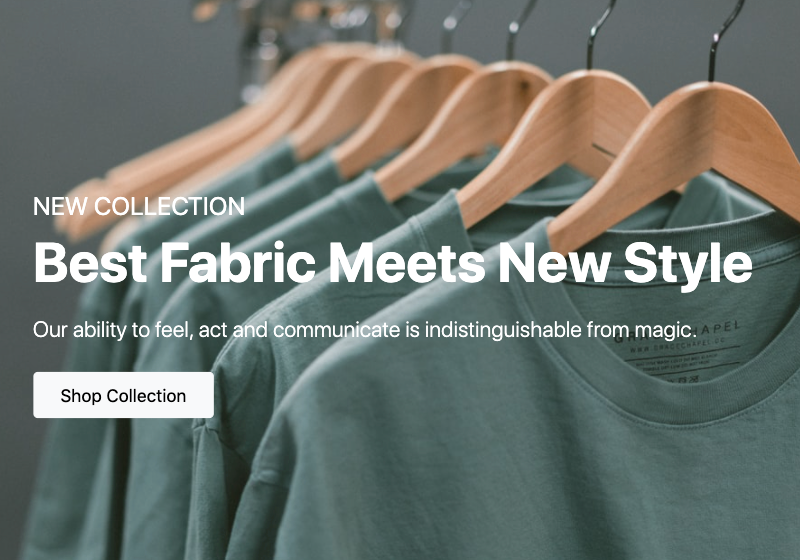
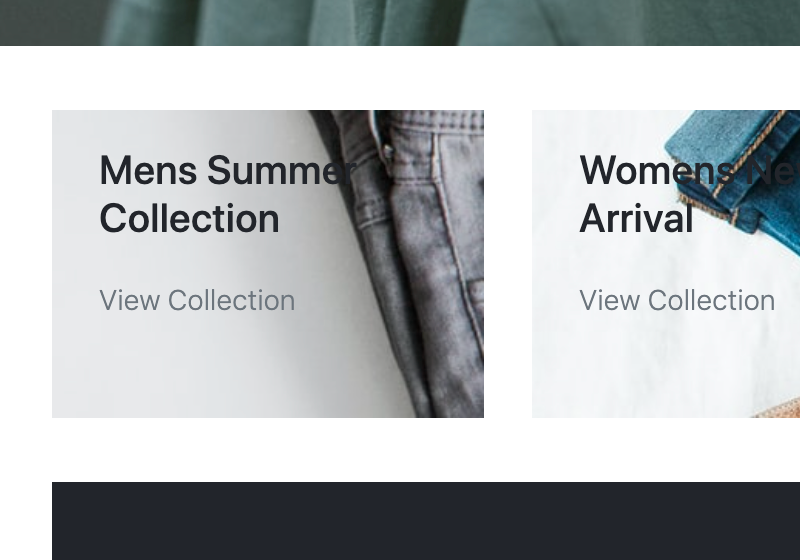
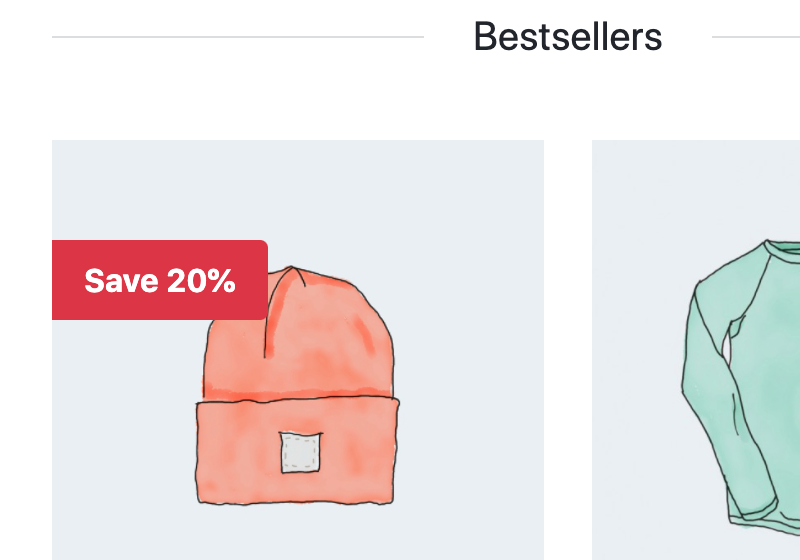
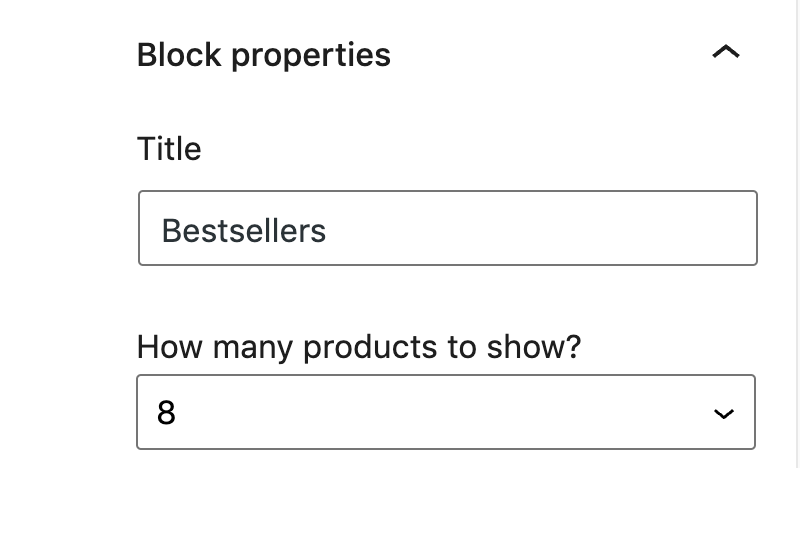
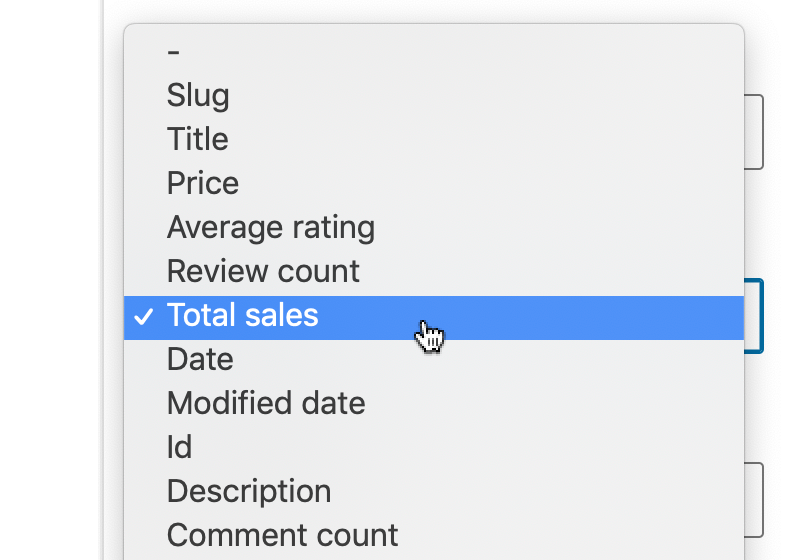
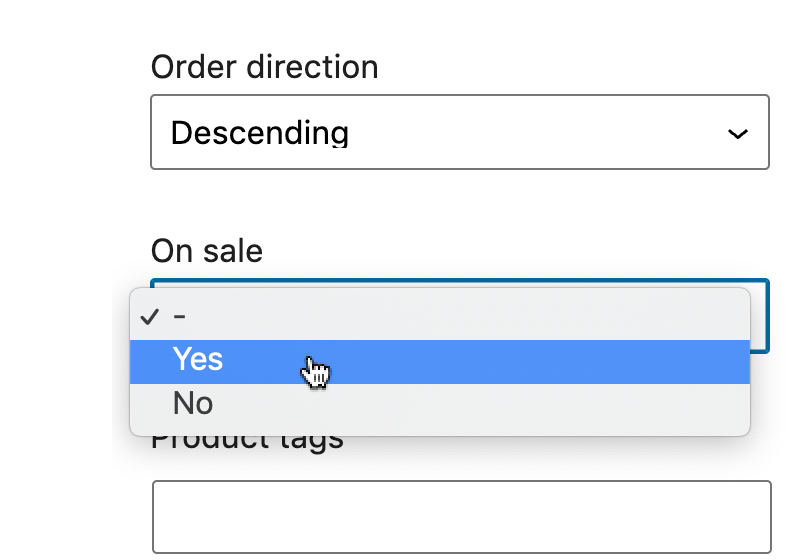
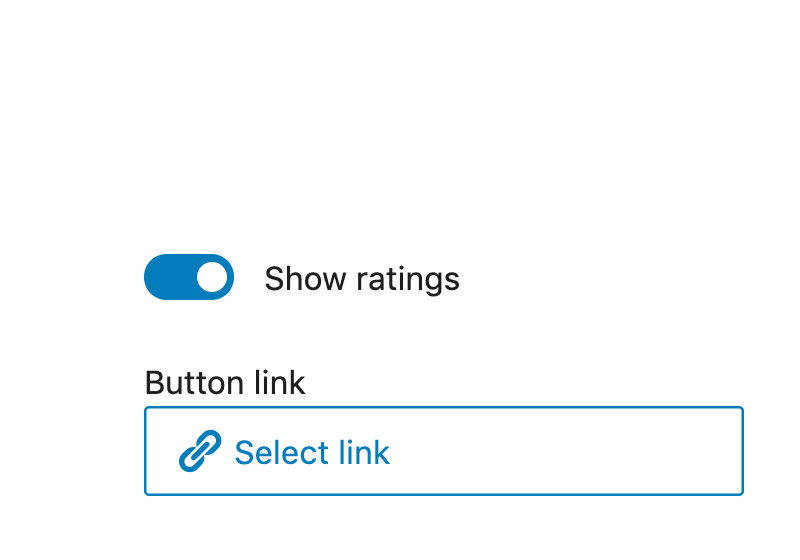
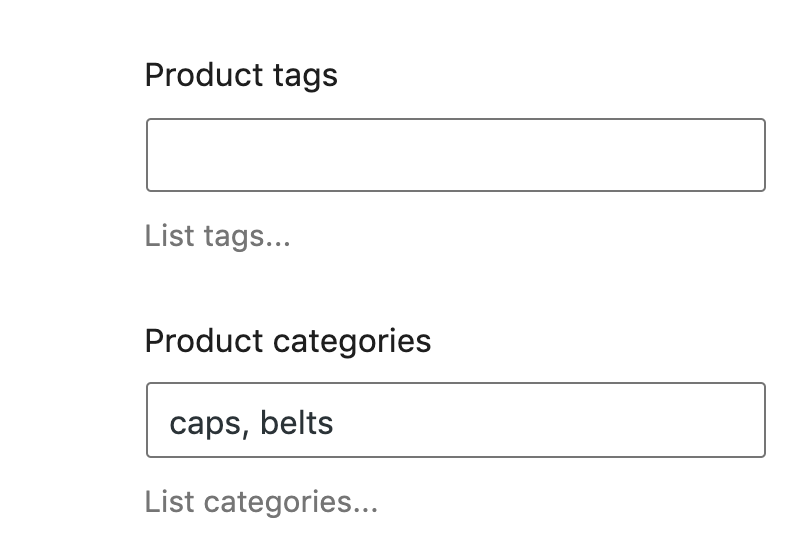
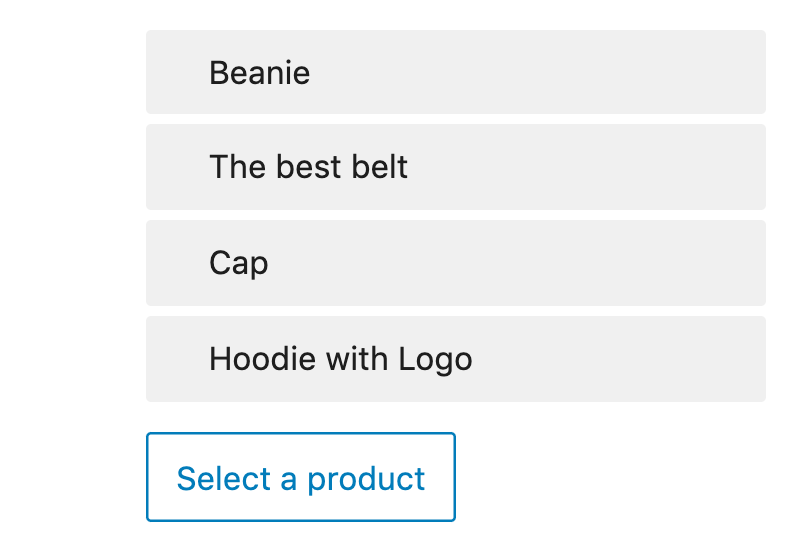
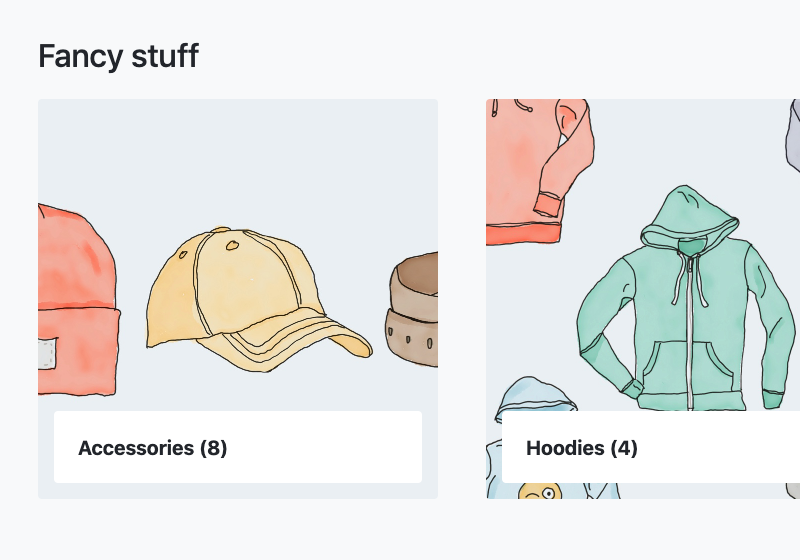
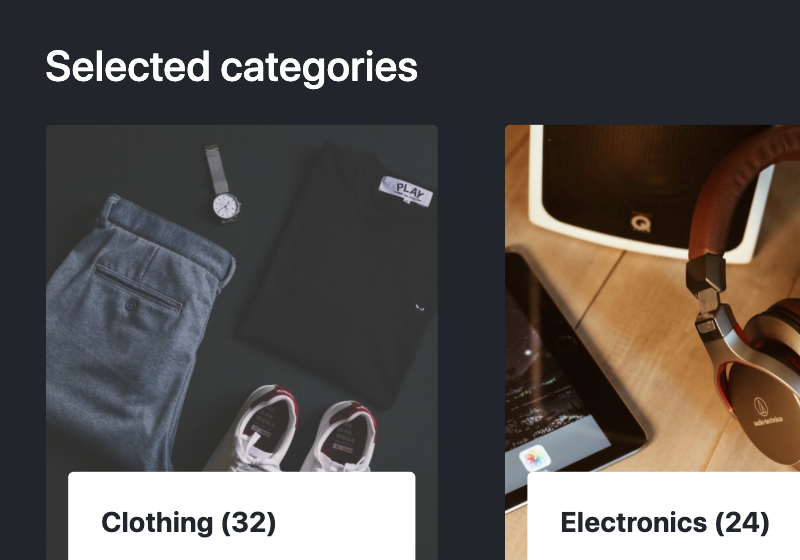
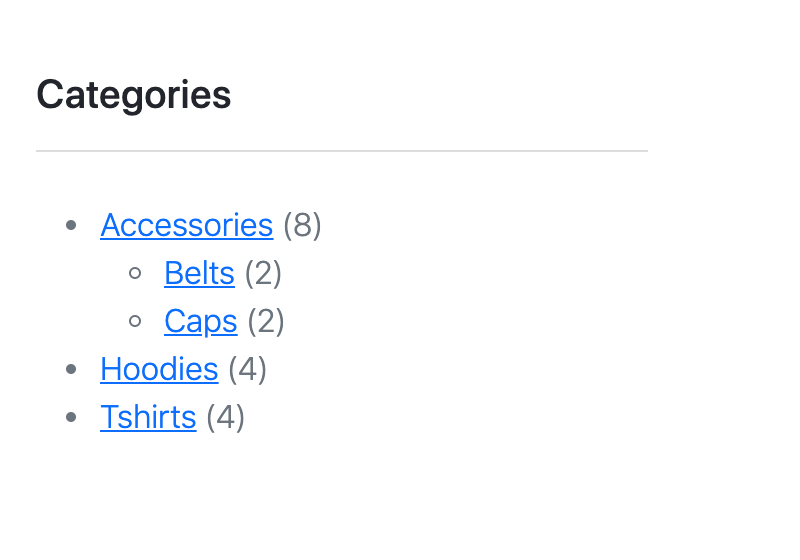
- Front page based on custom Gutenberg blocks including creating WooCommerce blocks for product lists and categories,
- And much more.
See the list of topics in the right column for details.
Get the Starter Shop project
We will use this Bootstrap 5 project to create our custom shop theme. It comes in two versions:
- Download the HTML version and use it to follow along the course.
- Alternatively, download the finished WooCommerce-enabled project to explore how it is build or to use it as a starting point for your own projects.