
Learn about components, master pages and partials with our step-by-step tutorials.
DocsComponents and master pagesDocsComponents and master pages2022-08-04
Components and master pages tutorials
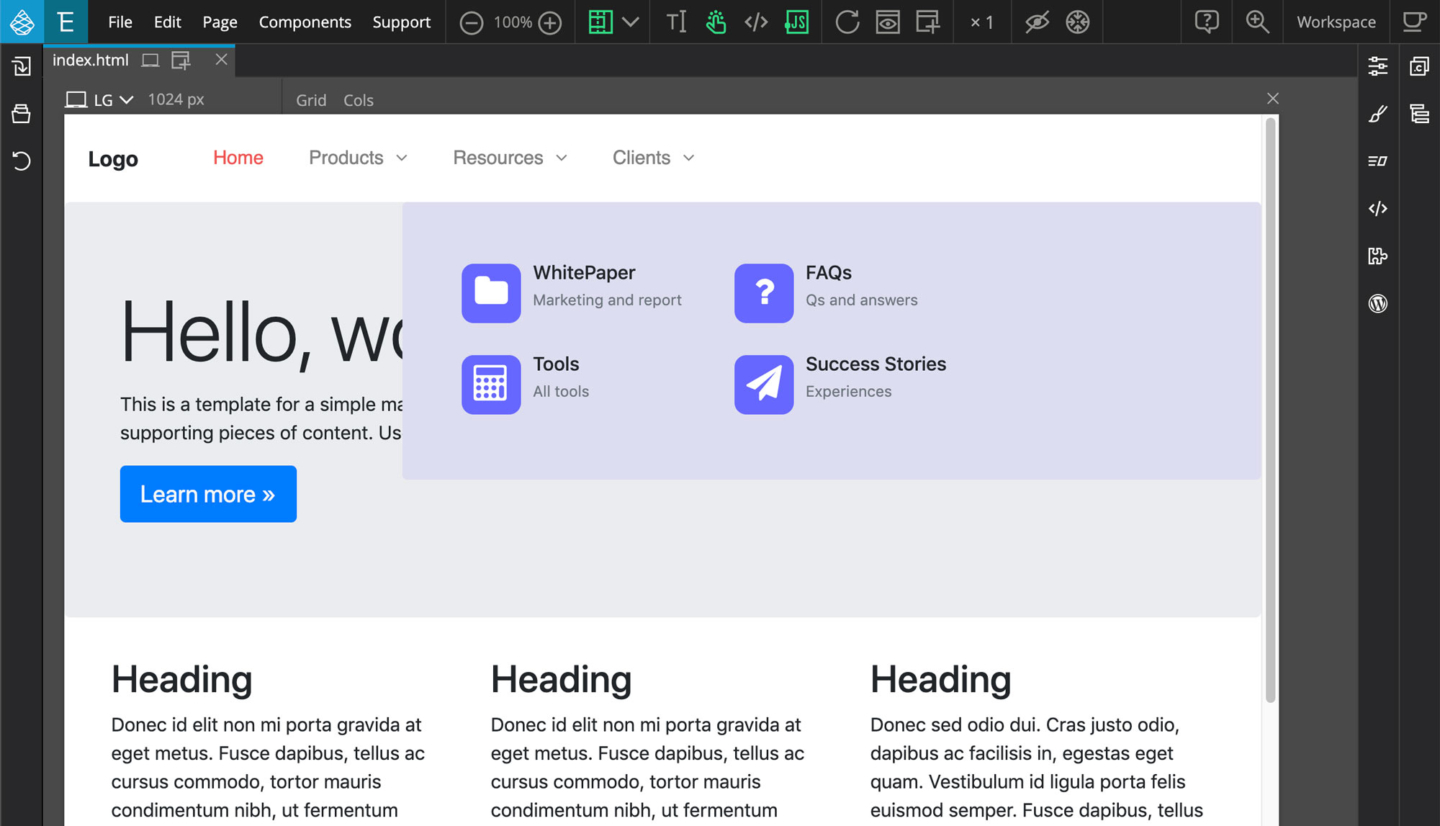
Creating a reusable navigation component in multi-page projects
A step by step guide to defining and using reusable navigation with Pinegrow Components.
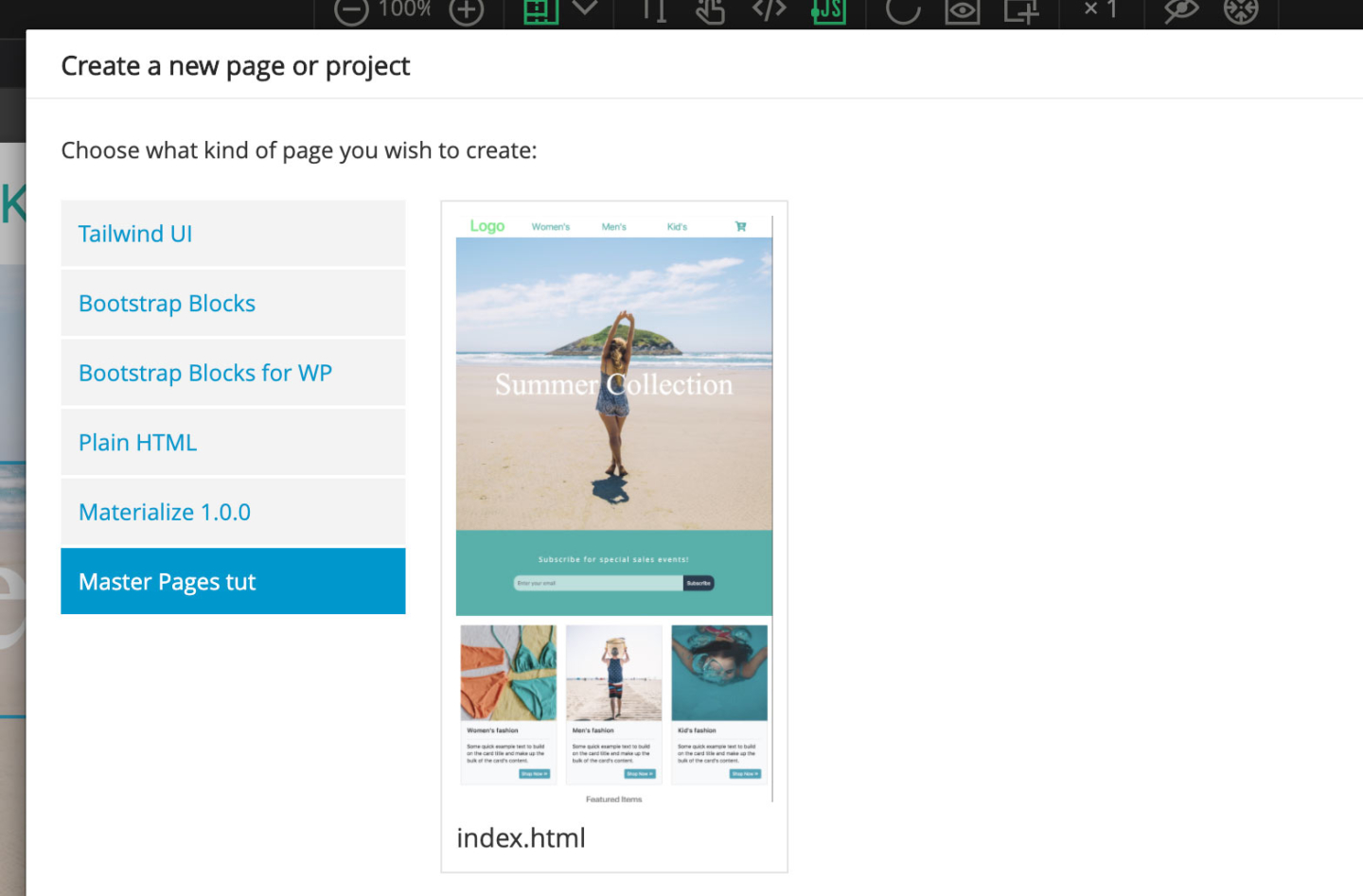
Using Master pages in a multi-page project
Using a Master page in a Pinegrow project makes building quicker and keeps your design unified.
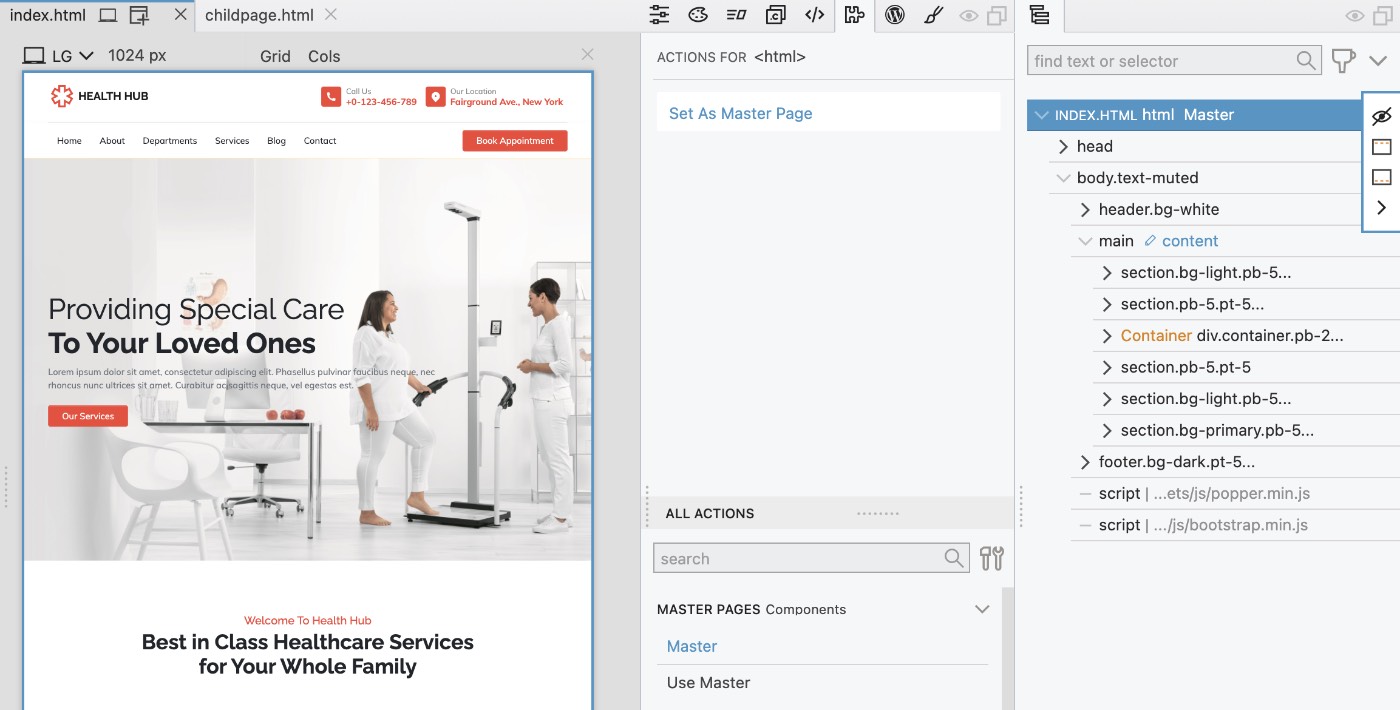
HealthHub - a Master page example
A ready-to-use HealthHub project that uses a master page to manage header and footer.
Getting Mr. Pine Cone ready for Pinegrow CMS
Base templates can be easily configured to be editable in The Pinegrow content management system.
In this section
HealthHub, a master page example
A ready-to-use HealthHub project that uses a master page to manage header and footer.