
A free template for an art gallery website, for Bootstrap 5 and Tailwind CSS.
BlogBlogBlogBlog2021-11-23
Innova, an art gallery website

About the Design of the Week
This project is a part of our Design of the Week series. Every week we create a unique custom design theme for Bootstrap 5 and Tailwind CSS and give it away for free.
Creating custom design themes for Bootstrap and Tailwind CSS is fun and easy with the Design panel in Pinegrow Web Editor 6. For example, you can just click on the Surprise me button and Pinegrow will come up with a unique design that you can use as it is, or tweak further.
You can download the project and use it for any purpose you want, with the exception that you should not resell the template as it is, or share it for free without attribution to Pinegrow. No attribution is required if you use the design or template to create your own projects.
This week’s design is called Innova, a website for an art gallery.
The project is available in two versions: using Bootstrap 5 and Tailwind CSS.
The inspiration behind Innova
The main inspiration for the design is this photo by Mick Haupt. The image comes from Unsplash.
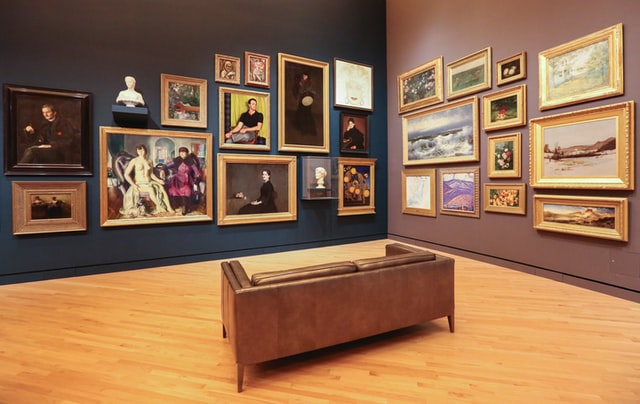
The project comes with a fully responsive landing page that works on different screen sizes.
Explore the project in Pinegrow Online
Use Pinegrow Online to explore and edit the project right in the browser. Use Menu › More › Download to download the project files.
The Bootstrap 5 version is emended here:
View the Tailwind CSS version here.
Landing page
The project has a single responsive landing page.
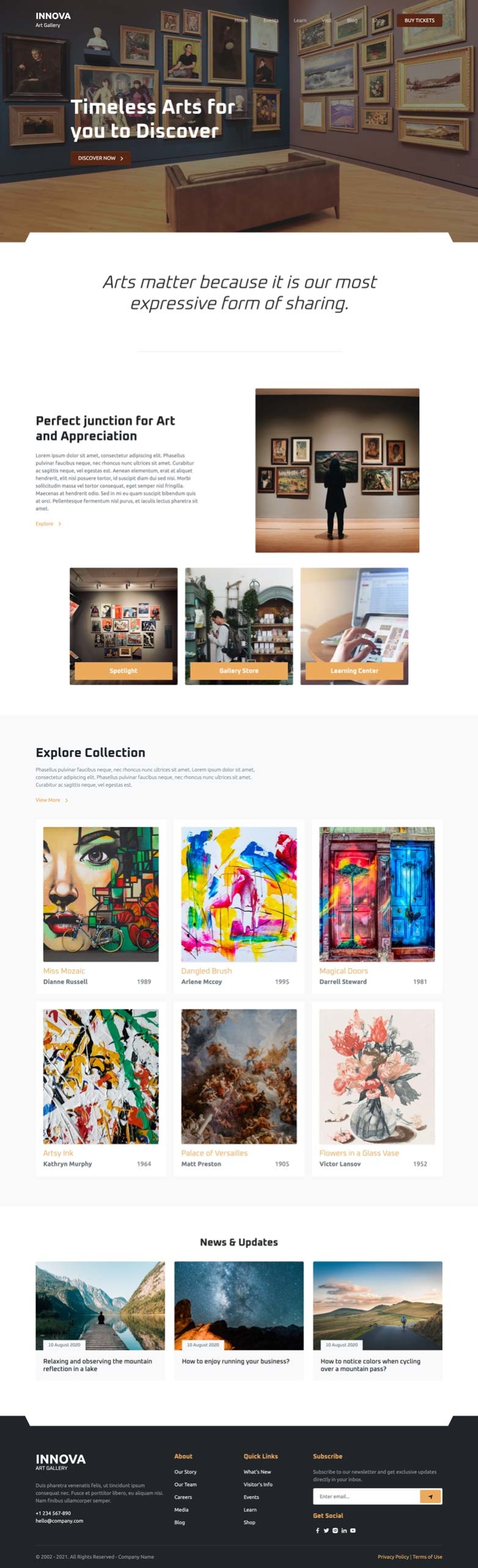
See the website in action:
Bonus hero sections
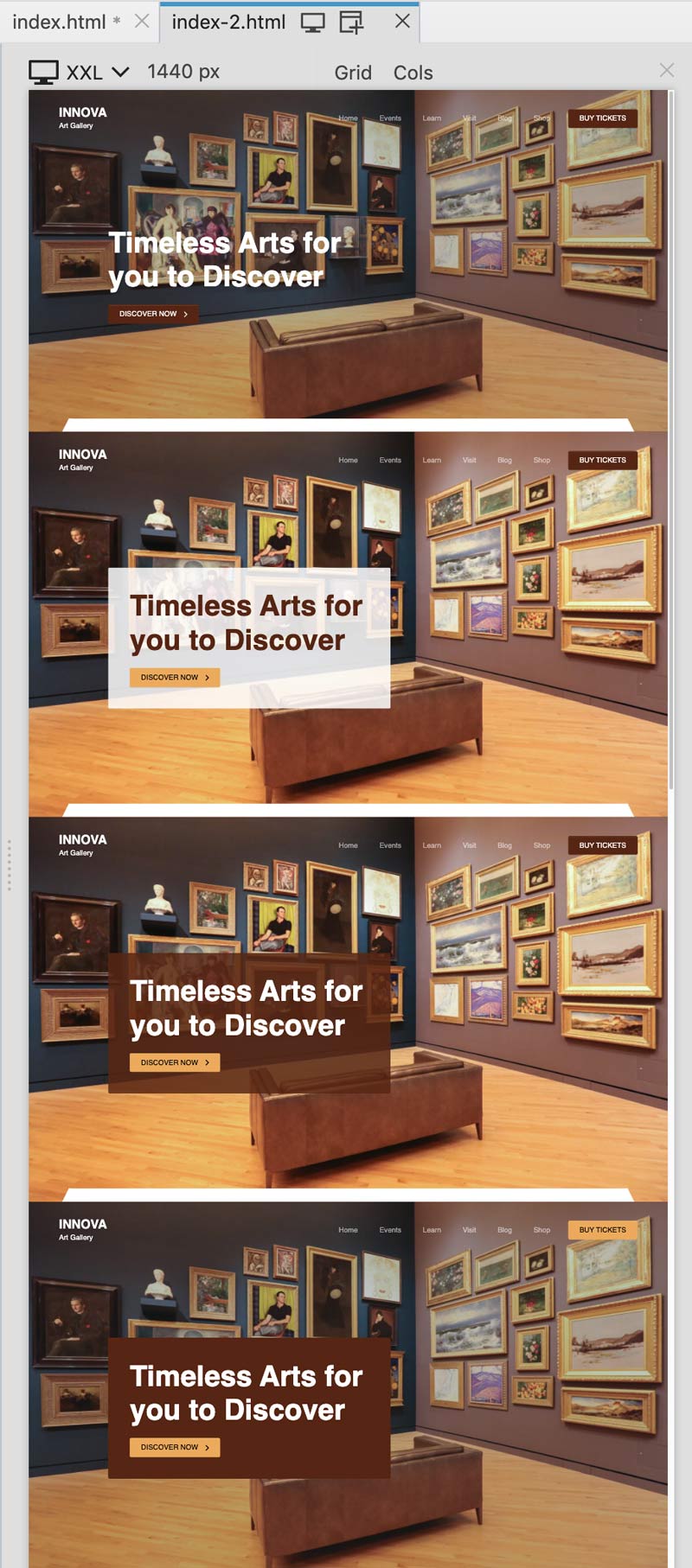
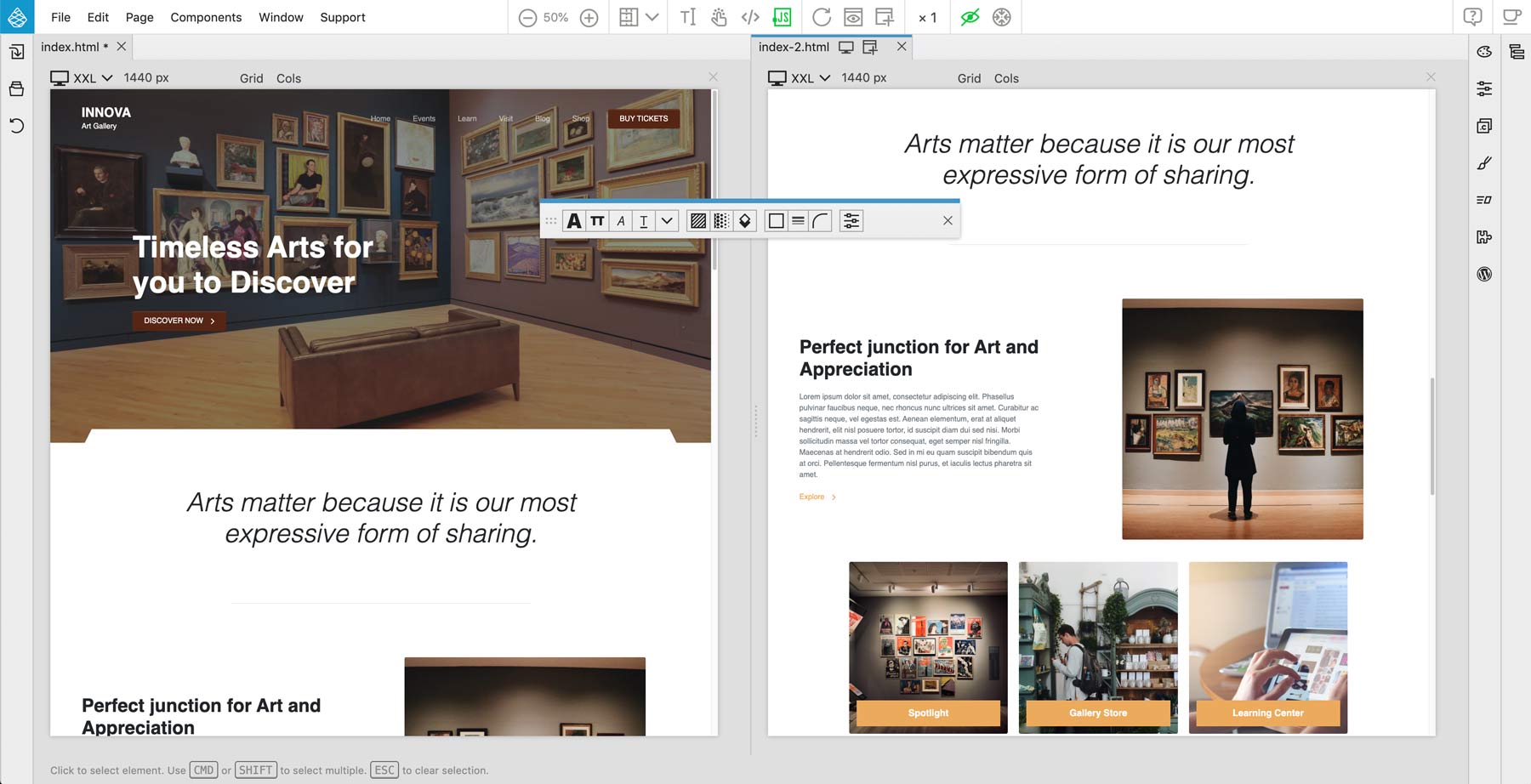
The Bootstrap 5 version of the project comes with a bunch of bonus hero sections in index-2.html:
Theme settings
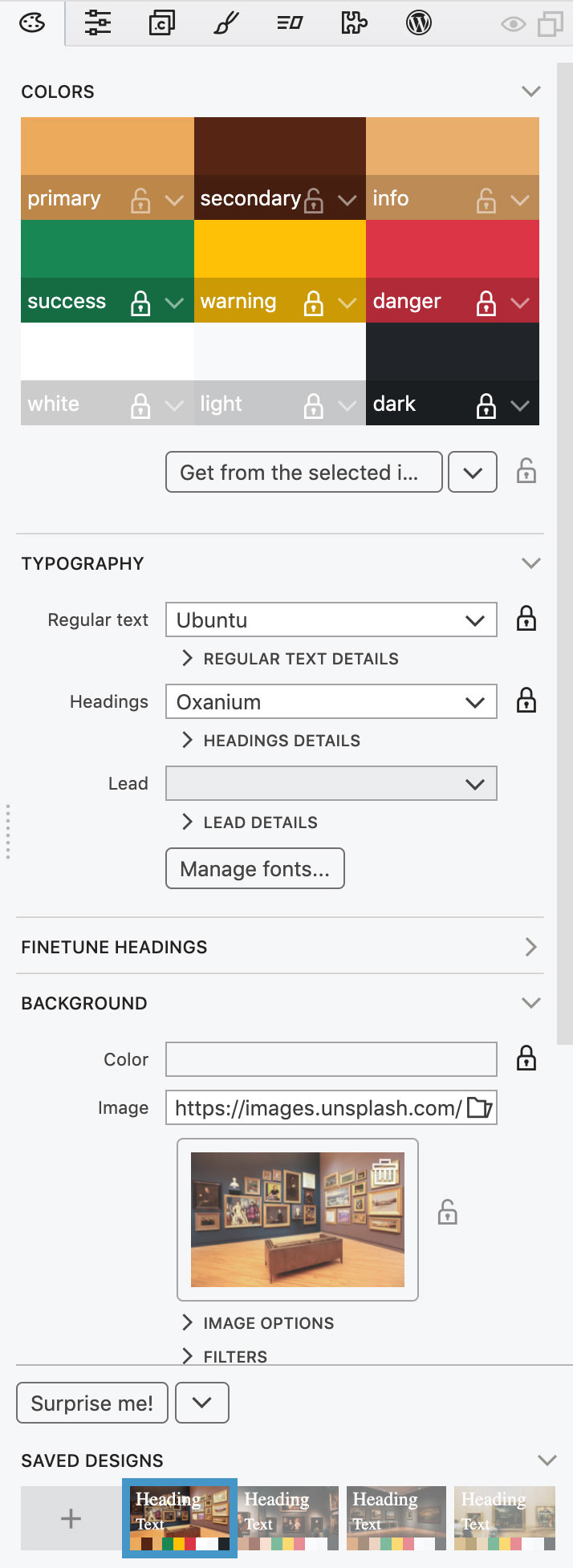
The following settings were used to create the theme:
Background
The background image options use a simple trick that lets us use the selected image in different ways within the same project: selector is set to .poster, instead of the default body. This gives us the control over where to display the theme image.
Download and use
Download and unzip the project files. Pinegrow works with standard HTML & CSS files. This means that you can use HTML and CSS files from this project anywhere, even without Pinegrow.
To explore and play with the design, open the unzipped folder as project in Pinegrow Web Editor 6 or newer.
Download the Bootstrap 5 project
To use the theme in your project just copy and include the bootstrap_theme/bootstrap.css file.
Download the Tailwind CSS project
Tailwind CSS theme file is optimized to only include the CSS rules that are used in the template. To generate the full CSS file, disable the Just in time compiler option in Tailwind CSS options dialog in the Design panel.
Don’t have Pinegrow Web Editor yet? Download Pinegrow for Mac, Windows or Linux. Full trial version is included.
Learn more
Take a look at the tutorial on using the Design panel:
Submit your own design
Did you use the Design panel to come up with a great looking design? Get in touch. We love to showcase inspiring projects to our community.