Learn about creating rich web interactions with our step-by-step tutorials.
DocsInteractionsDocsInteractions2021-09-16
Interactions tutorials
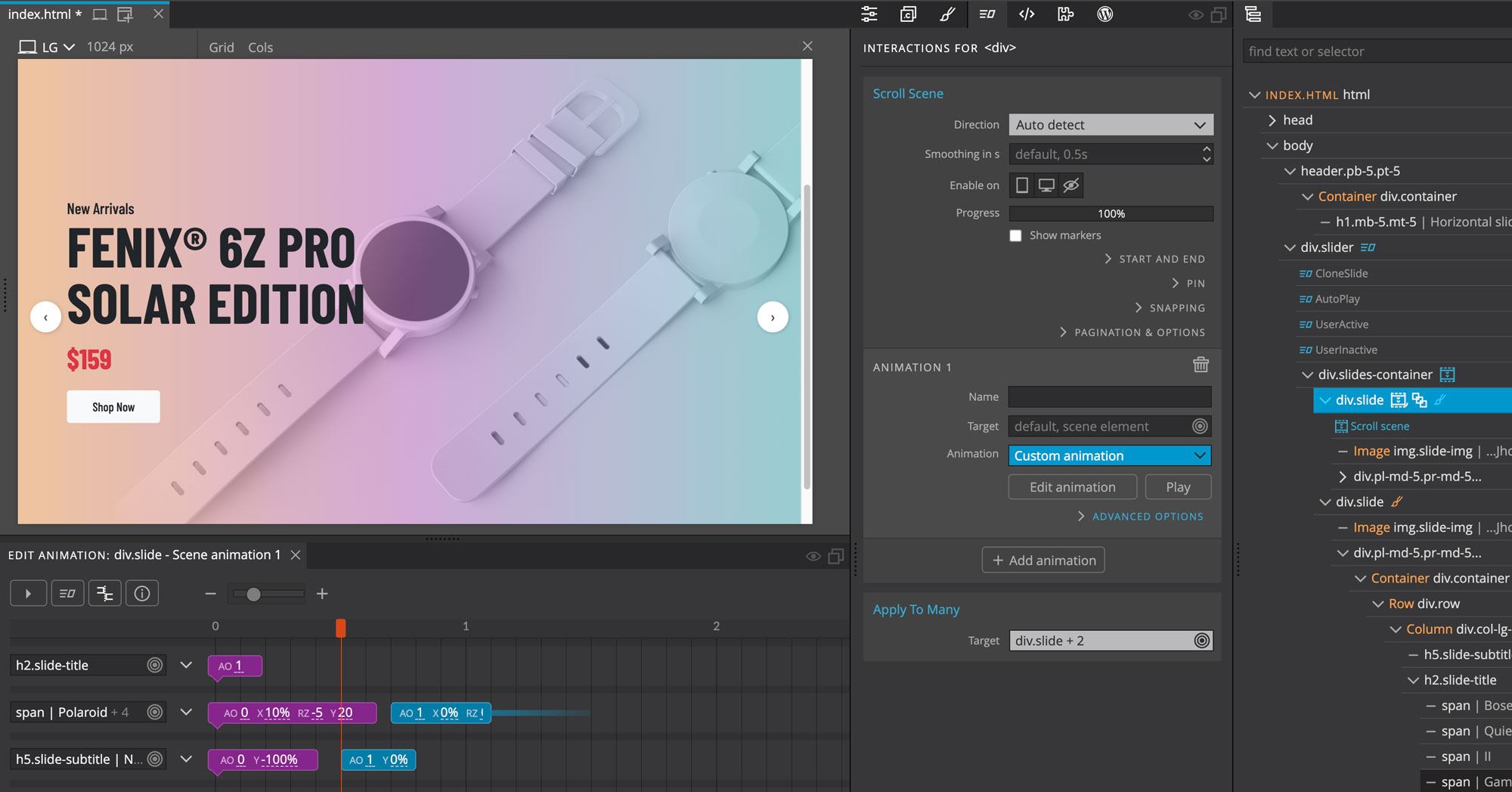
Building a slider with Interactions 2
Follow this in-depth tutorial to learn how to build a powerful customizable slider.
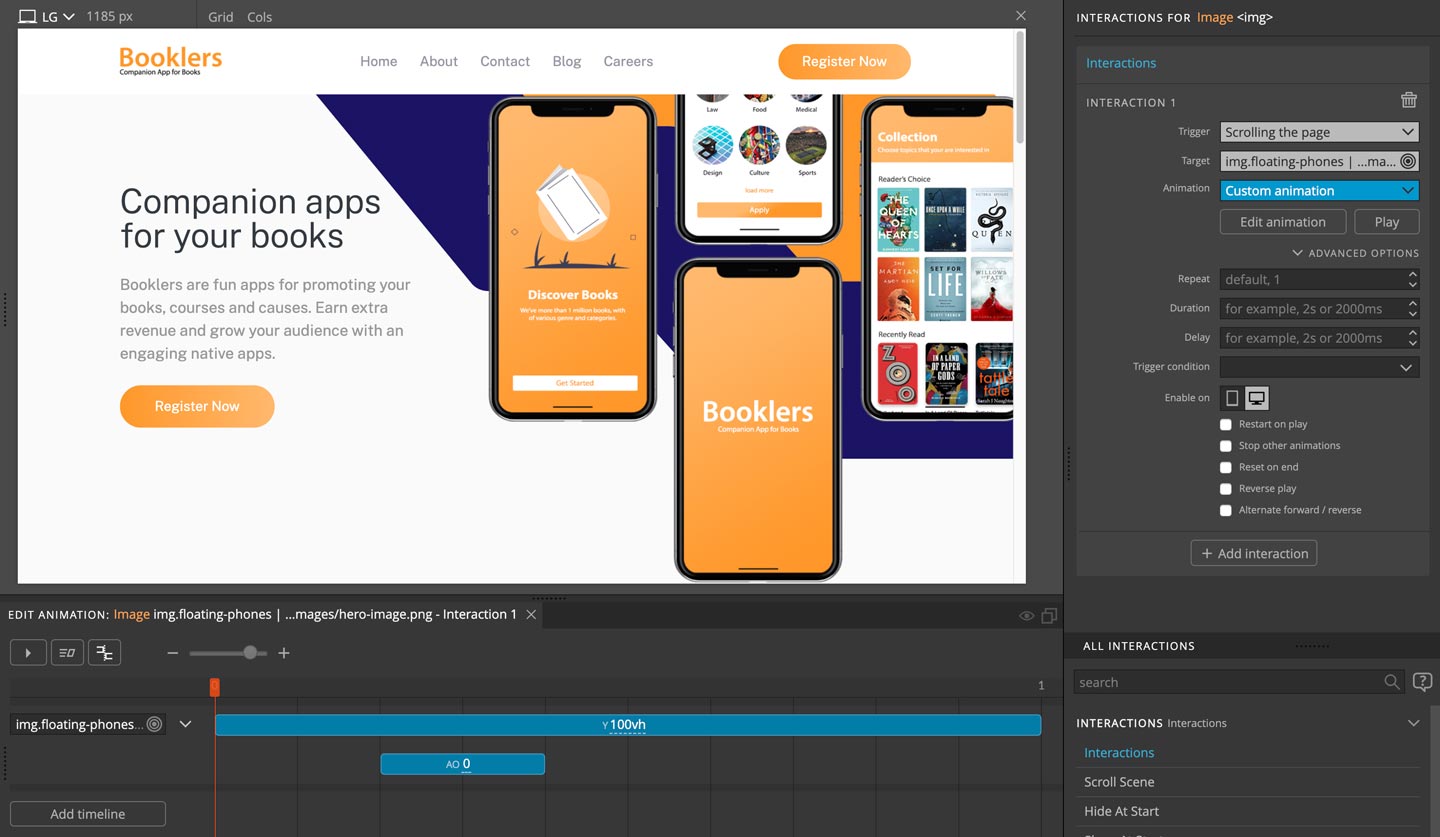
Adding web interactions to Booklers landing page
A step by step tutorial on adding web interactions and animations to a simple landing page.
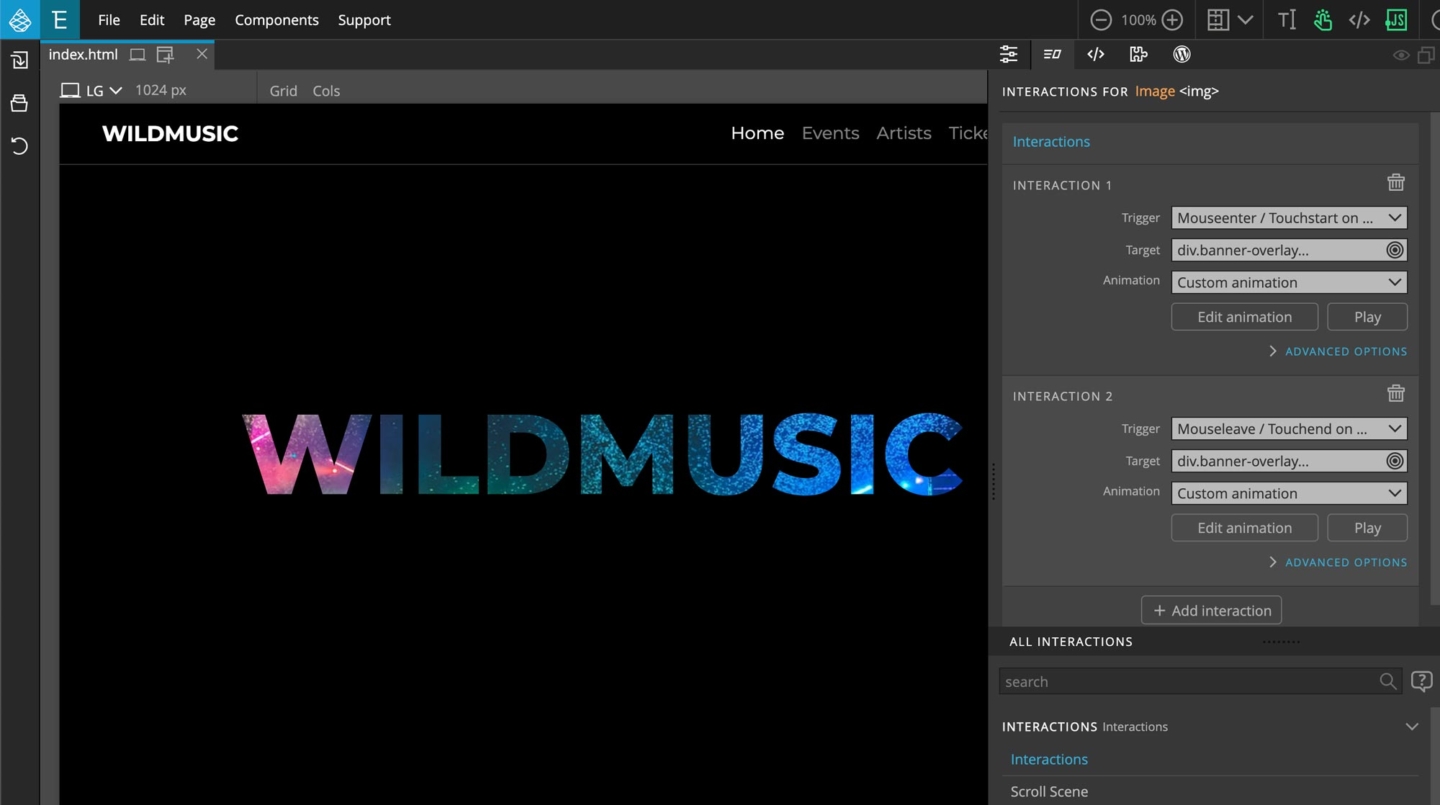
WildMusic landing page
A step-by-step tutorial about adding web interactions to the WildMusic landing page.
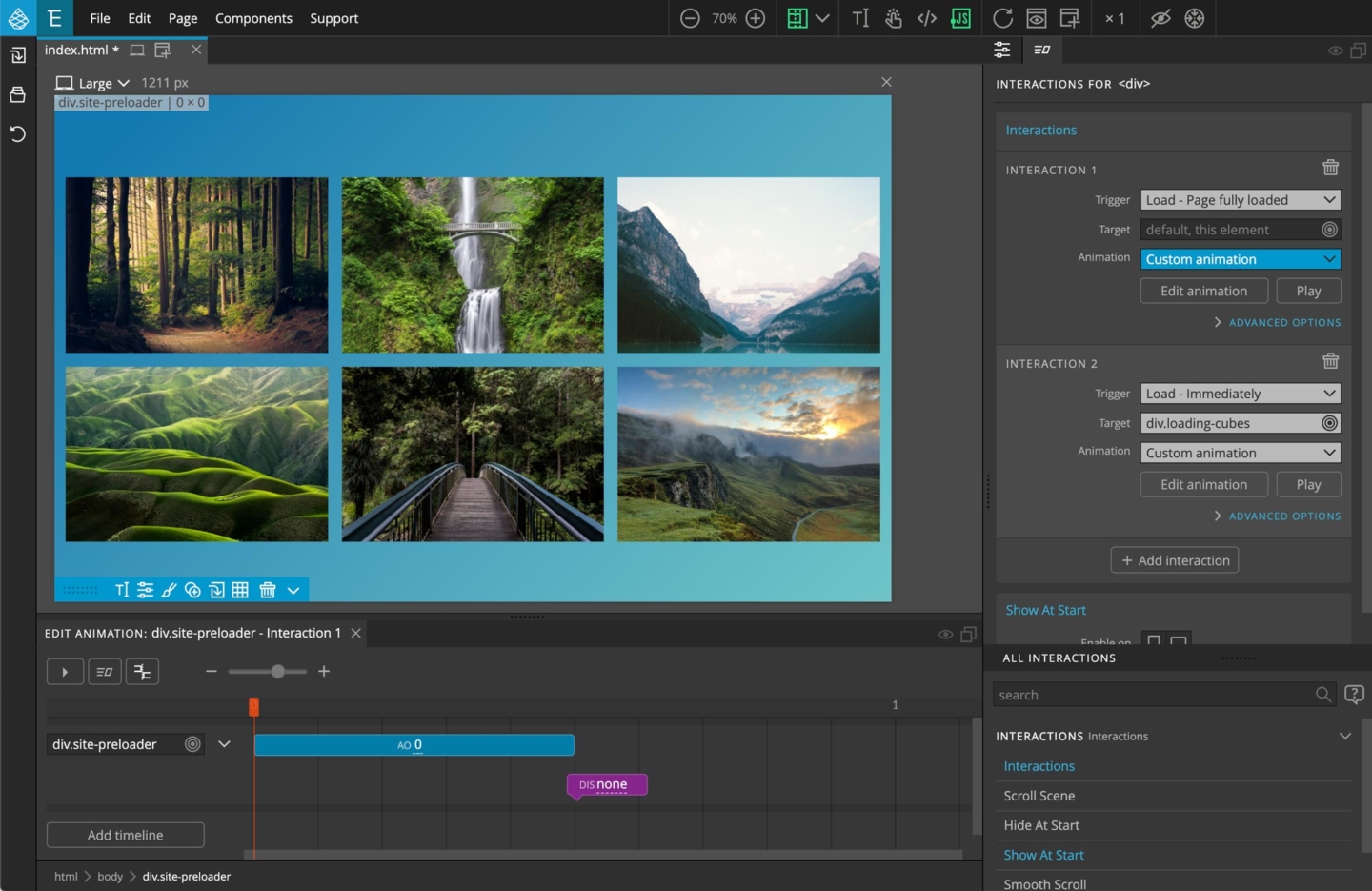
Creating an animated loading screen
A step-by-step tutorial about creating an animated loading screen with Pinegrow Interactions.
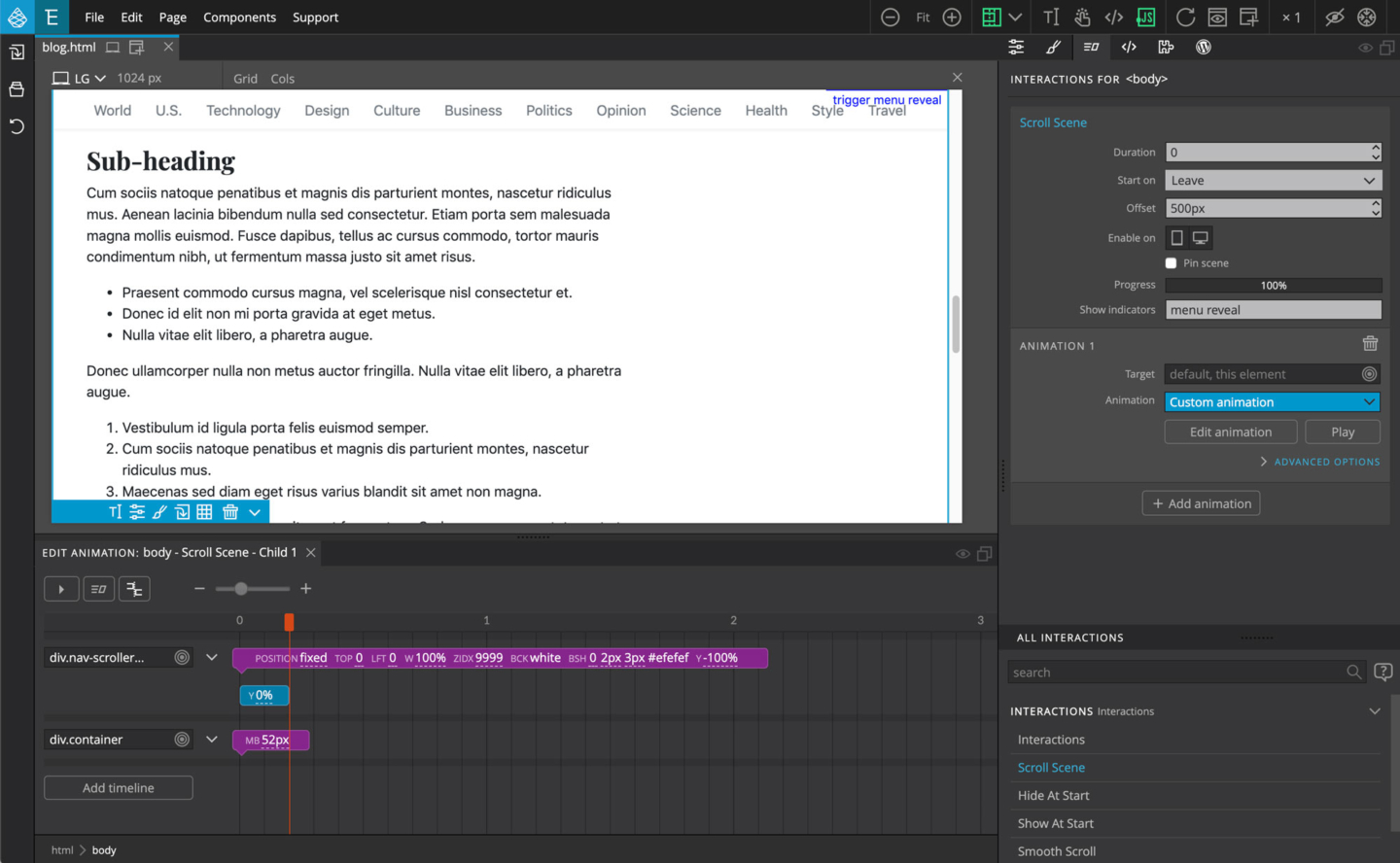
Creating an animated revealing menu
A step-by-step tutorial about creating an animated website navigation menu with Pinegrow Interactions.
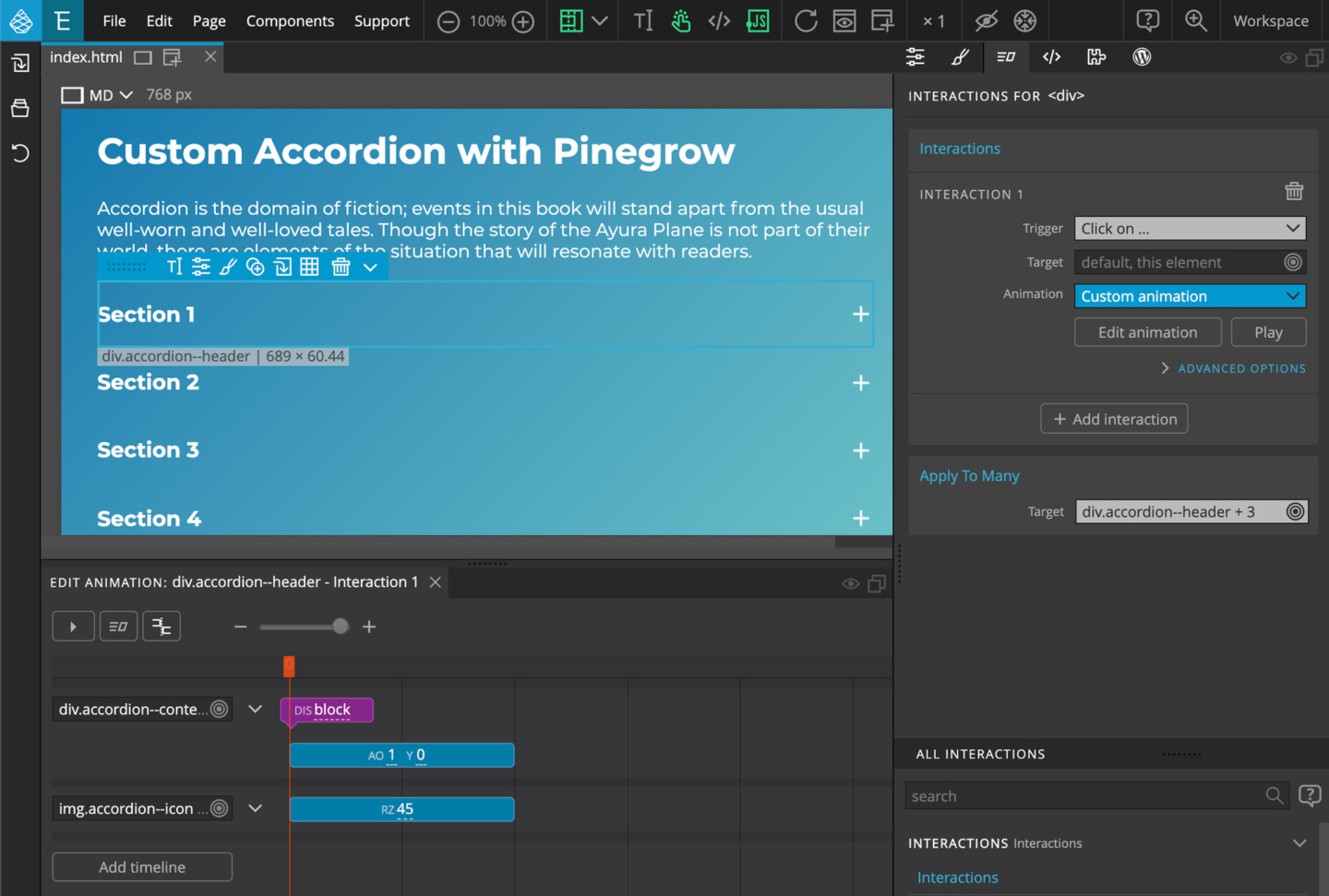
Creating an animated accordion
A step-by-step tutorial about creating an animated accordion component with Pinegrow Interactions.
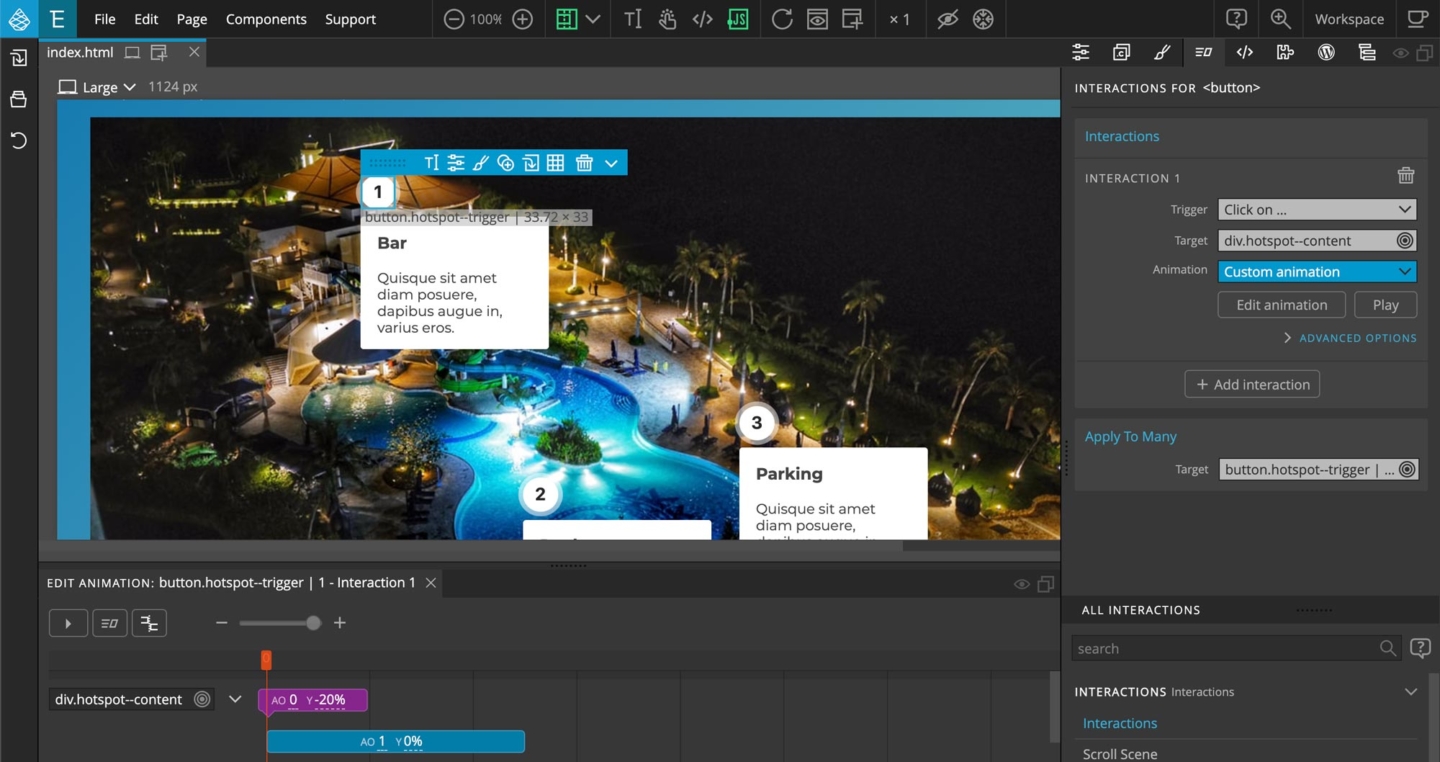
Interactive image hotspots
In this step by step tutorial you will learn how to create an image display with interactive hotspots that open up informational popup boxes. The tutorial also covers building the necessary HTML & CSS layout from scratch.