
Do you want to try Pinegrow before you purchase a license or subscribe to a monthly plan? Do you want to be sure that the features match your expectations and/or needs?
SupportSupportSupportSupport2026-10-13
Try Pinegrow for free for 14 days
The free trial lets you use Pinegrow for 14 days, with no payment details needed.
Start your trial
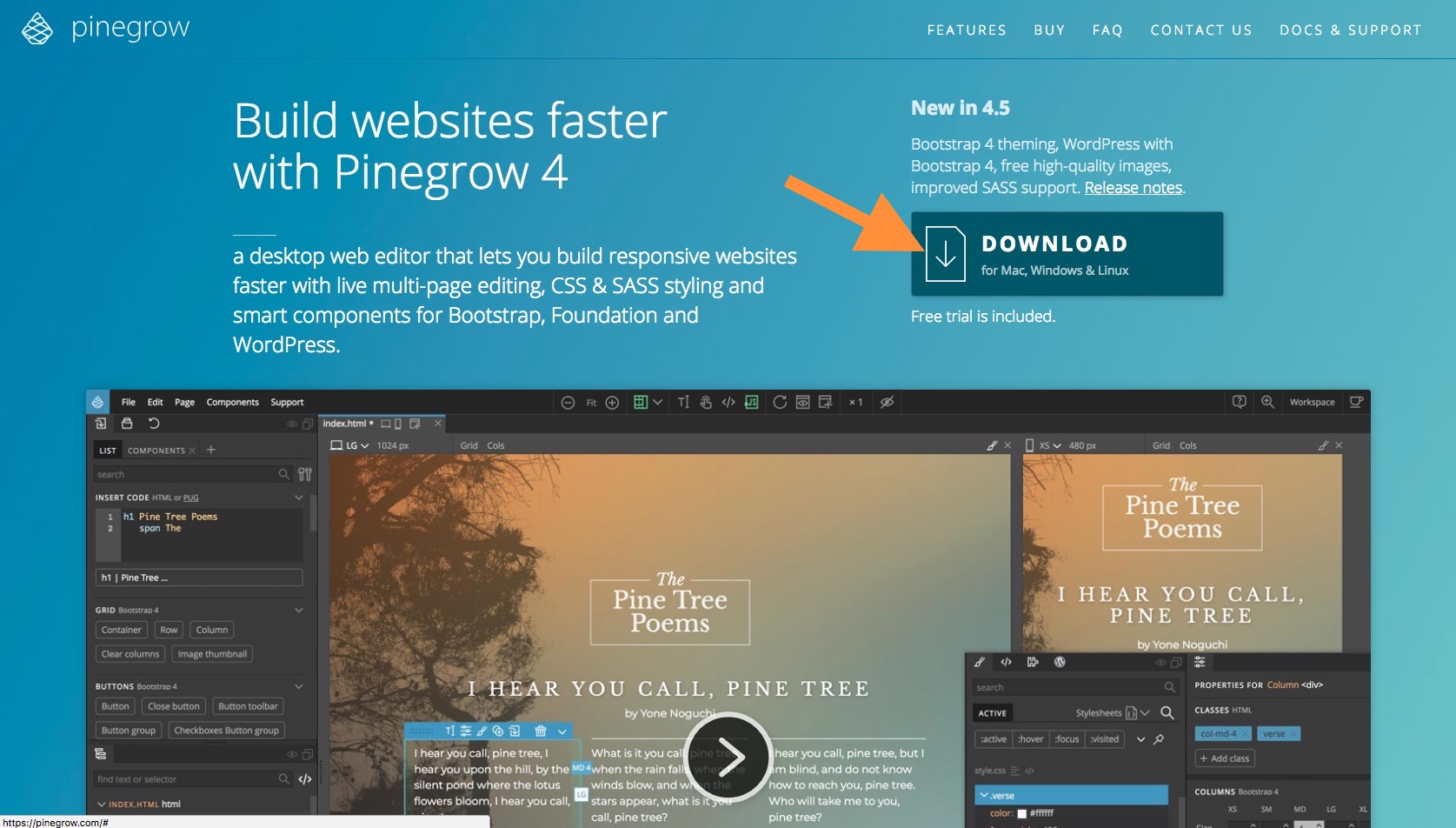
Download the application from the Pinegrow website and start the trial in the app. In Pinegrow Desktop 10.1, the getting started guide opens the first time you start Pinegrow:
- Enter your email.
- Enter the trial key that Pinegrow sends you. No account is needed.
Already bought Pinegrow? Choose I have a license key instead. You can open the guide again at any time with Help › Getting started guide.
The 14-day trial period starts when you enter and activate your trial license key for the first time, not when you receive it. You can see how many days are left in your trial every time you open Pinegrow.
All the application features are available during the trial and can be freely used.
Need more time?
We believe that fourteen days is enough to understand and appreciate Pinegrow but if you think you need more time, feel free to send a mail to our support team telling them what is the feature on which you still have doubts or questions.