
Grid lines, column overlays and column resizers help you visualize and edit the page layout.
DocsBootstrapDocsBootstrap2017-12-31
Display helpers
Pinegrow has the following handy display helpers for both versions of Bootstrap:
Column resizers
When a column is selected the resize handles are displayed on the right edge of the column.
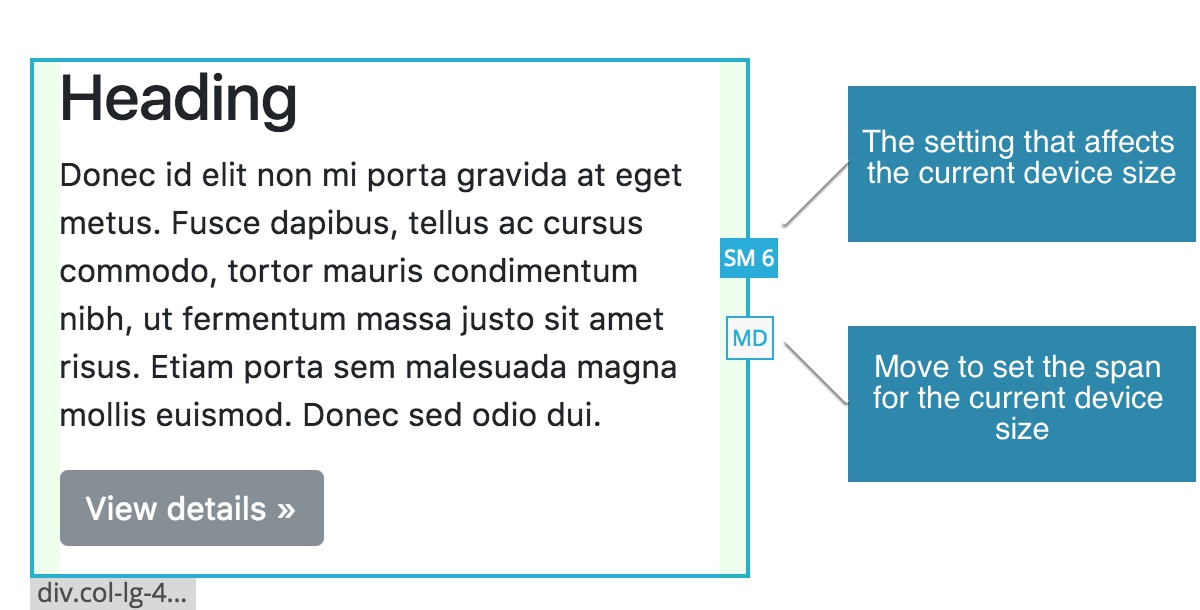
Blue handle represents the span setting that affects the column at the current display size of the page view. This can be the span setting for that size or, if that is not set, a span setting for the closest smaller size.
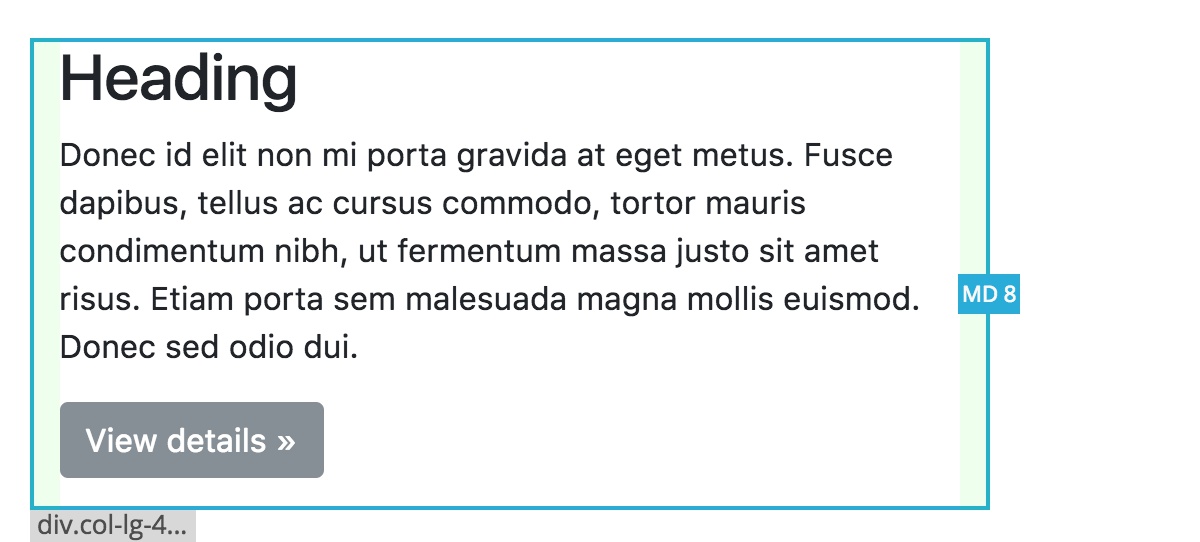
For example, let’s say our page view is showing the MD size. The column span is set as SM=6 and LG=4. Since the span for MD is not set, the SM=6 defined the span on MD size as well and the blue handle represents span SM=6. If you now drag the handle, for example to 8, it will set the SM span to 8.
The white handle is shown in cases where the span is not directly specified for the current size (like in our example above). Drag this handle to set the span for the current size.
For example, dragging the white MD handle to 8 will add MD=6 span setting to the column. After that, the white handle will disappear, because the span for the current size will be set.
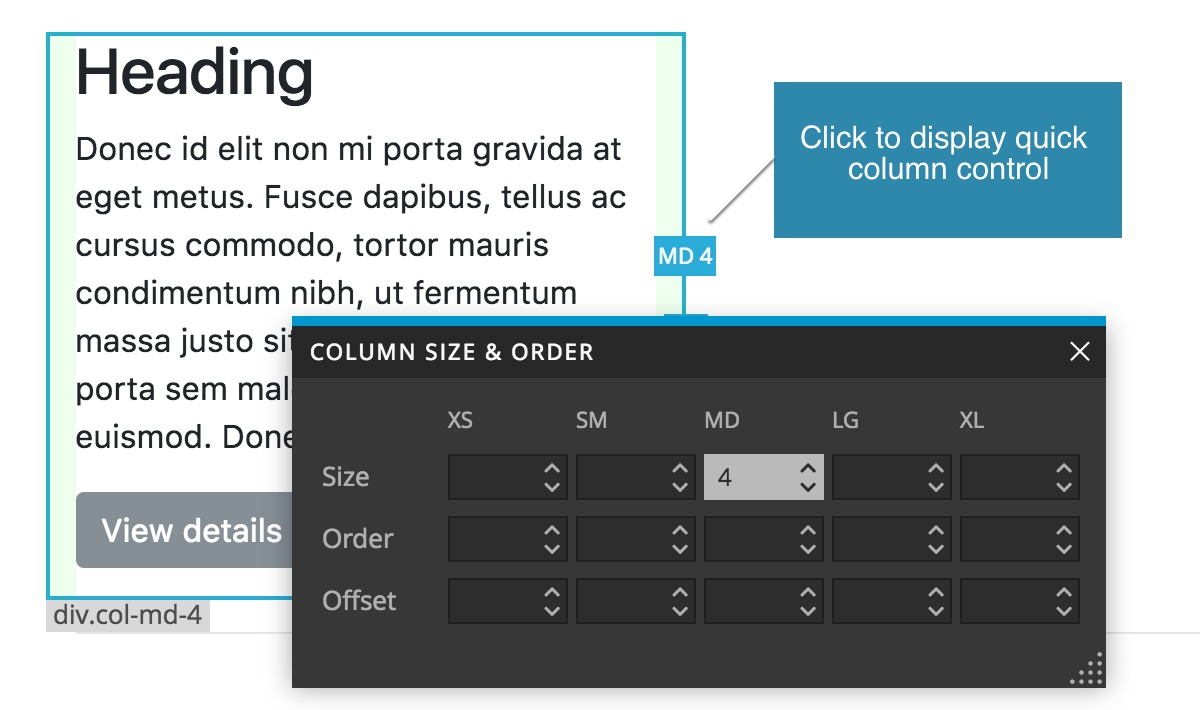
Click on the resize handle to show quick column properties.
Column overlays
Column overlays helper displays a light blue overlay over all columns on the page, with column spans listed in the top right corner of each column.
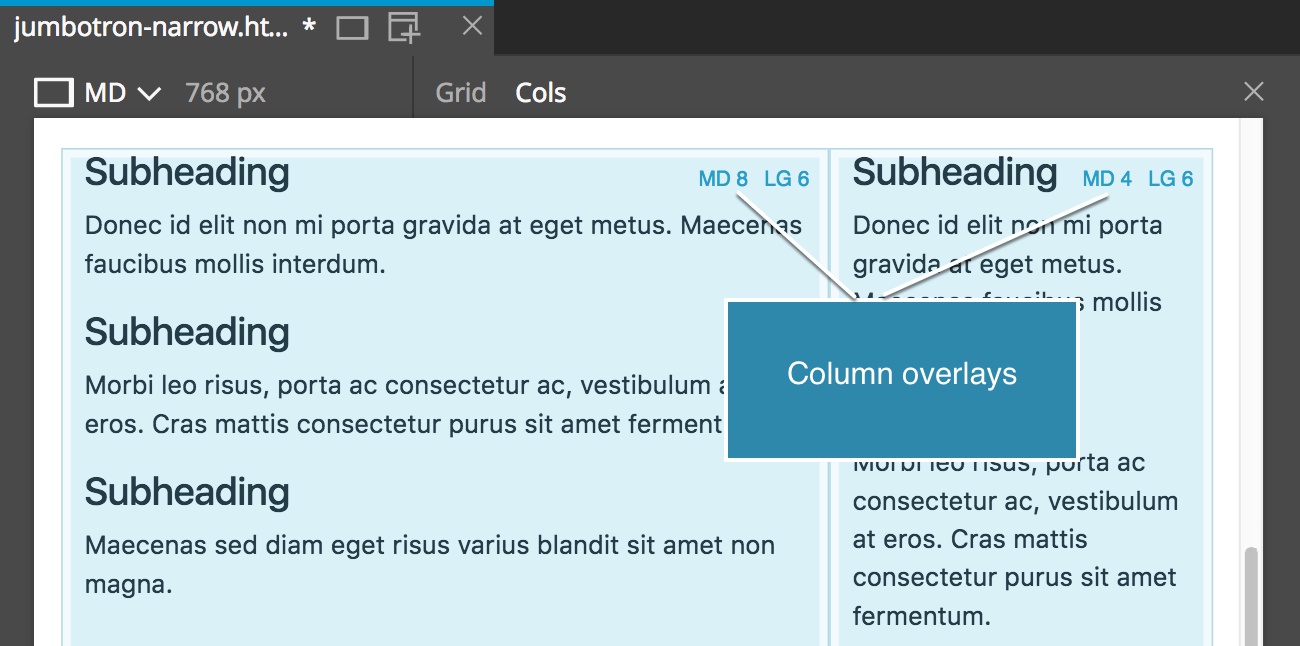
This is handy when you need to have a good overview of the layout grid.
Use the Cols toggle over page views to enable or disable overlays only in that page view. Use main Display helpers menu to toggle column overlays globally.
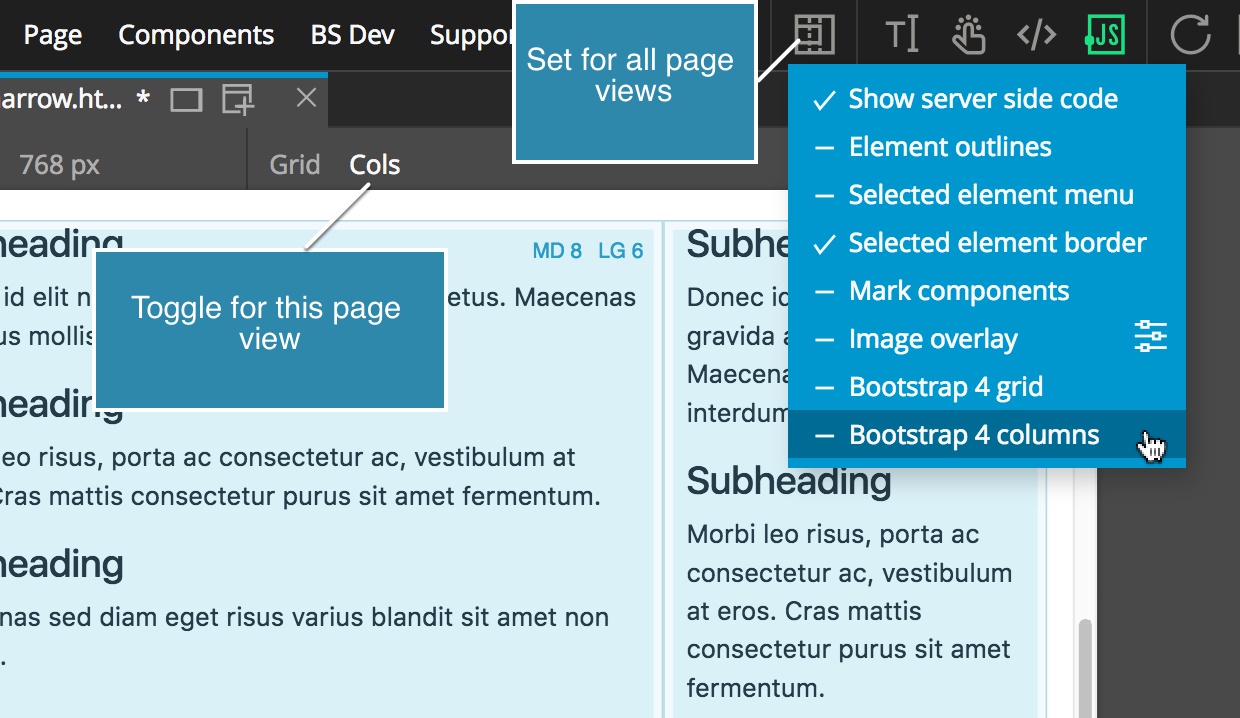
Column overlays only affect how your page is displayed in Pinegrow. In some rare cases, the overlays can interfere with styling and layout of your page. If that happens, simply disable them.
Grid overlay
Grid overlay display helper shows a Bootstrap grid over every row element on the page.
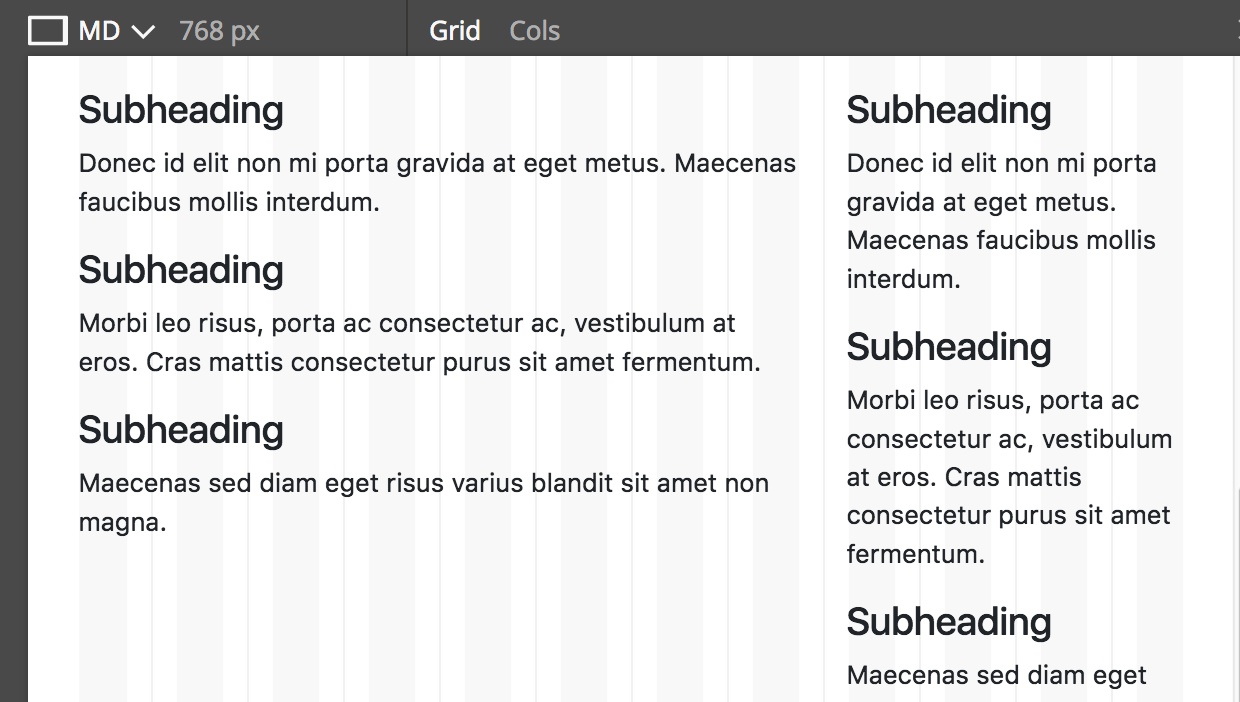
Use the Grid toggle over page views to enable or disable overlays only in that page view. Use main Display helpers menu to toggle grid globally.
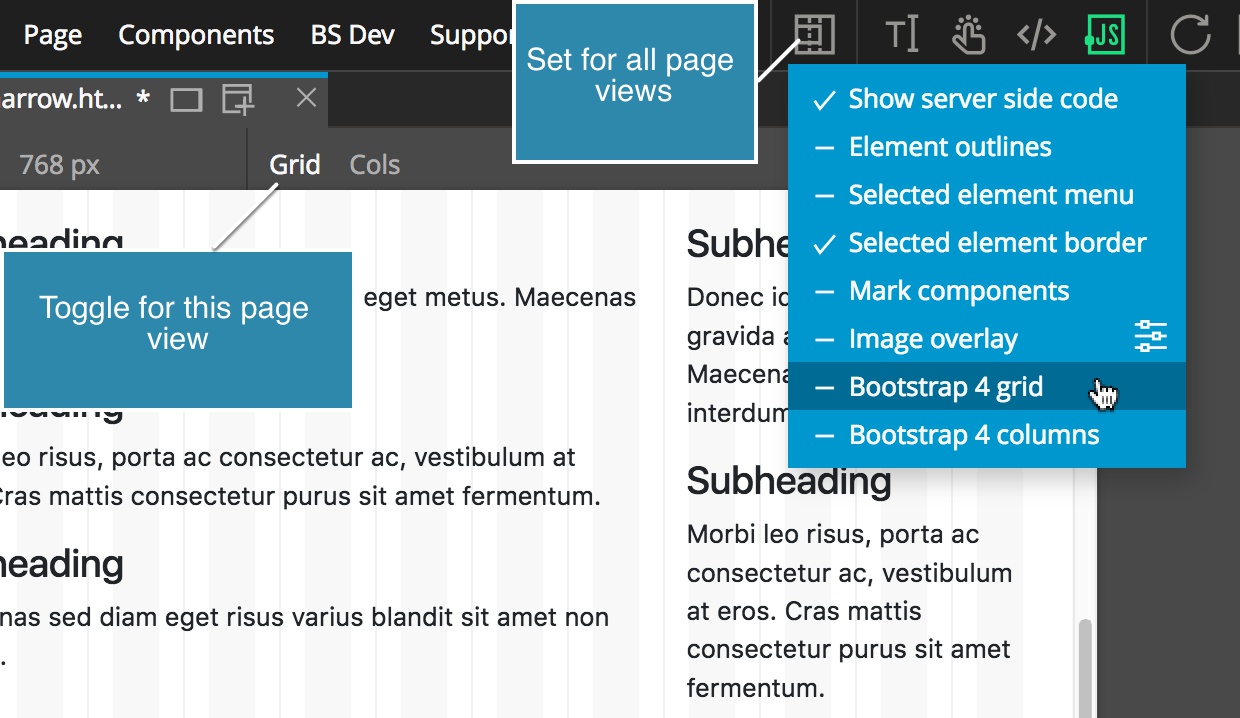
Like with Column overlays above, disable grids if they interfere with styling and layout of your page. While this normally should not happen, it is good to know that it can.