
Quickly create a new Bootstrap page using ready-to-use starting templates.
ArchiveBootstrapArchiveBootstrap2021-08-02
Start a new Bootstrap project
This page describes Bootstrap 3 and 4. It may not match current Pinegrow. Go to Bootstrap
To quickly start a new Bootstrap-based page or project, use “File › New file” menu command.
There select either Bootstrap 3 or Bootstrap 4 and then choose a starting template. If you’re not sure which starting template to choose, select the blank one.
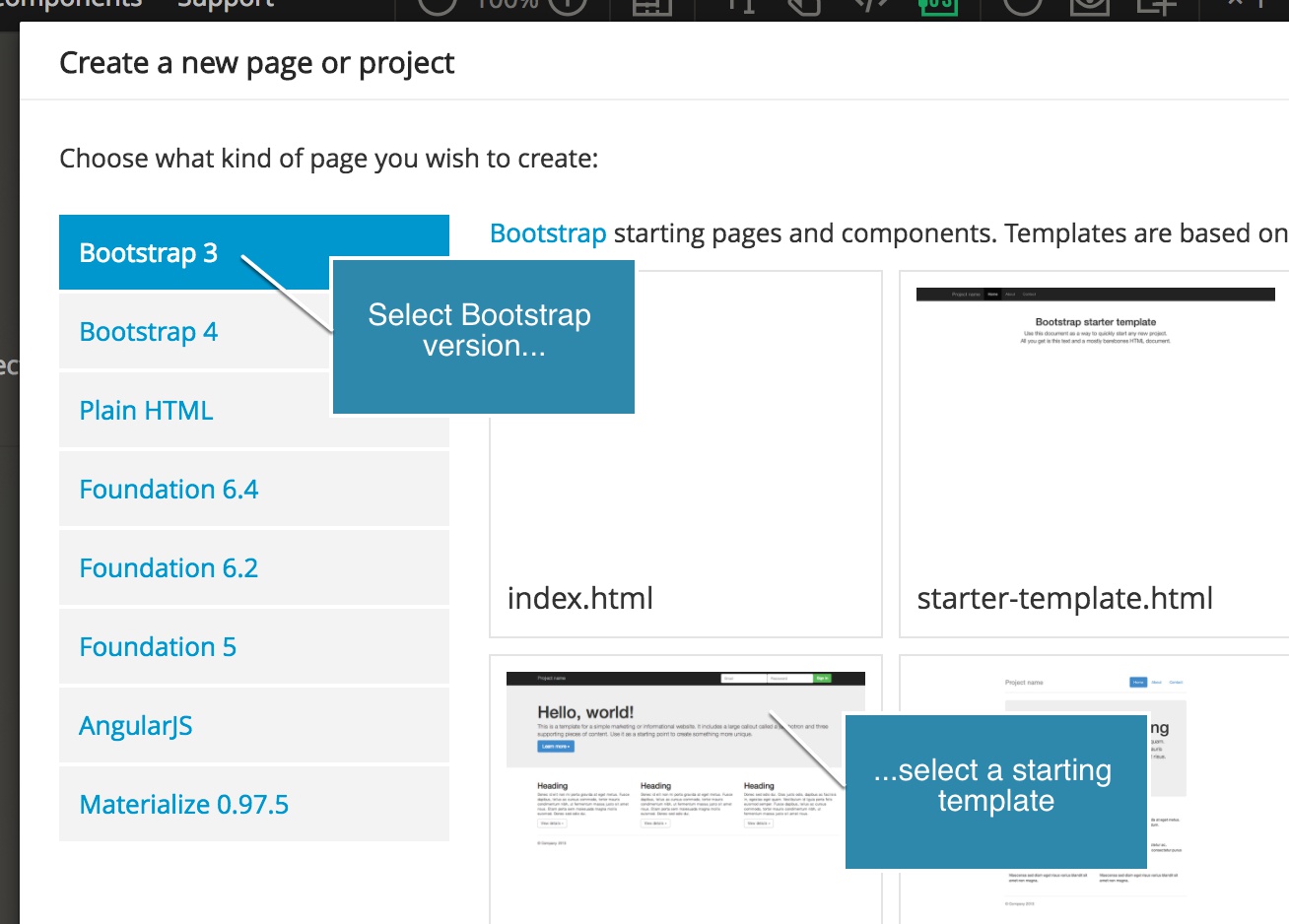
Pinegrow will add all necessary Bootstrap files to the project.