
Loading Screen tutorial – Adding custom PHP code to WordPress themes – Discover the Library Panel
ArchiveArchiveArchiveArchive2020-07-16
Newsletter #7, July 1, 2020
This page describes Newsletters from 2020. It may not match current Pinegrow. Go to Archive
Hi, Matjaz from Pinegrow here.
In this edition of the Pinegrow Newsletter you’ll find:
- Learn WordPress development with Starter Theme 2
- Creating an animated revealing menu - Interactions tutorial
- Using CodePen components in Pinegrow projects
Let’s take a look at the details.
Learn WordPress development with Starter Theme 2
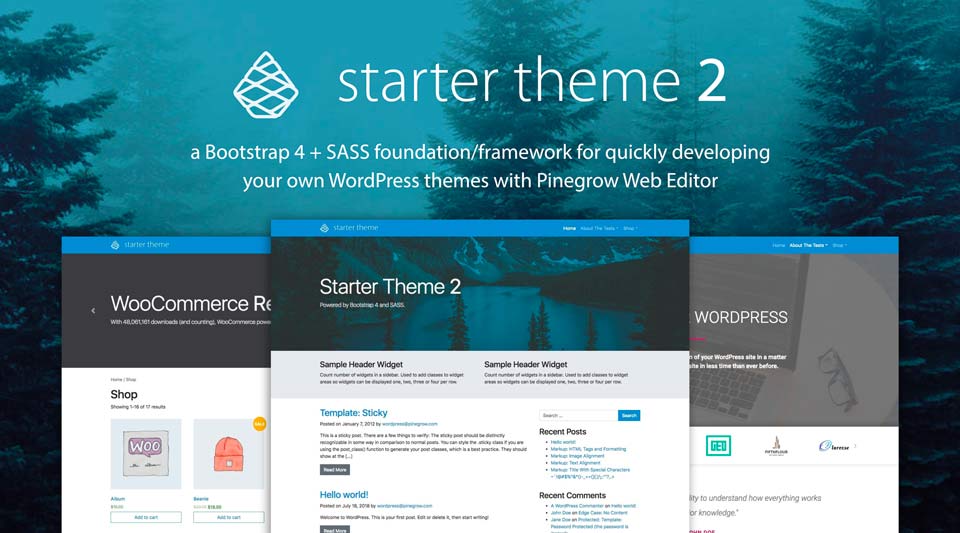
Pinegrow WordPress Starter Theme 2 is a great way to learn about creating WordPress themes. To make this even easier we prepared a directly usable version of Starter Theme 2, in the form of a 100% pre-configured site archive packed with plugins, content, examples and more…
Creating an animated revealing menu - Pinegrow Interactions tutorial
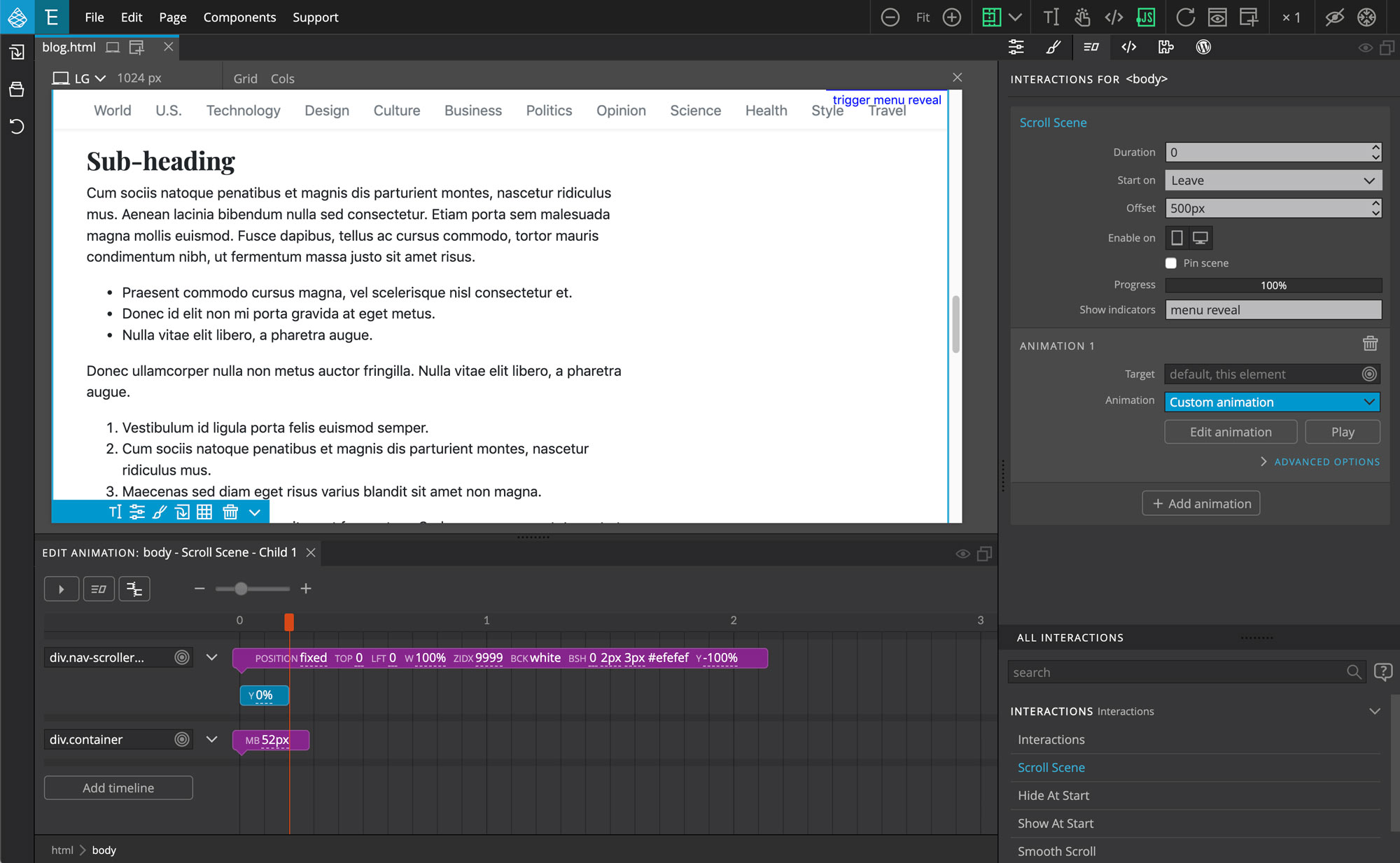
Follow this step by step tutorial to learn how to create a top navigation menu that stays at the top of the window when user scrolls down the page with Greensock-powered Pinegrow Interactions.
Follow the Reveal Menu Interactions tutorial »
Using CodePen components in Pinegrow projects
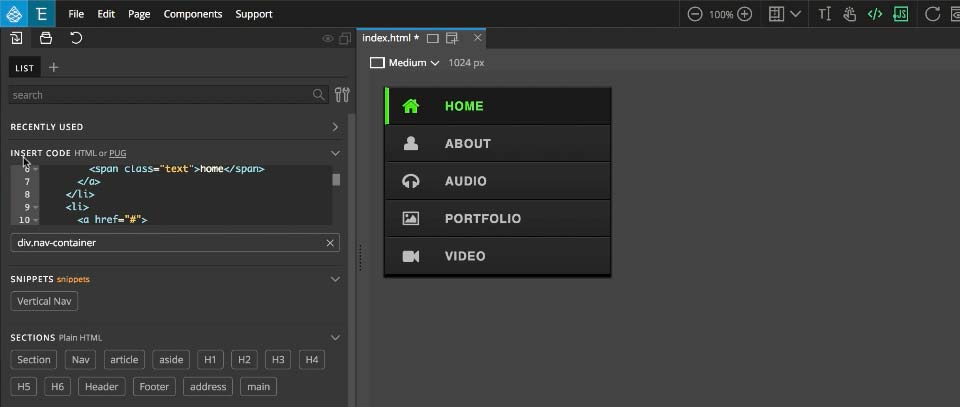
A step-by-step guide to using the resources on CodePen in your own Pinegrow Web Editor projects using the example of a website menu.
Add a CodePen menu to your project »Did you miss any of the previous newsletters? Visit the archive.
Have a good day,
Matjaz & the Pinegrow Team