
Loading Screen tutorial – Adding custom PHP code to WordPress themes – Discover the Library Panel
ArchiveArchiveArchiveArchive2020-08-14
Newsletter #8, July 17, 2020
This page describes Newsletters from 2020. It may not match current Pinegrow. Go to Archive
Hi, Matjaz from Pinegrow here.
It’s time for another edition of the Pinegrow Newsletter:
- Create an animated accordion - Interactions tutorial
- Build a reusable navigation component - Components tutorial
- Tailwind Visual Editor
- Pinegrow Web Editor 5.97
Let’s take a look at the details.
Create an animated accordion with Pinegrow Interactions
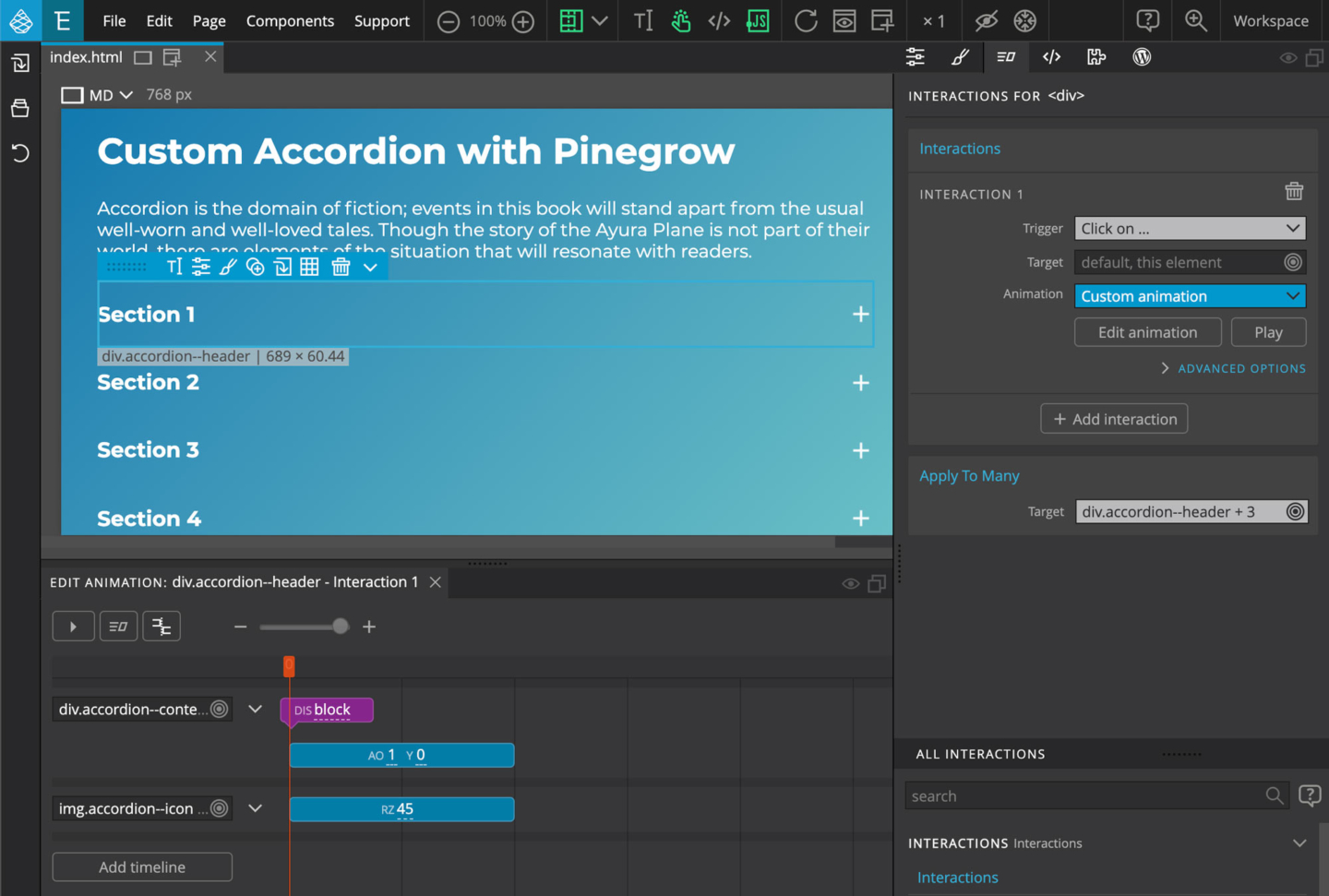
Follow this tutorial to learn how to create an animated accordion component with multiple expandable sections using GreenSock-powered Pinegrow Interactions.
Build a reusable navigation component
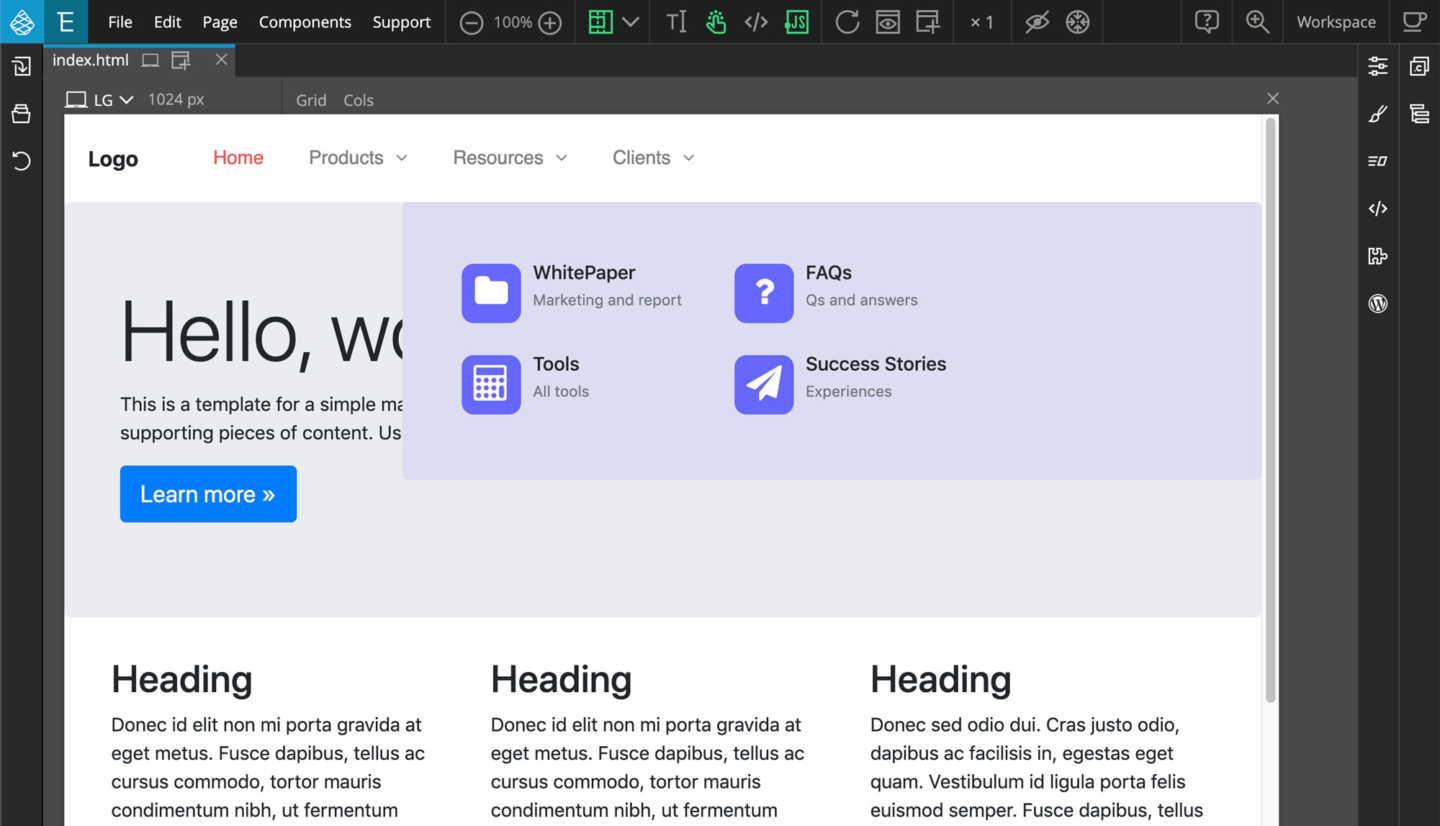
Learn how to use Actions panel to build reusable navigation component with editable areas. The tutorial also gives a good overview of Pinegrow PRO components and editable areas.
Tailwind Visual Editor
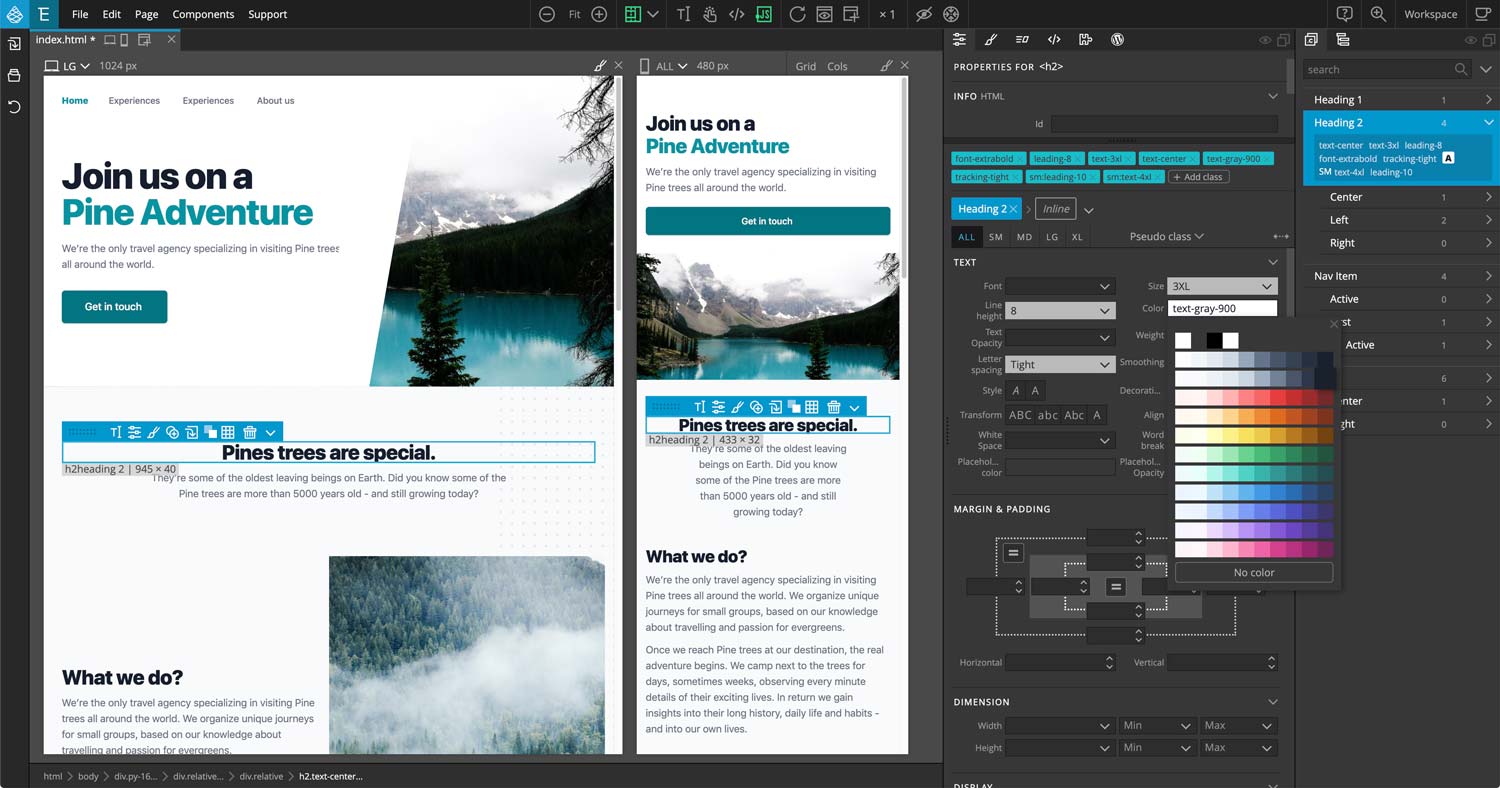
In case you missed it - we recently released Tailwind Visual Editor that lets you visually edit TailwindCSS projects. Tailwind Visual Editor is an add-on for Pinegrow Web Editor.
Learn more about Tailwind Editor »
Pinegrow Web Editor 5.97 is out
Last week we also released the latest Pinegrow update with enhanced drag & drop, reorganized HTML Library panel and more.
Have a good day,
Matjaz & the Pinegrow Team