
Use these tutorials to get familiar with WordPress theme development in Pinegrow.
DocsWordPressDocsWordPress2024-12-01
WordPress courses and tutorials
Official Tutorials
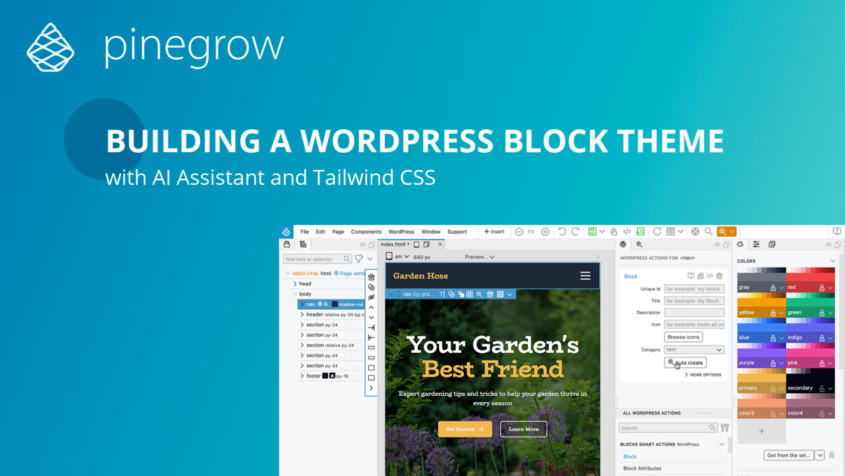
Creating a Tailwind styled Block Theme
This course presents an efficient and enjoyable development experience of converting a Tailwind CSS landing page into a functional WordPress block theme.
Plus, it includes a bonus quick starter template.
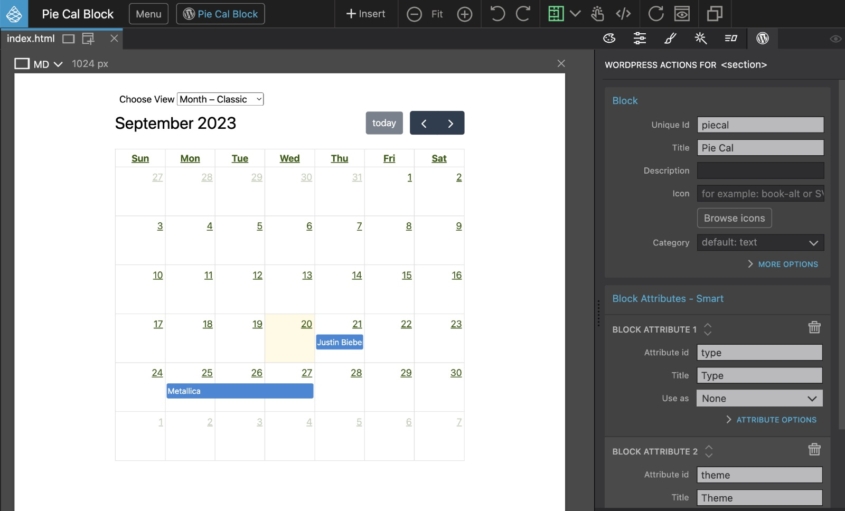
Convert any shortcode to a custom block
A quick tutorial on how any shortcode can be turned into an editable custom block. Shortcode options are mapped to block attributes.
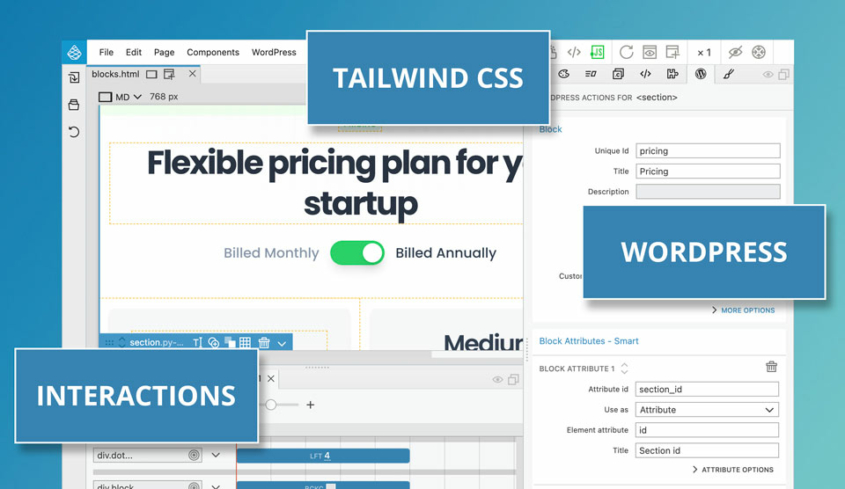
Flex - Creating a Tailwind CSS Theme with Gutenberg Blocks and Pinegrow Interactions
A fun tutorial on converting a Tailwind CSS project into a WordPress theme based on Gutenberg blocks.
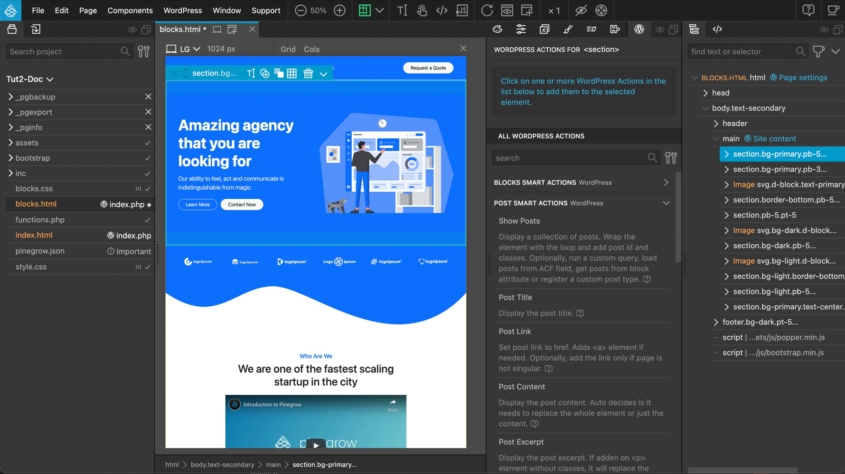
Creating the Agency WordPress Theme
This set of tutorials will walk through the conversion of the Bootstrap 5 Agency template to a WordPress theme.
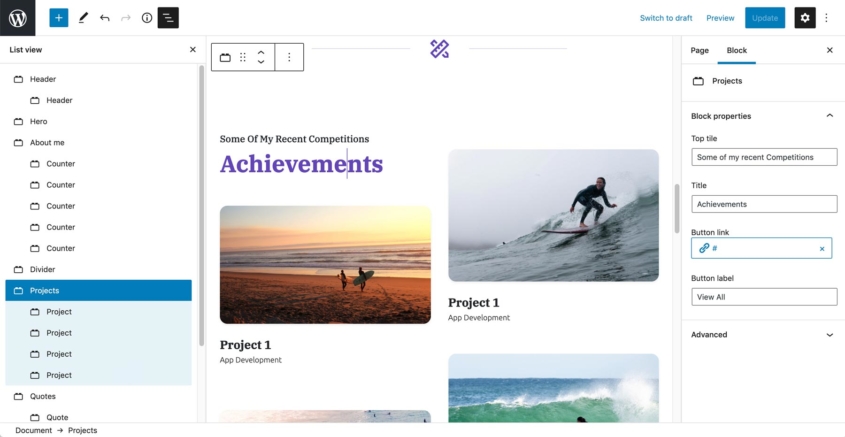
Simple Full Site Editing with Minimal Theme and Blocks
Use a minimal page template and custom Gutenberg blocks to implement a simple full site editing theme.
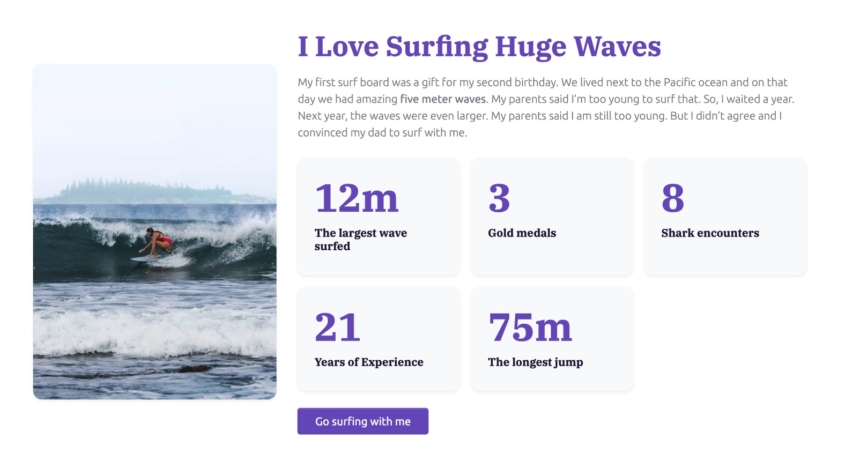
Create Your First Custom Block
Start with a piece of static HTML and turn it into a powerful block with editable attributes, inner blocks and sub-blocks. Then, create a dynamic block that displays the up-to-date content from the WordPress database.
Community Tutorials
Adam Lowe’s Pinegrow Masterclass
A Comprehensive Archive of Tutorials about building blocks and themes with Pinegrow
Marco Michely tutorials
Cool Tutorials about using Pinegrow to build blocks and more.
Old versions Tutorials
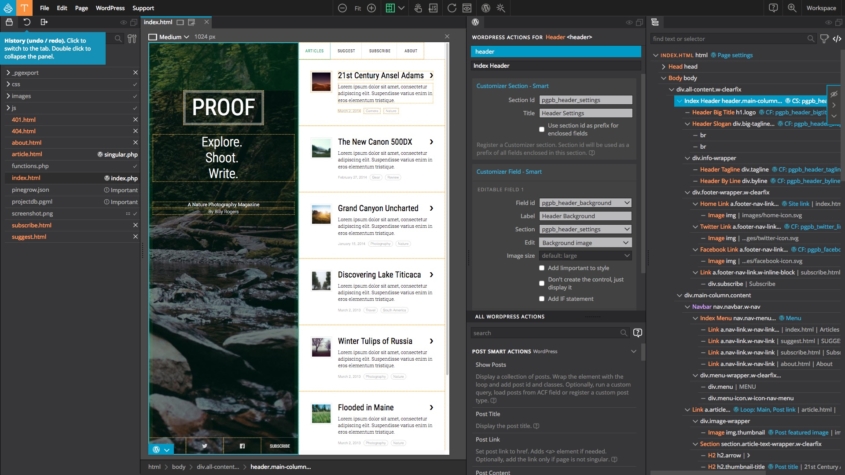
How to Convert Webflow template into WordPress theme
Follow Emmanuel from the Pinegrow team who shows you step by step how to convert a Webflow template into a WordPress theme with the new Pinegrow Theme Converter for WordPress application.
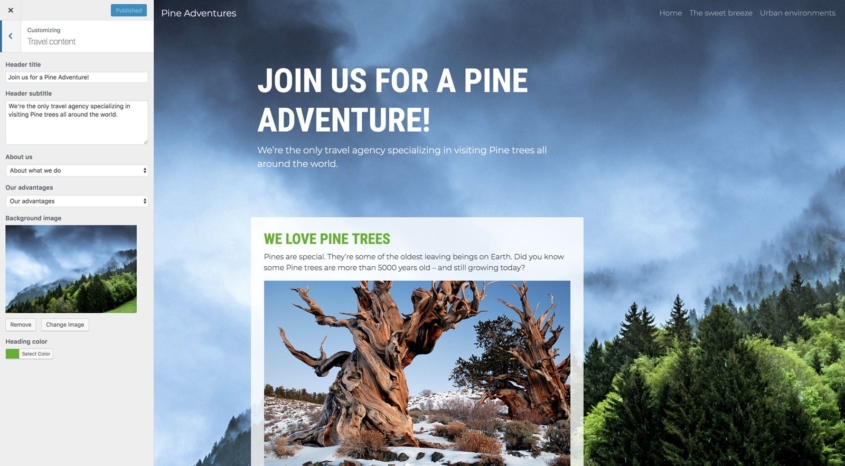
Pine Adventures - Creating a WordPress Theme Without PHP Coding
In the next hour or so we’ll create a real, production-ready WordPress theme - even if you never worked with WordPress before. We’ll do that with the help of Pinegrow with WordPress Theme Builder.
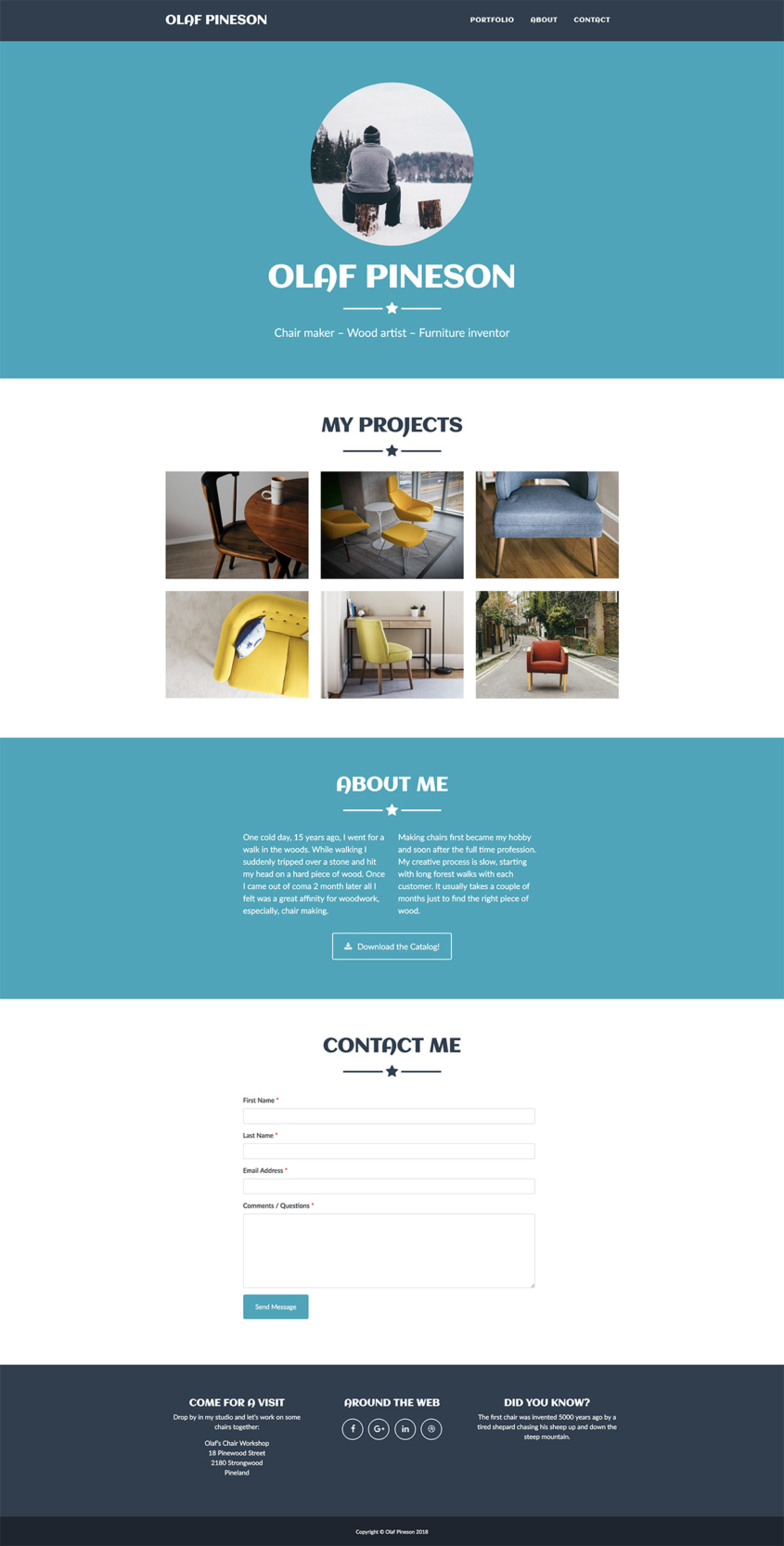
Create a Personal Portfolio WordPress Theme - Tutorial
In this tutorial we’ll use Pinegrow to convert a one-page portfolio website into a WordPress theme. In the process we’ll cover theme structure, customizer fields, loops with modals, using custom PHP code and styling the theme with SASS.
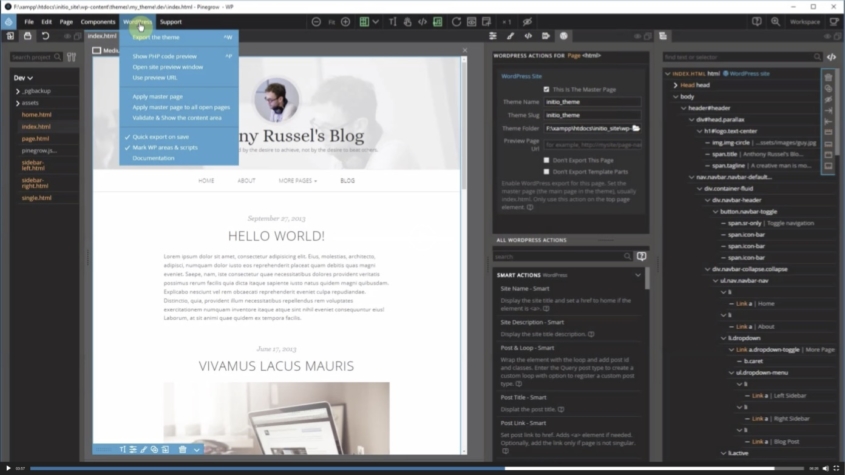
HTML to WordPress Theme with Pinegrow WP
Wim Teuling is instructor for the Digital Design and Development program (D3) at the British Columbia Institute of Technology and he has created an awesome series of tutorials about how to convert an HTML template to a WordPress theme.
Online Course for Pinegrow 2.x
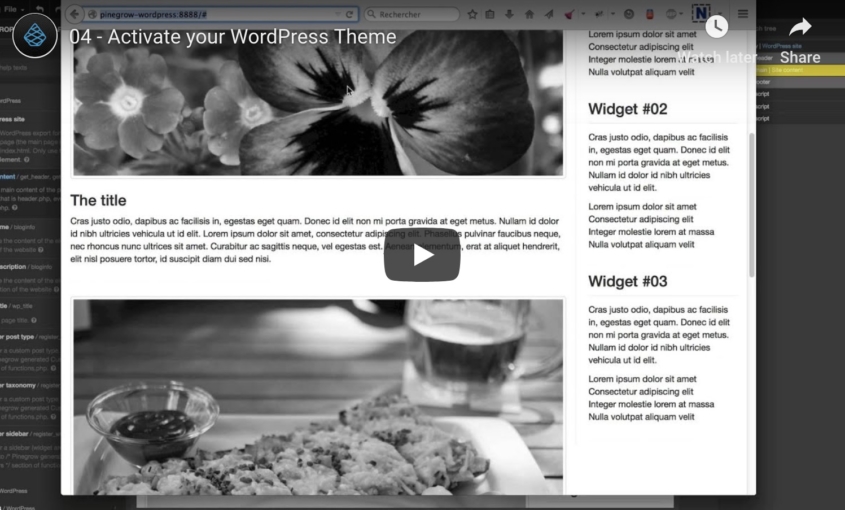
Learn WordPress theme development and create awesome WordPress themes by visually converting static HTML pages to WordPress themes.
In this section
Creating a Tailwind CSS block theme
This course presents an efficient and enjoyable development experience of converting a Tailwind CSS landing page into a functional WordPress block theme.
Convert the Agency template to a WordPress theme
This set of tutorials will walk through the conversion of the Bootstrap 5 Agency template to a WordPress theme. This is an ongoing series of tutorials. New parts…
Flex: a Tailwind CSS theme with Gutenberg blocks and Pinegrow Interactions
A fun tutorial on converting a Tailwind CSS project into a WordPress theme based on Gutenberg blocks. As a bonus, we will use Pinegrow Interactions to create a…
Pine Adventures: create a WordPress theme without PHP coding
In the next hour or so we’ll create a real, production-ready WordPress theme – even if you never worked with WordPress before. We’ll do that with the help…
Wrap WordPress shortcodes in custom blocks
A quick tutorial on how any shortcode can be turned into an editable custom block. Shortcode options are mapped to block attributes. The process is done with minimal…
Create a personal portfolio WordPress theme
In this tutorial we’ll use Pinegrow to convert a one-page portfolio website into a WordPress theme. In the process we’ll cover theme structure, customizer fields, loops with modals…
HTML to WordPress theme with Pinegrow WP
Wim Teuling is instructor for the Digital Design and Development program (D3) at the British Columbia Institute of Technology and he has created an awesome series of tutorials…
Adam Lowe’s Pinegrow masterclass: tutorials and insights
Adam LOWE, the lead architect at Peak Performance Digital, is a leading advocate for Pinegrow Web Designer, known for his influential tutorial videos freely available on Youtube. Specializing…
Marco Michely tutorials
A selection of videos created by Marco Michely that you can find on the Pinegrow forum as well as on his website https://56kblog.de.