
History panel lets you move back and forward through HTML and CSS edits.
DocsPanels & ToolsDocsPanels & Tools2022-07-24
History, undo and redo
Open the History panel.
Combined history
By default, History panel shows the combined history for all pages and stylesheets. This mode is very convenient to use, but it doesn’t let you perform undo and redo operations just on a selected page.
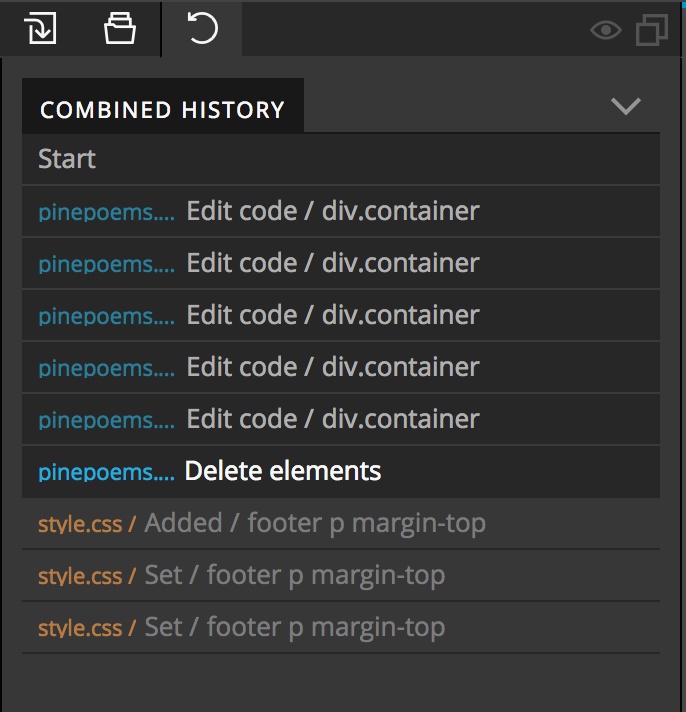
For example, to undo operations on page A, you also have to undo any subsequent operations on page B.