
How to change the code editor theme to match the selected workspace theme.
DocsHow-to guidesDocsHow-to guides2021-10-23
Change the code editor theme
Selecting the dark or light UI theme is done through the Window menu in the top menu bar. But that setting doesn’t affect the theme of the built-in code editor.
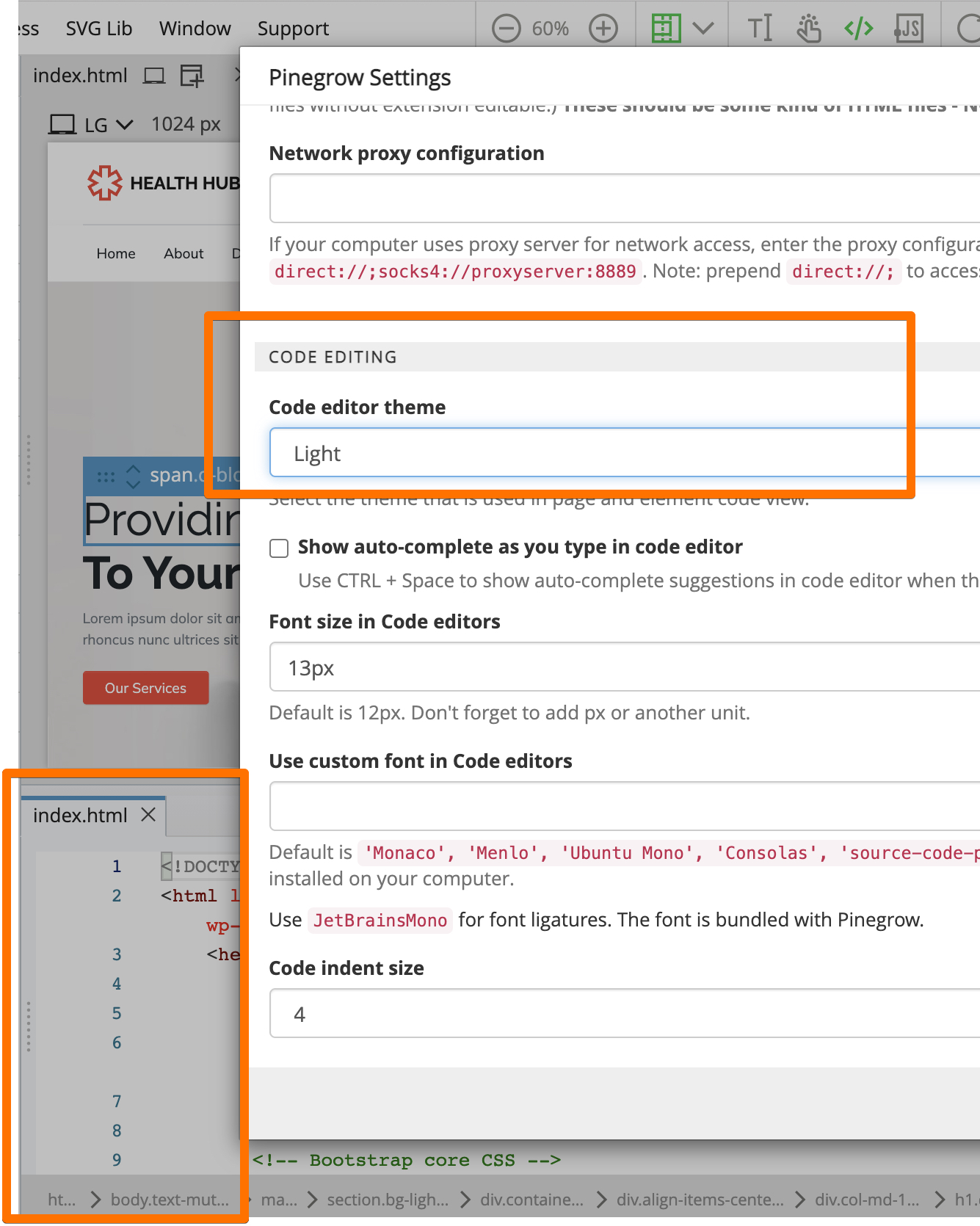
Code editor theme is controlled through Support › Settings dialog.
There you can select a theme that works the best for you.
Why is the code editor theme separate from the workspace theme setting?
Two reasons:
- Some users prefer a dark code editor in a light UI theme and vice versa.
- There are many code editor themes available, not just light and dark.
That said, we might add an Auto setting for the code editor theme that will adjust the code editor theme to the selected UI theme.