
How to remove the tag while keeping its content.
DocsHow-to guidesDocsHow-to guides2021-10-23
Remove the tag (span, div…) around the element
To unwrap the element and keep its content, right-click on the element (or select More actions from the selected element menu) to open the context menu and there select Transform › Remove outer span.
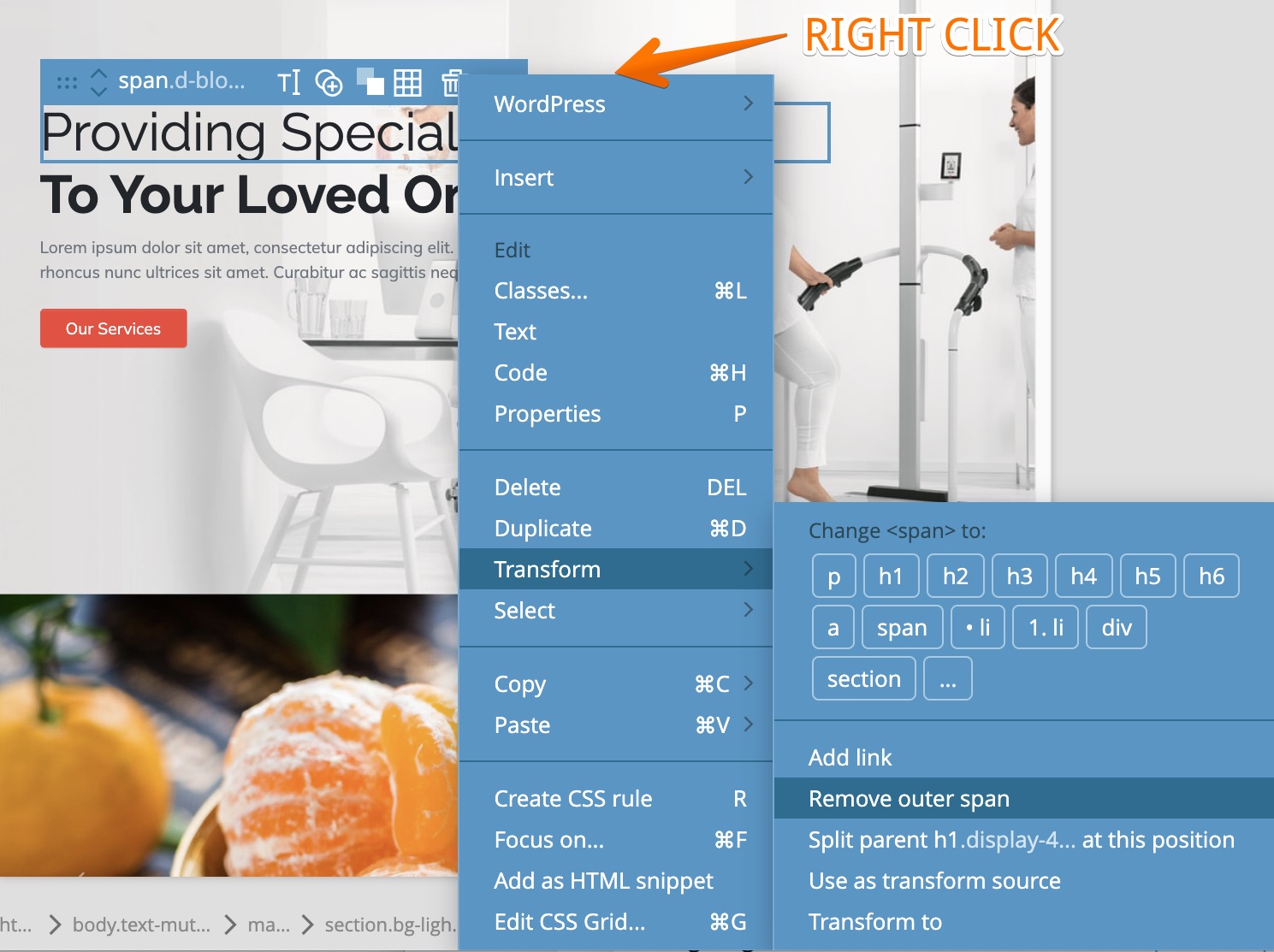
For example, doing this on the <span> here:
<p>This is <span>something important</span></p>…will resul in:
<p>This is something important</p>