
Sometimes the easiest way to add more elements to the page is duplicating (making copies) of existing elements on the page.
DocsHow-to guidesDocsHow-to guides2017-11-22
Duplicating existing elements
To duplicate an element click on the in the selected element menu.
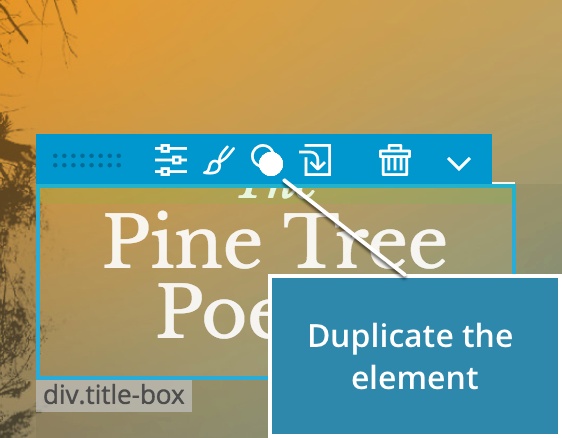
A copy of the element will be inserted right after the original.
ShortcutUse CMD + D to duplicate the selected element.
Duplicate also works with multiple selected elements.
By default, duplicating multiple elements will duplicate the elements individually, one by one:
Press ALT when duplicating or choose “Duplicate as group” from the context menu to duplicate the elements as a group:
Use Repeater to create more than one copy of the element.