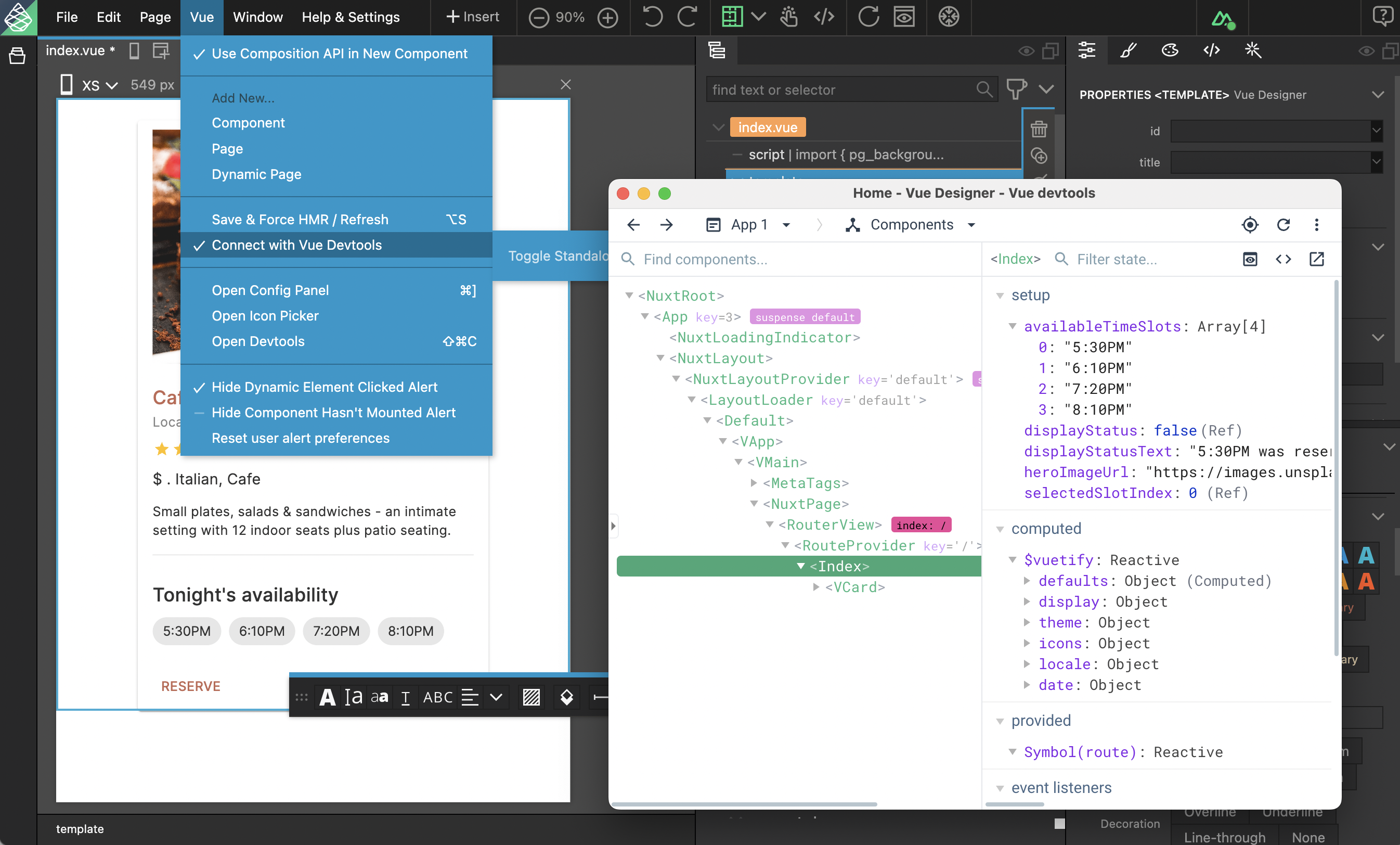
Enhance your DX (developer experience) and debug your apps with devtools.
DocsVue DesignerDocsVue Designer2023-09-28
Devtools
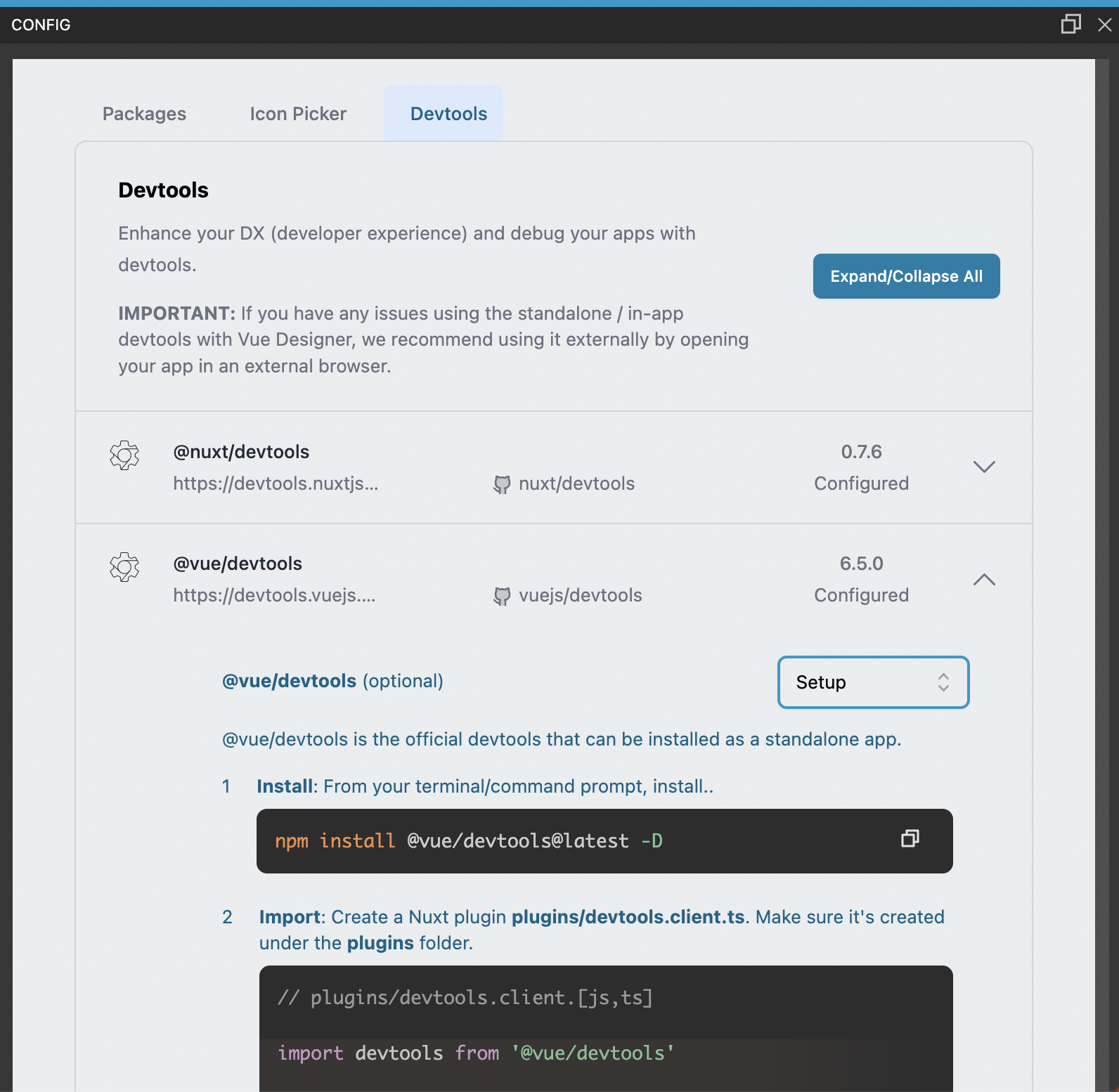
Simply follow the instructions in the Config Panel › Devtools tab when you open your Vite-powered apps in Vue Designer.
Once activated in your app, the connection to standalone Vue-devtools can be established by selecting Connect with Vue Devtools under the Vue menu