
îles is a joyful static site generator that’s batteries included, supports the Islands architecture with islands made of multiple frameworks such as Vue, Preact, SolidJS, Svelte and Plain Javascript.
DocsVue DesignerDocsVue Designer2023-07-06
îles
Vue Designer supports visual editing of Vue components in all îles apps through the Pinegrow Iles Module, which is a wrapper on top of Pinegrow Vite Plugin.
Just follow the instructions in the Config Panel when you open your îles apps in Vue Designer, similar to adding the Pinegrow Vite Plugin in the Vite guide.
The start-screen includes quick-start templates and sample apps such as Nature’s Delight. In fact, the îles documentation site itself is an amazing îles app that contains a wealth of wonderful components with an excellent architecture.
To learn more about hydration directives and how îles can make your apps super-fast, refer to the official îles documentation.
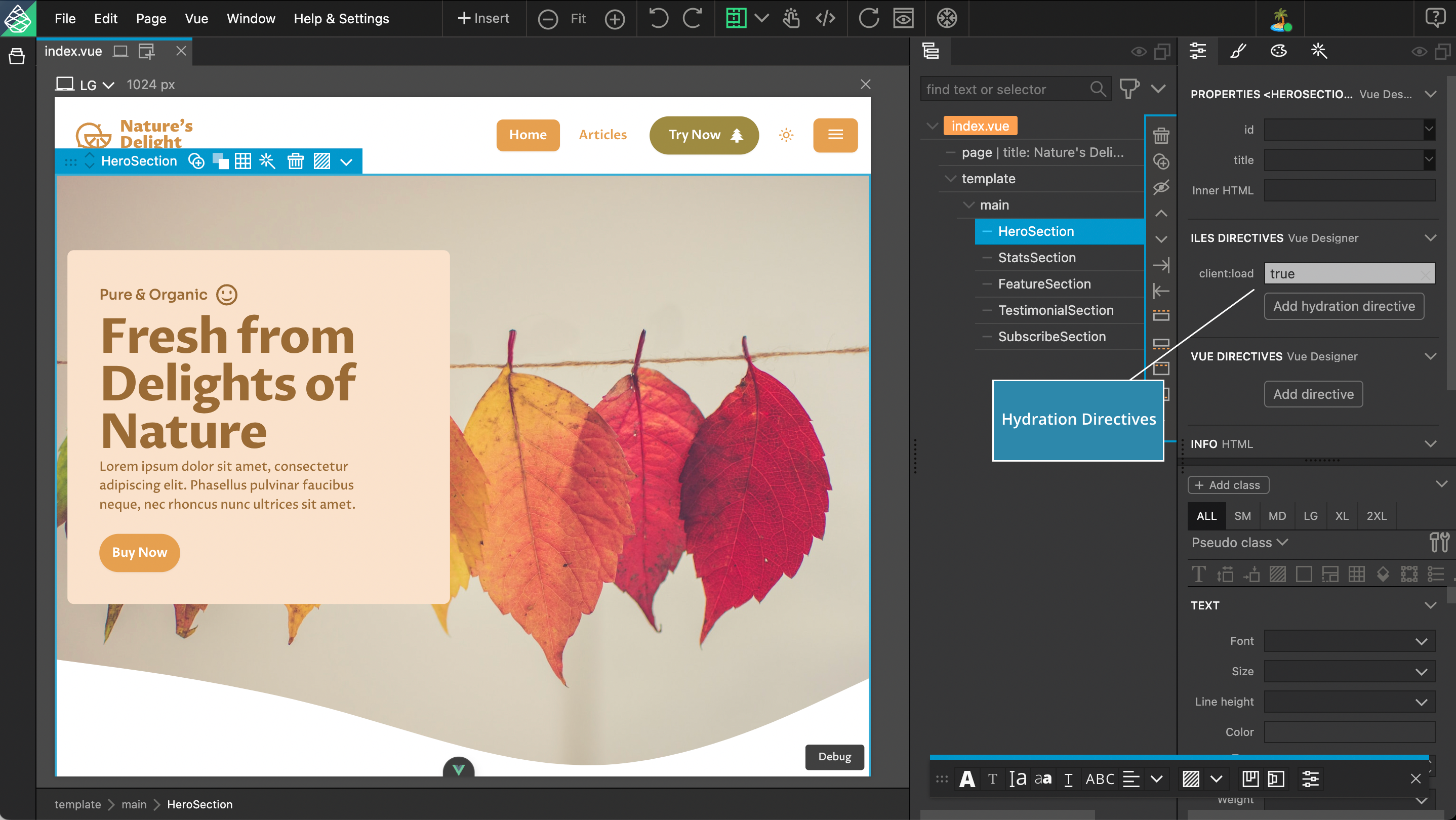
The following are some special îles features in Vue Designer.
îles SFC, JSX/TSX and Svelte templates
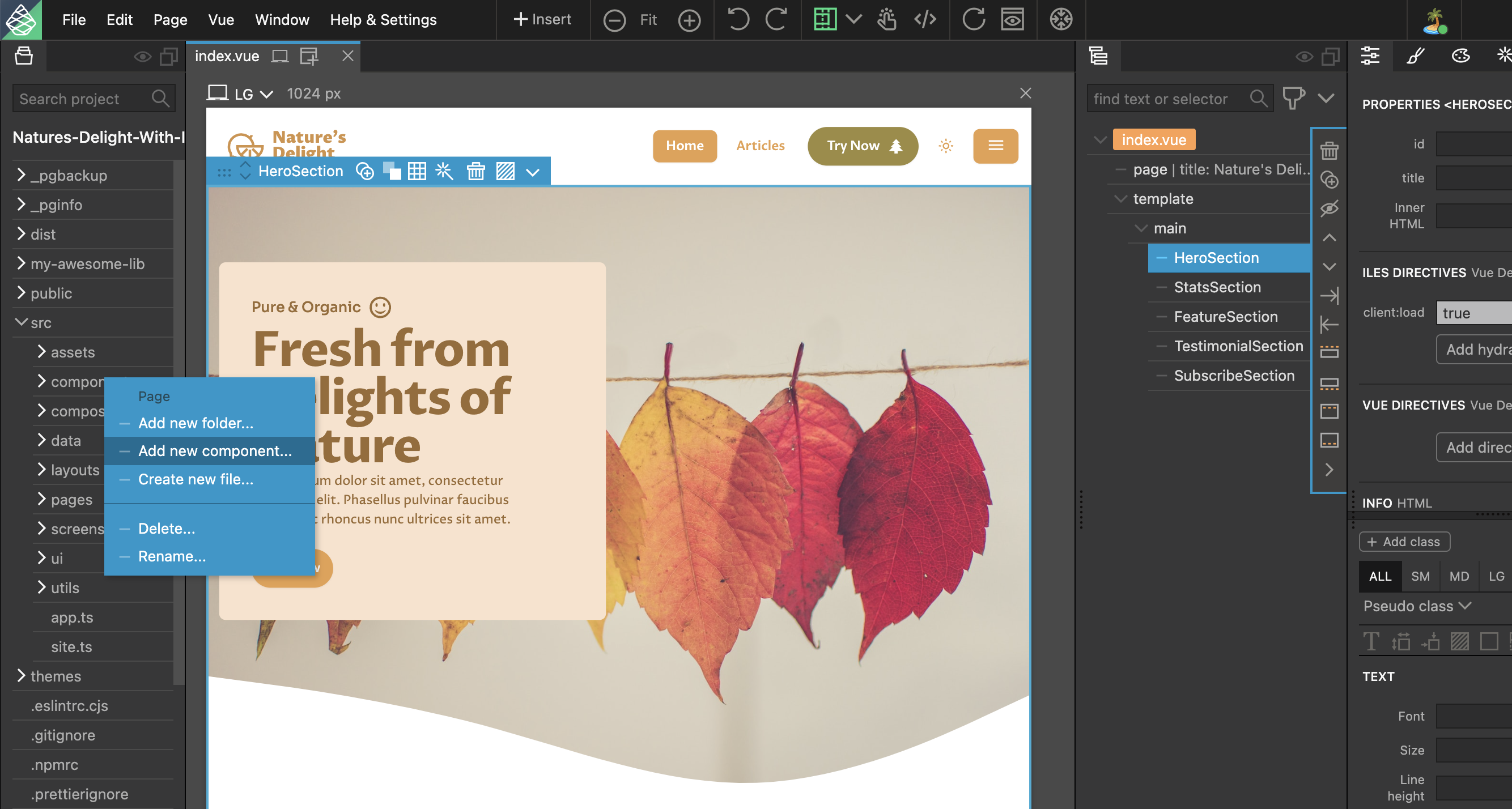
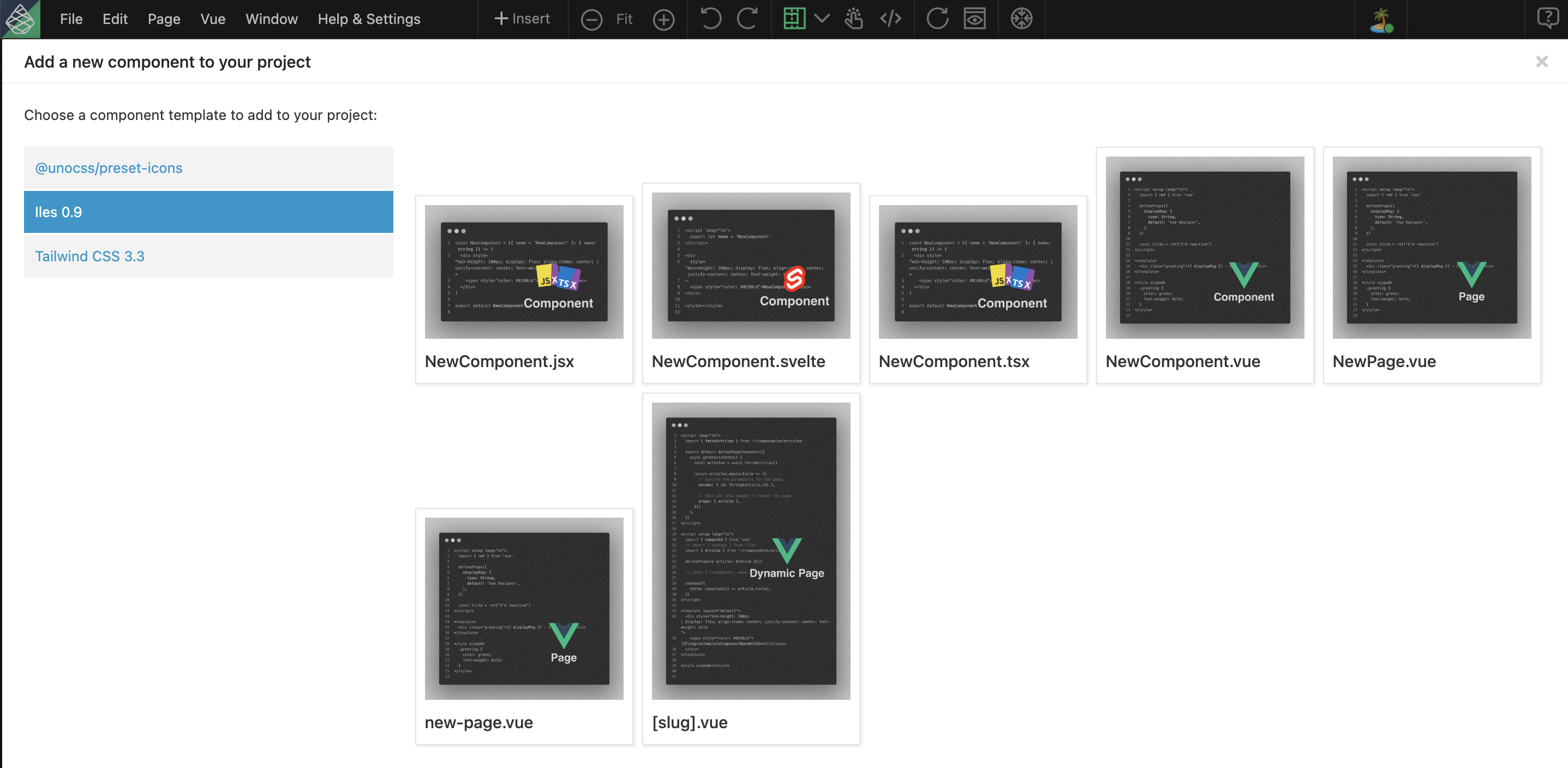
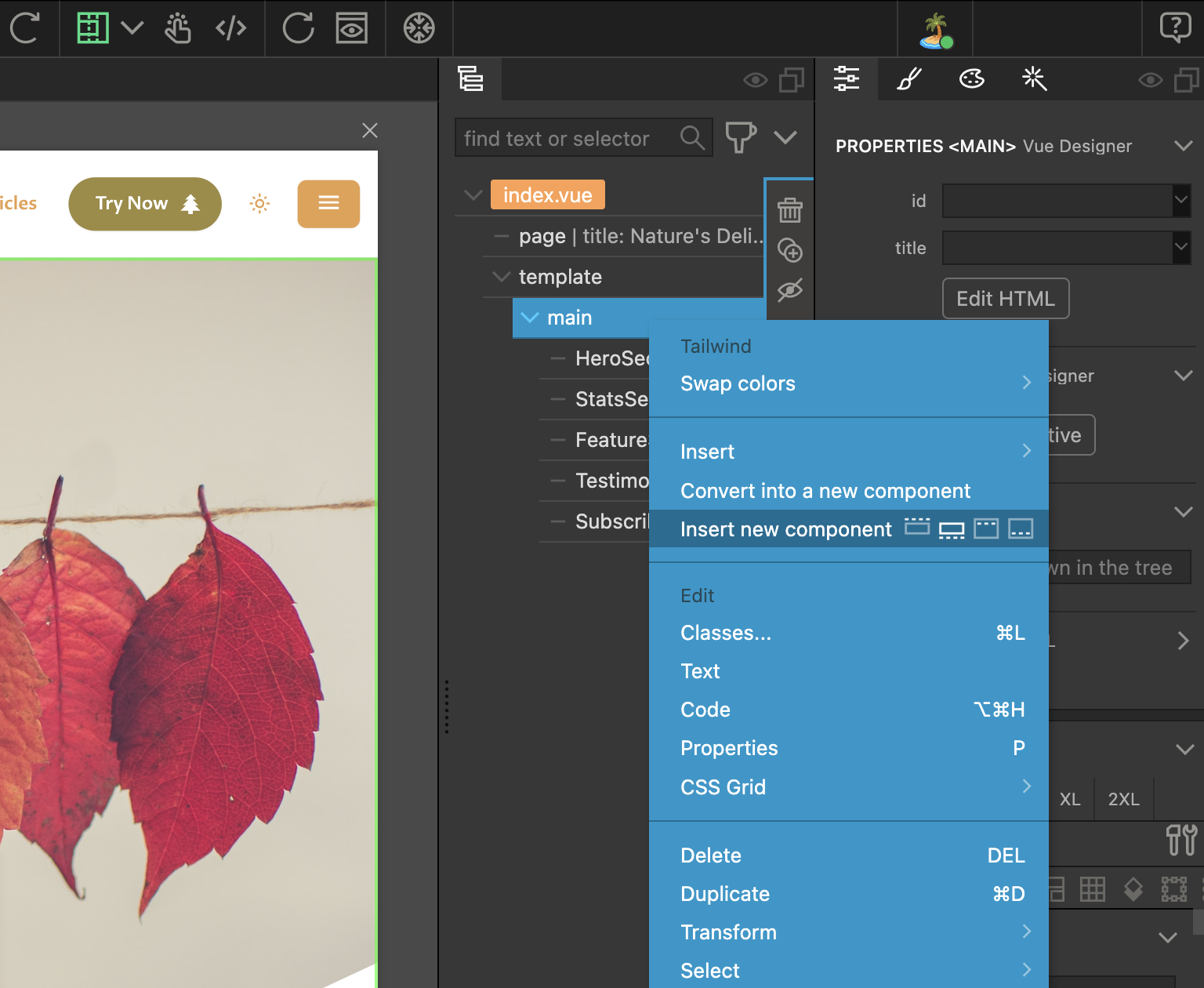
Right-click on your components/pages folder, choose Iles in the vertical sidebar, and select component template to add it to your project.
îles Directory conventions
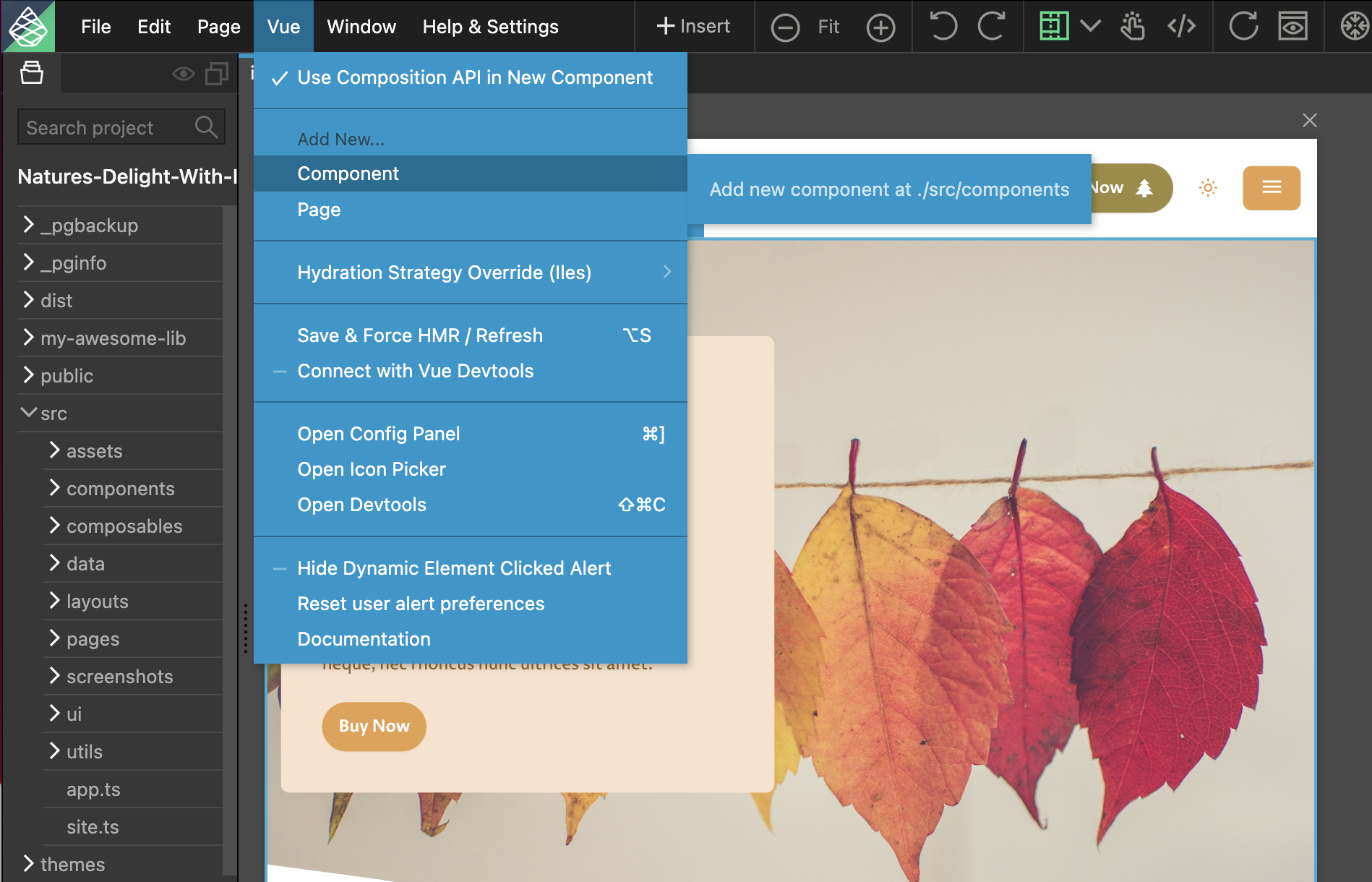
When adding a new component or page from the SFC templates to your project either via the Vue menu or from the current page tree, the vue files are automatically added to the ./src/components or ./src/pages folder following the îles convention.
îles Hydration Directives
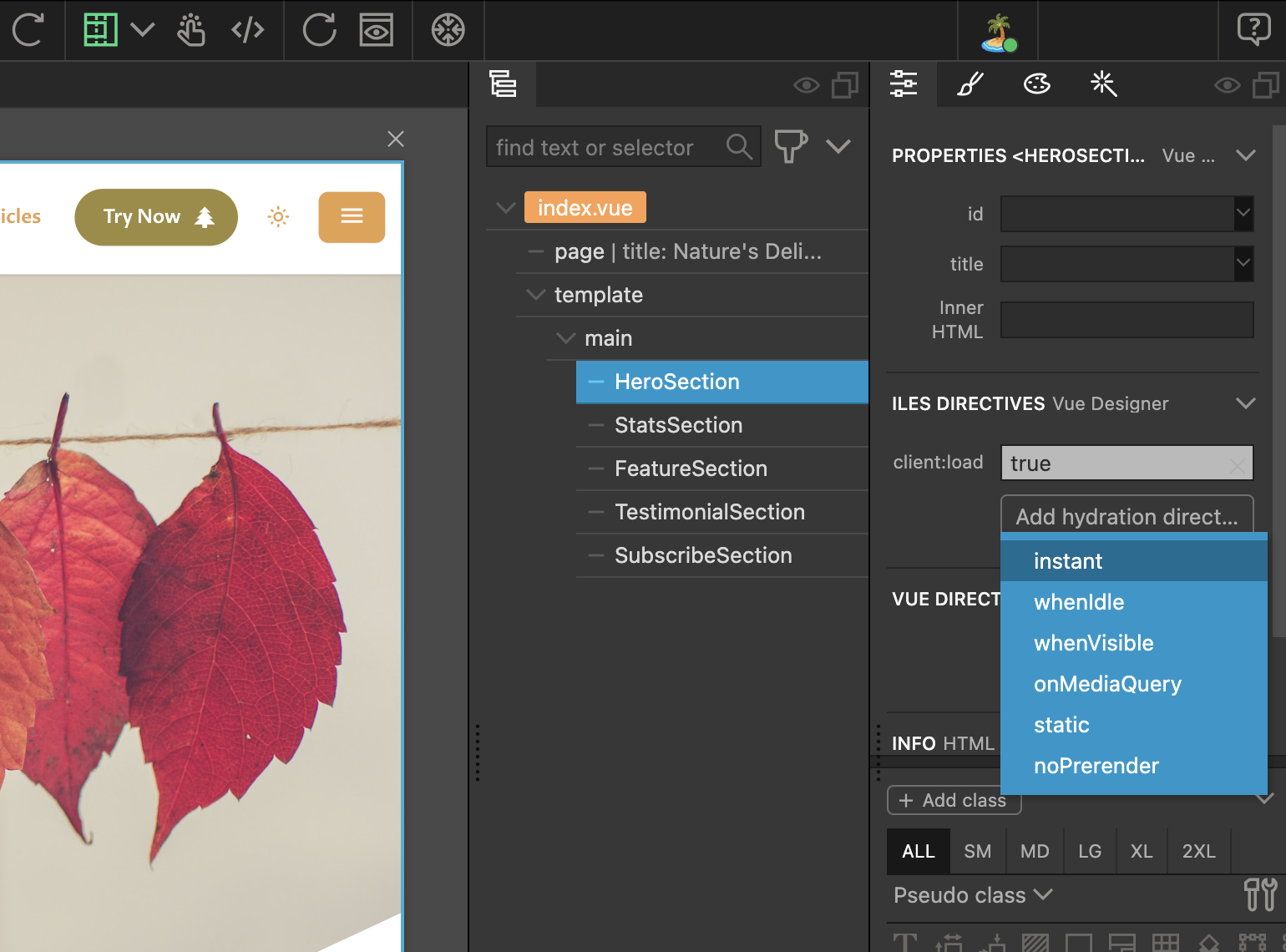
With îles apps, in the Props Panel, additionally displays the various hydration directives that can be applied to your Islands.
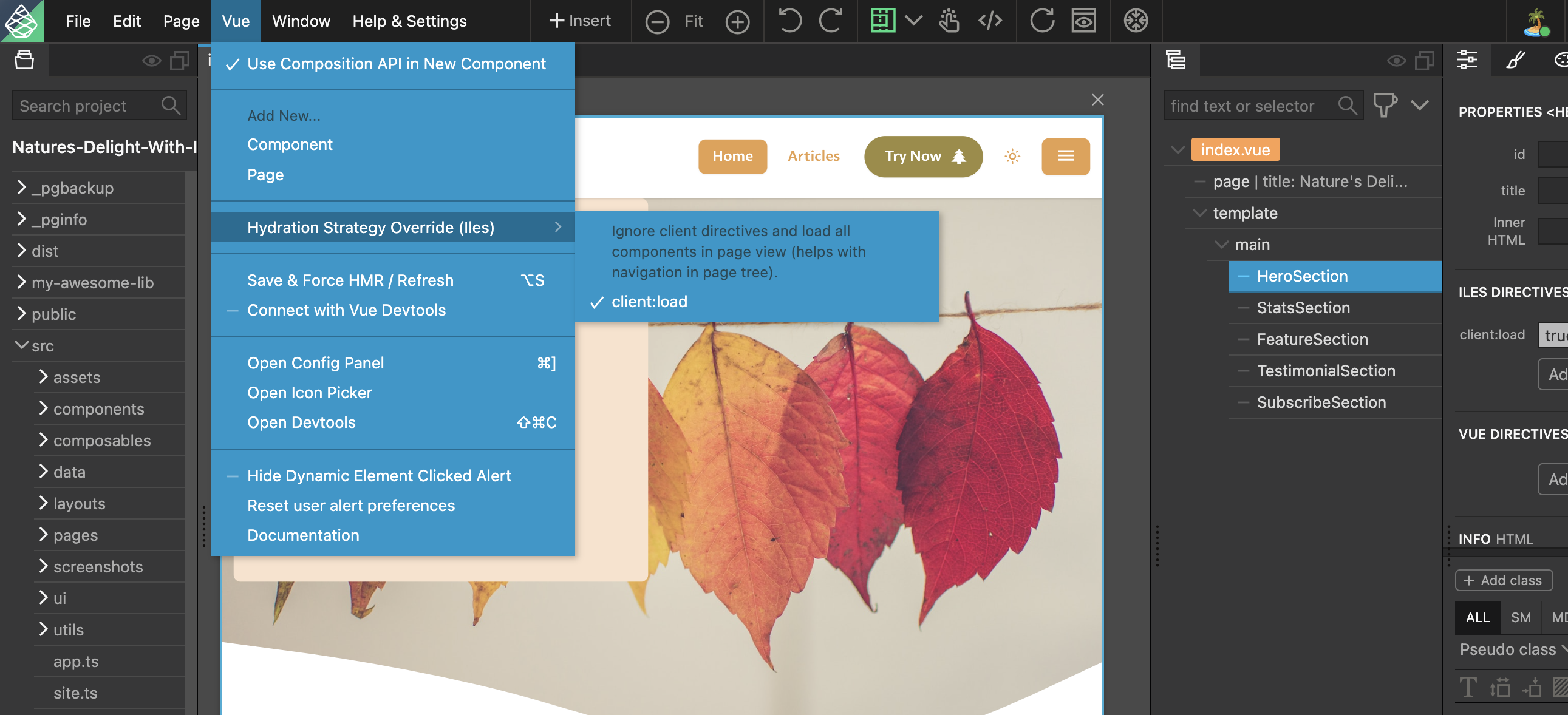
With îles apps, the Vue menu, includes a hydration strategy override that will automatically load your components, so that the Component App Tree displays all the components within Vue Designer. This is very helpful during development.
Interesting Fact: Your îles app is an SPA during development, and MPA in production!