Pinegrow Interactions can be used in WordPress themes and plugins.
DocsWordPressDocsWordPress2023-10-03
Using Interactions in WordPress themes
Including Interactions in themes
The process of enqueuing required Interactions resources is automatic. Just export the theme and you are done.
Including Interactions in plugins
By default, no scripts are automatically exported with the plugin. To add Interactions resources, they need to be explicitly enqueued.
Interactions have two scripts:
pgia/lib/pgia.js
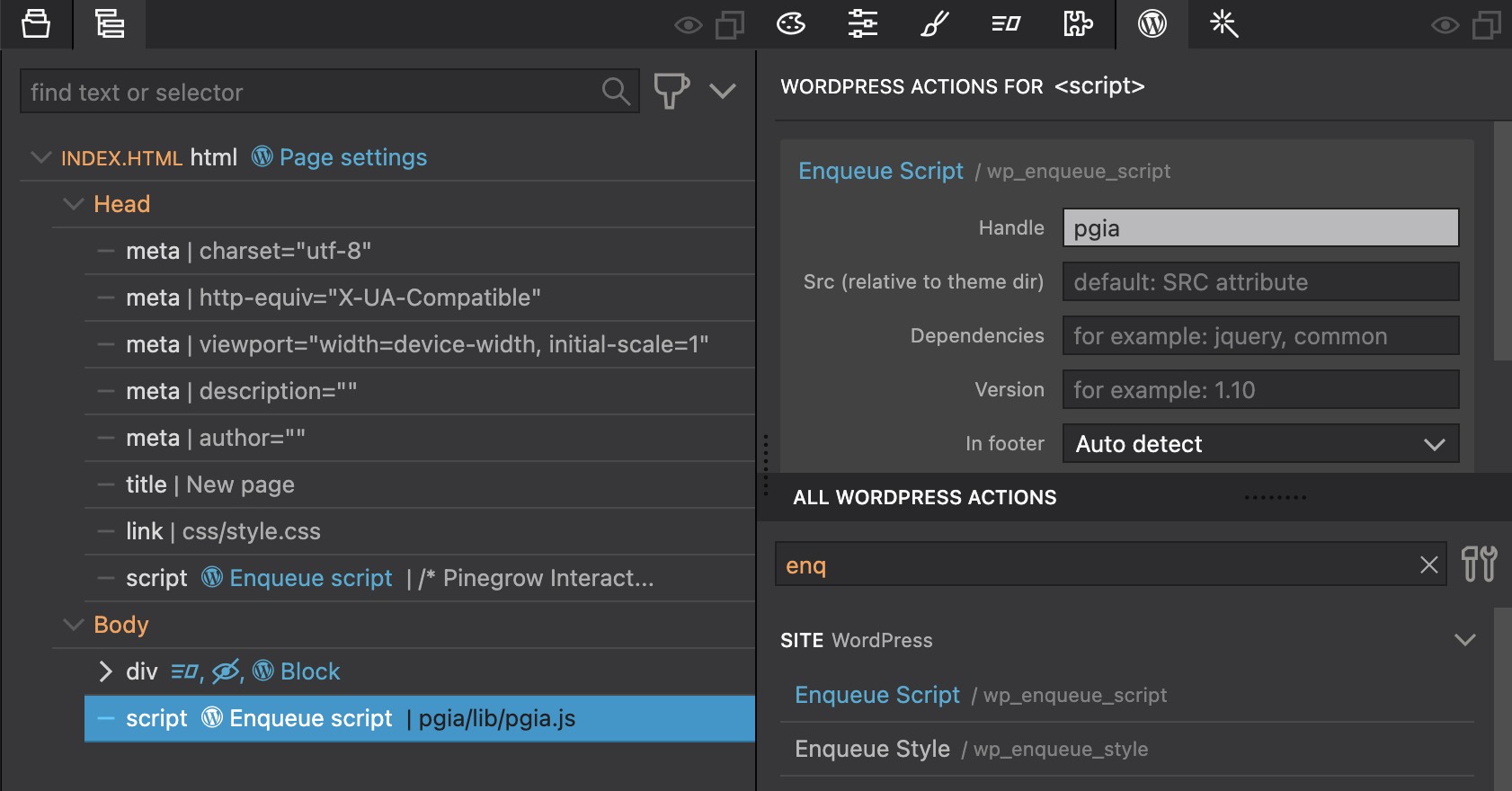
Select the script element in the Tree panel and add Enqueue script action in the WordPress panel. Set the script handle to pgia or similar, so that only one instance of the script will be included even if more of your plugins enqueue the same script (as long as all are using the same handle).
Inline head script
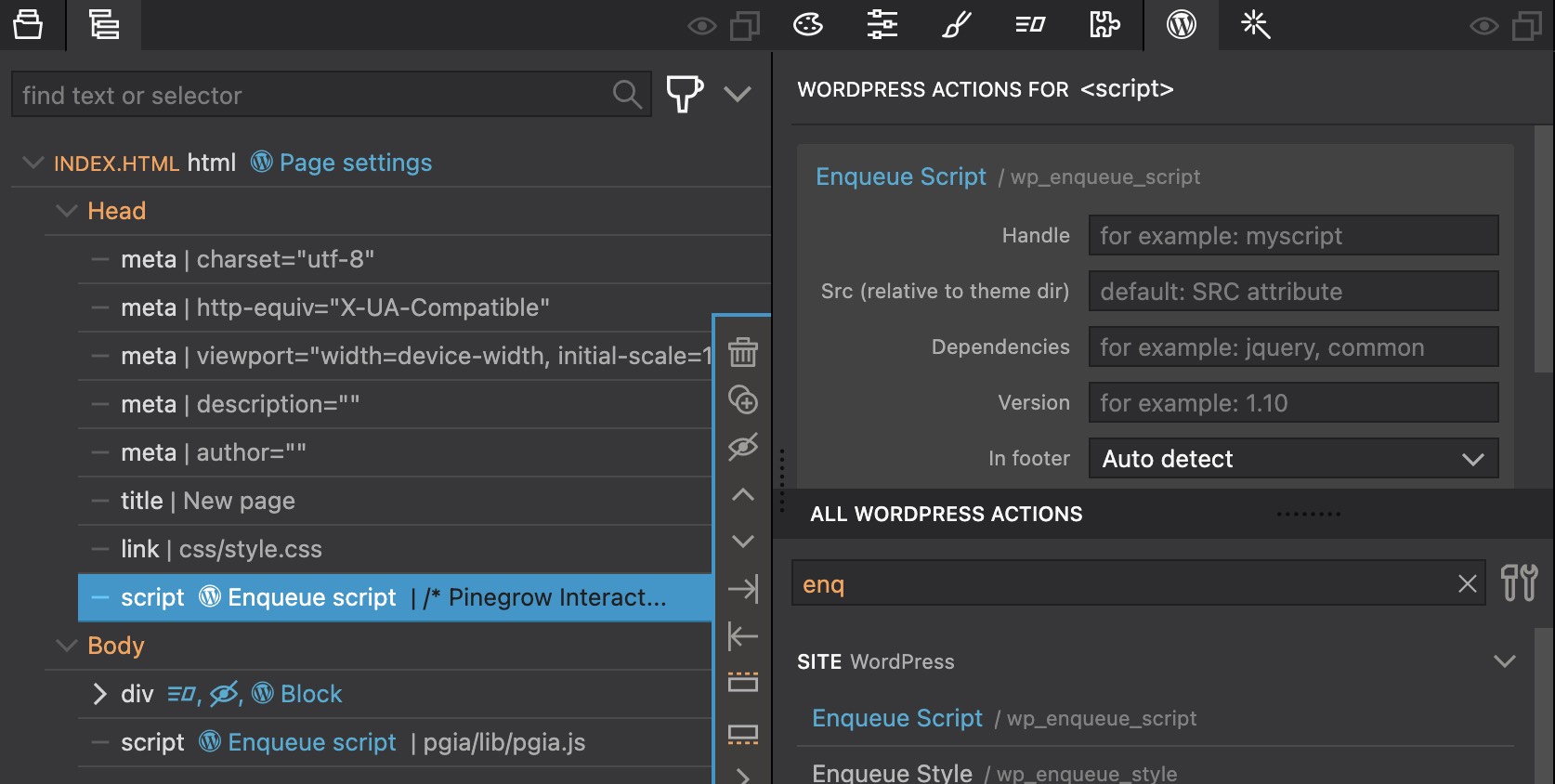
To include the inline Interactions script to the head of the page, select the /* Pinegrow Interactions... script in the Tree panel and add Enqueue action.
Copy resources to the exported plugin
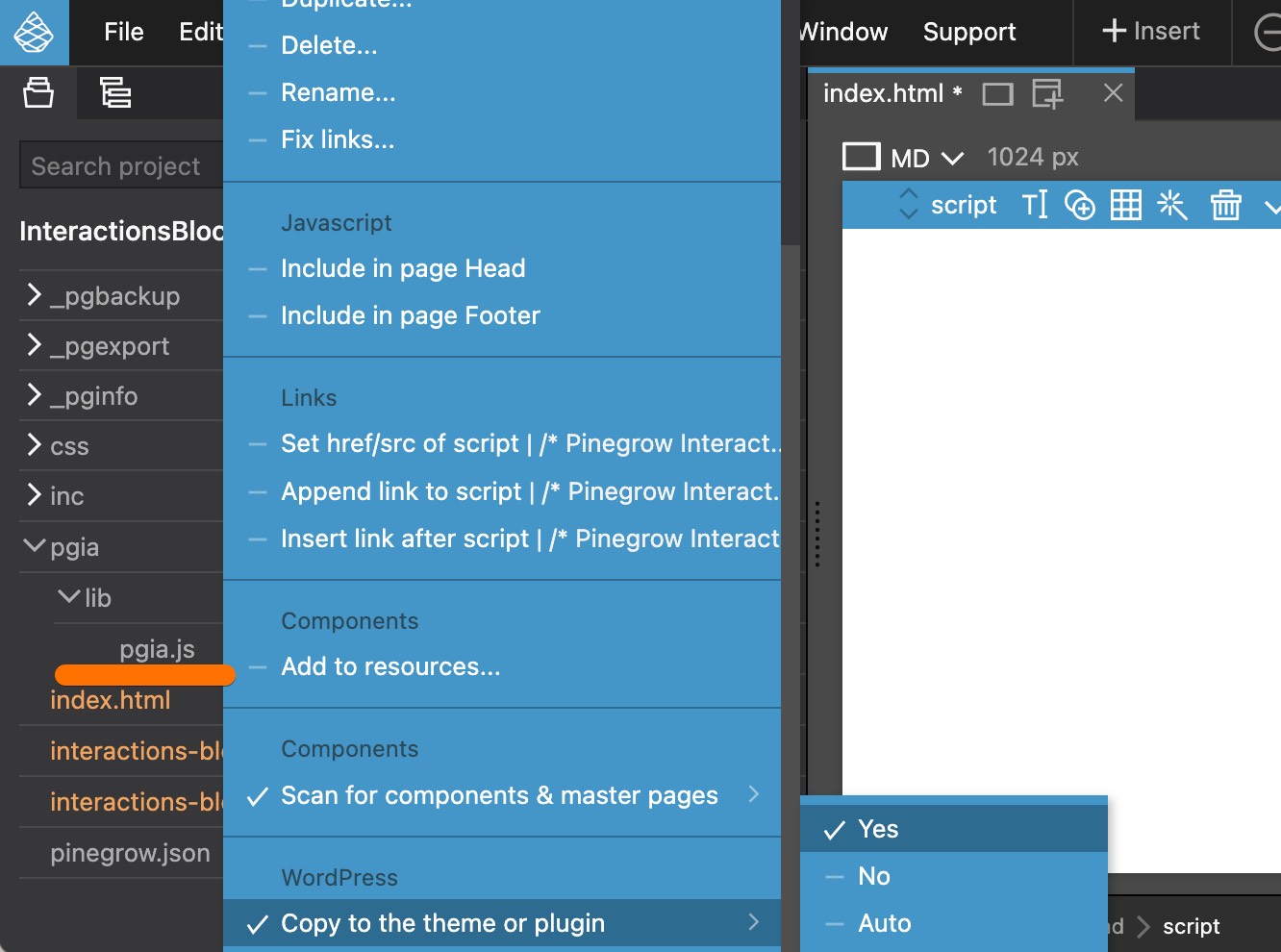
Above actions added the script references to the code, but the script file itself is not copied to the exported plugin automatically. To enable that, go to the Project panel, drill down into the pgia/lib folder and then right-click pgia.js and select Copy to the theme or plugin › Yes.