
Here you will discover the most common problems related to the use of the Pinegrow WordPress Plugin as well as solutions to solve them.
SupportWordPressSupportWordPress2024-02-08
Pinegrow WordPress plugin troubleshooting
I’m getting the message “The link you followed has expired. Please try again” when I try to install the Pinegrow WordPress Plugin.

This message is not about a Pinegrow error and is slightly misleading. The actual error is that the Pinegrow WordPress plugin zip file is too large to what is allowed by the web server.
In order to resolve this situation, either increase the maximum upload size in your PHP settings if you have access to these settings, or manually unzip the plugin and upload it into the wp-content/plugins folder e.g. via FTP.
I can’t get the Pinegrow WordPress plugin to work on a WordPress in multisite mode and particularly, theme export does not work.
Indeed, due to some technical constraints, multisite mode is not supported at the moment.
I am experiencing export issues and slow performance that seem abnormal to me. How can I try to identify the cause?
From the Pinegrow WordPress plugin interface inside your project :
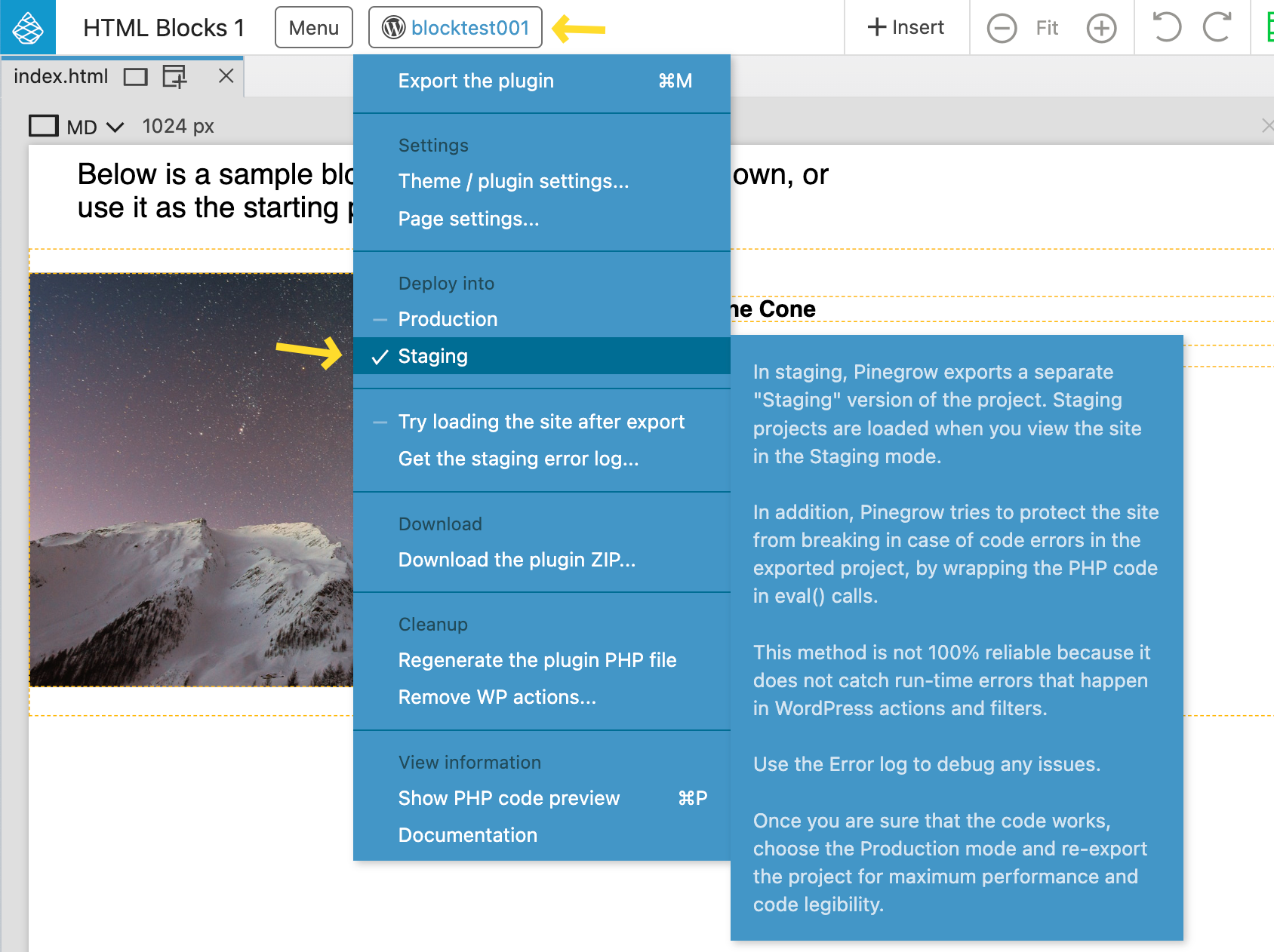
- Go to the WordPress menu (the button with the name of your project)
- Select Deploy into Staging, then export the theme or the plugin
- Select Get the staging error log and read the content in order to find a possible origin.
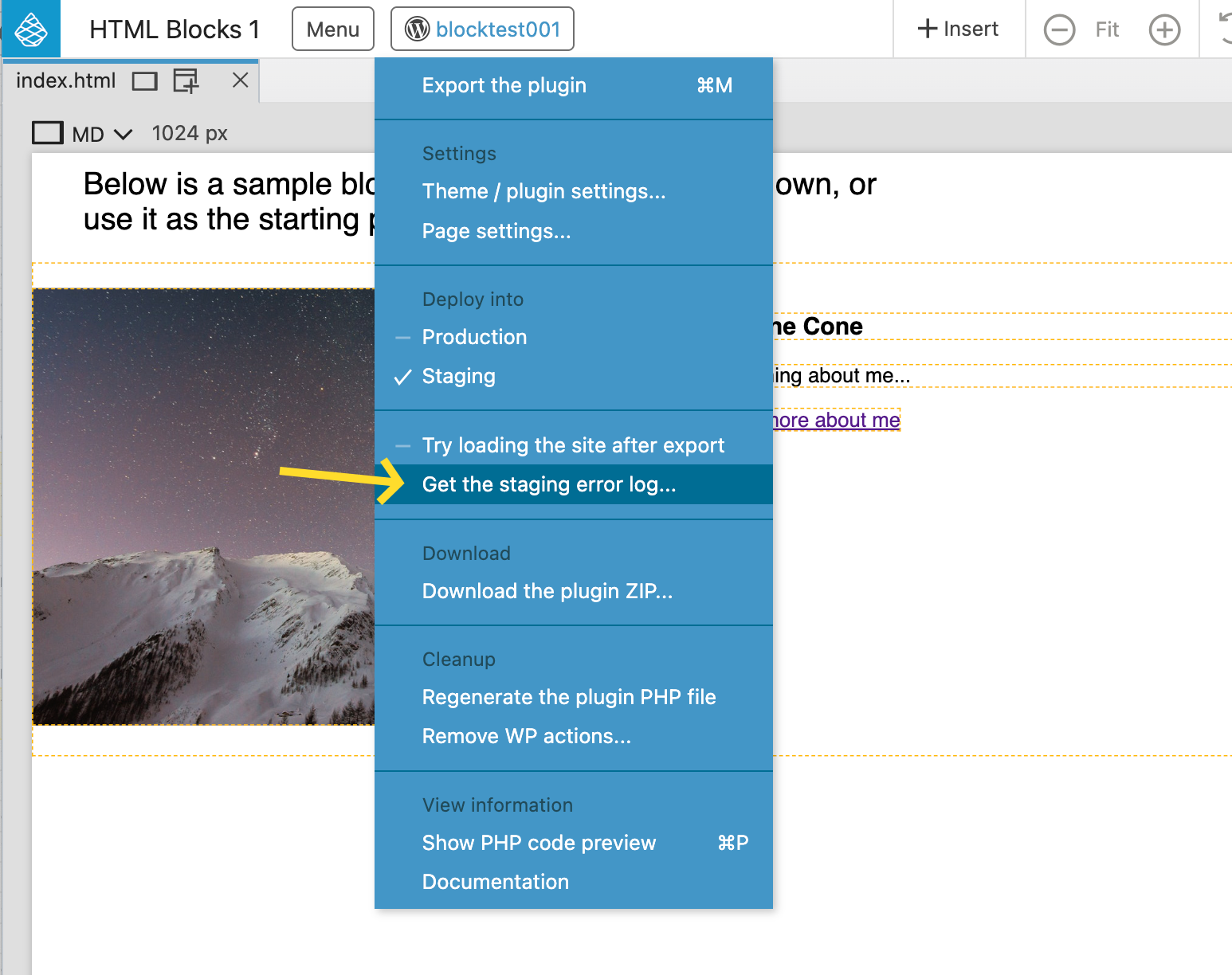
If you find nothing relevant, please send us the error log so we can try to help you.