
Post Content action displays the content of the current post.
DocsWordPressDocsWordPress2019-06-04
Post Content
PGLOOP
Post Content action adjusts to the element on which it is placed:
When used on <p> and similar elements
When placed on an element like paragraph, heading, span or link, the whole element will be replaced by the full content of the post.
For example, placing Post Title on a paragraph:
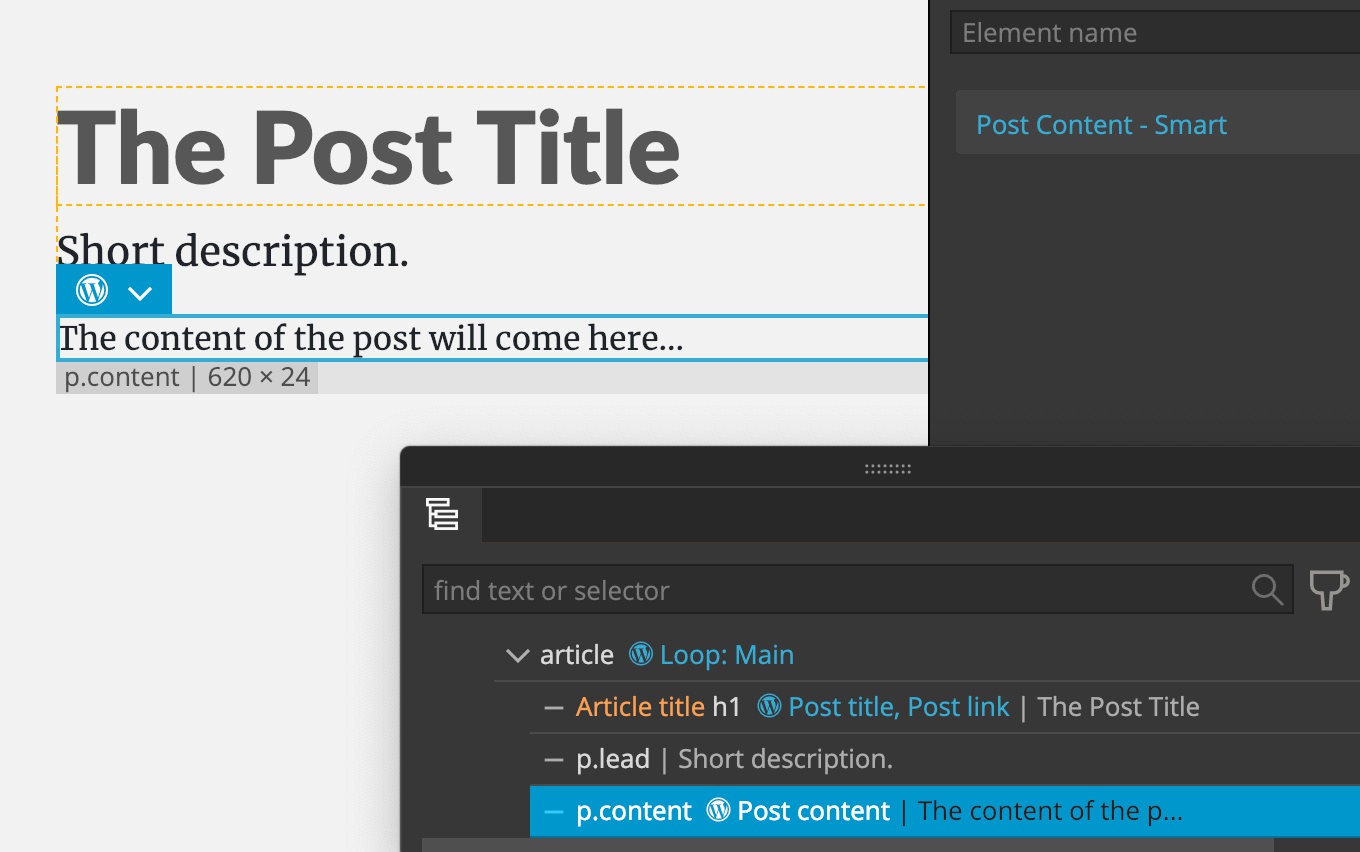
Will replace the whole paragraph element with the content of the post, that might include multiple paragraphs, images, and other elements.

The PHP code:
<?php the_content(); ?>When used on container elements
When placed on any other element, for example on a Div, it will display the content of the post inside that element.
For example, adding Post Content on a div:
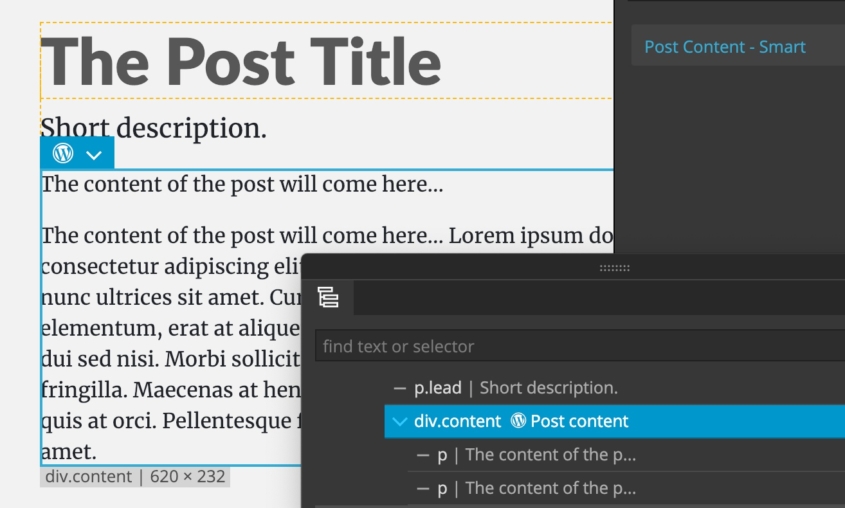
Will display the post content inside the <div> element with the PHP code:
<div class="content">
    <?php the_content(); ?>
</div>
PGACTIONCONFIG