
Become an expert block creator with the help of our step by step tutorials and examples.
DocsWordPressDocsWordPress2022-07-30
Custom block examples and tutorials
Create Your First Block
Start with a piece of static HTML and turn it into a powerful block with editable attributes, inner blocks and sub-blocks. Then, create a dynamic block that displays the up-to-date content from the WordPress database.
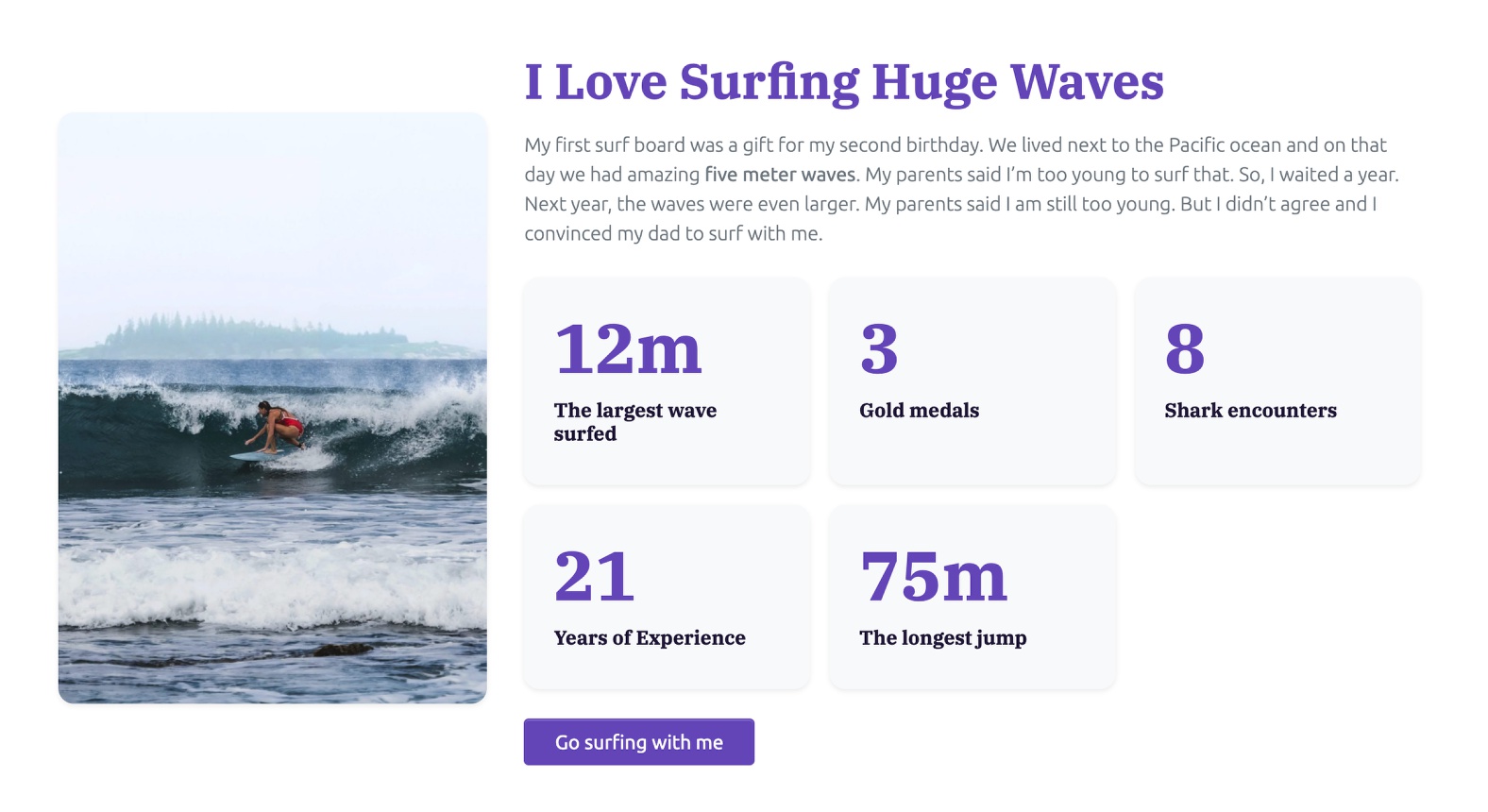
Simple Full Site Editing with Minimal Theme and Blocks
Use a minimal page template and custom blocks to implement a simple full site editing theme.
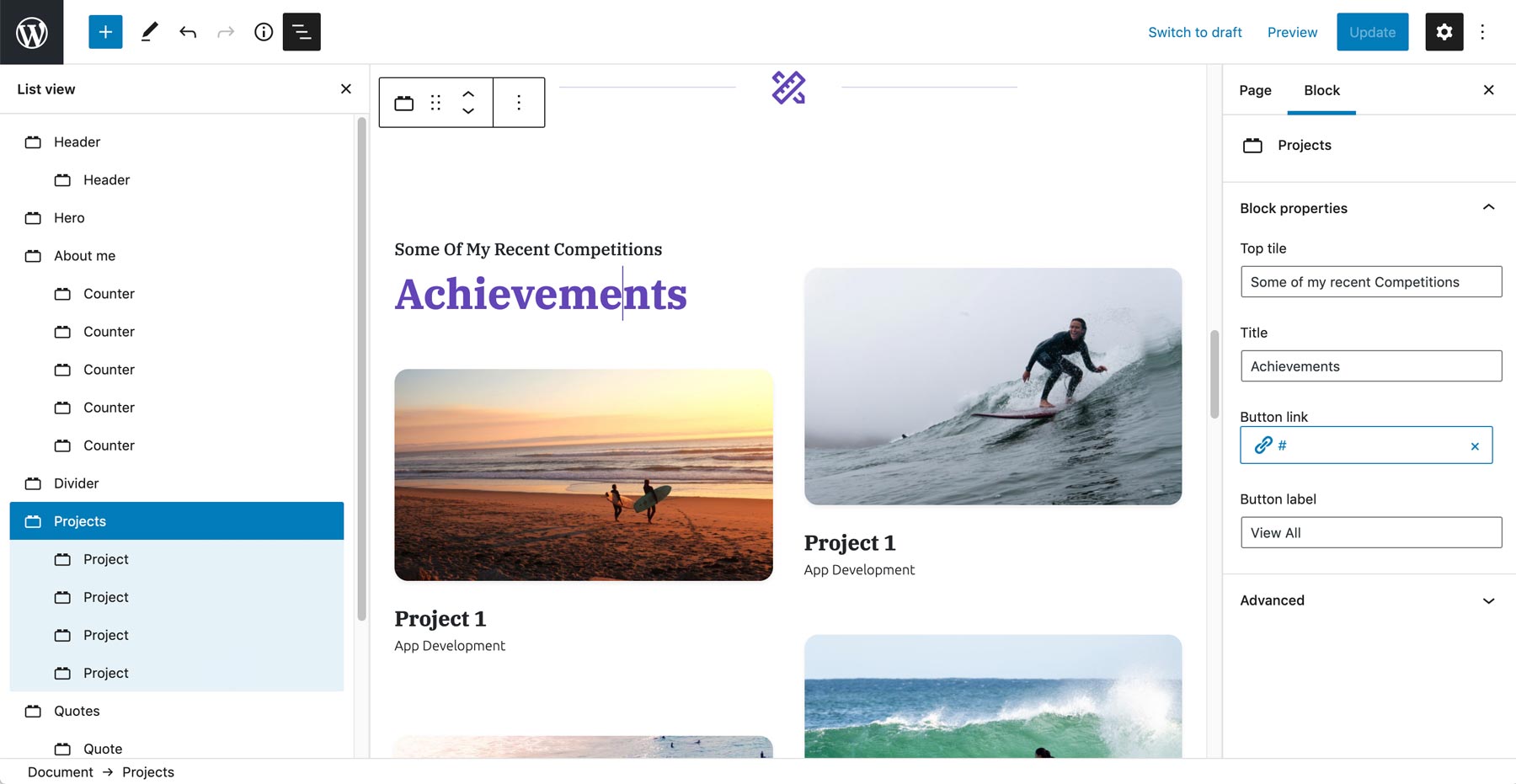
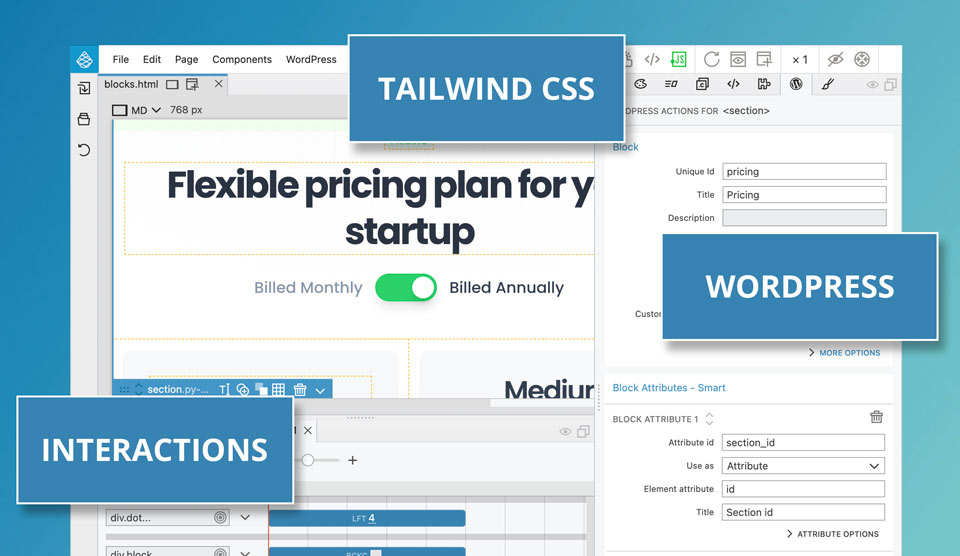
Flex - A block based theme with Tailwind CSS and Interactions
A fun tutorial on converting a Tailwind CSS project into a WordPress theme based on Gutenberg blocks. As a bonus, we will use Pinegrow Interactions to create a slider block and a pricing toggle.
In this section
Simple full site editing with a minimal theme and blocks
Use a minimal page template and custom blocks to implement a simple full site editing theme.