
Post Link action displays the link to the current post.
DocsWordPressDocsWordPress2019-06-04
Post Link
Post link adjusts to the element on which it is placed.
PGLOOP
Post Link on <a> link element
When placed on the <a> link element it will set the href attribute to the address of the post.
Adding Post Link on a <a> link element:
<a href="#">Article title</a>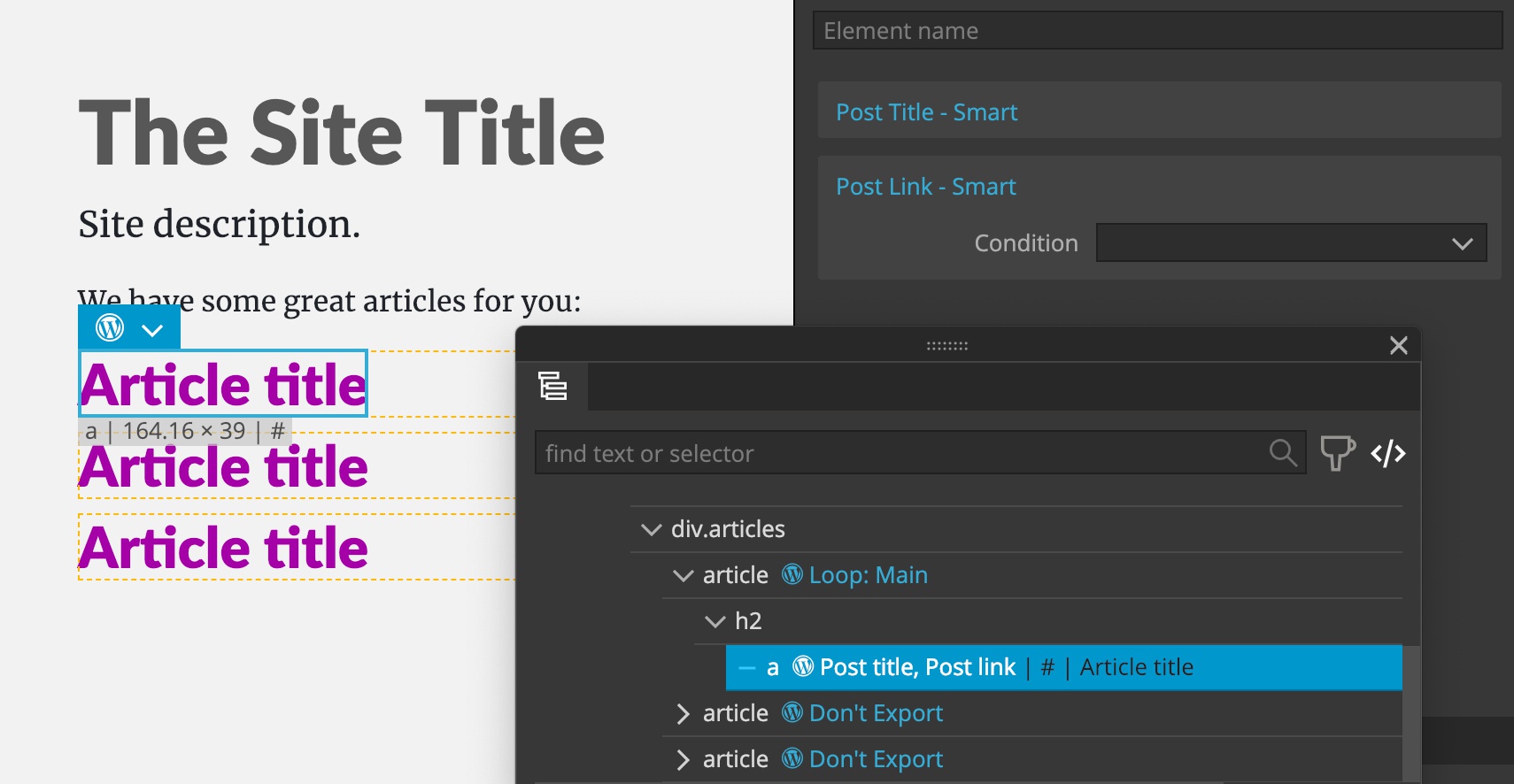
Will point the link to the post address:
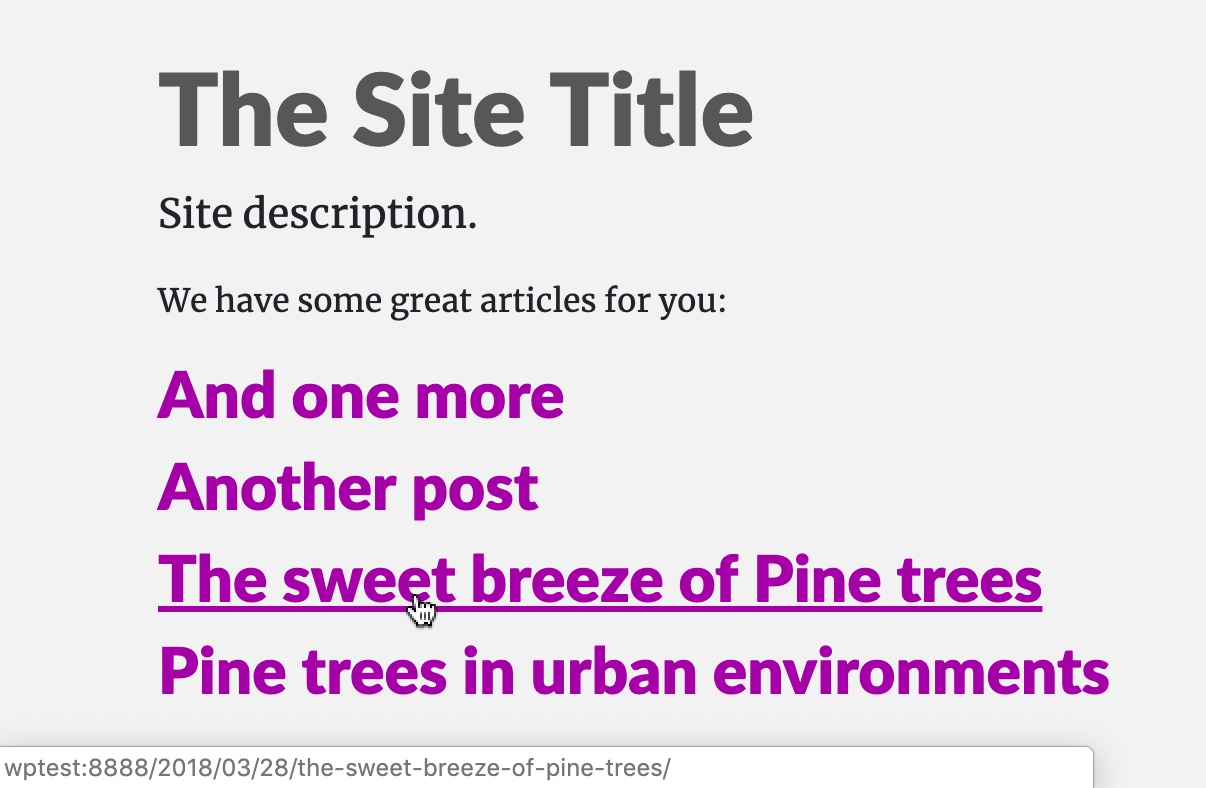
With the PHP code:
<a href="<?php echo esc_url( get_permalink() ); ?>"><?php the_title(); ?></a>Post Link on any other element
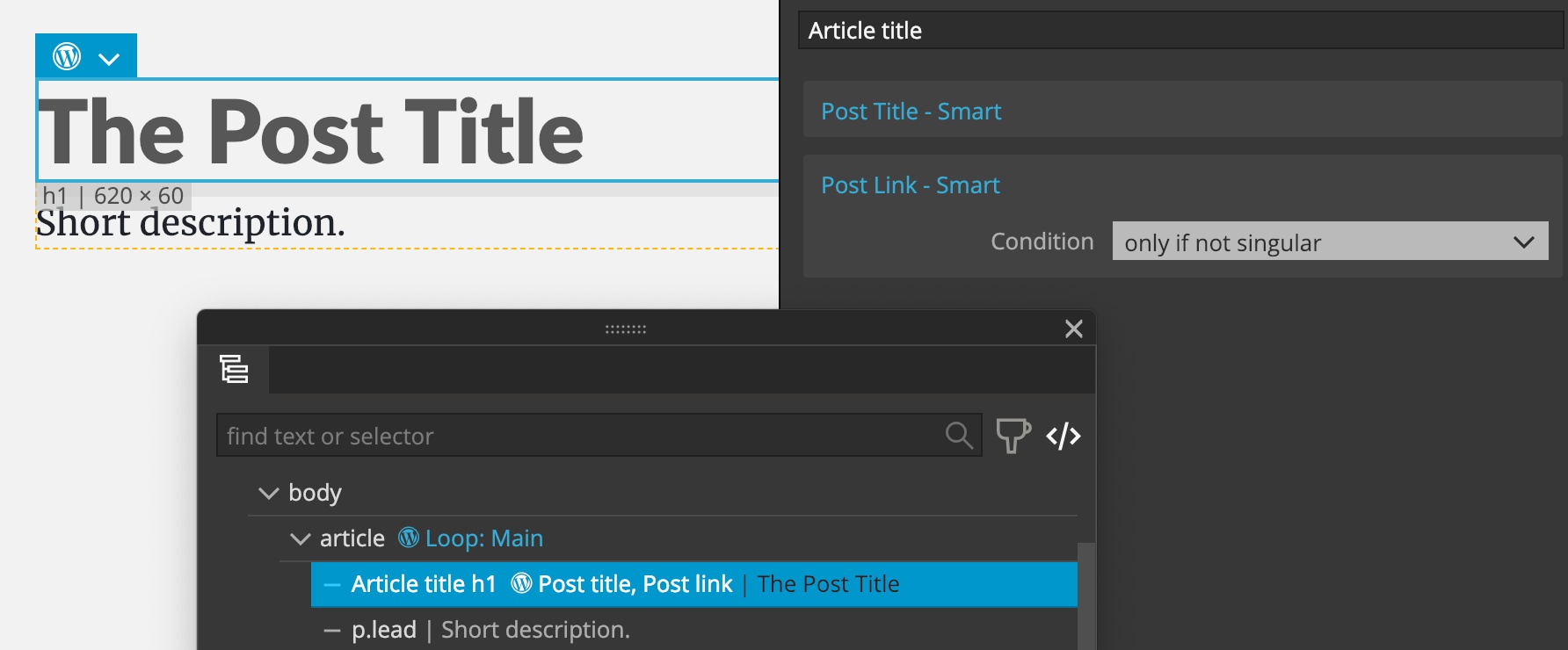
When placed on any other element it will wrap the element with the <a> element. Here we can use the Condition setting to control when the link is created. By default the link is only created on templates that display a single post or page.
In the next example we’ll add Post Link directly on the H1 element, and leave “Only if not singular” condition selected:
This will wrap H1 with a link to the post only on pages that display multiple posts in the main loop:
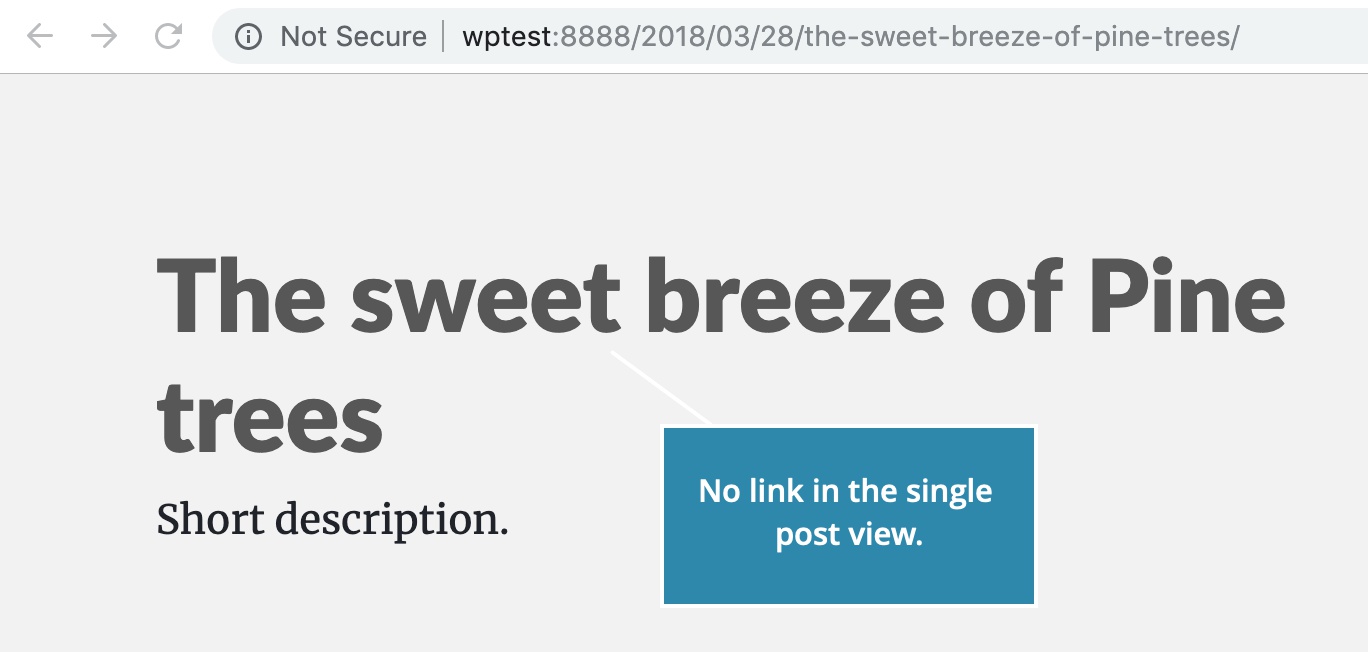
The generated PHP code is:
<?php if ( is_singular() ) : ?>
    <h1><?php the_title(); ?></h1>
<?php else : ?>
    <h1><a href="<?php echo esc_url( get_permalink() ); ?>"><?php the_title(); ?></a></h1>
<?php endif; ?>
Note that the “Only if not singular” condition depends on the main loop, not on subsequent Custom queries or Relationships. So, if we use Post Link within the Show Posts that displays articles that are related to the main, single, post, the link will not be created because the page view is singular - displaying a single post. In such cases it is best to add the action directly on the <a> link element, or to remove condition.
It is recommended to add Post Link on the <a> link element, so that we have complete control over the HTML structure and styling.
PGACTIONCONFIG