
Site Link action adds the link to website home, latest posts archive, individual posts and more.
DocsWordPressDocsWordPress2019-06-04
Site Link
Site Link action should be added to a <a> link element. It will set its href attribute to the address of the chosen object.
Use the Link to setting to select the type of the link:
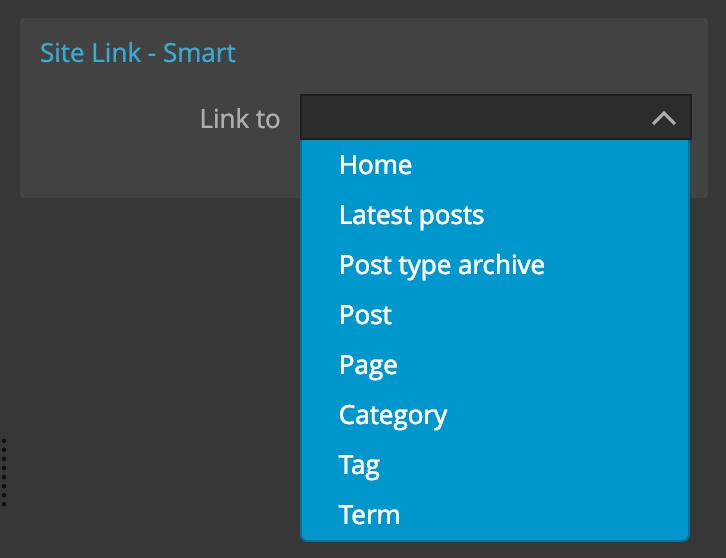
Home
Selecting home will create a link to the home page.
Latest posts
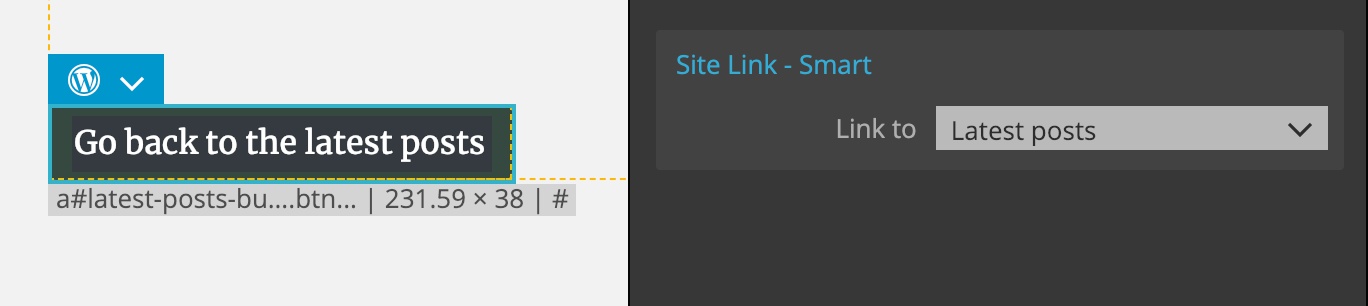
Latest Posts points the link to the page displaying the latest posts. What that is depends on the front page setting in the WordPress admin. Latest posts only works for the “post” post type.
Post type archive
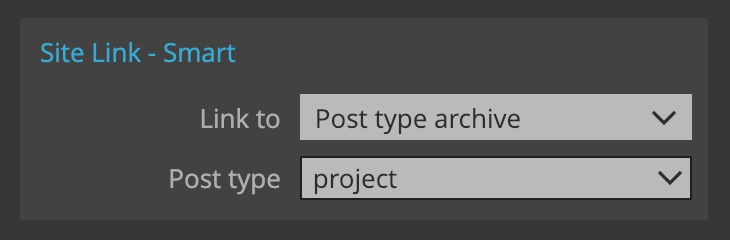
Post type archive creates the link to the archive (latest posts) of the particular post type. That’s why we also need to specify the post type.
For example, here we create the link to the archive of the custom post type “project”.
Individual post
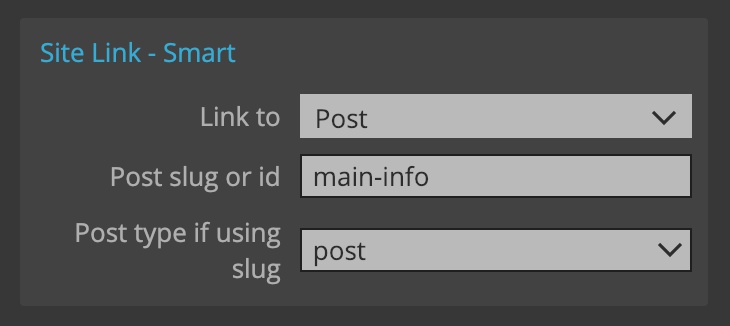
Selecting Post will link to the specific post. The post is identified by its id or by its slug. Using slug is better because the id changes from site to site.
When using a slug, we also have to specify the post type so that WordPress knows how to look up the post by its slug.
Individual page
Selecting Page lets us link to the specific page that we identify by its id or slug. Here we don’t have to specify the post type because we already know that it is of type “page”.
Category
Category will link to the archive for the selected category. Category is identified by its id or slug. As above, using slugs is the better choice.
Tag
Tag links to the tag archive. Again we use id or slug to identify the tag.
Custom taxonomy term
Term link to the specific term from the selected taxonomy, including any custom taxonomy.