
Sidebar action displays a sidebar. Optionally, it also registers one.
DocsWordPressDocsWordPress2019-06-04
Sidebar
Traditionally, sidebars were used in WordPress to display information on the side of the blog article - hence the name “sidebar”.
But they are much more than that.
Sidebars are dynamic areas of the theme whose content is customizable in WordPress admin panel and can include static information as well as various widgets, both built-in and those implemented by plugins.
For example, let’s add Sidebar action on a <div> in the footer:
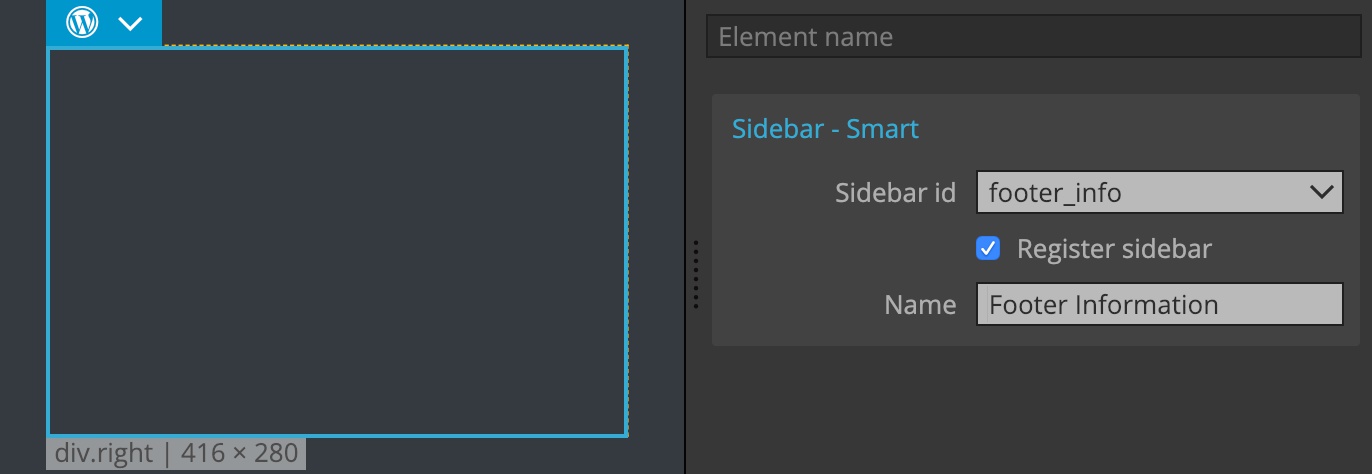
After we display - and register if needed - a sidebar, we can use WordPress admin to select widgets that will be displayed there.
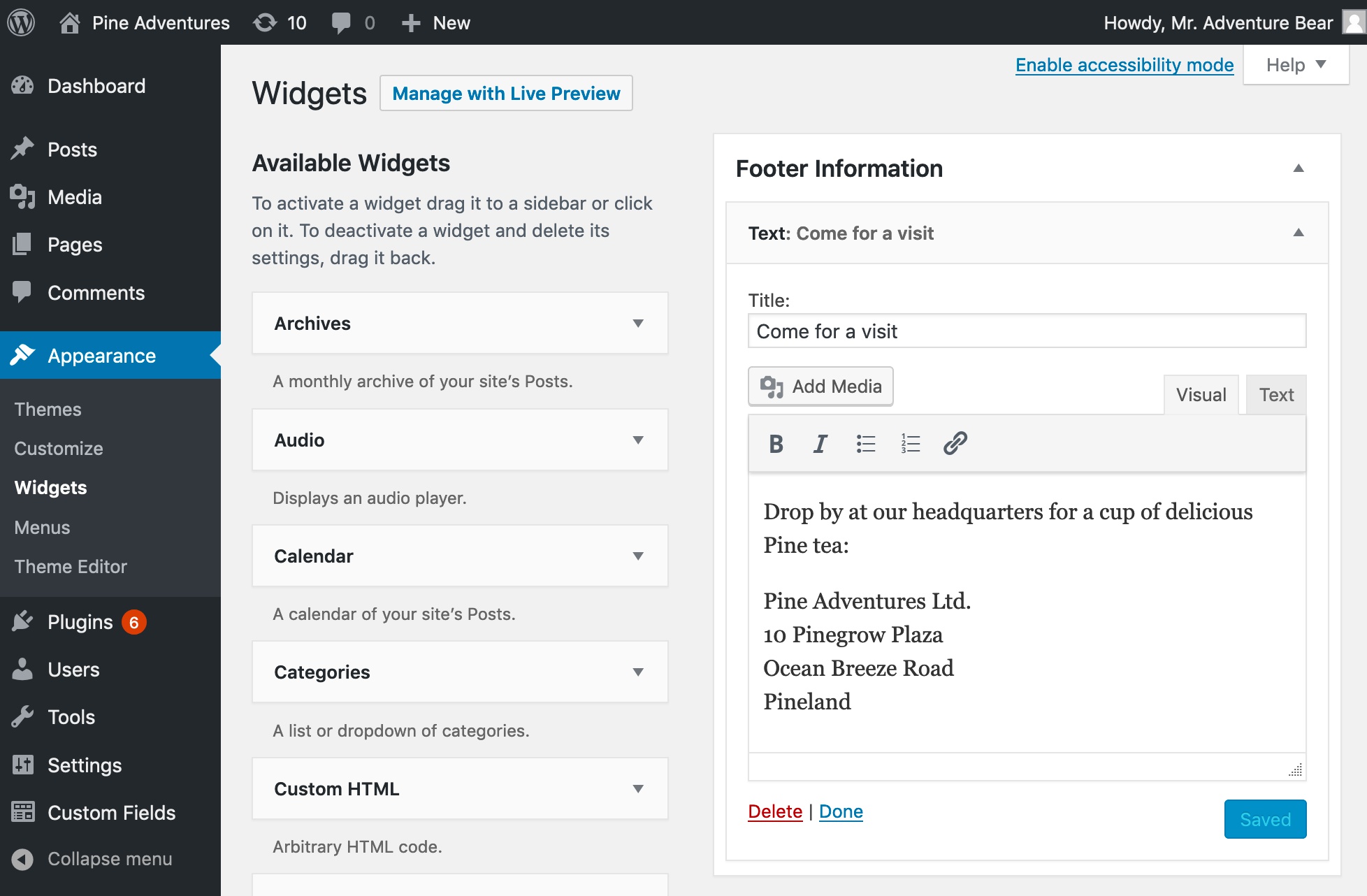
The dynamic sidebar content is now displayed in the footer and can be controlled from WordPress admin panel:

That’s the best way to add extended functionality to the page.