
Protect locked stylesheets from editing, improved Google Fonts and bug fixes.
Release notesRelease notesRelease notesRelease notes2019-06-26
Pinegrow Web Editor 5.6, June 26, 2019
Download
Protect locked stylesheets from editing
It’s almost never a good idea to edit framework stylesheets (for example, bootstrap.css) directly because our changes would be lost if we update framework files.
The best practice is to override framework CSS rules in a separate stylesheet (for example, custom.css) or to customize framework styles with SASS.
Pinegrow Web Editor now locks such framework stylesheets to prevent us from accidentally modifying them.
Stylesheets loaded from remote URLs are also locked because they can’t be saved.
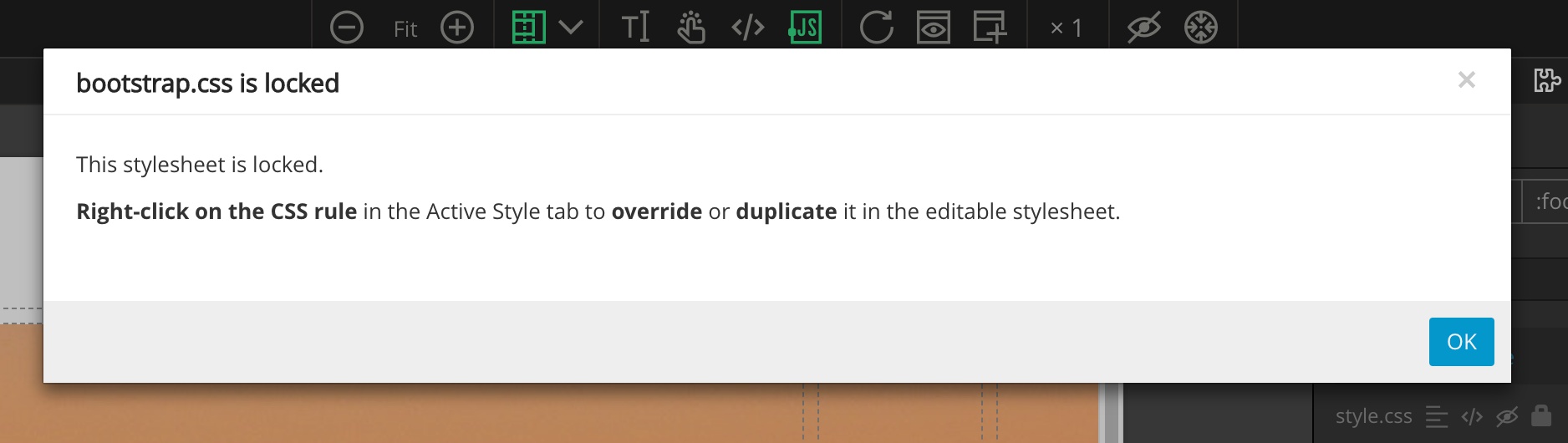
Locked stylesheets can’t be edited. When viewed in code editor they are read-only:
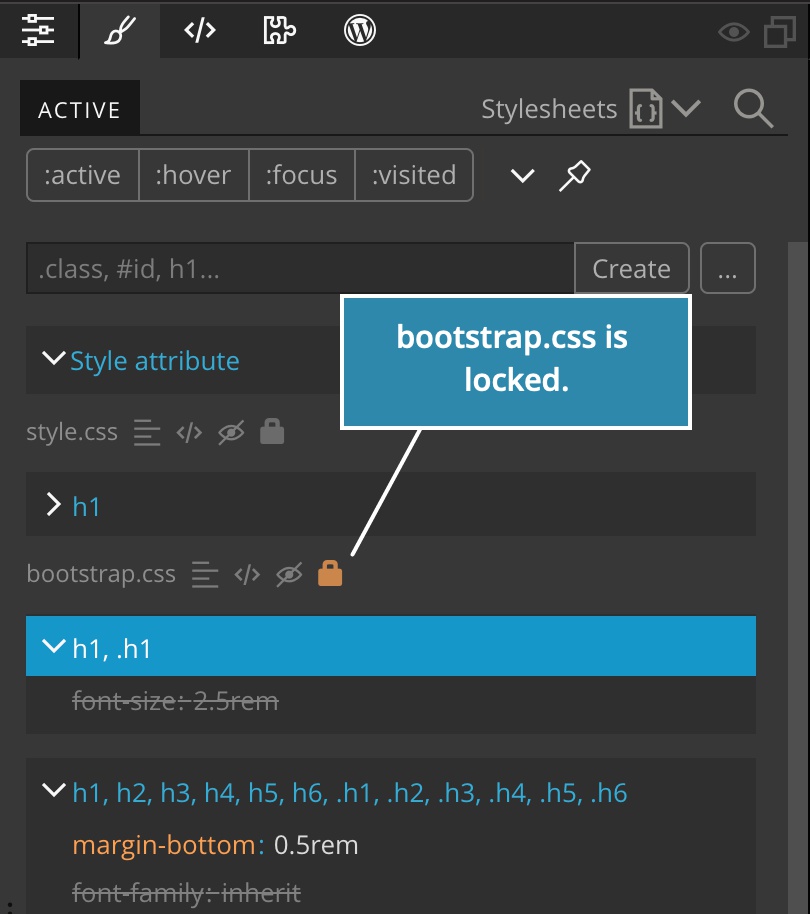
The orange lock icon in Active Style tab indicates that a stylesheet is locked:
We can toggle the lock for any stylesheet. That means that we can lock any stylesheet that we want to protect from edits by clicking on its lock icon:
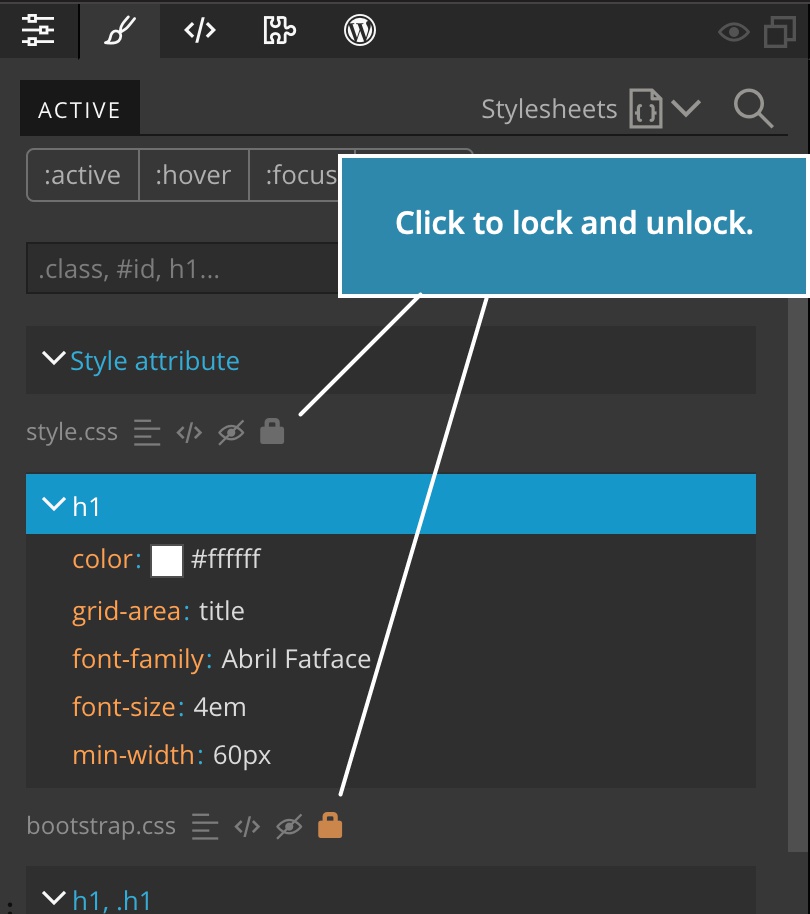
And, we can unlock any framework or remote stylesheet. Of course, in this case, we should know what and why we are doing this.
Overriding CSS rules
The easiest way to override a CSS rule in a locked stylesheet is to right-click on the rule and select Override in… using one of our custom stylesheets as the destination for the new rule.
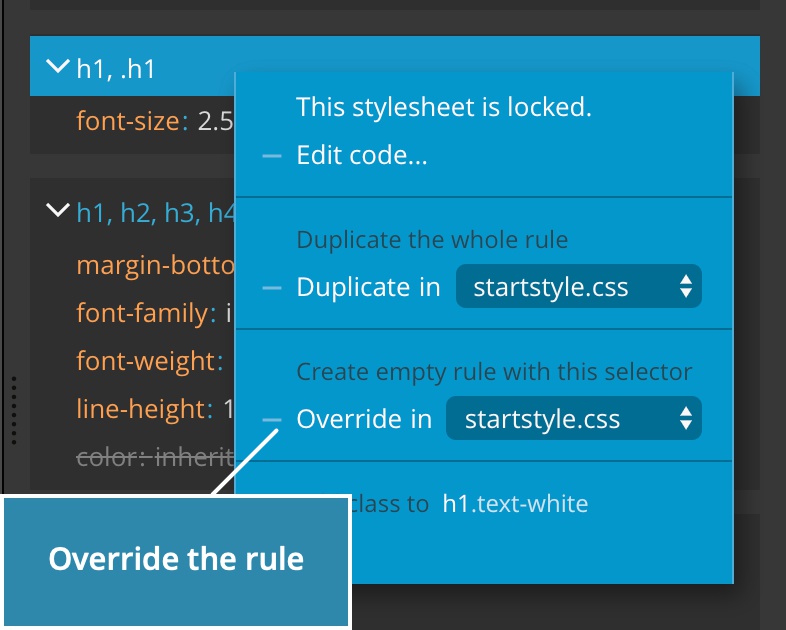
Choosing this command will create the new rule with the same selector in the custom stylesheet and select it for editing:
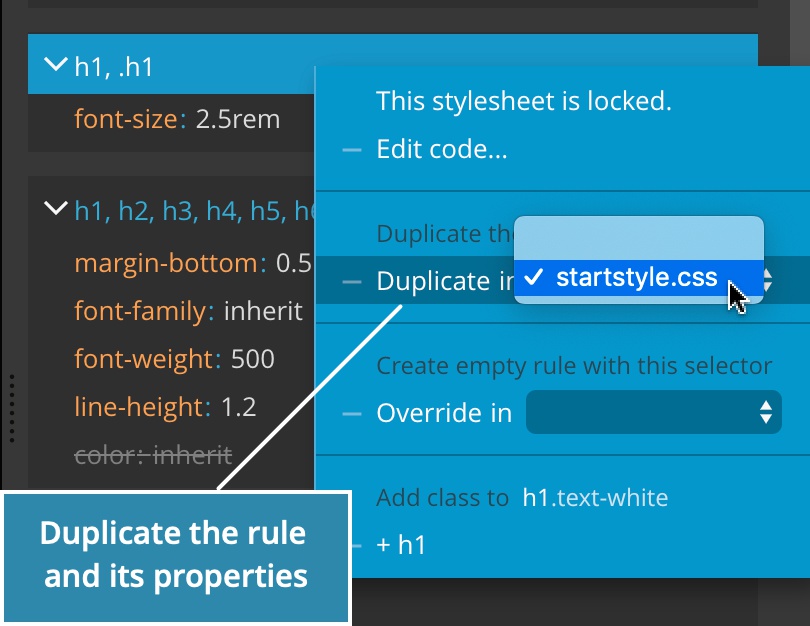
We can also duplicate CSS rules in the same way. That creates a copy of the rule (selector plus its properties) in the custom stylesheet:
Improved Google Fonts manager
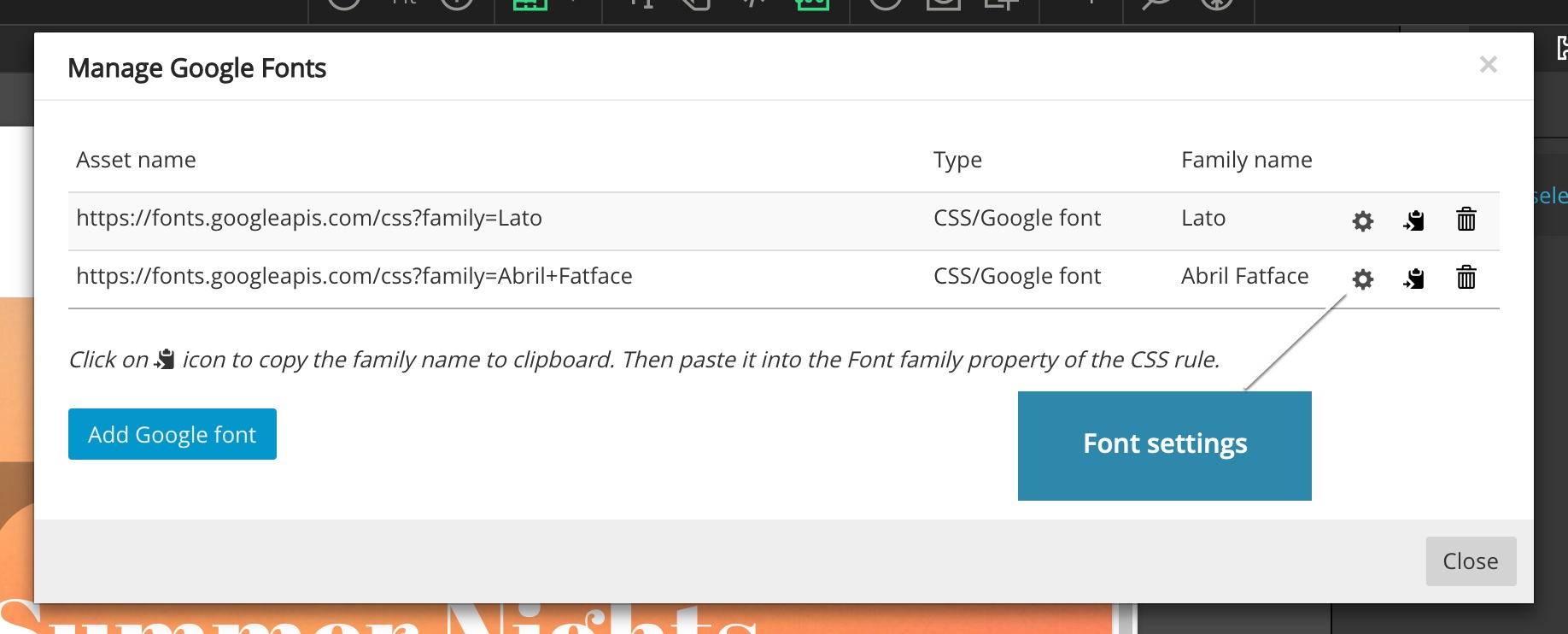
Manage Google Fonts dialog now let’s us change the settings of the font that is already added to the page (previously it was only possible to set settings when adding the font to the page):
Font display
There we can also set Font display to select how the font should behave while it is being loaded. That affects the performance and SEO ranking of the page.
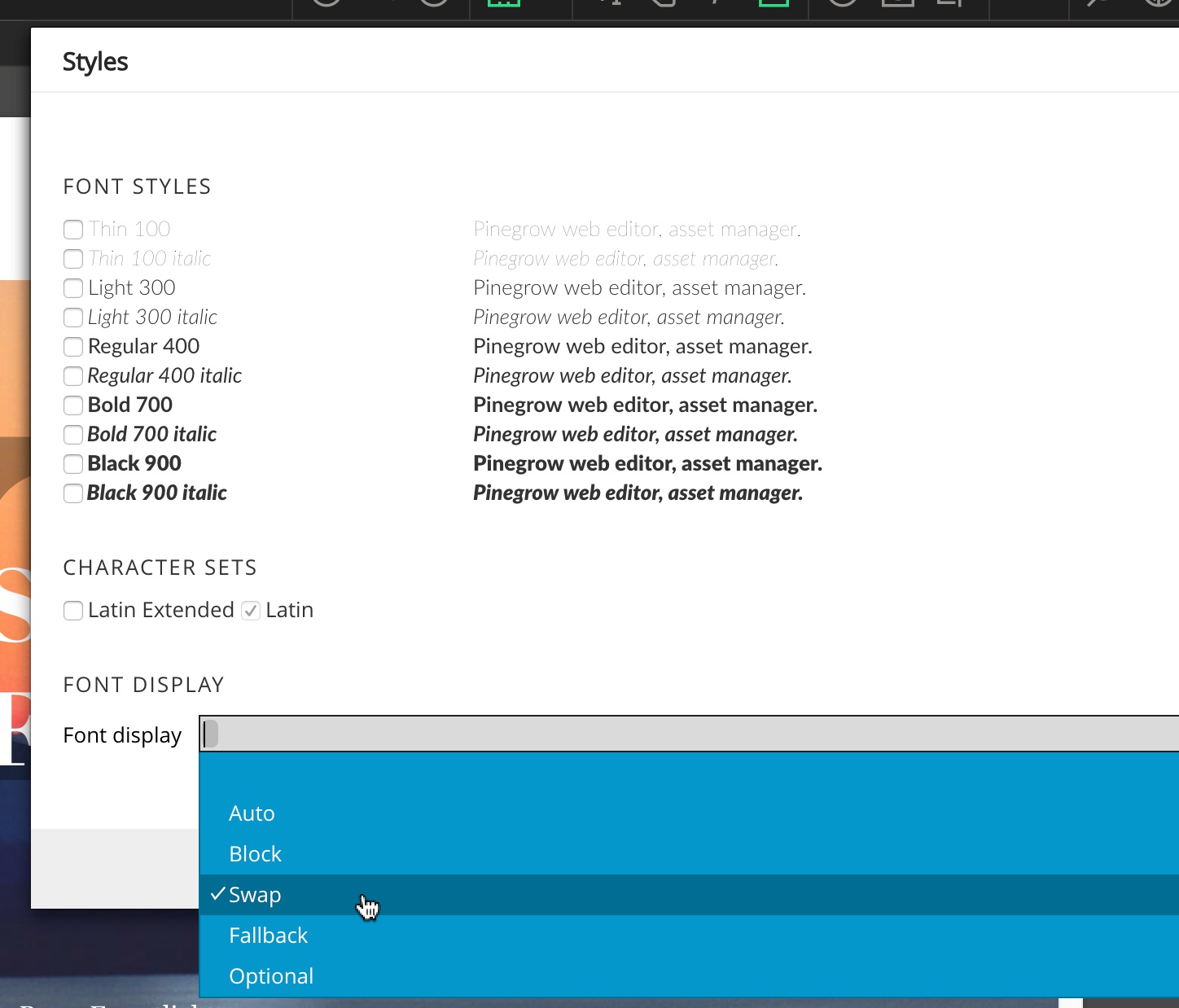
Available options are:
- Auto - Text will be hidden until the font is loaded, unless browser decides that the waiting is too long. This is the default behavior.
- Swap - The closest available font is used to display the text while the font is loaded. Recommended setting for best performance.
- Block - Text will be hidden until the font is loaded.
- Fallback - Text is hidden for a very short time and if the font is not loaded till then, the closest available font is used. This is a good alternative to swap if you want to avoid showing unsettled text.
- Optional - Let the browser decide whether to use the font or not.
The recommended setting is swap because it makes the page usable even though the fonts are not loaded yet.
Bug fixes
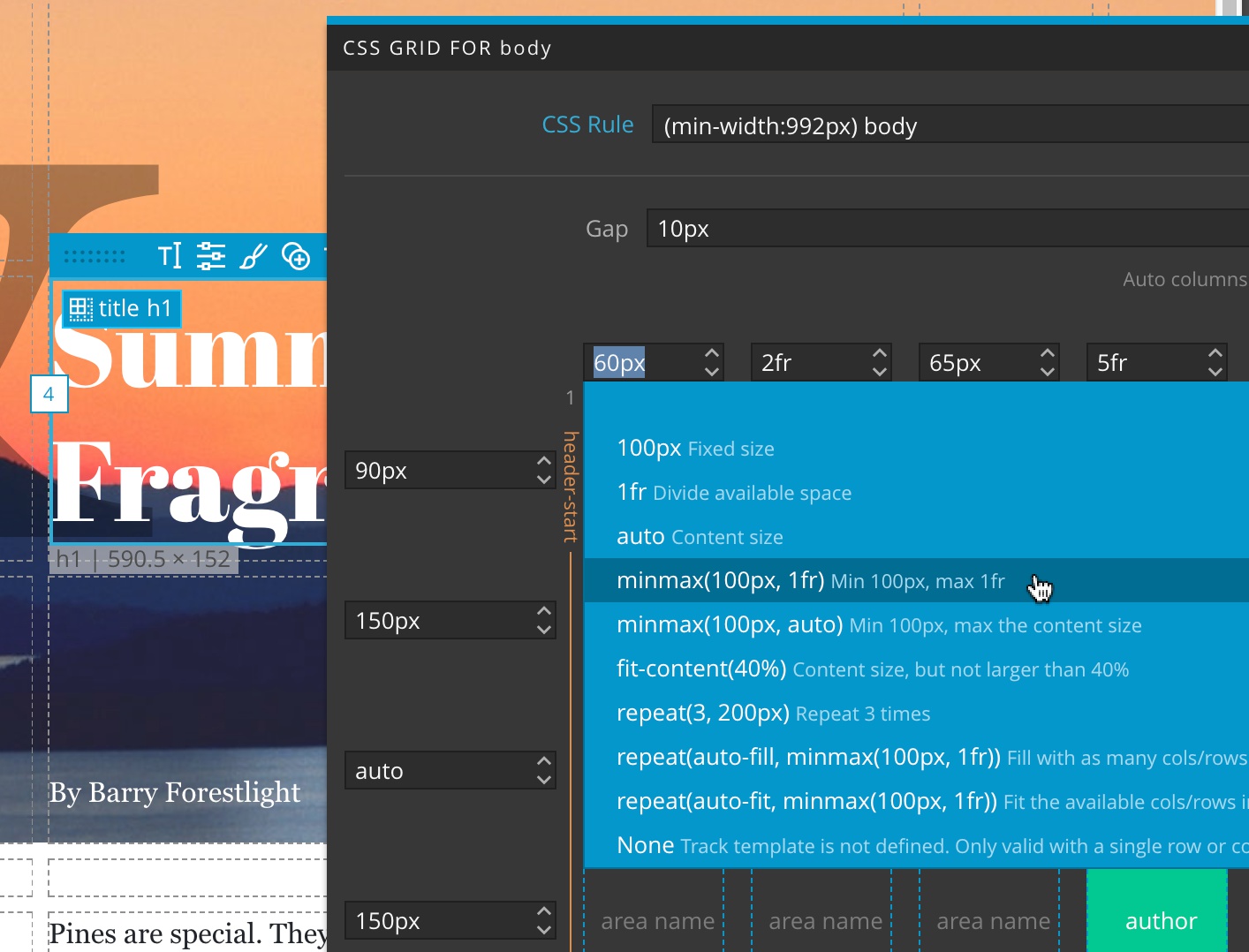
Glitches with CSS Grid positioning are now fixed. Double-clicking on column and row fields displays the list of useful presets:
Drag & Drop in the Tree panel now works after using the “Insert into tree” function.