
Pinegrow 2.951 is available for download.
Release notesRelease notesRelease notesRelease notes2016-10-27
Pinegrow Web Editor 2.95, October 27, 2016
Pinegrow 2.951 fixes bug with Pinegrow occasionally freezing when entering the Edit code mode.
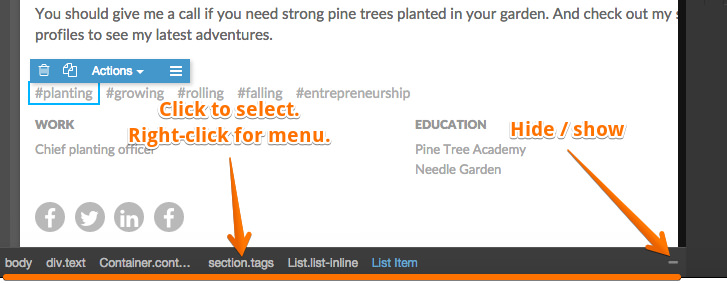
Status bar with path to the selected element that lets you easily select any of the element’s parents. After the parent is selected the path to originally selected element stays displayed for quick navigation. Use right-click to open context menu on elements and -/+ icon to hide/show the status bar:
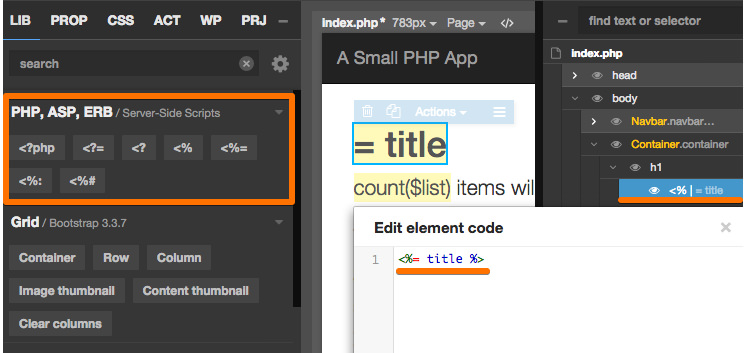
ASP, ASPX and ERB template editing in addition to PHP. Pinegrow now supports editing HTML templates with <?php, <?, <?= and various forms of <% server-side code tags. Learn more.
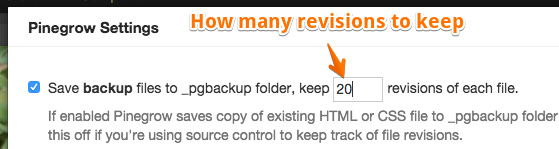
Improved backup: Pinegrow keeps 20 (changable in settings) revisions of any saved file and deletes older backups to prevent old backup files piling up. Also for projects, a single _pgbackup folder is located at the root of the project, not in every subfolder as before:
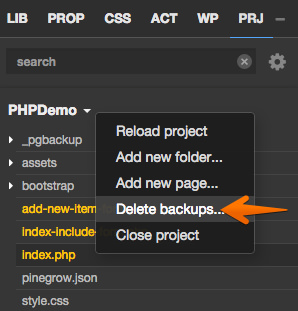
You can also delete project backups from the PRJ project menu:
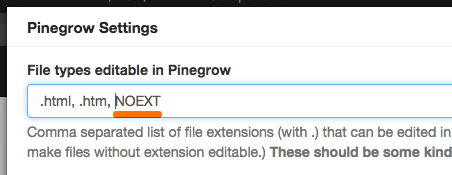
Edit files without extension. To enable that list “NOEXT” among editable file types in Support › Settings:
Bug fixes.