Open CSS Grid Editor and other tools in floating windows, Collapse / Expand all in the Tree panel, Bootstrap Carousel and more.
Release notesRelease notesRelease notesRelease notes2019-02-26
Pinegrow Web Editor 5.3, February 27, 2019
Download
Open popup tools in floating windows
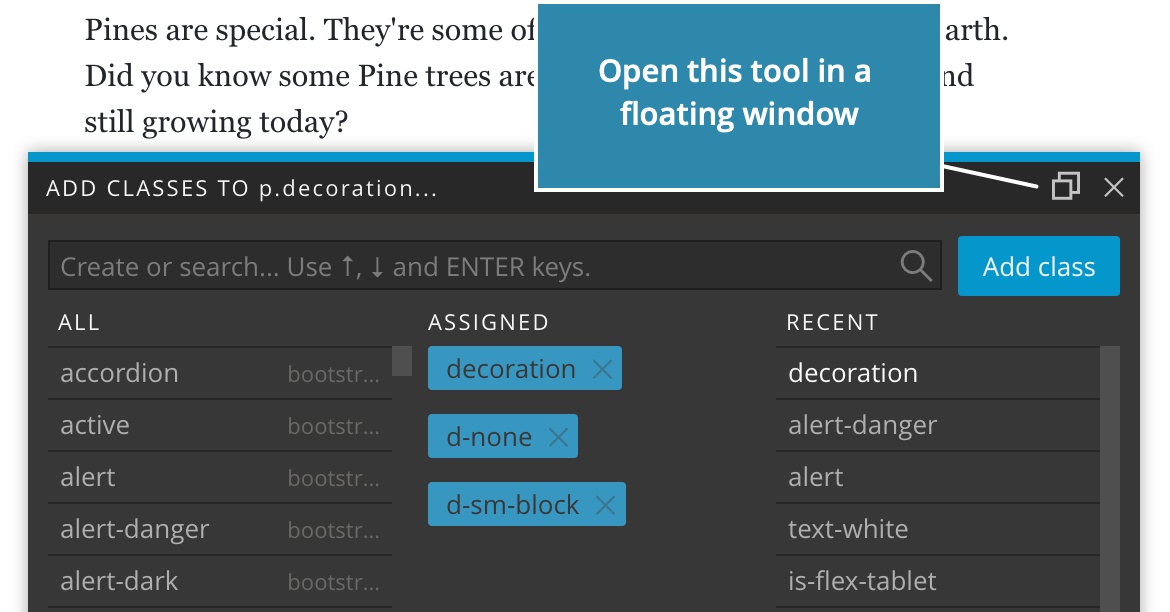
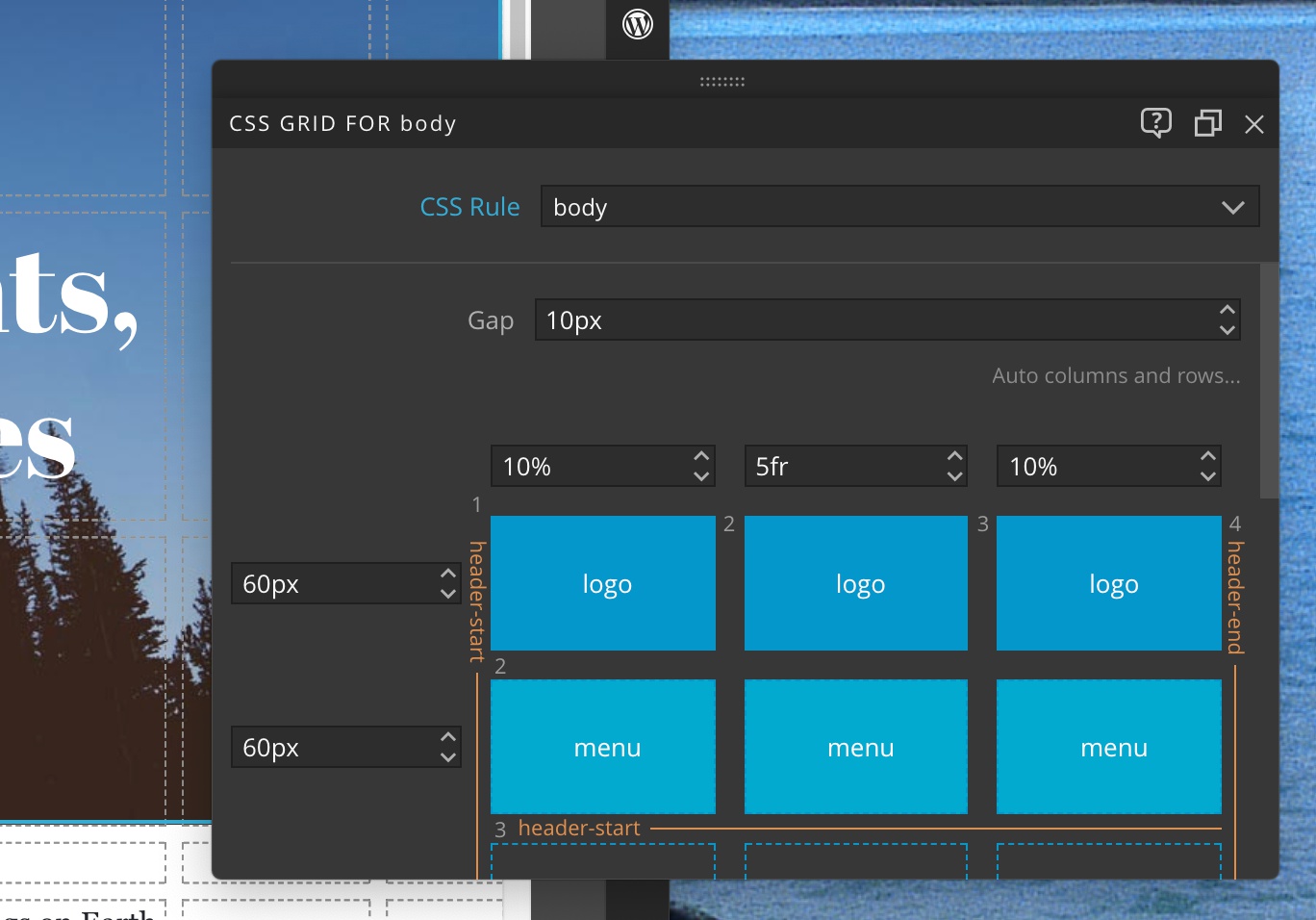
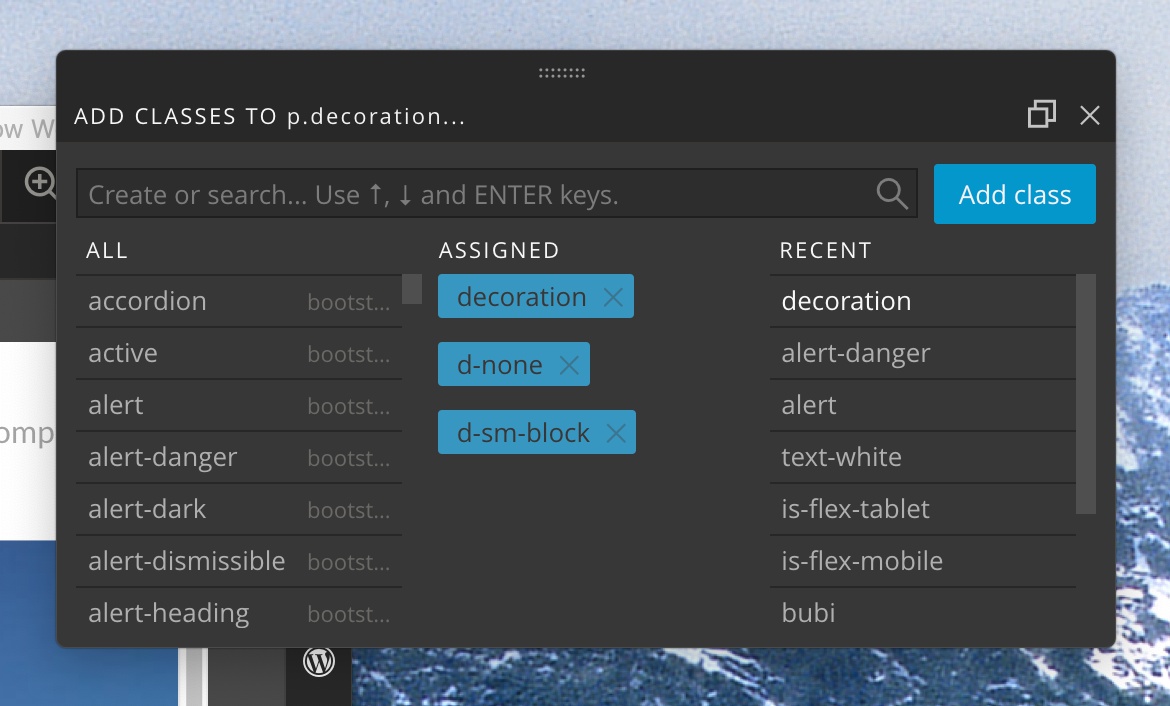
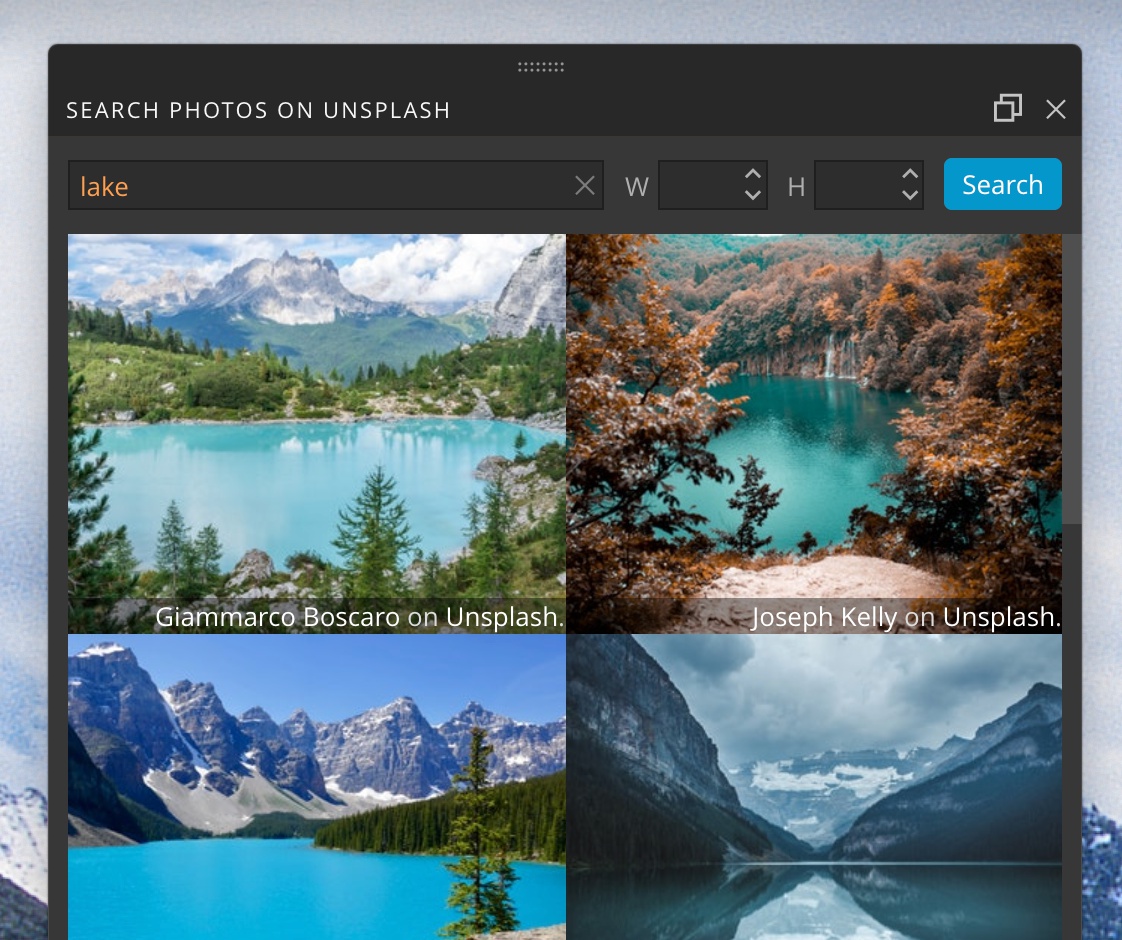
CSS Grid editor and other tools that open up in popups can now be opened in floating windows by clicking on the Window icon in the window bar:
This works with the CSS Grid editor:
Assign Classes tool:
Unsplash Photo browser:
And the Element Code editor:
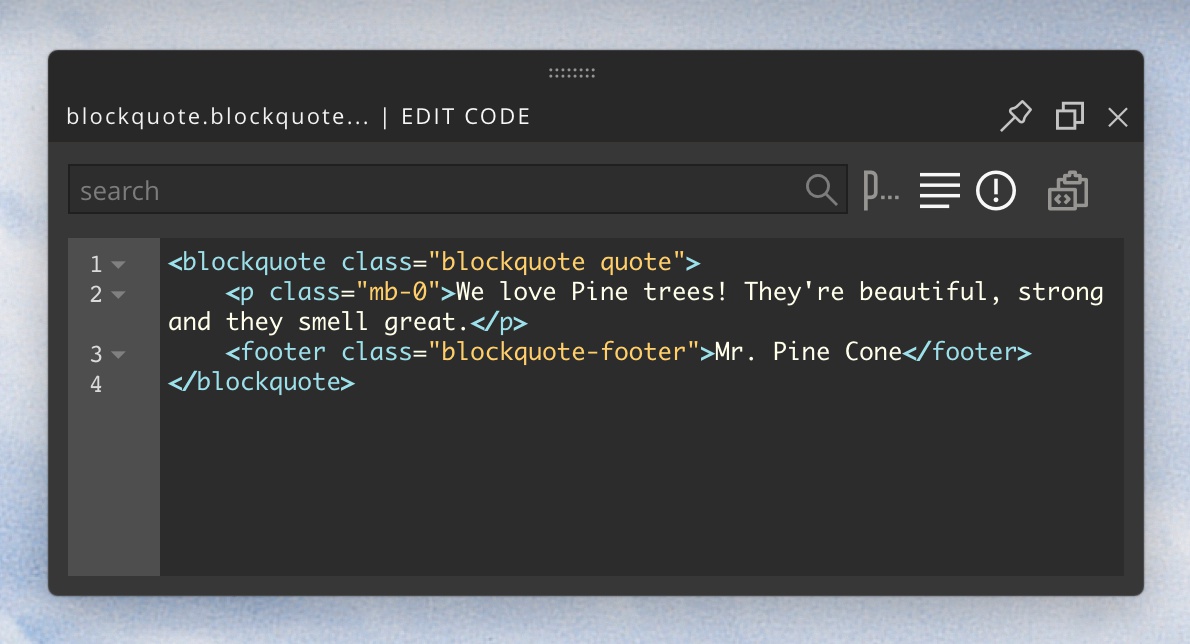
Click on the Window icon again to dock the tool back into the main window.
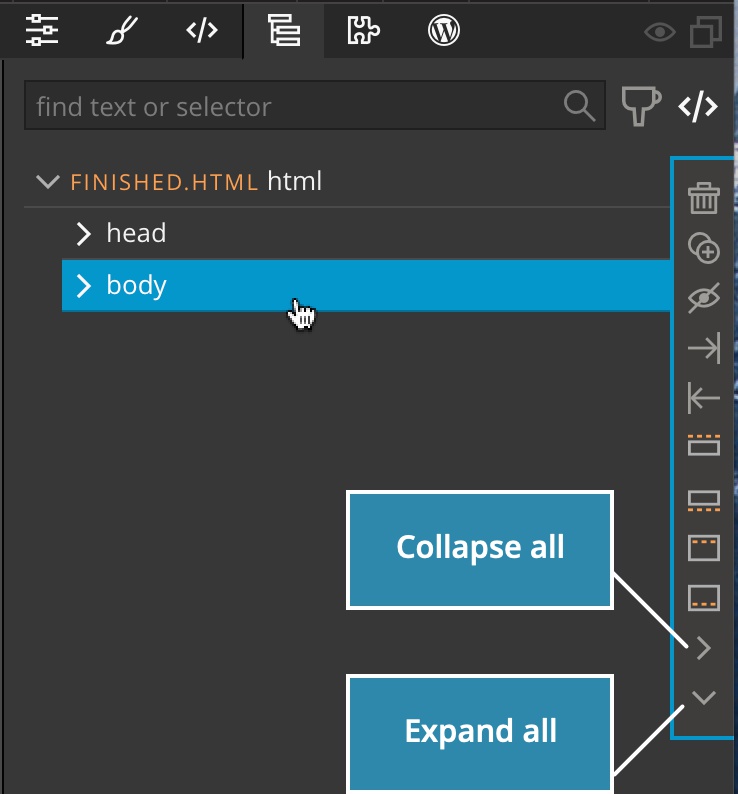
“Collapse / Expand all” in the Tree panel
Use Collapse all and Expand all in the selected element menu in the Tree panel to collapse or expand the selected nodes and all its descendants.
Bootstrap Carousel properties
Carousel options now include the Autoplay setting.
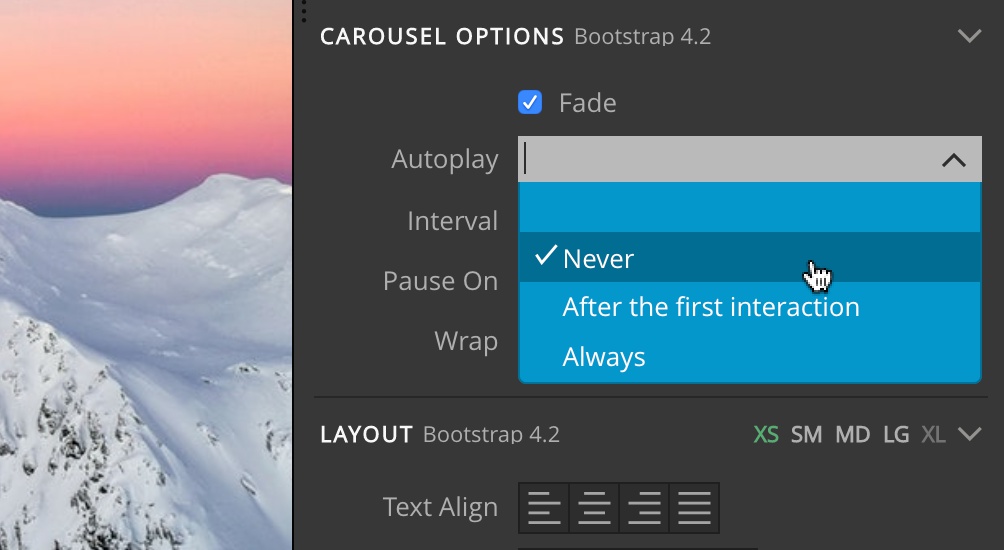
Use it to:
- Disable autoplaying the carousel.
- Autoplay after the first interaction.
- Autoplay always.
Disabling the autoplay will set the interval setting to 0. The other two options set the data-ride attribute.
Bootstrap 4.3.1
Bootstrap was updated to the latest release 4.3.1.
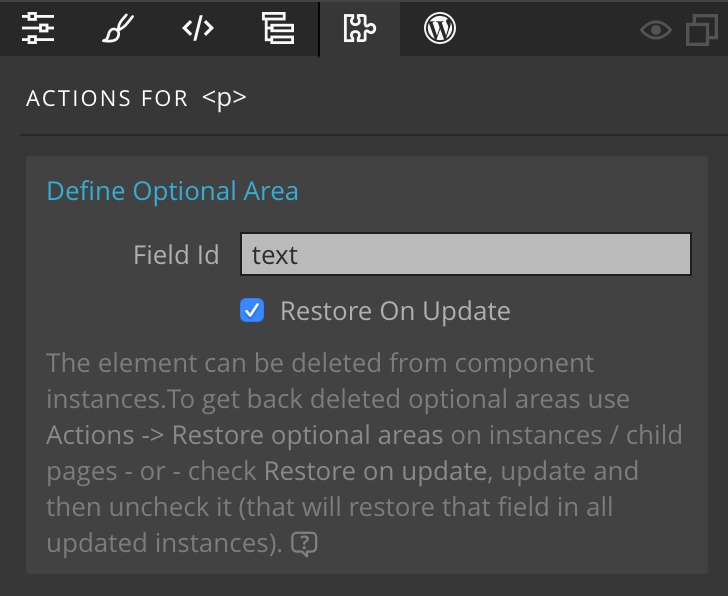
Restore optional editable areas fixed
Using the “Restore on update” option on the “Define optional area” action now correctly restores the optional areas in master pages and components.