
Partials are back, improving the default stylesheet, create new file from the project view and configuring Pinegrow in centralized deployment.
Release notesRelease notesRelease notesRelease notes2020-03-31
Pinegrow Web Editor 5.95, April 1, 2020
Download
Download and install the package for your operating system.
Partials are back!
Partial is a HTML document that represents only a part of the page, for example a navigation menu or a component.
The “Open as partial” feature that allowed user to edit partials in the context of their parent page was removed in Pinegrow 3.0.
We now brought this feature back by extending the functionality of the “Save Partial” action in the Actions panel.
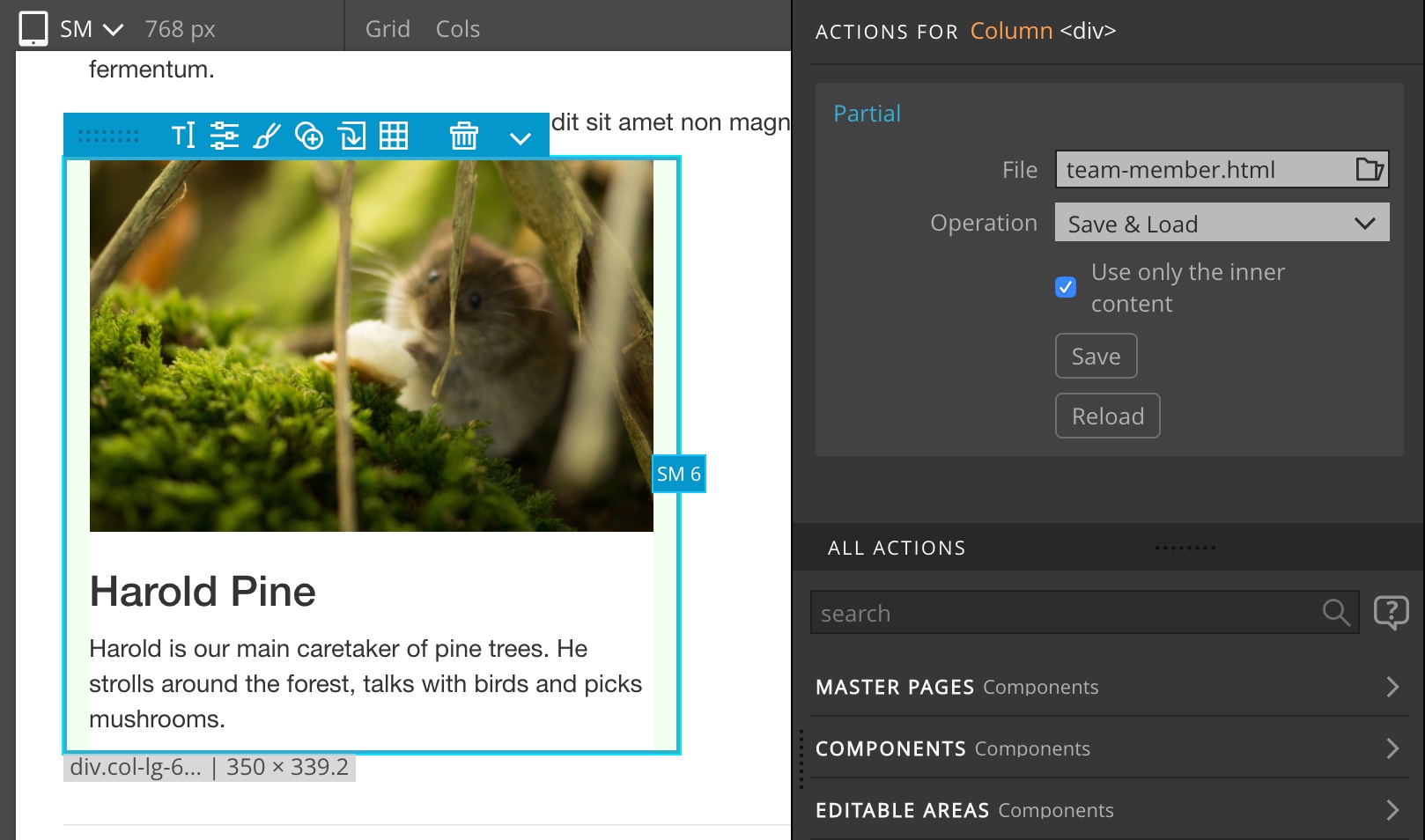
Take a look at the detailed guide to partials to learn more.
Highlighting the default stylesheet
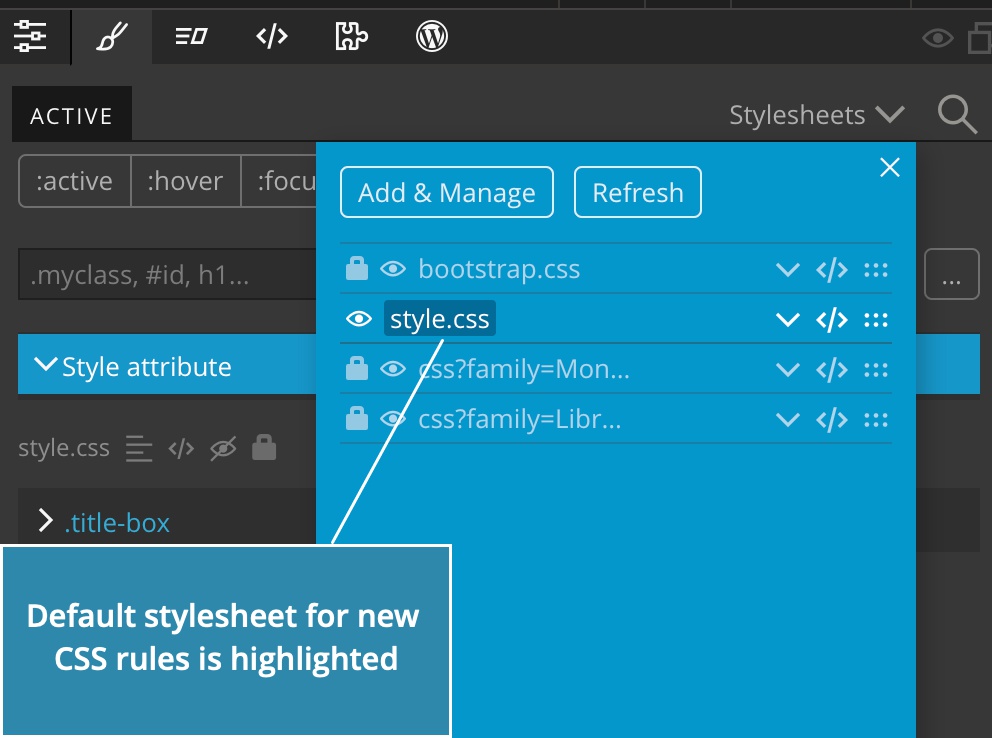
Default stylesheet is the stylesheet in which new CSS rules are created by default.
The Stylesheets menu now highlights the default stylesheet.
Create new file in the Project panel
Right-click on the project name or subfolder and select “Create new file” to create a new file of any type.
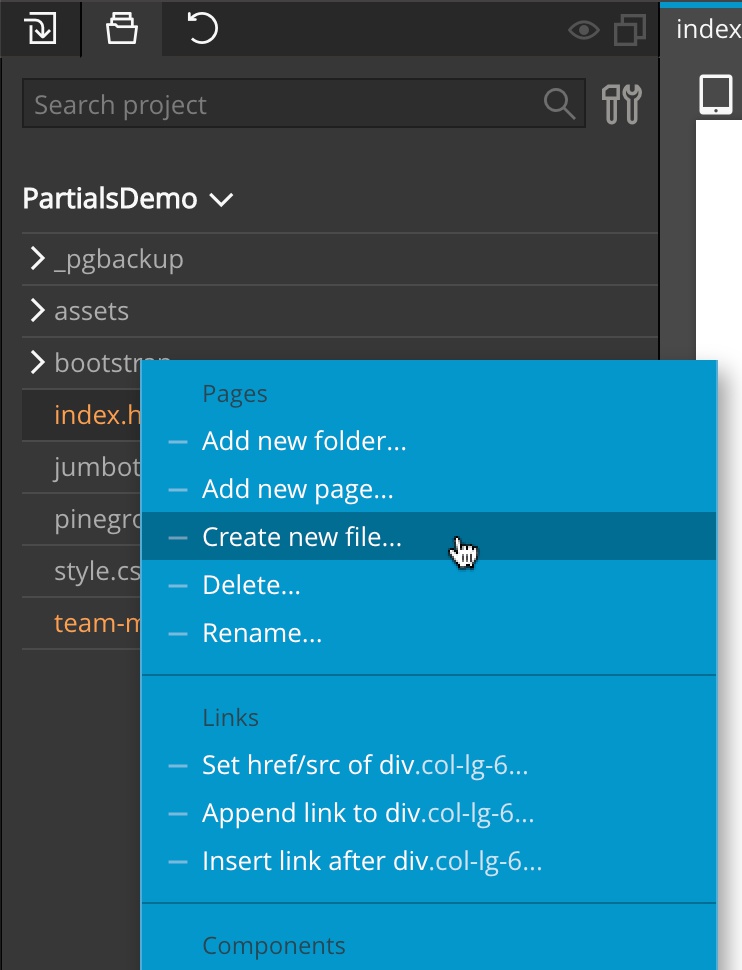
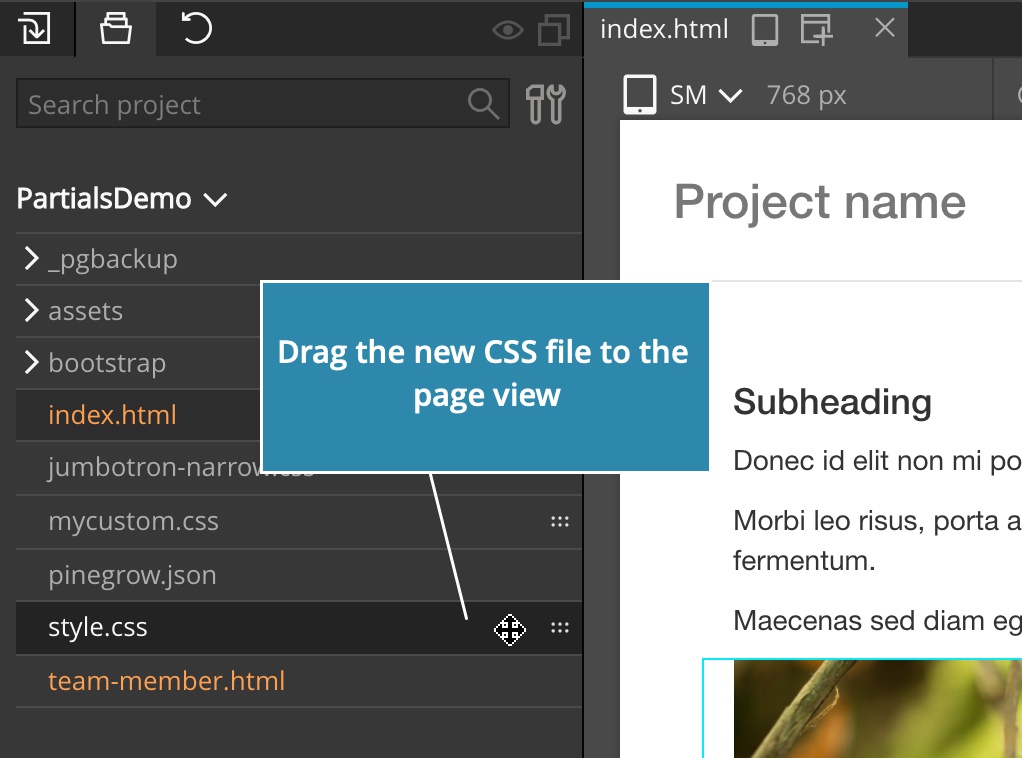
With this you can easily create a new stylesheet, for example…
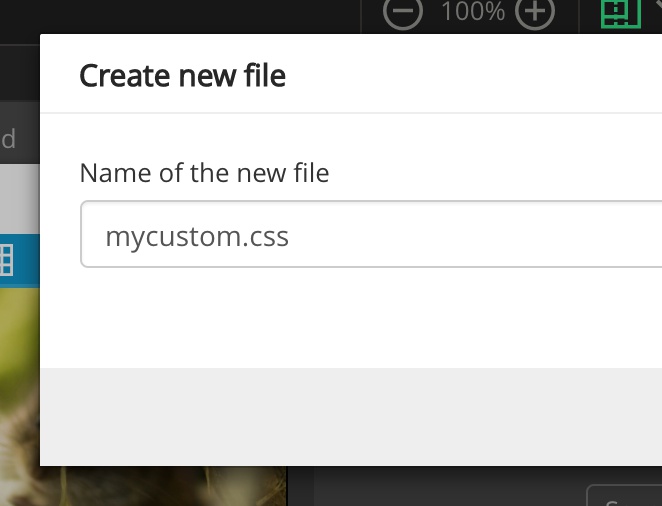
…and then add it to the page by dragging it to the page:
Activate and configure Pinegrow with environment variables
The following is useful for classrooms and workplaces where Pinegrow is installed through a some kind of centralized deployment.
You can now use environment variables to set the license info and web server parameters, so that users won’t have to individually activate Pinegrow with the shared license.
Read this guide to learn more.
Bug fixes
And, as always, this release also contains a bunch of bug fixes.
Download:
- Windows - Anti-virus checked - SHA1 7994c3684697b35ce38b57723875f4877bbabd3f
- Mac - Anti-virus checked - SHA1 0edd17f54a8e28456e4c3cf436bc0f3820aa1761
- Linux - Anti-virus checked - SHA1 e5ec9ec0e4c1ebefa6149fef52e607deae01c2f8