Pinegrow Web Editor 2.3 and 2.3 PRO, November 12, 2015
Updated
Pinegrow Web Editor 2.3 is out. This has been our biggest update so far. The new Pinegrow is faster and uses 20x less memory than before.
Today we’re launching Pinegrow Web Editor PRO, a power edition of Pinegrow, perfect for creating and managing multi-page websites with the help of Projects, Master pages and Smart components (more about that below).
Download Pinegrow 2.3 and take it for a spin. Trial has all the features enabled, including PRO stuff and saving files.
It’s a good idea to go through the docs first. Take a look at what’s new in Pinegrow PRO and check out the documentation to take the full advantage of the new power features:
Projects
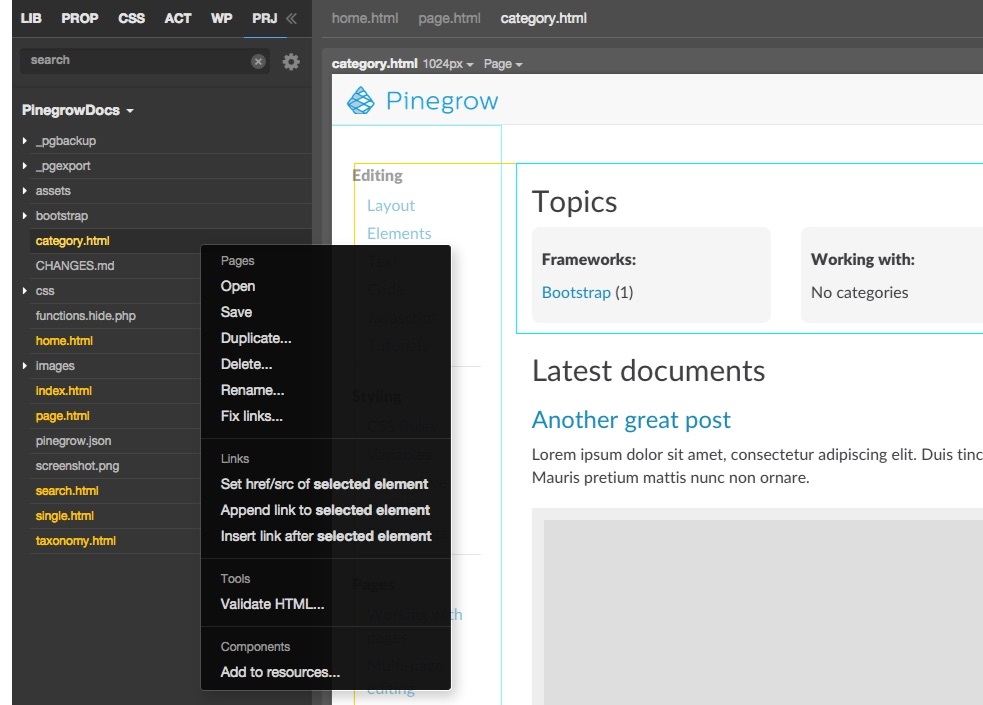
Pinegrow lets you open any folder as a project. The file tree of the folder (project) is displayed in PRJ panel. There you can easily open pages, add new ones, delete files and so on. Projects are the foundation of other PRO features: Master pages, Smart components and Libraries.
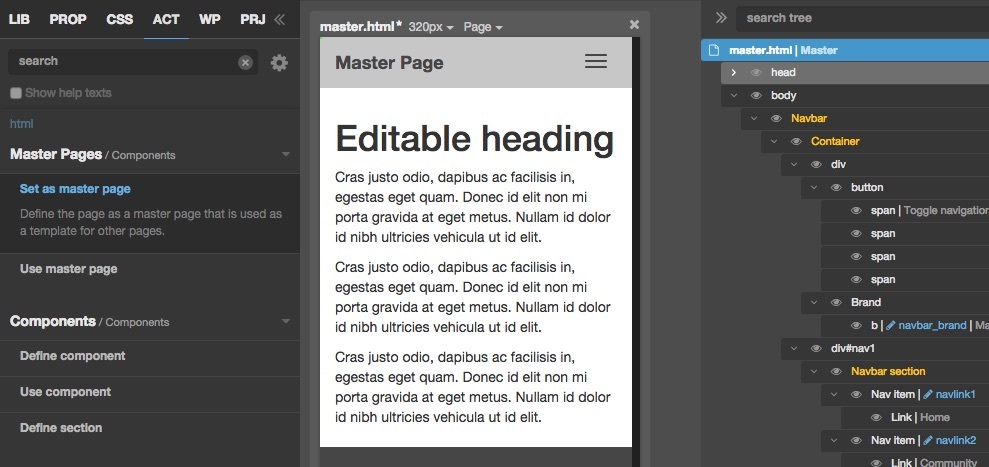
Master pages let you define a common template for all the pages in your website. Any changes made to the master page will be automatically applied to all pages that are based on that master page. Master pages usually contain editable areas that can be customized on the content pages and will be preserved during updates.
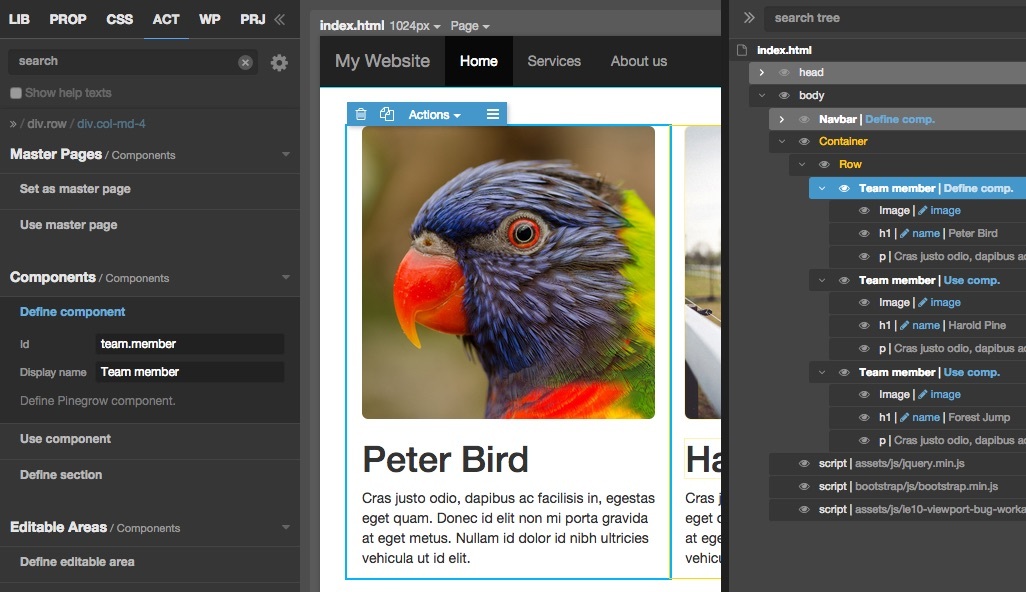
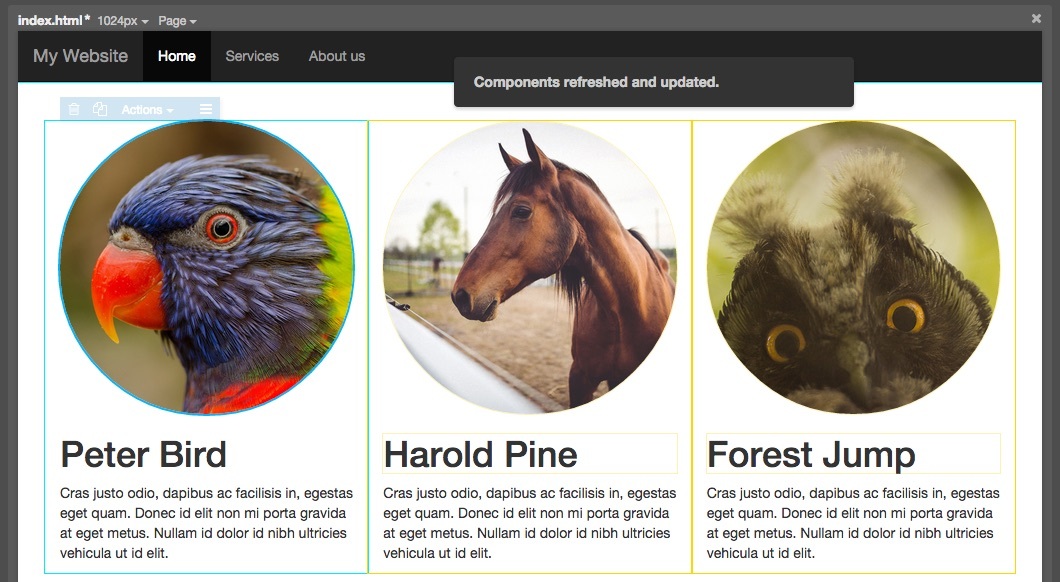
Smart components are reusable website elements that can have editable areas. Any HTML element can become a smart component. Like Master pages, all changes done to the component definition will be automatically applied to all instances of the component, across the whole project.
Editable areas are used in both Master pages and Smart components. They are layout elements that can be customized on content pages and in component instances. Different aspects of elements can be defined as editable: the content, attributes and classes.
Every project can be loaded as a library of another project. That means that all the components and resources defined in the library project will become available for use in the current project. That’s a powerful way of defining reusable website components.
Both editions of Pinegrow 2.3 have many other improvements, like greatly increased speed and decreased memory usage, update to the latest versions of Bootstrap and Foundation…