
Pinegrow 2.92 is available for download.
Release notesRelease notesRelease notesRelease notes2016-07-27
Pinegrow Web Editor 2.92, July 27, 2016
First of all, this release deserves more than just a 0.0x version bump, but we ran out of decent numbers before the upcoming major 3.0 update.
Pinegrow 2.92 has lots of small improvements that add up to a significant advance in productivity and user friendliness.
UI improvements
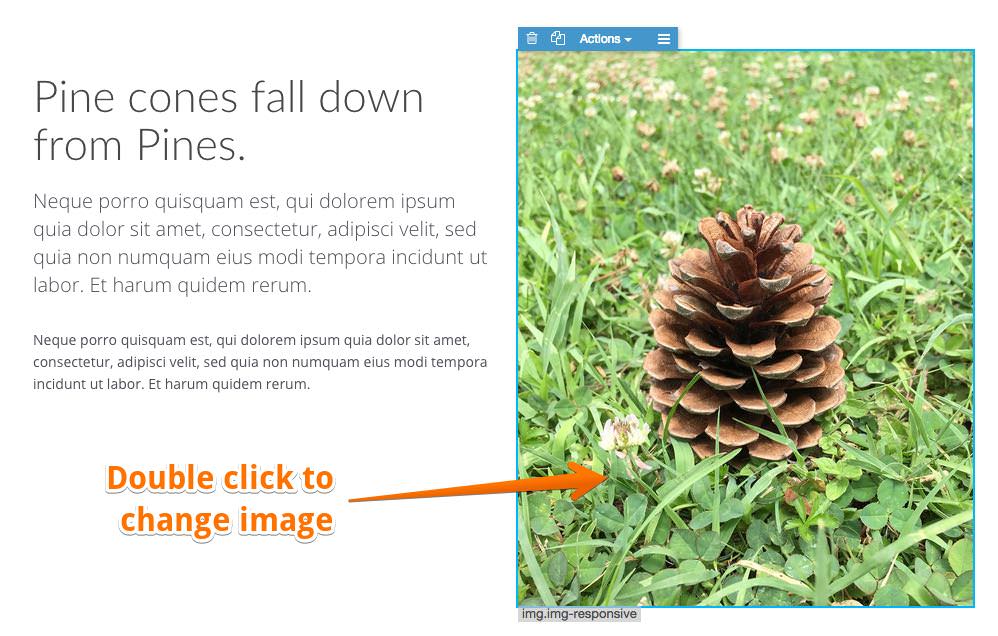
Double clicking on an image will open image selection dialog.
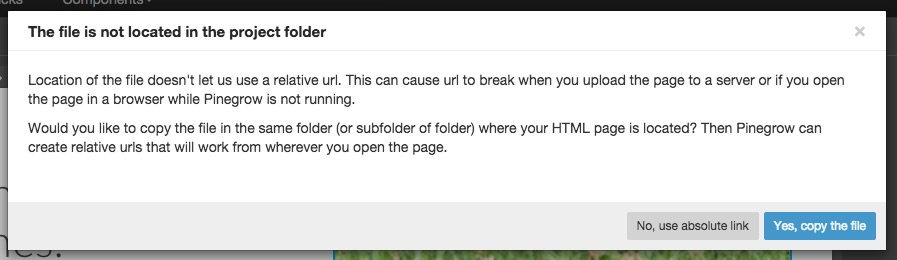
When selecting an image located outside of the project folder, Pinegrow asks if you want to copy the file to the project.
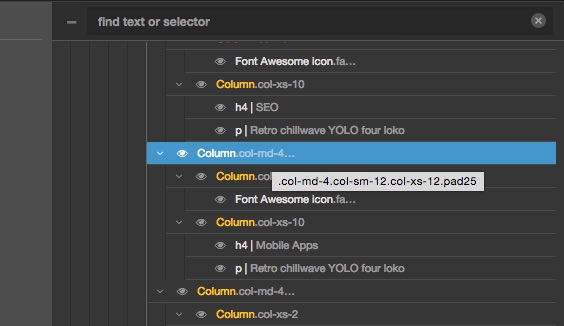
Classes are shown in the tree. The first class is displayed, all can be seen by hovering the mouse over the it.
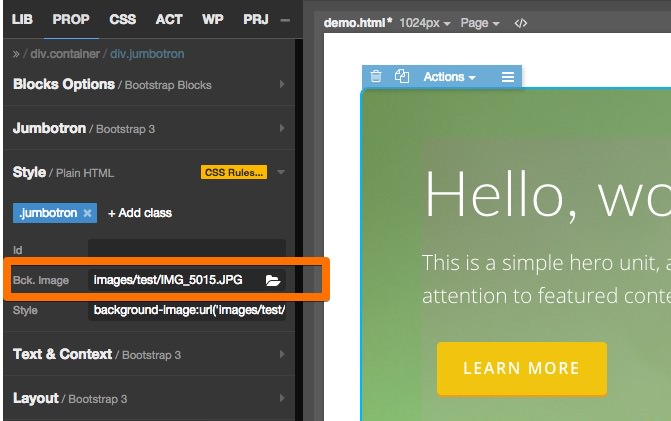
Background image property was added to Style section of the PROP panel.
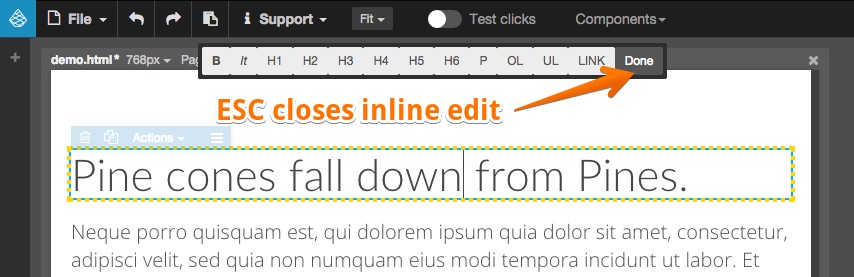
ESC key exits the inline edit mode, no more mouse clicking the Done button.
Plus:
- More stable inline editing prevents DOM changes done with Javascript leaking into the source.
- Setting for ignored subfolders, for example node_modules. This significantly speeds up working with projects.
- Larger click area for assigning classes in the CSS panel.
- Deleting an element will select the next element. Up to now, no element was selected after deletion.
- When Javascript is disabled during editing, scripts show as normal scripts in the tree and head scripts don’t go into body anymore.
- File › Quit menu added.
Master pages & components
Learn and experiment with master pages with a comprehensive master pages tutorial. We’ll keep adding more topics and examples.
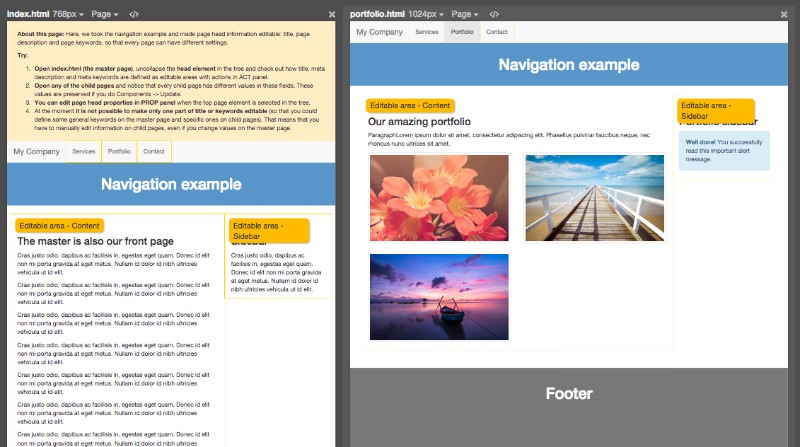
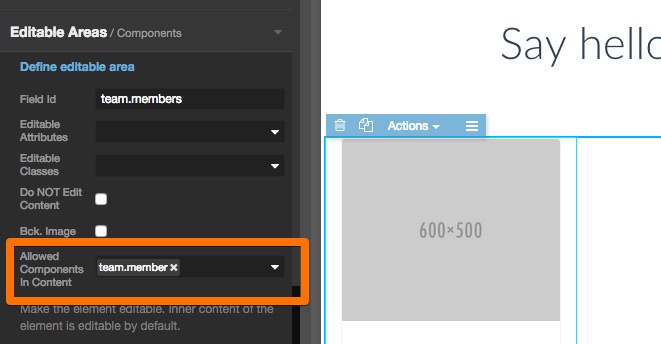
Editable areas can have additional options:
- Background image can be editable (inline style background-image property).
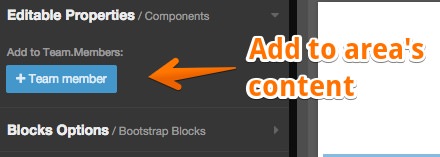
- Listing which component types can be edited in the inner content of the editable area. All other elements will be locked. “Add instance” buttons will be shown in the PROP panel when the component or editable area is selected.
Components › Quick update now runs in the interactive mode that will ask you what to do when updating a component or child page would cause some editable information to be lost. See 5-LostEditableArea in Master pages tutorial for an example.
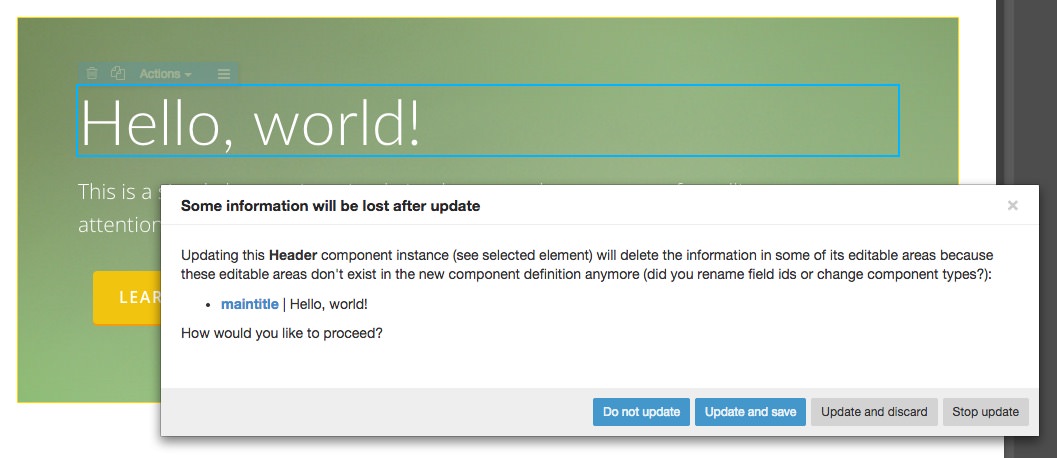
Plus:
- When duplicating an element that is also a component definition, Pinegrow will offer the choice to duplicate the definition or to make the cloned element an instance of the component.
- A warning notice before a component definition is deleted.
- Child pages: added Page › Restore master page optional areas to bring back optional editable areas that were deleted on the child page.
WordPress theme builder
Better handling of large projects that contain multiple pages with the same name. For example, in case you have multiple index.html pages Pinegrow will select the one that is a master page when exporting the theme.
-
Those of you that like to poke around might notice something called “Content contributor mode”. That’s a feature that lets Pinegrow be used as CMS for static HTML websites. At the moment it is still rough around the edges and lacks documentation. Try to figure it out if you like puzzles and mysteries 🙂