
Pinegrow 4.1 is available for download.
Release notesRelease notesRelease notesRelease notes2017-12-11
Pinegrow Web Editor 4.1, December 11, 2017
CSS Grid
CSS editor got basic support for the CSS grid. Grid properties are located in “Grid container” and “Grid item” sections of the Visual editor:
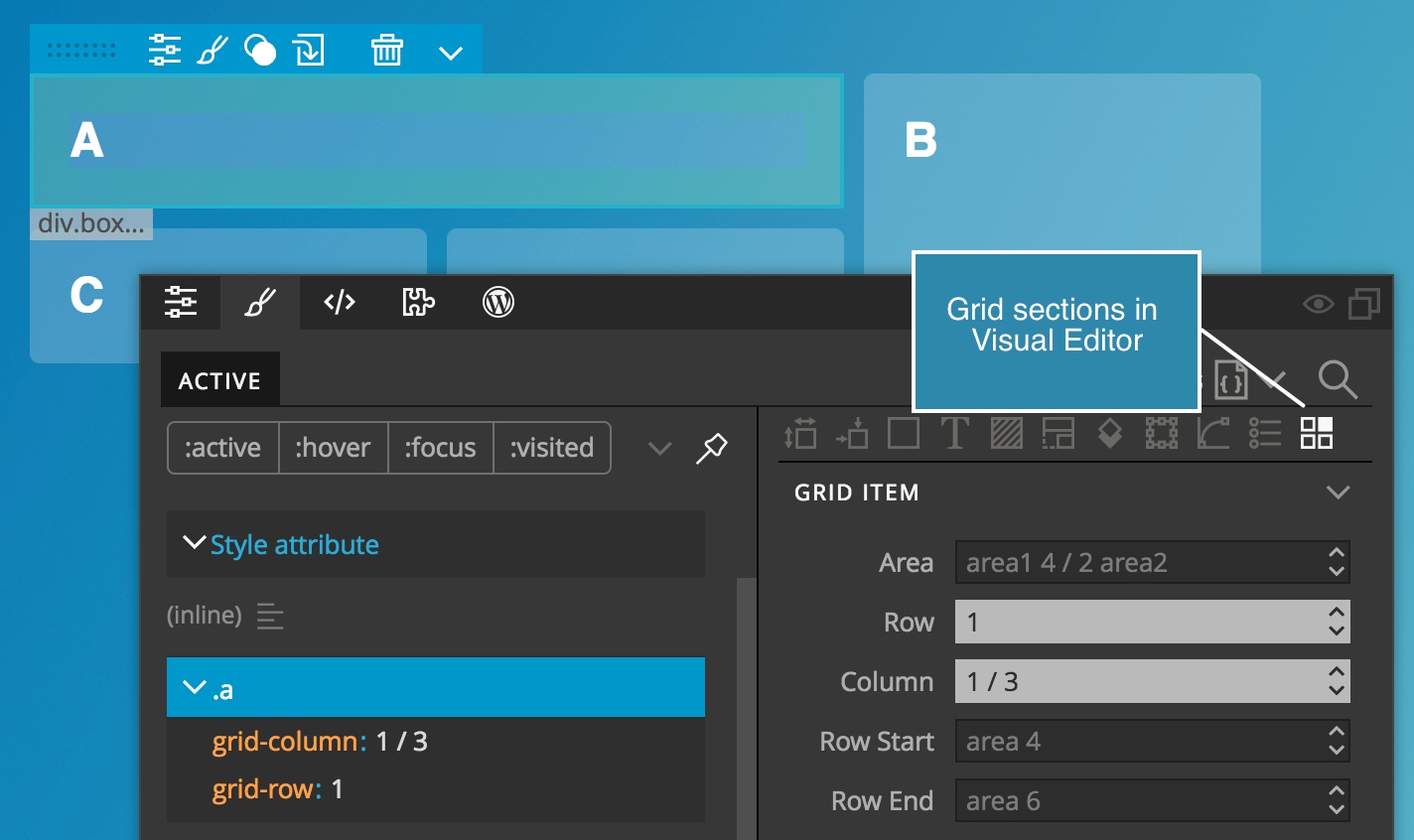
CSS List editor and CSS code editor have auto-complete support for grid-* properties.
Take a look at How to learn about CSS Grid with Pinegrow to see how you can use and explore CSS Grid in Pinegrow.
Improved value sliders in Visual Editor
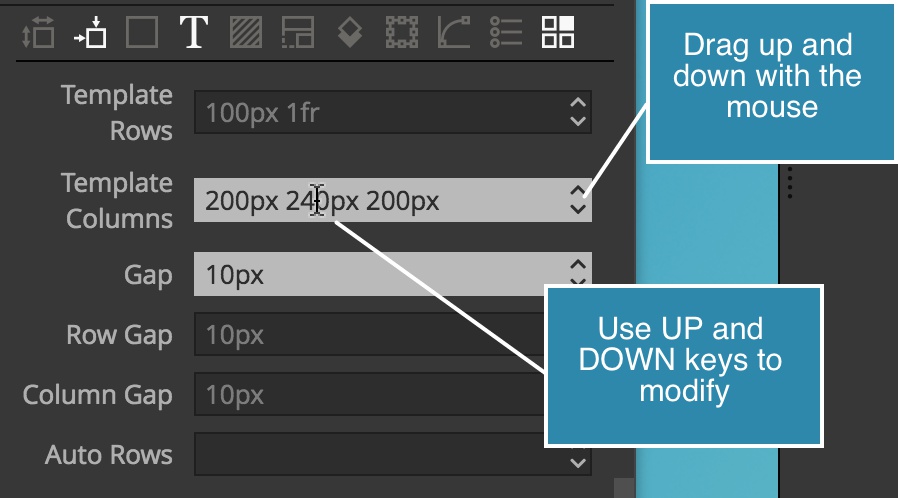
Changing the field values by dragging the mouse slider or by using UP and DOWN keys now works in fields that contain multiple numeric values. The value under the input cursor is changed.
Color picker
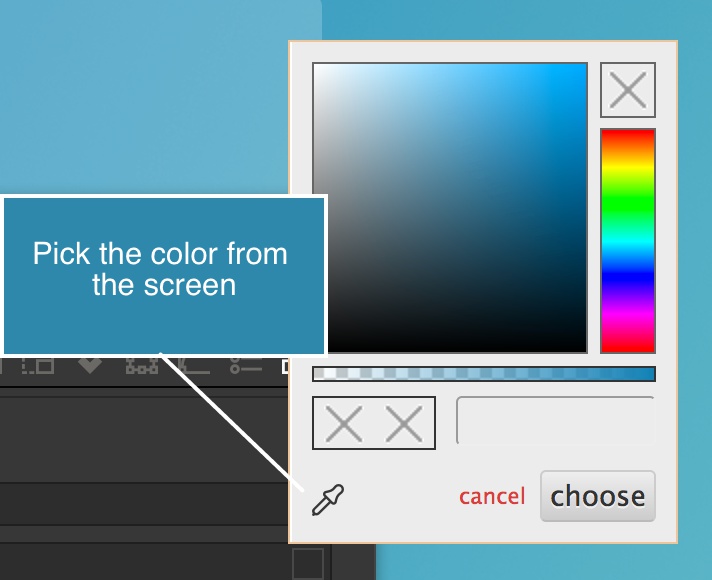
Picking up the color from the screen is now optional. Click on the icon in the color picker to toggle picking the color from anywhere in the Pinegrow app window.
Inline styles in Active
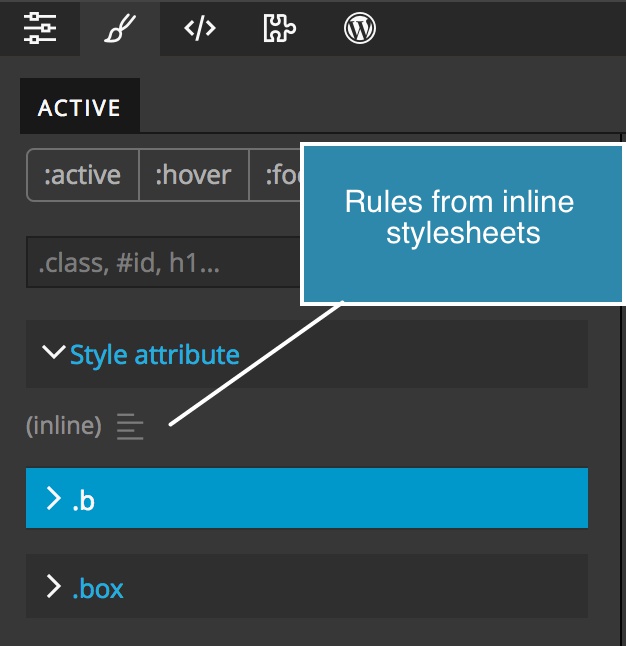
CSS rules located in inline stylesheets, for example,<style>h1 {...}</style> are now listed in the Active Style panel.
Bootstrap improvements
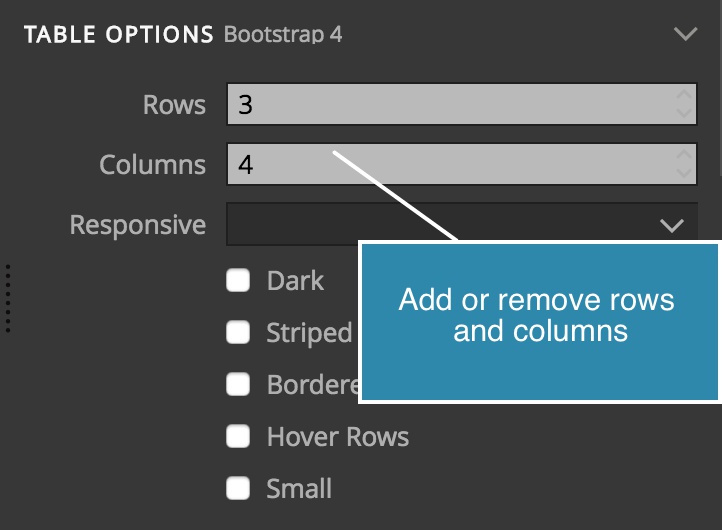
Abbreviations and a couple of other components got Element properties for easier customizations. Table Rows and columns settings add or remove rows and columns from the table, even if cells are not empty. Missing colors were added and bugs were fixed.
Bug fixes and stability
Pinegrow now notices if a document with broken HTML is too large to be safely loaded. We also fixed many bugs.