
Bootstrap 4 Blocks – SVG icons – SVG manipulation – WordPress local media sources – BrowserSync – Performance and bug fixes.
Release notesRelease notesRelease notesRelease notes2020-12-16
Pinegrow Web Editor 5.99, December 17, 2020
Download Pinegrow Web Editor 5.99
- Windows - Anti-virus checked - SHA1 e907b4668c9d98da2c1d3770cbdbfd420913a4f6
- Mac - Anti-virus checked - SHA1 7932d4dadd74cb416d2b61edf43104f7354cfc7a
- Linux - Anti-virus checked - SHA1 dfbd832651529d8dbde81244ca66240045209f83
Bootstrap 4 Blocks library
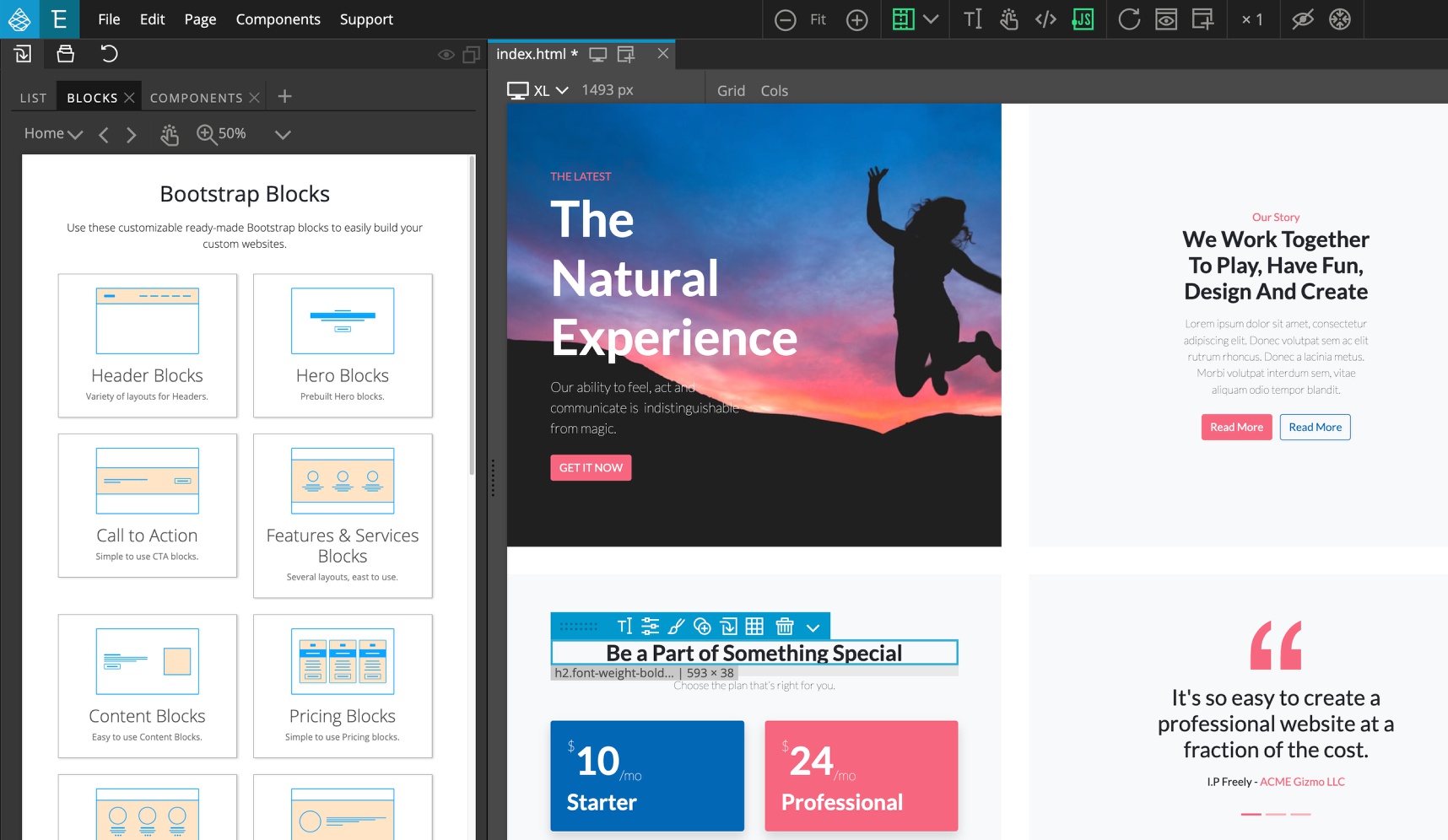
Pinegrow finally got a native Bootstrap 4 Blocks library that works with a simple three-steps workflow for creating uniquely designed websites.
2000+ SVG icons
SVG images are great for using as icons, instead of bloated icon web fonts. Bootstrap icons and Remix icons are available as a part of Bootstrap 4 Blocks, but can be used independently of blocks with any project, regardless of what framework (or none) is used.

To use the icons on non-Bootstrap projects, go to File › Manage libraries & plugins › Bootstrap 4 Blocks › Activate. Skip adding resources to the project, when asked.
In the Library panel, open the Blocks tab and navigate to Bootstrap or Remix icons.
SVG manipulation
Properties panel got useful controls for inline SVG images and SVG sub-elements. The most useful is the ability to use the current CSS text color as fill or stroke color.
To be able to select individual SVG sub-elements, expand the SVG image node in the Tree panel.
See a short demonstration:
WordPress local video and audio resources
Local sources for <video>, <audio> and <source> elements are now automatically mapped to the theme folder.
BrowserSync
Preview page in browser now supports live preview with BrowserSync.
Learn more about setting up and using BrowserSync with Pinegrow.
Performance improvements
We changed the way how changed CSS stylesheets are applied to the page views. This should solve issues with slow updates and freezes that occasionally happen when working with large stylesheets.
Bug fixes
And, we never run out of bugs to fix.