
Pinegrow 2.65 is available for download.
Release notesRelease notesRelease notesRelease notes2016-02-16
Pinegrow Web Editor 2.65, February 16, 2016
What’s new?
Smart components can now have descriptions that are shown when you hover over the component in the LIB panel. And you can set that component photos are only used for previews and not shown in the LIB panel.
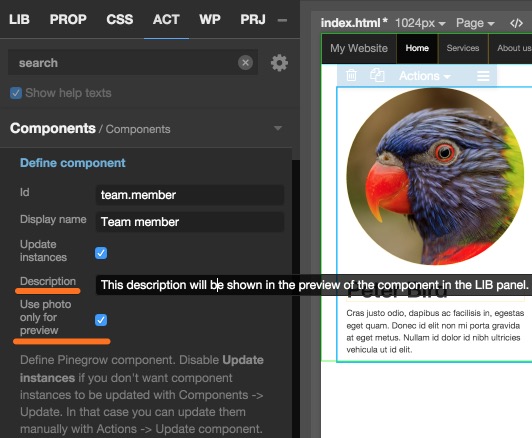
The link between WordPress Template parts and Smart components has been improved so that it can also be used on template parts that are included with get_sidebar, comments_template and similar tags. To make this work the component / template part definition must also include the action that will display the template part, for example “Include template part”, “Get sidebar” or “Comments template”.
Bootstrap was upgraded to 3.3.6. We’re still waiting for 4.0 to be released.
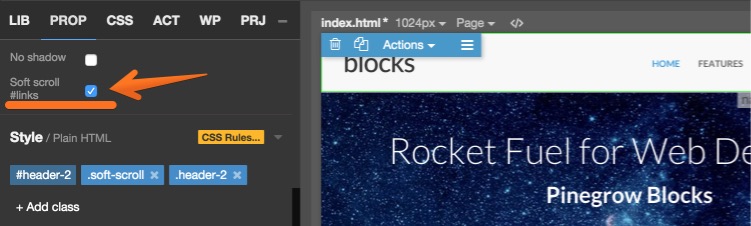
In Bootstrap Blocks “Soft scroll #links” property was added. It enables soft scroll on # links (#links are no longer auto-scrolled by default). This change only affects new Blocks projects.
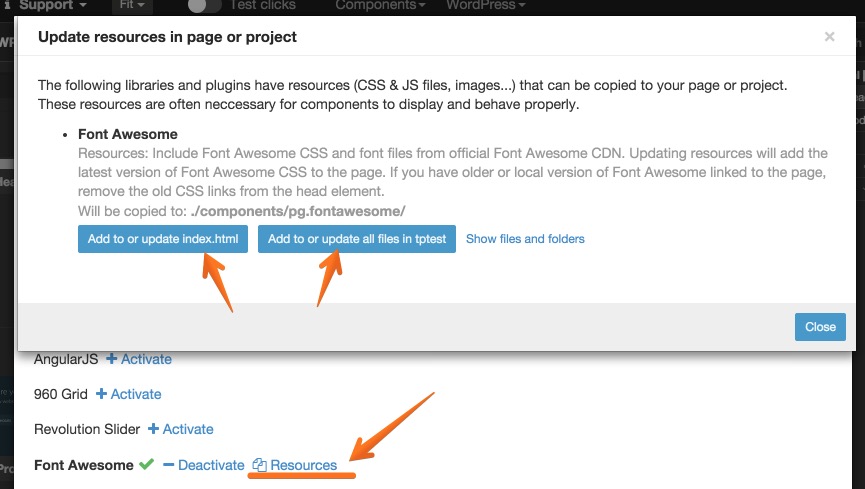
Font Awesome plugin now adds Font Awesome CSS resources through Page › Manage plugins & libraries › Font Awesome -> (Activate if not yet activated) › Resources.
And Bug fixes.