
Bootstrap and Tailwind CSS updates, editable tag names in blocks, improved block controls, new tutorial and more.
Release notesRelease notesRelease notesRelease notes2023-08-30
Pinegrow Web Editor 7.7, 7.71 and 7.72, September 14, 2023
If Pinegrow on Mac does not start after you switched it to full screen mode, please download the 7.72 package.
Update 7.72
This update has a couple of WordPress related bug fixes and improvements:
- This update fixed a bug that was introduced by a bug fix in 7.71, related to incorrectly exporting empty loop elements (shown if there are no posts found). In addition, the text inside the empty loop element is now translated.
- Fixed incorrect render template paths for ACF blocks.
- The Theme / Plugin Settings option to enable loading block assets only when blocks are used on the page is included as well.
Update 7.71
This update fixes a bug with WordPress theme export.
Download Pinegrow 7.72
The package includes Pinegrow PRO, WordPress, WooCommerce, Interactions and Tailwind editor.
Pinegrow for Mac (Intel) Antivírus checkedMac: 8fc62d5ce341aee21851eeb8eeb1ce0d3c829967
Pinegrow for Mac (M1 / M2) Antivírus checkedMac: 5688a76765d3108bc4e7ca56a99639efd2d5b446
Pinegrow for Windows 64 (Installer) Antivírus checkedWindows: 38ffd9a3e022a37b3b4112c6ceaebf0a7b65352c
Pinegrow for Linux (Zip, 64bit) Antivírus checked Linux: 165eb13033ff0f5eda6ec15a2beeba4632d159ff
The same improvements are also available in Pinegrow WordPress Plugin 1.0.14.
Bootstrap
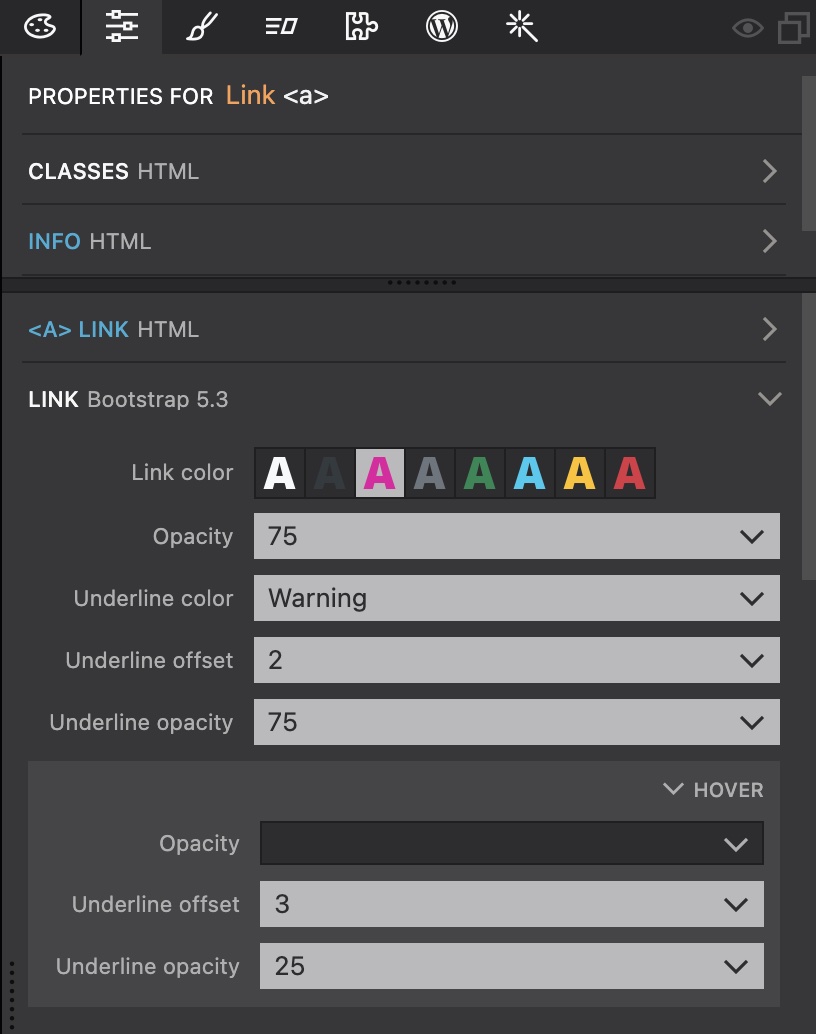
Bootstrap support was updated to 5.3.1, with expanded link controls that show up in the Properties panel when a non-button link is selected:
Tailwind CSS
Tailwind CSS built-in compiler was updated to 3.3.3.
WordPress
WordPress builder has three new features:
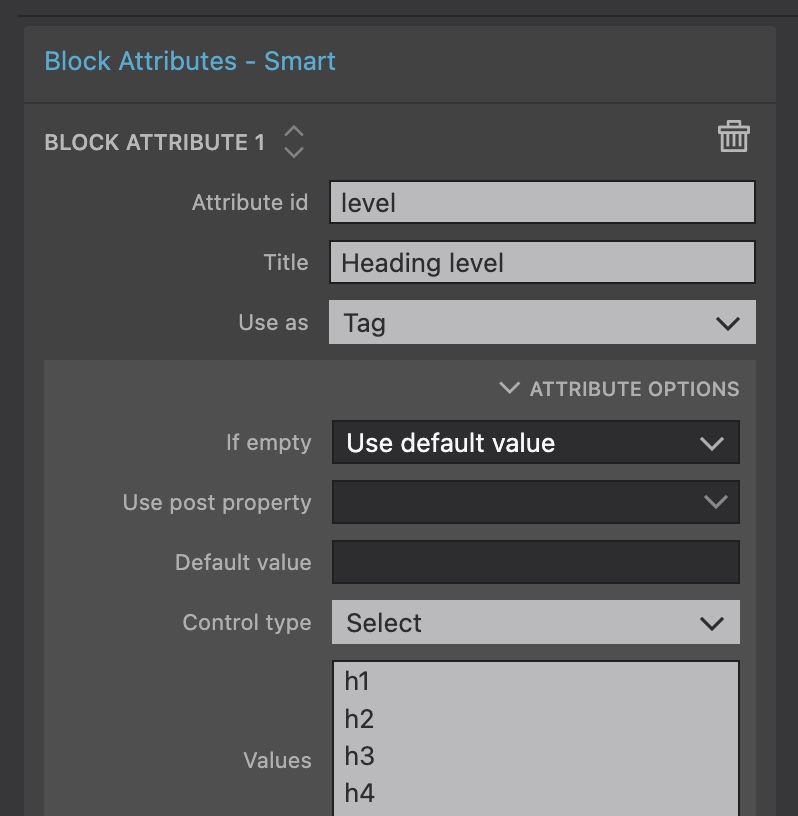
Editable tag names
Block attributes can now control the tag name of their element. For example, the content editor can now select the heading tag (h1…h4) for a heading in a custom block.
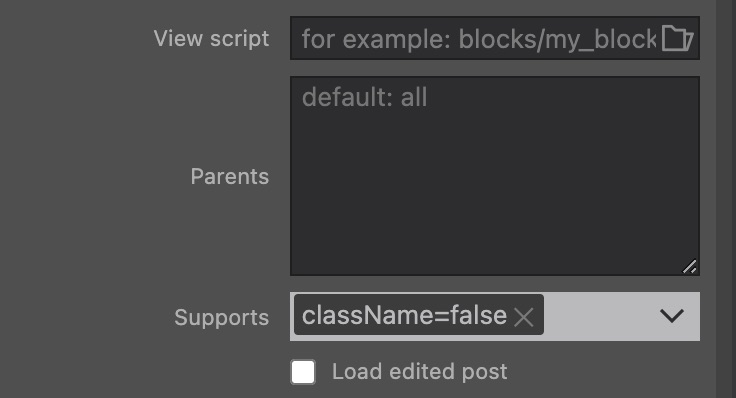
Disable automatic classes on blocks
By default, WordPress adds wp-block-[plugin slug]-[block id] classes to all block instances. Set the Supports field of the Block action to className=false to disable this on per-block basis.
Warning on unsaved CSS changes
Export the theme/plugin now warns is there are unsaved CSS changes. Such changes are not exported.
Note, unsaved changes of open HTML documents are exported on full project export.
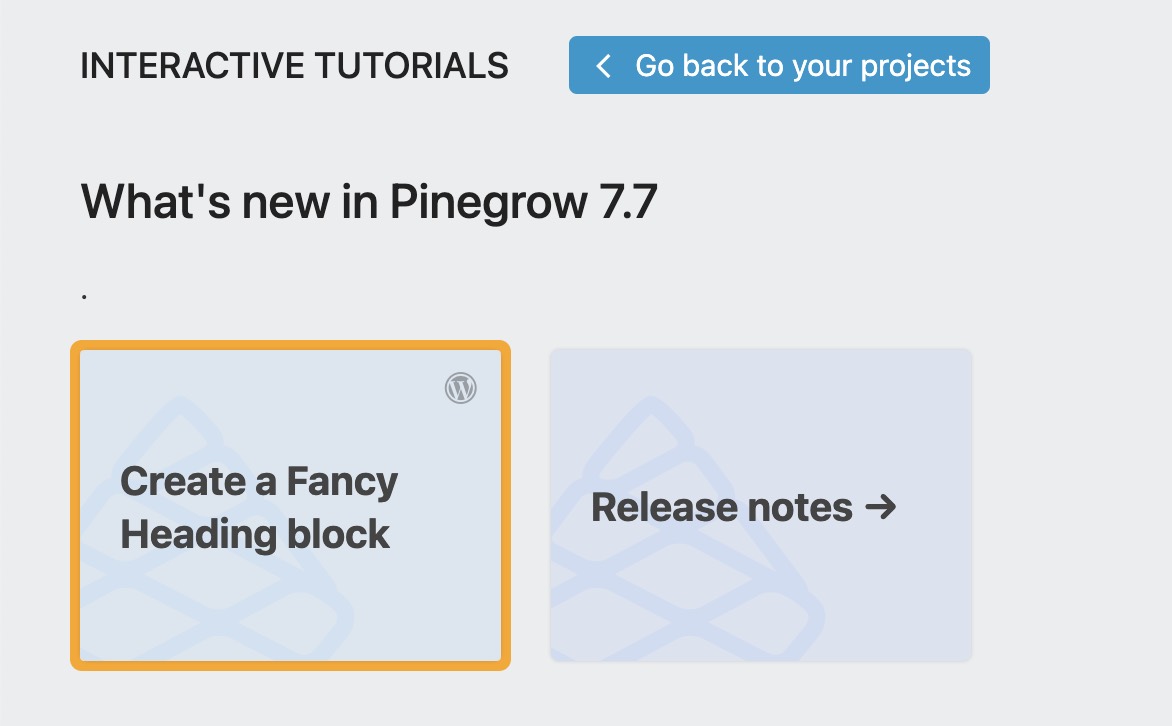
Fancy Heading - an interactive tutorial
Learn about these new WordPress features with a new interactive tutorial.
Watch the tutorial video:
Download Pinegrow 7.72
The package includes Pinegrow PRO, WordPress, WooCommerce, Interactions and Tailwind editor.
Pinegrow for Mac (Intel) Antivírus checkedMac: 8fc62d5ce341aee21851eeb8eeb1ce0d3c829967
Pinegrow for Mac (M1 / M2) Antivírus checkedMac: 5688a76765d3108bc4e7ca56a99639efd2d5b446
Pinegrow for Windows 64 (Installer) Antivírus checkedWindows: 38ffd9a3e022a37b3b4112c6ceaebf0a7b65352c
Pinegrow for Linux (Zip, 64bit) Antivírus checked Linux: 165eb13033ff0f5eda6ec15a2beeba4632d159ff