
Bootstrap 5 Beta – Improved text editing – WordPress custom image sizes – Bug fixes
Release notesRelease notesRelease notesRelease notes2021-03-17
Pinegrow Web Editor 5.992, March 18, 2021
Update
The file version of the main application shows the incorrect, older version number 5.991. Please disregard this. The Support › About dialog shows the correct version 5.992.
Download Pinegrow Web Editor 5.992
- Windows - Anti-virus checked - SHA1 b1b9465a4a4300bdf208e6ef69d32ff1d3243baa
- Mac - Anti-virus checked - SHA1 ac5964e3ad19b958b0eef9dc99e4888a31e983de
- Linux - Anti-virus checked - SHA1 f484ccc85c122fb6ffb2a2960cc3039f86893043
Bootstrap 5 - Beta
Bootstrap 5 is currently at Beta 2 release.
Normally, we refrain from releasing support for Beta versions of frameworks.
But in this case, we had a release coming up anyway, and decided it makes sense to also release the Bootstrap 5 support in its current form.
Please note that we are releasing this as a Beta feature, which means, as the Bootstrap 5 itself, it might not yet be fully polished.
To start a new Bootstrap 5 project, open File › New page dialog and select one of Bootstrap 5 templates:
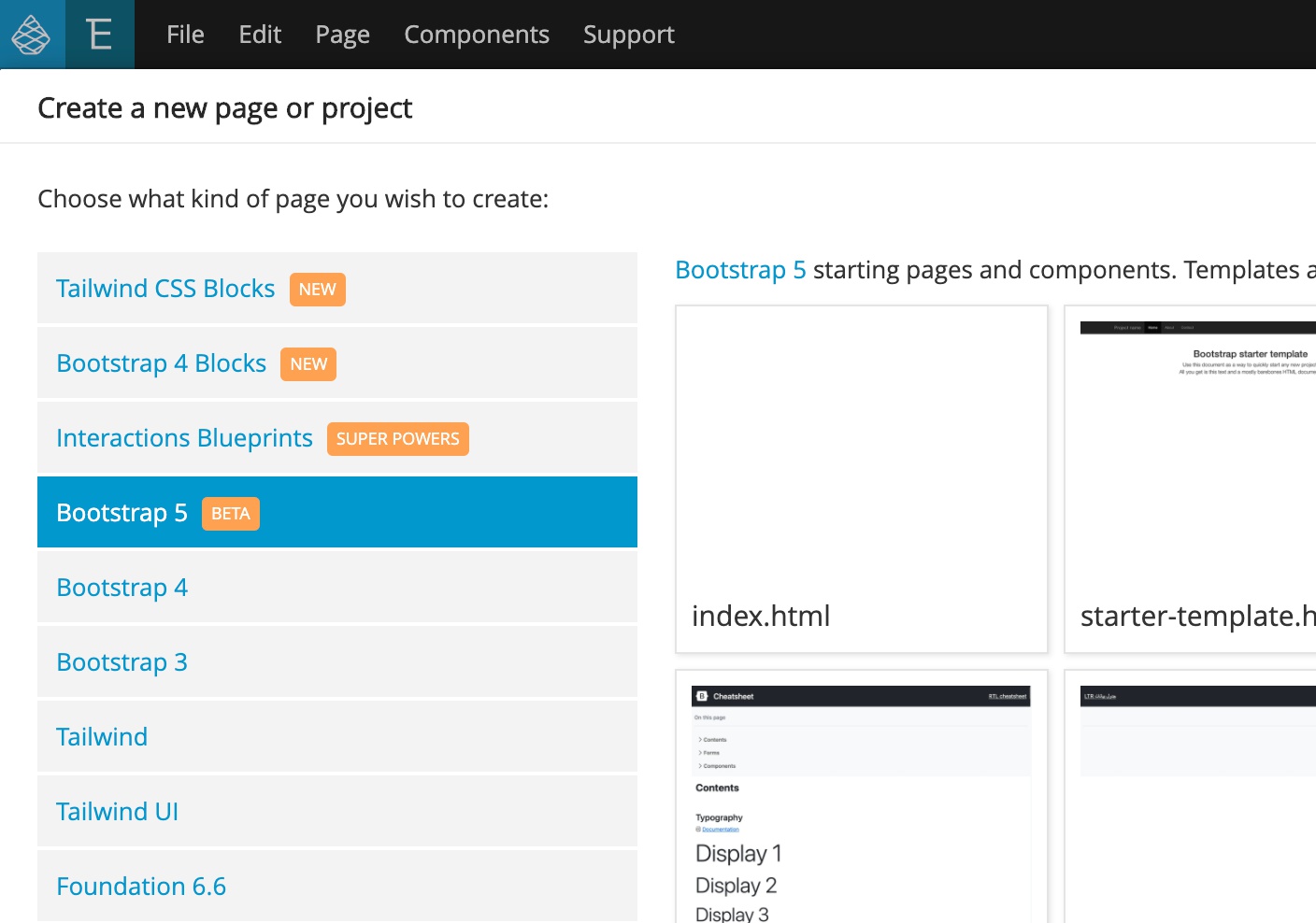
You can also open an existing Bootstrap 5 project. The framework version should be automatically detected. If it is not, use File › Manage libraries and plugins to activate Bootstrap 5 support.
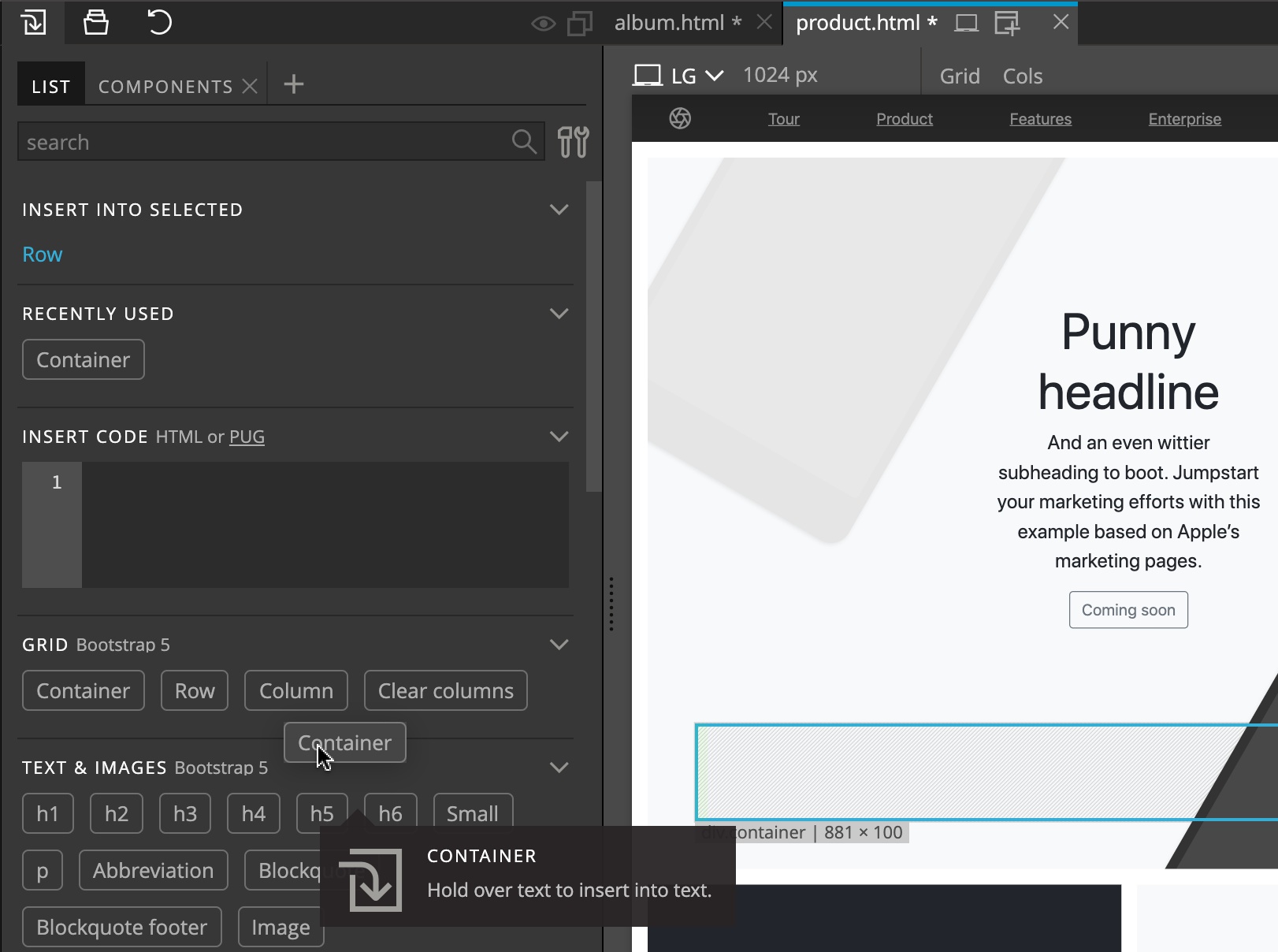
Use the Library panel to insert Bootstrap elements and components to the page:
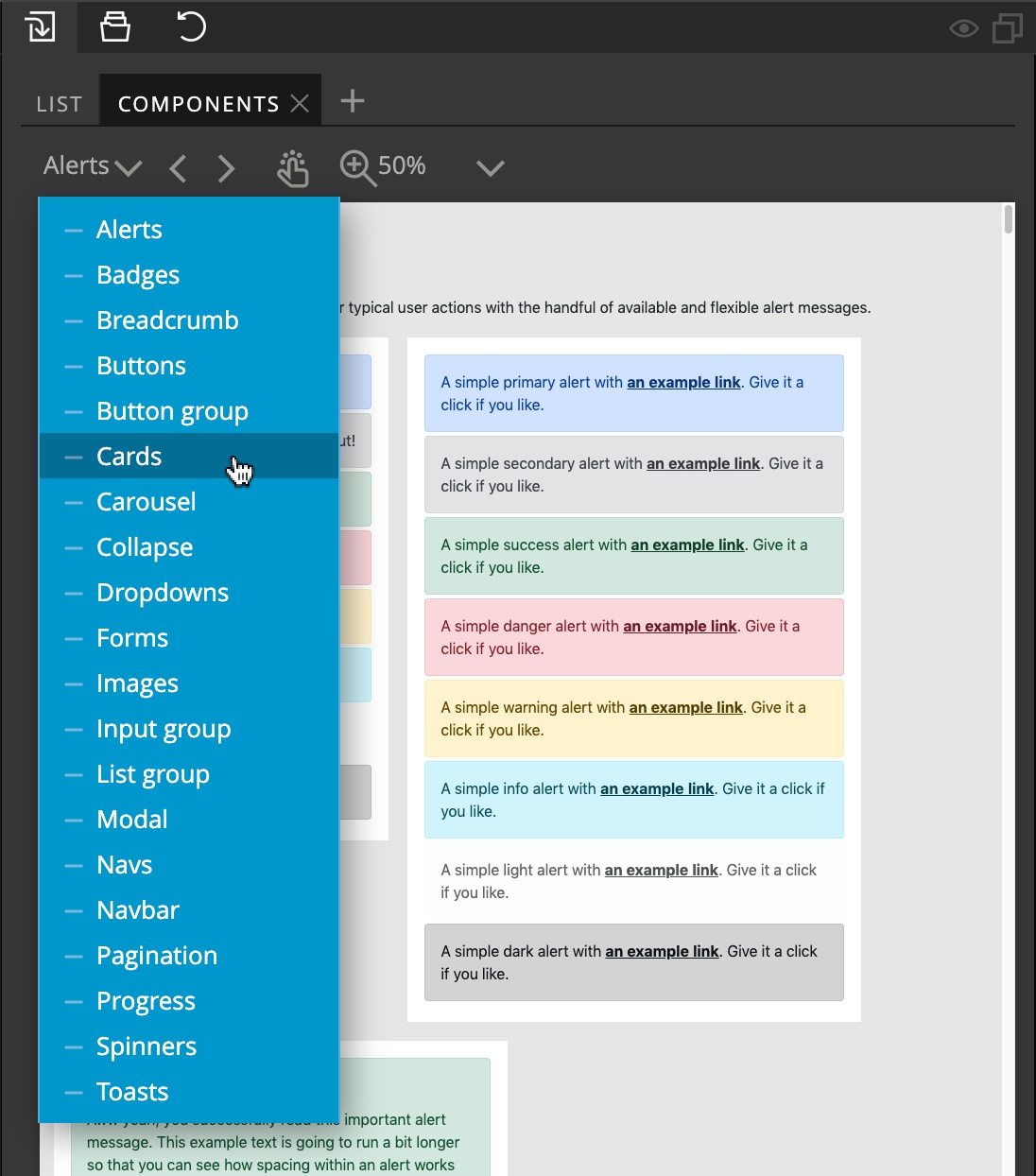
Components tab in the Library panel contains the page library with Bootstrap components:
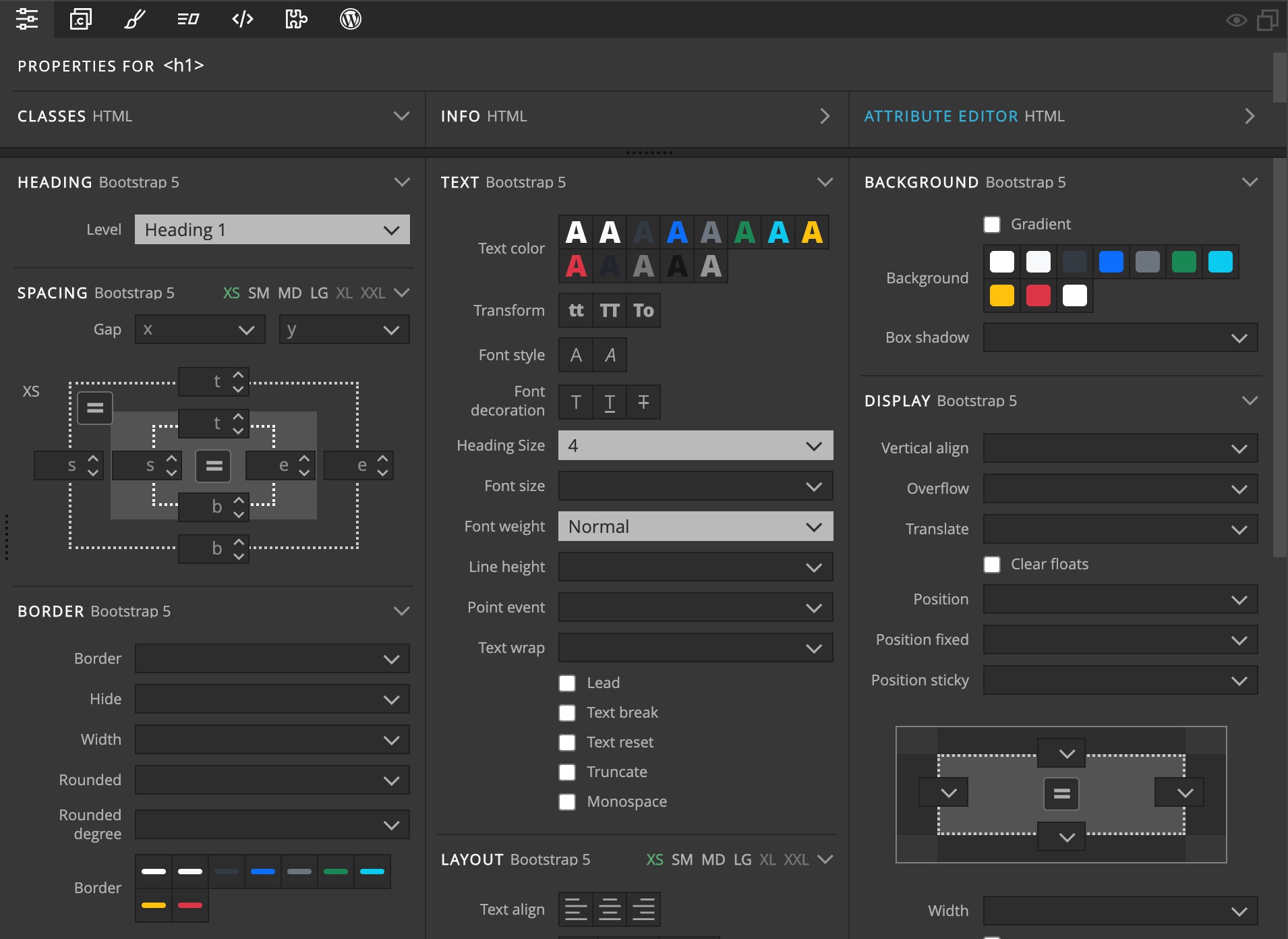
Use the Properties panel to visually edit Bootstrap properties, such as colors, borders, margins and so on:
To customize the Bootstrap 5 theme go to Page › Customize & Update Bootstrap theme.
What’s new in Bootstrap 5?
You’ll notice that Bootstrap 5 is very similar to Bootstrap 4. The main change is that Bootstrap JavaScript features no longer require jQuery.
To see other differences take a look at this post on our forum.
Improved text editing mode
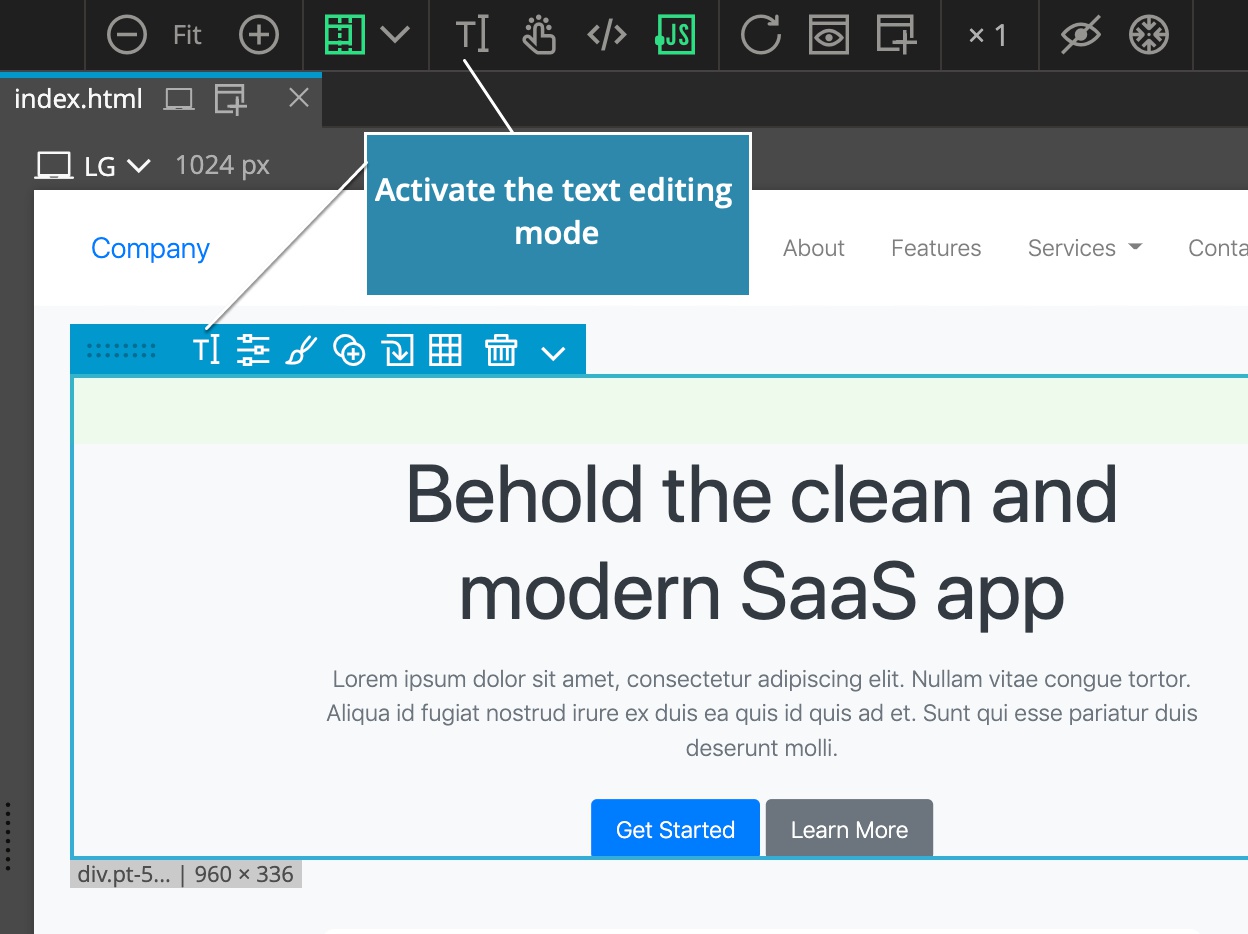
Text editing mode lets you edit any text directly in the page view.
It is activated by clicking on the Text edit icon in the top toolbar, by clicking on the same icon in the selected element menu or by double-clicking on any text on the page:
Until now, once the Text edit mode was active it stayed active until you clicked on Done button, pressed ESC key or turned it off in the toolbar.
We noticed that this caused issues for many new users who unintentionally activated the text editing mode and then were not aware that they need to switch it off in order to return to the normal editing mode.
To help with that, the Text editing mode can now be turned off automatically when another element is selected. This behavior is on by default and can be toggled on or off with the checkbox next to the Done button:
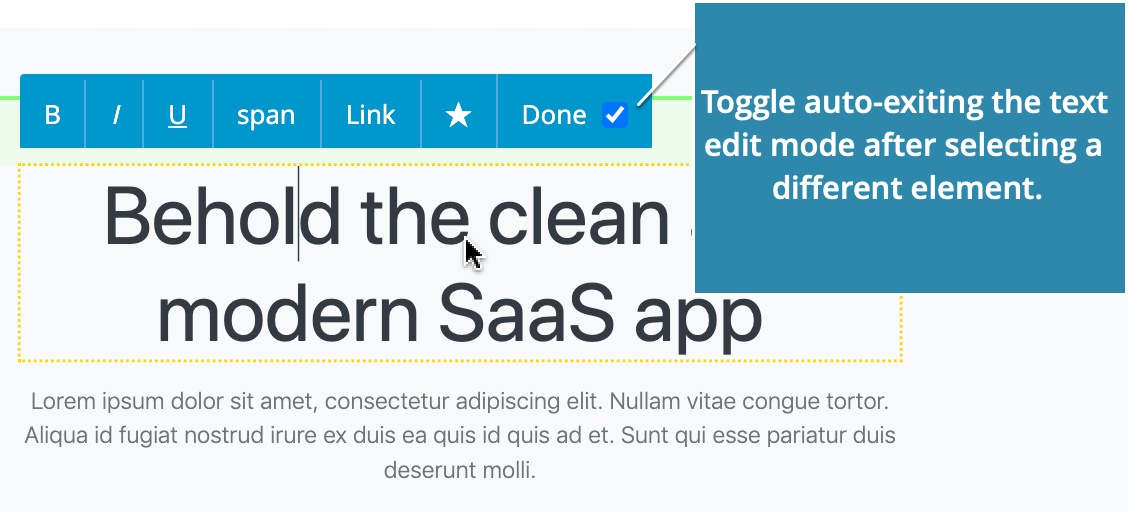
So, if you are a pro Pinegrow user, and wish to keep the Text editing mode active when switching between elements on the page, just uncheck the checkbox.
WordPress custom image sizes
The limit of the number of custom image sizes that can be configured in WordPress › Theme Settings has been increased to 6.
Bug fixes
The issues with converting stylesheets to SCSS/LESS have been fixed.